FAQ
Will the portable charger be compatible with Apple products?
Using any original Apple cable, our products are tested to be fully compatible with every
iPhone, iPod touch and iPad.
Will the portable charger charge my device?
Our chargers are tested with and capable of charging a wide range of USB devices. As
long as your device accepts a standard USB-variant or Lightning cable, it will work.
Will the charger wirelessly charge my Apple device?
The powerbank is capable of charging iPhone 5s and later devices using the included
adapter or Honeycomb Wireless Charging Case (sold separately). If your device has
wireless charging built-in, the DASH75 WC will charge it.
Why does my device appear to be charging slowly?
Some USB wall plugs and computer ports only support 1A charging. For best results, use
a 2A rated USB port when available.
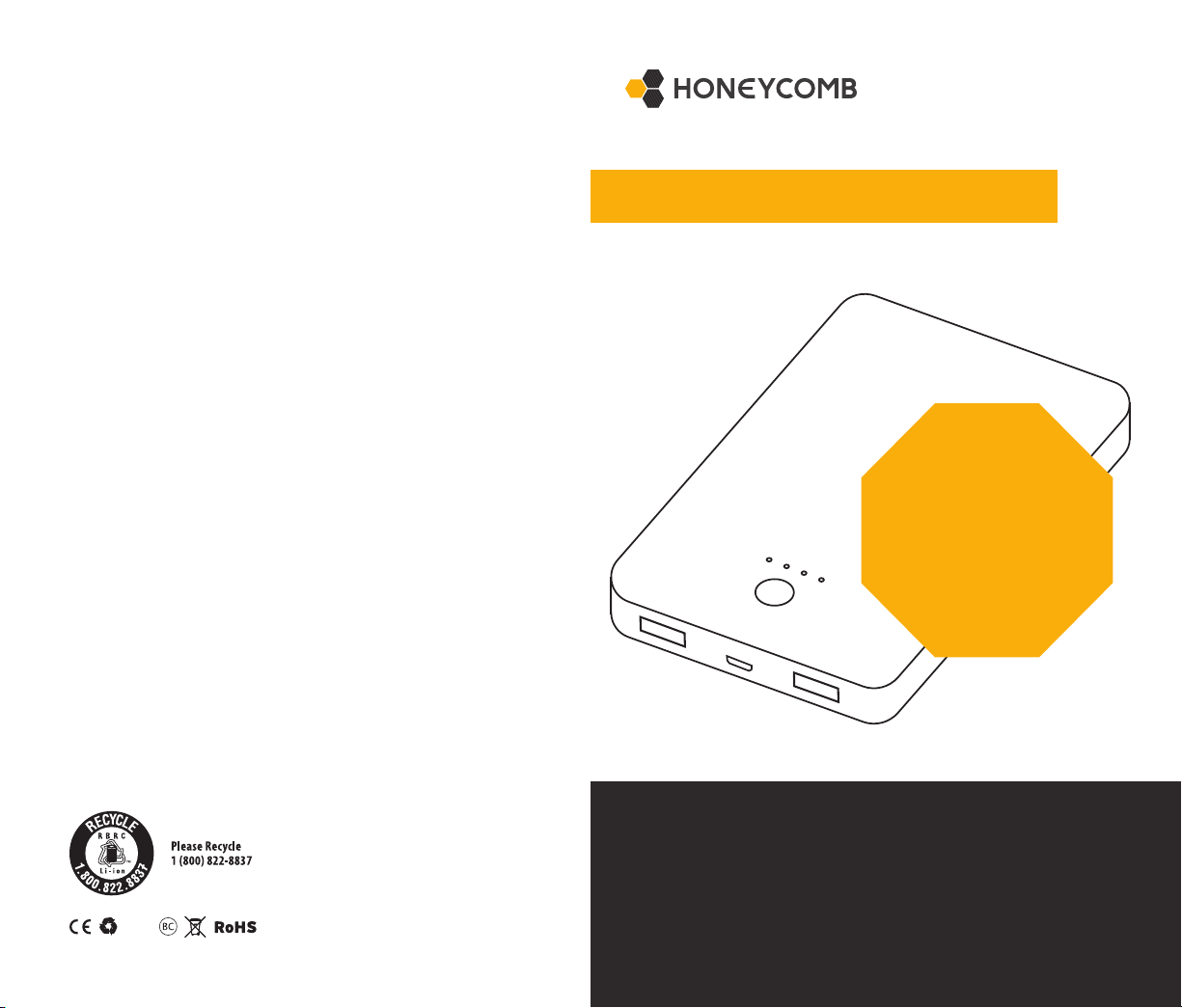
CHARGING YOUR POWER BANK
To begin charging, connect the portable charger to a computer or USB wall adapter using
the included micro USB cable. The LED power indicator will blink when charging and will also
indicate how full the current charge is. The powerbank is capable of charging a wireless device
while simultaneously recharging the powerbank.
INSTALLING WIRELESS ADAPTER ON IPHONE
CHARGING YOUR DEVICES
This product can charge devices over USB, or wireless adapter. The power bank has dual USB
output, equipped with Charge IQ that knows which device you plugged in, and the maximum
charge speed required. This product is also able to receive a charge while it’s charging a device.
WIRED: To charge your device using a wired connection, use the included micro-USB cable or
original cable for your device. Plug the USB-A end in to the DASH75 WC and other end to your
device. Charging will begin automatically.
WIRELESS: After properly installing the included adapter patch, place your device on top of the
DASH75 WC, ensuring the center of the adapter on your phone lines up with the Honeycomb
on the front of the DASH75 WC (see Fig. 1). Improper alignment could slow charging speeds. If
your device is already wireless charging or Qi compatible, please consult manufacturer’s user
guide to determine optimal adapter positioning.
SIMULTANEOUS: Your DASH75 WC is capable of simultaneous recharging of the powerbank
and wireless charging. This allows the DASH75 WC to function as both a portable wireless
charger and wireless home charging pad. Plug your DASH75 WC into a USB outlet and wait for
the LED indicator lights to conrm it is charging, then follow wireless charging instructions.
When your device is charged, simply remove the connection, whether USB or wireless, and the
power bank will automatically turn off.
SPECIFICATION:
Battery Capacity: 7,500mAh
Micro USB Input: 5V 2A
USB Output: 5V 2A
Wireless Output: 5V 1A
Dimensions: 5.23 x 3.26 x 0.69 in
Weight: 8.1 oz.
Battery Type: Lithium Polymer
Warranty: 1 year
PACKAGE INCLUDES:
Premium Portable Charger
Wireless Adapter for Apple iPhones
Micro USB Cable - 3 feet
BATTERY STATUS
LED light indicates the amount of charge
left in the power bank.
On
Off
25%
50%
75%
100%
Adhesive
side
• Remove case
• Clean Phone
• Plug into phone
• Remove Adhesive
• Adhere to back so cable is tight but
leave a minimal amount of slack to remove
pin as desired for wired charging
• Reinstall Case
PLEASE NOTE: Thicker cases could potentially slow wireless charging. For best results on
thicker cases, place receiver patch on outside of case.
FIG. 1. Align vertical center of wireless
adapter along center of Honeycomb logo for
optimal charging speed.