3
VIVID32
OPERATING MANUAL
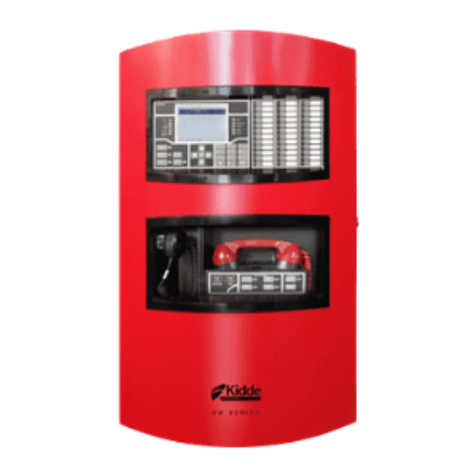
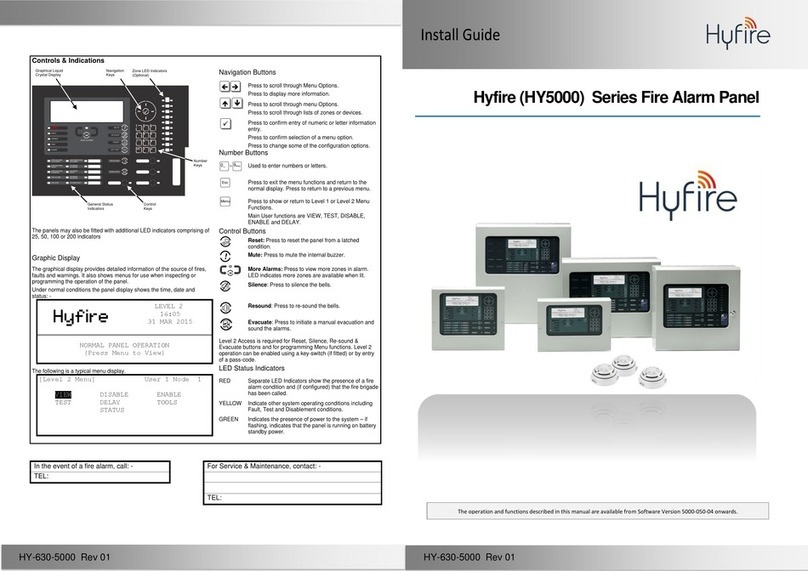
2.1 LED Indicators
1. Fire Alarm Indicator: A red light indicates the Fire Alarm Control Panel has received
a fire signal.
2. Fault Indicator: A yellow light indicates a fault in the fire alarm system.
3. CPU Fault Indicator: A yellow light indicates the CPU is not normal .
4. Power Normal Indicator: A green light indicates the Fire Alarm Control Panel is in
normal condition.
5. Disable Indicator: A yellow light indicates a zone han been disabled .
6. Information Display: It provides a read-out of system conditions.
2.2 Keypad Switches
7. Keyboard Enable Switch: When the switch is turned on, it means that the keyboard
is enable.
8. UP Switch: Pressing this switch shows the previous item on the page. It can
also be used to change the time and passwords by increasing the value progressively.
9. Down Switch: Pressing this switch shows the next item on the page. It can also be
used to change the time and passwords by decreasing the value progressively.
10. Back Switch: Pressing this switch shows the previous page. When changing the setup
of time and passwords, pressing this switch can shift control to the previous decimal place.
11. Enter Switch: Pressing this switch shows the next page. When changing the setup
of time and passwords, pressing this switch can shift contorl to the next decimal place.
12. Buzzer Mute Switch: If there is an alarm or fault in the system, pressing this switch
can disable the buzzer and the indicator can go on. When a new signal is received,
the buzzer function will be restored. If the switch is pressed again, the buzzer function
will be restored and the indicator will go out. If the switch is pressed for more than
2 seconds, the indicator will flash and the buzzer will remain disabled despite any new
signals.
13. Alarm Bell Silence Switch: If there is an alarm or a fault in the system, pressing
this switch can disable the relay output to the bells and the indicator can go on.
When a new signal is received, the bell function will be restored. If the switch is
pressed again, the bell function will be restored and the indicator will go out. If the
switch is pressed for more than 2 seconds, the indicator will flash and the bells will
remain disabled despite any new signals.
2. Control Board Description