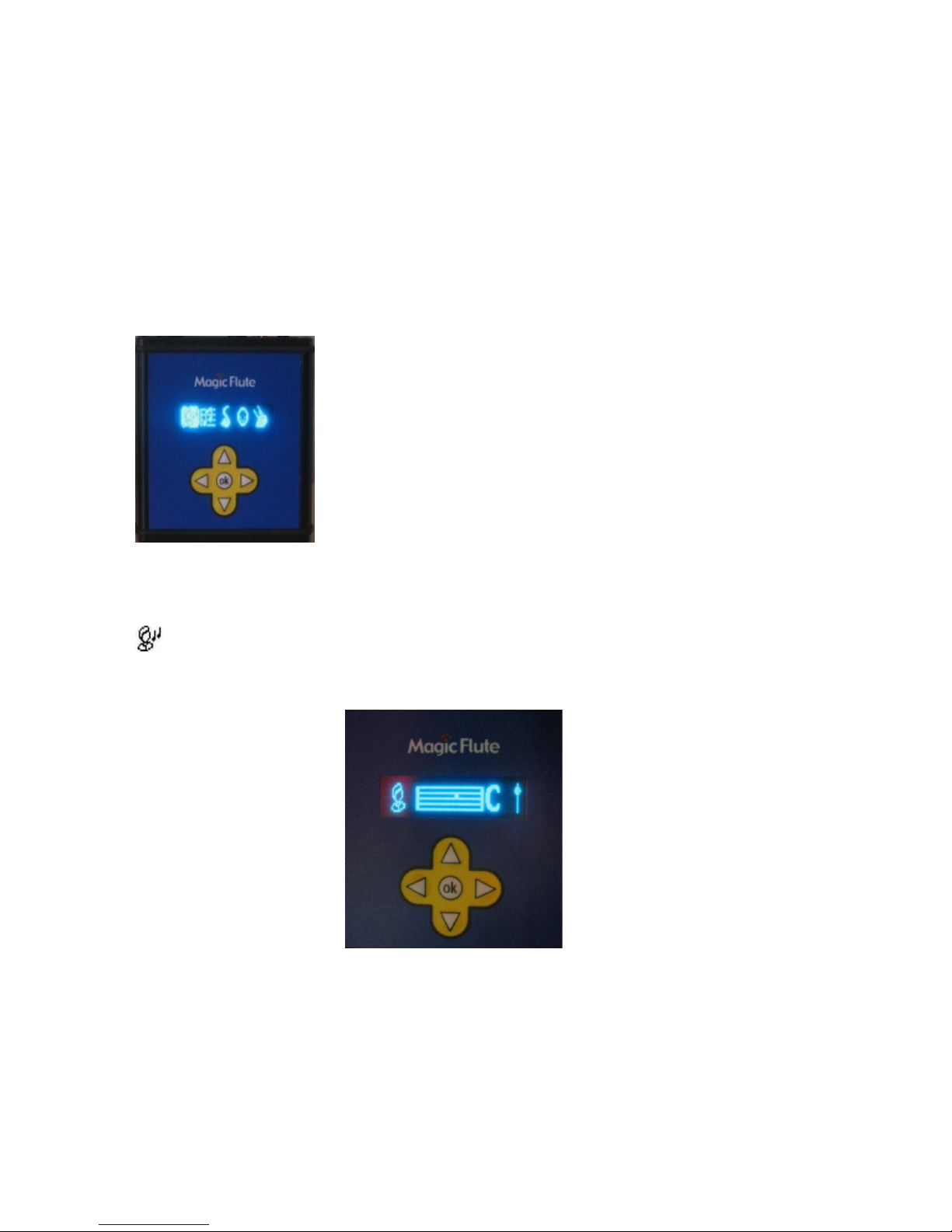
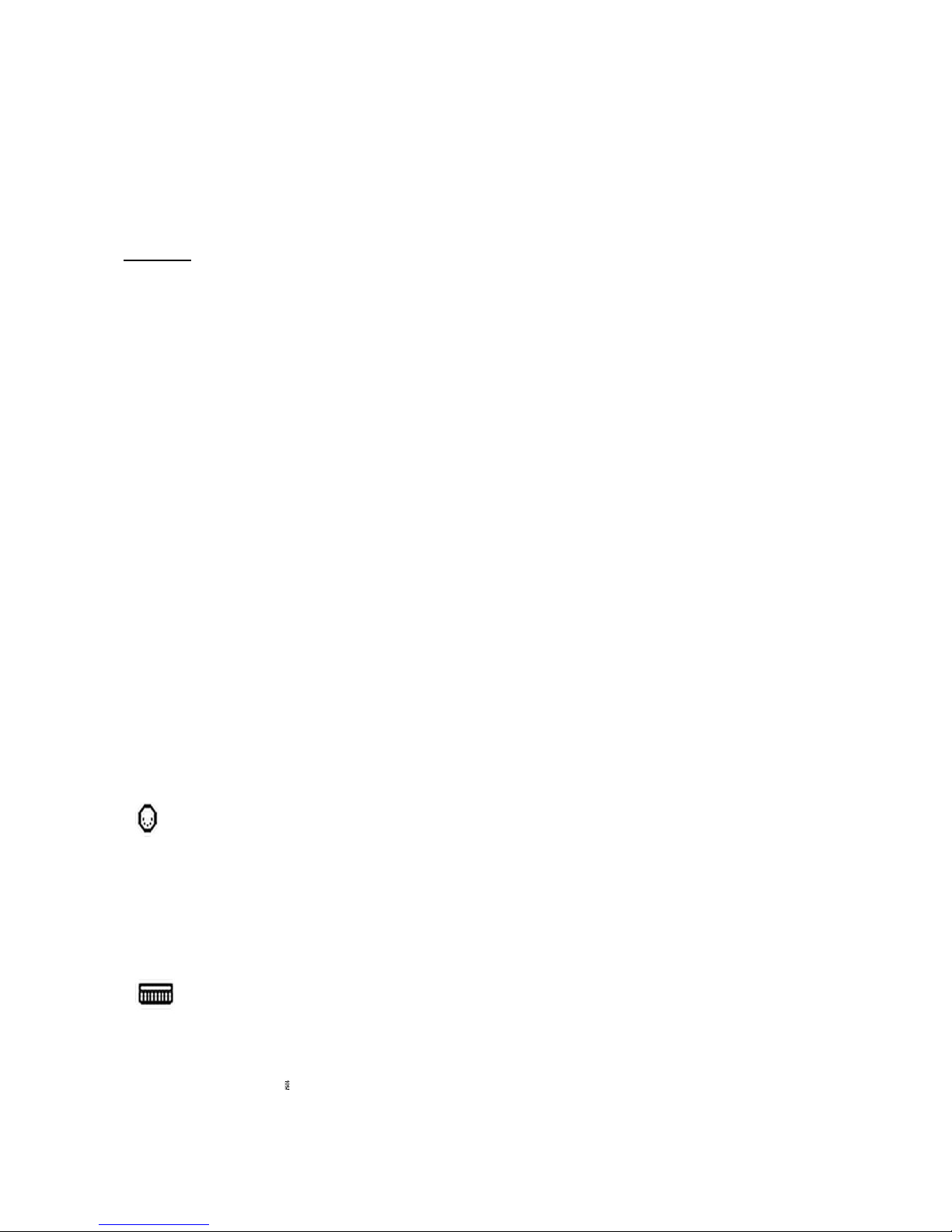
– Extra note +5
– Extra note +7
– Change to Memory 1 scale
– Change to Memory 2 scale
– lay Memory 3 notes
- lay Memory 4 notes
Example
Let’s say you play the note G within a C Major scale (C D E F G A B C)
If you select “Sharps/Flats”, then pressing a switch will turn it in a G flat (G#) .
If instead you select “Extra note +5”, then pressing a switch will add an extra note.
If you select “Memory 4” then you play the recorded notes ( in a sequence) from
Memory 4 by tapping on the switch. This way you could play a small bass line or a
simple melody, note for note by using a single switch. Or trigger some drum sounds
and play on top of it with the flute. And of course it is a nice extra in a therapy
environment to have an option like this available.
The option “Change to Memory 1 or 2” is a powerful one, letting you toggle between
two completely different scales. For example you could first play a melody in C major,
then do a solo in a pentatonic blues scale.
This switch has a toggle action, ie pressing the switch once shifts every note, then
pressing it a second time sets everything back to normal.
NB. Each scale has its own setting for the switch action. Thus you first choose the
scale and then select the switch action you want for that scale (you can also select a
MIDI channel and instrument).
So in a blues scale, for example, the switch could be used to make a Semitone, but in
another scale it could be used to play the 5ths. This gives you great flexibility when
performing.
This part is for more advanced users. Most of the time MIDI channel 1 will be
selected but not necessarily
The keyboard MIDI channel 10 is often used for drums. You can give every scale its
own MIDI channel from 1 - 16 , meaning that you could give every scale a different
sound!
You can program your own scales! It sounds difficult but it is not. You need a
music keyboard that has MIDI out. You connect that to the MIDI in of the Control
Module. Then you select one of the 4 memories and play up to 15 notes on your
musical keyboard. After you're finished you return to Scale Select. Now go to the
memory scale that you just programmed.