manuals.online logo
Brands
  1. Home

  2. •
  3. Brands
  4. •
  5. Hubbell
  6. •
  7. Amplifier
  8. •
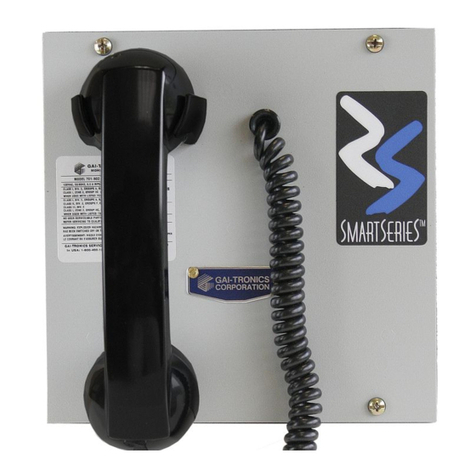
  9. Hubbell GAI-TRONICS 751-002ICS User manual

Hubbell GAI-TRONICS 751-002ICS User manual

This manual suits for next models

8

Other Hubbell Amplifier manuals

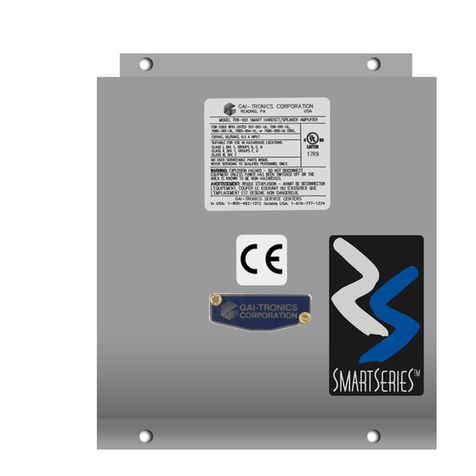
Hubbell GAI-Tronics Smart Series User manual

Hubbell

Hubbell GAI-Tronics Smart Series User manual

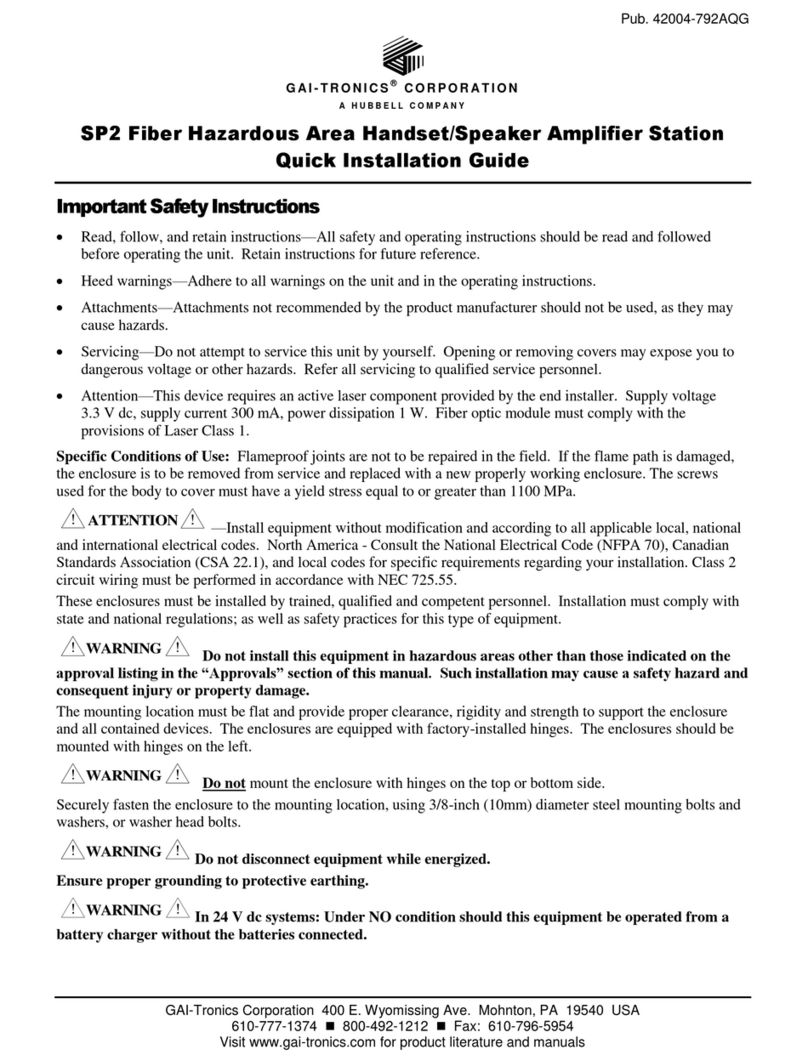
Hubbell GAI-TRONICS SP2 User manual

Hubbell

Hubbell GAI-TRONICS SP2 User manual

Hubbell GAI-TRONICS SmartSeries 709-901 Installation and operating instructions

Hubbell

Hubbell GAI-TRONICS SmartSeries 709-901 Installation and operating instructions

Hubbell GAI-TRONICS SP2 User manual

Hubbell

Hubbell GAI-TRONICS SP2 User manual

Hubbell GAI-TRONICS SP2 User manual

Hubbell

Hubbell GAI-TRONICS SP2 User manual

Hubbell GAI-TRONICS SP2 User manual

Hubbell

Hubbell GAI-TRONICS SP2 User manual

Hubbell GAI-TRONICS SmartSeries 701-902 User manual

Hubbell

Hubbell GAI-TRONICS SmartSeries 701-902 User manual

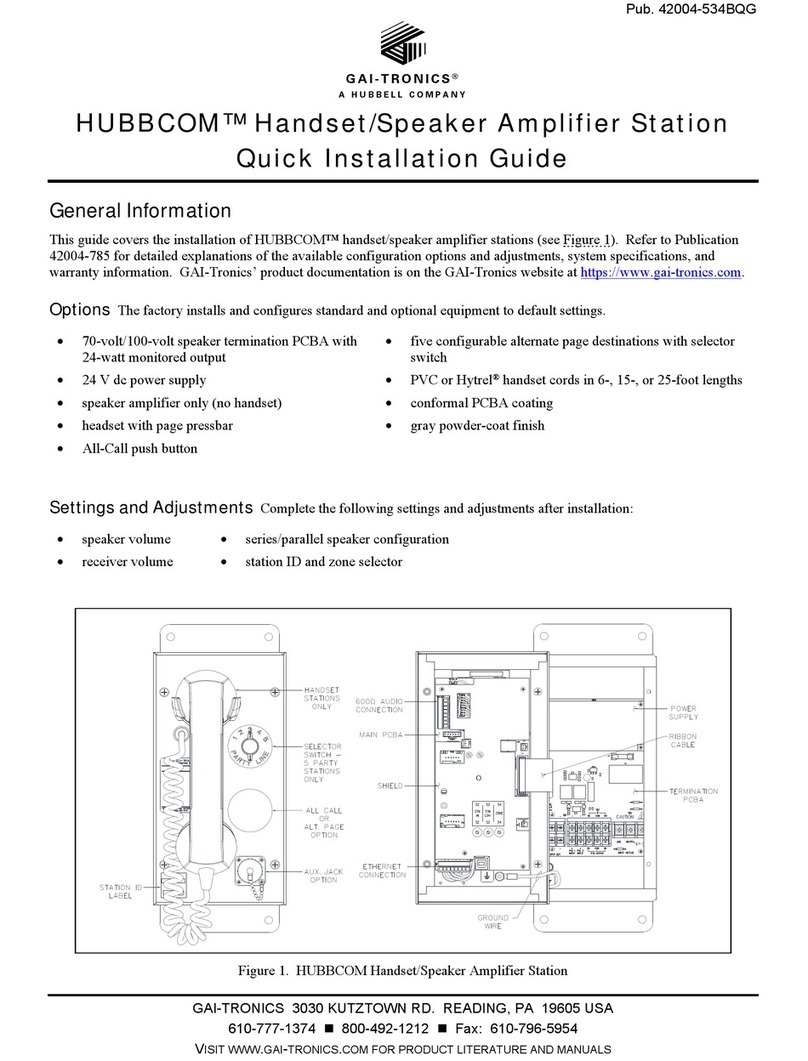
Hubbell Gai-Tronics HUBBCOM User manual

Hubbell

Hubbell Gai-Tronics HUBBCOM User manual

Hubbell GAI-Tronics 701-904RF User manual

Hubbell

Hubbell GAI-Tronics 701-904RF User manual

Hubbell GAI-Tronics 751-001 User manual

Hubbell

Hubbell GAI-Tronics 751-001 User manual

Hubbell GAI-Tronics 305-001 User manual

Hubbell

Hubbell GAI-Tronics 305-001 User manual

Hubbell GAI-Tronics 701-305 User manual

Hubbell

Hubbell GAI-Tronics 701-305 User manual

Hubbell GAI-TRONICS SP2 User manual

Hubbell

Hubbell GAI-TRONICS SP2 User manual

Hubbell GAI-TRONICS SP2 User manual

Hubbell

Hubbell GAI-TRONICS SP2 User manual

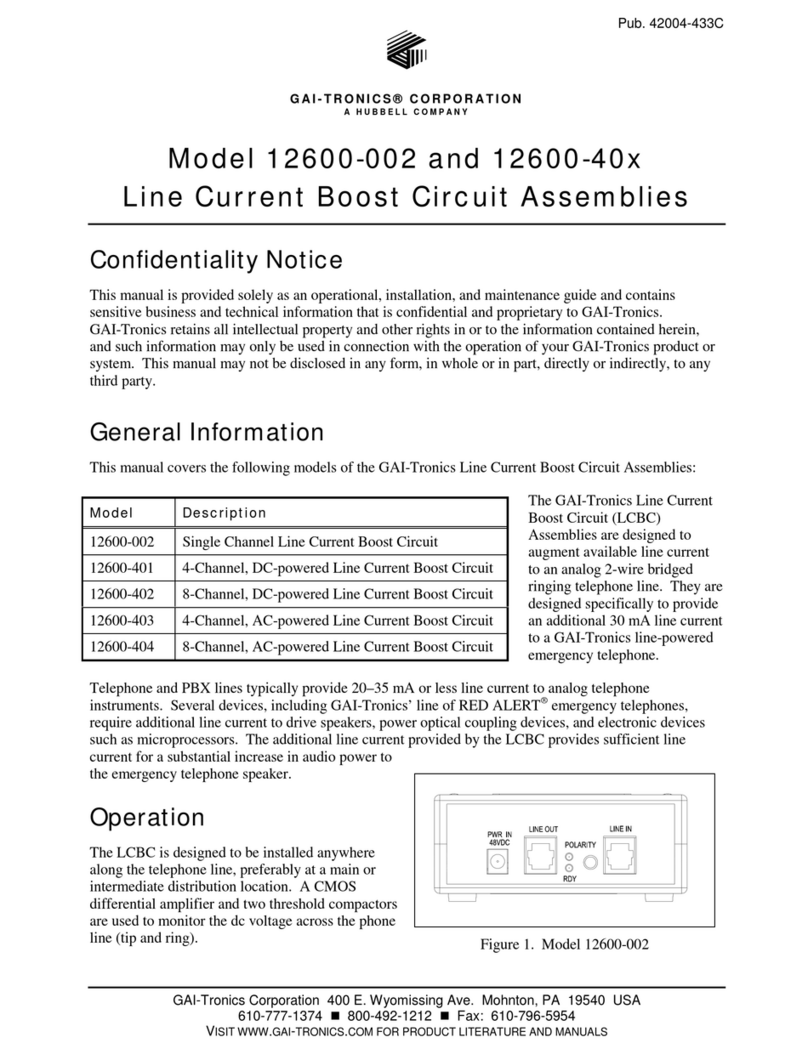
Hubbell GAI-TRONICS 12600-002 User manual

Hubbell

Hubbell GAI-TRONICS 12600-002 User manual

Hubbell GAI-Tronics 701-904RF User manual

Hubbell

Hubbell GAI-Tronics 701-904RF User manual

Hubbell Gai-Tronics SmartSeries 751-801 User manual

Hubbell

Hubbell Gai-Tronics SmartSeries 751-801 User manual

Hubbell GAI-TRONICS SmartSeries 701-904 User manual

Hubbell

Hubbell GAI-TRONICS SmartSeries 701-904 User manual

Hubbell GAI-TRONICS 701-804 User manual

Hubbell

Hubbell GAI-TRONICS 701-804 User manual

Hubbell GAI-TRONICS SP2 User manual

Hubbell

Hubbell GAI-TRONICS SP2 User manual

Hubbell GAI-Tronics 751-001ICS User manual

Hubbell

Hubbell GAI-Tronics 751-001ICS User manual

Hubbell GAI-TRONICS SP2 User manual

Hubbell

Hubbell GAI-TRONICS SP2 User manual

Hubbell GAI-TRONICS SP2 User manual

Hubbell

Hubbell GAI-TRONICS SP2 User manual

Popular Amplifier manuals by other brands

ASTRO HVO V40 P operating manual

ASTRO

ASTRO HVO V40 P operating manual

Marantz SUPERSCOPE BLA-545 Service data

Marantz

Marantz SUPERSCOPE BLA-545 Service data

NAD CI980 Quick setup guide

NAD

NAD CI980 Quick setup guide

Technics SE-CH770 Service manual

Technics

Technics SE-CH770 Service manual

Harman Kardon HK6300 instruction manual

Harman Kardon

Harman Kardon HK6300 instruction manual

NAD T975 owner's manual

NAD

NAD T975 owner's manual

McIntosh MA6850 Brochure & specs

McIntosh

McIntosh MA6850 Brochure & specs

Electro-Harmonix ENGLISH MUFF’N manual

Electro-Harmonix

Electro-Harmonix ENGLISH MUFF’N manual

Viatron Autrix Technical manual

Viatron

Viatron Autrix Technical manual

GME GA9800 instruction manual

GME

GME GA9800 instruction manual

Atlas CP700 Specification sheet

Atlas

Atlas CP700 Specification sheet

Roland KC-1000 owner's manual

Roland

Roland KC-1000 owner's manual

Pyle PFMRA350BW user manual

Pyle

Pyle PFMRA350BW user manual

Advantage S-250 manual

Advantage

Advantage S-250 manual

IRT Electronics DVA-3007 manual

IRT Electronics

IRT Electronics DVA-3007 manual

Dimavery BA-100 Series user manual

Dimavery

Dimavery BA-100 Series user manual

Sony XM-S400D operating instructions

Sony

Sony XM-S400D operating instructions

Schertler ROY X quick guide

Schertler

Schertler ROY X quick guide

manuals.online logo
manuals.online logoBrands
  • About & Mission
  • Contact us
  • Privacy Policy
  • Terms and Conditions

Copyright 2025 Manuals.Online. All Rights Reserved.

Pub. 42004-731L2BQG
GAI-Tronics Corporation 400 E. Wyomissing Ave. Mohnton, PA 19540 USA
610-777-1374 800-492-1212 Fax: 610-796-5954
VISIT WWW.GAI-TRONICS.COM FOR PRODUCT LITERATURE AND MANUALS
GAI-TRONICS® CORPORATION
A HUBBELL COMPANY
ICS DC-Powered Page/Party®Plug-in Amplifiers - Quick Installation Guide
Important Safety Instructions
This equipment is suitable for use in Class I, Division 2, Groups A, B, C and D, Class II Division 2, Groups F, and G, Class III OR non-hazardous locations only.
Combinations of equipment in your system are subject to investigation by the local Authority Having Jurisdiction at the time of installation.
Read, follow, and retain instructions – All safety and operating instructions should be read and followed before operating the unit. Retain instructions for future
reference.
Heed warnings – Adhere to all warnings on the unit and in the operating instructions.
Attachments – Attachments not recommended by the product manufacturer should not be used, as they may cause hazards. Maximum system cable length is not to
exceed two miles.
Servicing – Do not attempt to service this unit by yourself. Opening or removing covers may expose you to dangerous voltage or other hazards. Refer all servicing to
qualified service personnel.
WARNING – EXPLOSION HAZARD – Do not disconnect equipment unless power has been removed or the area is known to be non-hazardous. Averttissement –
Risque d’explosion – avant de déconnector l’equipment, couper le courant ou s’assurer que l’emplacement est désigné non dandereux.
USA and Canada Consult the National Electrical Code (NFPA 70), Canadian Standards Association (CSA 22.1), and local codes for specific requirements regarding
your installation. Class 2 circuit wiring must be performed in accordance with NEC 725.55.
WARNING In 24 V dc systems: Under NO condition should this equipment be operated from a battery charger without the batteries connected.
In 24 V dc systems, most chargers have an unloaded output of 35 to 45 volts that can quickly damage the equipment designed for nominal 24 volts. The maximum
battery voltage should never exceed the maximum specified input voltage.
General Information and Available Options
This quick guide covers the installation of the ICS DC-Powered Plug-in Amplifiers. See the chart below for applicable models.
ICS Amplifier
Model
Description
751-002ICS Speaker Amplifier
701-307ICS Handset/Speaker Amplifier
701-309ICS Handset/Speaker Amplifier with
Auxiliary Jack
751-002ICSVC Speaker Amplifier with VLC
701-307ICSVC Handset/Speaker Amplifier with VLC
701-309ICSVC Handset/Speaker Amplifier with
Auxiliary Jack and VLC
751-902ICS SmartSeries Speaker Amplifier
701-907ICS SmartSeries Handset/Speaker
Amplifier
701-909ICS SmartSeries Handset/Speaker
Amplifier with Auxiliary Jack
Figure 1. ICS DC-Powered Page/Party®Plug-in Amplifier Installation
Refer to Pub. 42004-731L2 at the “Manuals & Specs” link at www.gai-tronics.com for detailed explanations of the available models
and their settings, adjustments and warranty.
Installing the ICS Page/Party®Plug-in Amplifier
1. Plug the amplifier directly into the enclosure. Use extra care not to damage the protruding latch wings of connector P6 located on
the top right edge of the amplifier during installation.
2. Attach the amplifier to the enclosure with the hardware provided. See Figure 1.
3. Apply power to the station.
Pub. 42004-731L2BQG
ICS DC-Powered Page/Party®Plug-in Amplifiers Quick Installation Guide Page: 2 of 2
f:\standard ioms - current release\42004-xxxxqg quick guides\42004-731l2bqg.doc
04/11
Enclosure RTU Connection (if applicable)
Amplifiers with VLC or SmartSeries PCBAs can be connected via an enclosure ribbon cable to provide a double-pole, Form “C” relay
and one fuse-protected contact. If an RTU is present in the enclosure, connect the ribbon cable provided to the receptacle on the top
side of the amplifier.
Available Adjustments
Most models are preconfigured to a default standard at the factory. The following is a partial list of the available adjustments and
settings that may be needed. Refer to Pub. 42004-731L2 for complete information.
Standard DC-Powered
ICS Plug-in Amp ICS Plug-in Amp with VLC SmartSeries DC-Powered Plug-
in Amp
•Speaker Volume •Speaker Volume •Address
•Speaker Mute •Speaker Mute •ALS Minimum Level
•Speaker Gain •Speaker Gain •ALS Offset Level
•Transmit Level •Transmit Level •SmartSeries VLC Level
•Receiver Volume •Receiver Volume •FSK Signal Gain
•Audio Alignment
•Page Disable Control
•Remote Signaling (RTU)
NRTL Listed for USA and Canada..................................................................................Class I, Groups A, B, C, and D, Division 2;
Class II, Groups F and G, Division 2;
Class III, Division 2 Hazardous Locations
Temperature code, T4
(Rev. 10/06)
Warranty
Equipment. GAI-Tronics warrants for a period of one (1) year from the date of shipment, that any
GAI-Tronics equipment supplied hereunder shall be free of defects in material and workmanship, shall
comply with the then-current product specifications and product literature, and if applicable, shall be fit
for the purpose specified in the agreed-upon quotation or proposal document. If (a) Seller’s goods prove
to be defective in workmanship and/or material under normal and proper usage, or unfit for the purpose
specified and agreed upon, and (b) Buyer’s claim is made within the warranty period set forth above,
Buyer may return such goods to GAI-Tronics’ nearest depot repair facility, freight prepaid, at which time
they will be repaired or replaced, at Seller’s option, without charge to Buyer. Repair or replacement shall
be Buyer’s sole and exclusive remedy. The warranty period on any repaired or replacement equipment
shall be the greater of the ninety (90) day repair warranty or one (1) year from the date the original
equipment was shipped. In no event shall GAI-Tronics warranty obligations with respect to equipment
exceed 100% of the total cost of the equipment supplied hereunder. Buyer may also be entitled to the
manufacturer’s warranty on any third-party goods supplied by GAI-Tronics hereunder. The applicability
of any such third-party warranty will be determined by GAI-Tronics.
Services. Any services GAI-Tronics provides hereunder, whether directly or through subcontractors,
shall be performed in accordance with the standard of care with which such services are normally
provided in the industry. If the services fail to meet the applicable industry standard, GAI-Tronics will
re-perform such services at no cost to buyer to correct said deficiency to Company's satisfaction provided
any and all issues are identified prior to the demobilization of the Contractor’s personnel from the work
site. Re-performance of services shall be Buyer’s sole and exclusive remedy, and in no event shall GAI-
Tronics warranty obligations with respect to services exceed 100% of the total cost of the services
provided hereunder.
Warranty Periods. Every claim by Buyer alleging a defect in the goods and/or services provided
hereunder shall be deemed waived unless such claim is made in writing within the applicable warranty
periods as set forth above. Provided, however, that if the defect complained of is latent and not
discoverable within the above warranty periods, every claim arising on account of such latent defect shall
be deemed waived unless it is made in writing within a reasonable time after such latent defect is or
should have been discovered by Buyer.
Limitations / Exclusions. The warranties herein shall not apply to, and GAI-Tronics shall not be
responsible for, any damage to the goods or failure of the services supplied hereunder, to the extent
caused by Buyer’s neglect, failure to follow operational and maintenance procedures provided with the
equipment, or the use of technicians not specifically authorized by GAI-Tronics to maintain or service the
equipment. THE WARRANTIES AND REMEDIES CONTAINED HEREIN ARE IN LIEU OF AND
EXCLUDE ALL OTHER WARRANTIES AND REMEDIES, WHETHER EXPRESS OR IMPLIED BY
OPERATION OF LAW OR OTHERWISE, INCLUDING ANY WARRANTIES OF
MERCHANTABILITY OR FITNESS FOR A PARTICULAR PURPOSE.
Return Policy
If the equipment requires service, contact your Regional Service Center for a return authorization number
(RA#). Equipment should be shipped prepaid to GAI-Tronics with a return authorization number and a
purchase order number. If the equipment is under warranty, repairs or a replacement will be made in
accordance with the warranty policy set forth above. Please include a written explanation of all defects to
assist our technicians in their troubleshooting efforts.
Call 800-492-1212 (inside the USA) or 610-777-1374 (outside the USA) for help identifying the
Regional Service Center closest to you.