① Before installing the driver, please close all graphic software and antivirus programs. The
note (“HuionTabletCore.exe” failed to launch!) below appears only on devices with Windows
OS, indicating that the driver is blocked by antivirus programs or drawing applications.
② Please make sure your computer operating system is Windows 7 or later.
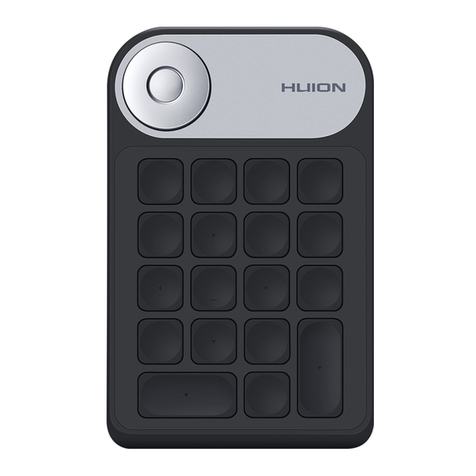
③ Open the driver and a picture of Keydial mini will appear, indicating that the one-handed
keyboard is successfully connected to your computer. Now you can use your keyboard.
④If the connection fails, please restart the driver or your computer.
Note: The keyboard cannot work once the driver is uninstalled or deleted. In this case please
click Driver-Keydial mini to reinstall a driver, and your keyboard will restore to its default
settings.
Driver Installation
1. Connect the pen display to your computer.
2. Choose the correct driver for your device from our website:Driver-Keydial mini.
3. Click Driver-Keydial mini to download it.
4. Double-click the driver and click “OK” to proceed.
5. Check the box to agree with the User Agreement and click “Install Now”.
8 / 29