manuals.online logo
Brands
  1. Home
  2. •
  3. Brands
  4. •
  5. Ideal Heating
  6. •
  7. Boiler
  8. •
  9. Ideal Heating IMAX XTRA 2 User manual

Ideal Heating IMAX XTRA 2 User manual

Other Ideal Heating Boiler manuals
Ideal Heating LOGIC SYSTEM 2 S15 User guide

Ideal Heating

Ideal Heating LOGIC SYSTEM 2 S15 User guide

Ideal Heating LOGIC SYSTEM S15IE User guide

Ideal Heating

Ideal Heating LOGIC SYSTEM S15IE User guide

Ideal Heating VOGUE MAX SYSTEM 15IE User guide

Ideal Heating

Ideal Heating VOGUE MAX SYSTEM 15IE User guide

Ideal Heating LOGIC HEAT2 H12 User manual

Ideal Heating

Ideal Heating LOGIC HEAT2 H12 User manual

Ideal Heating EVOMAX 2 User manual

Ideal Heating

Ideal Heating EVOMAX 2 User manual

Ideal Heating LOGIC COMBI2 C24 User guide

Ideal Heating

Ideal Heating LOGIC COMBI2 C24 User guide

Ideal Heating VOGUE MAX SYSTEM 26IE User manual

Ideal Heating

Ideal Heating VOGUE MAX SYSTEM 26IE User manual

Ideal Heating i-mini C24 User manual

Ideal Heating

Ideal Heating i-mini C24 User manual

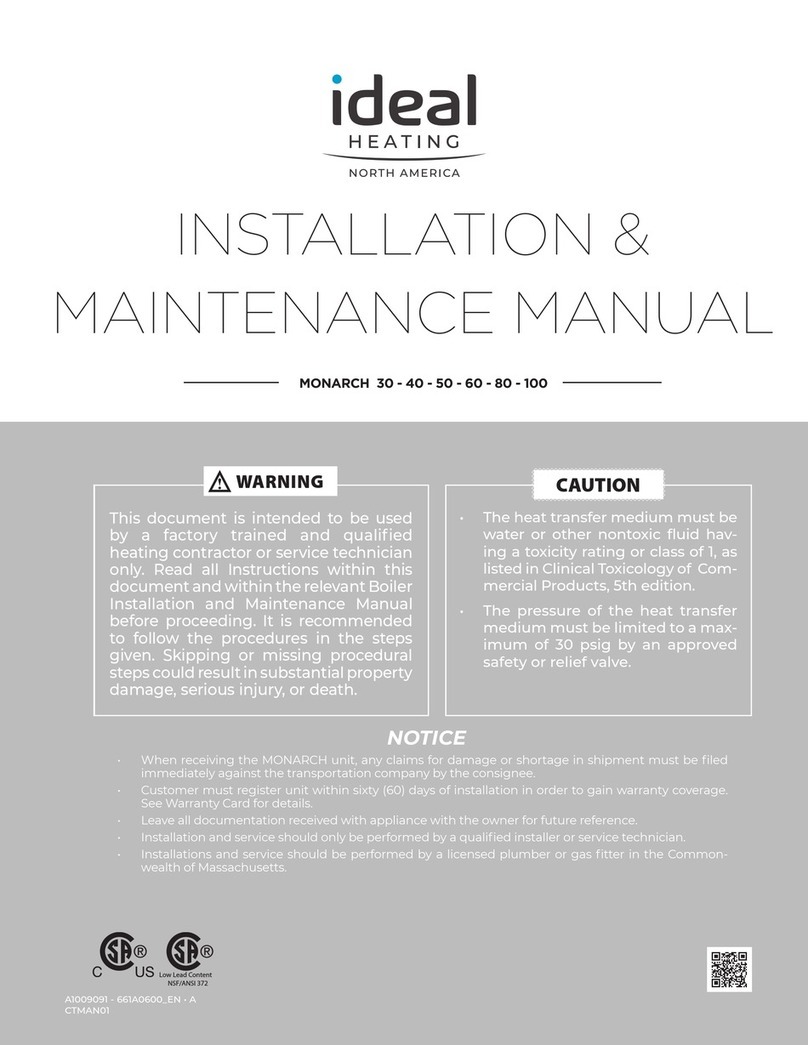
Ideal Heating MONARCH 30 Instruction Manual
Ideal Heating

Ideal Heating MONARCH 30 Instruction Manual

Ideal Heating EVOMAX 2 Series User manual

Ideal Heating

Ideal Heating EVOMAX 2 Series User manual

Ideal Heating VOGUE MAX COMBI 40IE User manual

Ideal Heating

Ideal Heating VOGUE MAX COMBI 40IE User manual

Ideal Heating LOGIC MAX SYSTEM2 S15 User manual

Ideal Heating

Ideal Heating LOGIC MAX SYSTEM2 S15 User manual

Ideal Heating LOGIC MAX SYSTEM2 S15 User guide

Ideal Heating

Ideal Heating LOGIC MAX SYSTEM2 S15 User guide

Ideal Heating LOGIC MAX COMBI 2 C24 User guide

Ideal Heating

Ideal Heating LOGIC MAX COMBI 2 C24 User guide

Ideal Heating EVOMAX 2 User manual

Ideal Heating

Ideal Heating EVOMAX 2 User manual

Ideal Heating LOGIC+ SYSTEM S18 User guide

Ideal Heating

Ideal Heating LOGIC+ SYSTEM S18 User guide

Ideal Heating LOGIC MAX HEAT2 H12 User manual

Ideal Heating

Ideal Heating LOGIC MAX HEAT2 H12 User manual

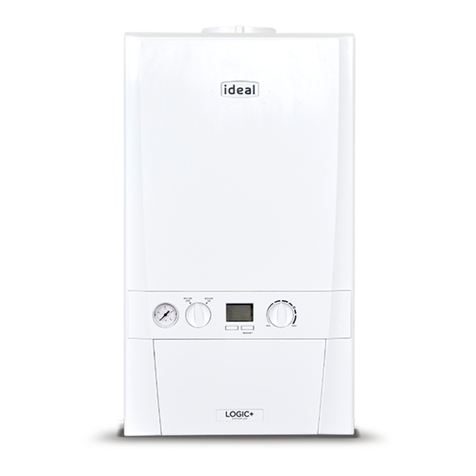
Ideal Heating LOGIC COMBI2 C24 User manual

Ideal Heating

Ideal Heating LOGIC COMBI2 C24 User manual

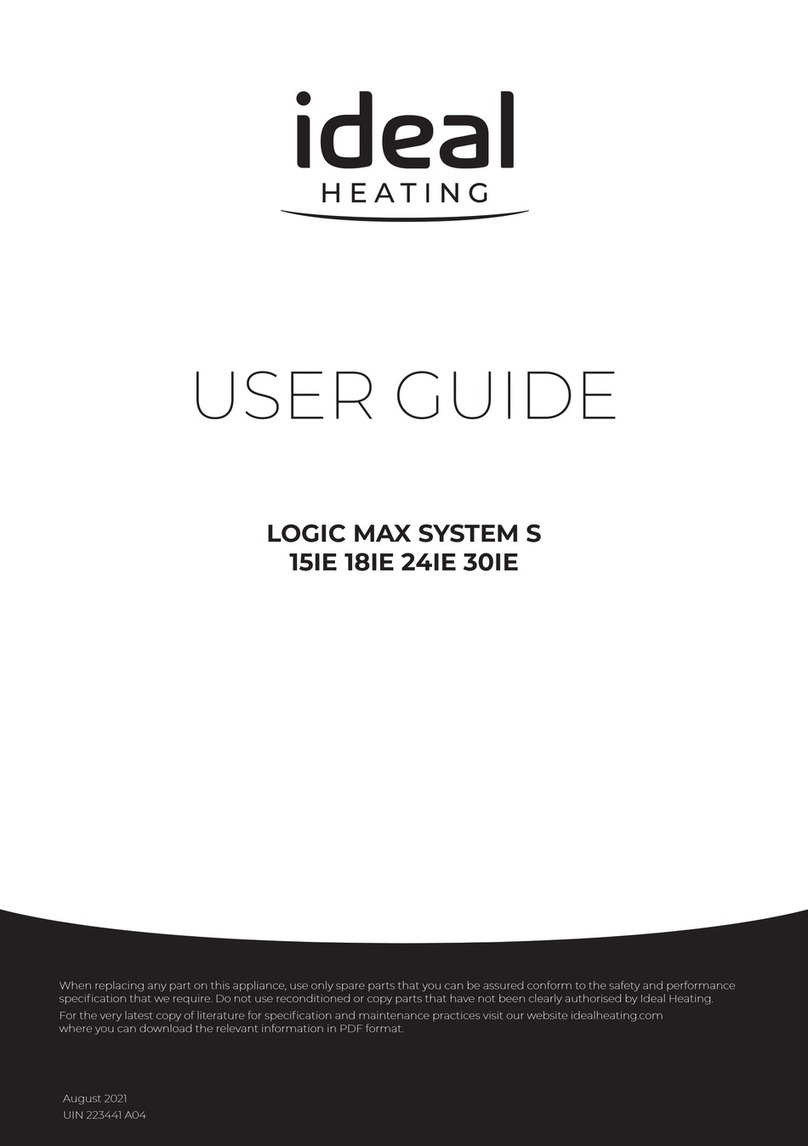
Ideal Heating LOGIC SYSTEM S18IE User manual
Ideal Heating

Ideal Heating LOGIC SYSTEM S18IE User manual

Ideal Heating LOGIC MAX COMBI 2 C24 User manual

Ideal Heating

Ideal Heating LOGIC MAX COMBI 2 C24 User manual

Ideal Heating LOGIC MAX HEAT H 12IE User manual

Ideal Heating

Ideal Heating LOGIC MAX HEAT H 12IE User manual

Ideal Heating LOGIC+ COMBI C35 User guide

Ideal Heating

Ideal Heating LOGIC+ COMBI C35 User guide

Ideal Heating III Series Owner's manual
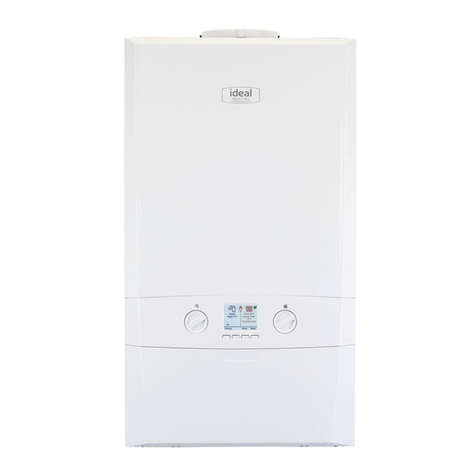
Ideal Heating

Ideal Heating III Series Owner's manual

Ideal Heating LOGIC SYSTEM 2 S15 User manual

Ideal Heating

Ideal Heating LOGIC SYSTEM 2 S15 User manual

Popular Boiler manuals by other brands
IDEAL IMAX XTRA EL 320 user guide

IDEAL

IDEAL IMAX XTRA EL 320 user guide
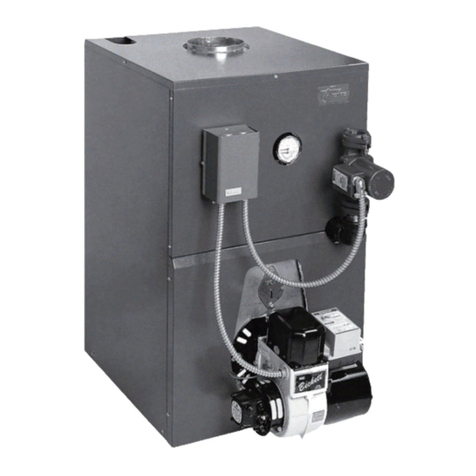
UTICA BOILERS BC3D Installation, operation & maintenance manual
UTICA BOILERS

UTICA BOILERS BC3D Installation, operation & maintenance manual

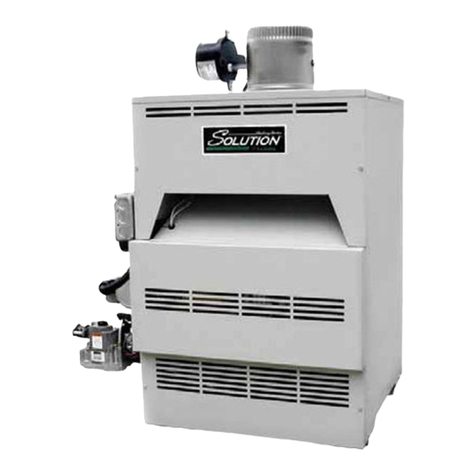
Lochinvar SOLUTION 260000 Installation & service manual
Lochinvar

Lochinvar SOLUTION 260000 Installation & service manual

Weil-McLain EG 6 Series manual

Weil-McLain

Weil-McLain EG 6 Series manual
RBI LCD Series Installation & operation manual
RBI

RBI LCD Series Installation & operation manual

Baxi MainEco Combi 28 Installation and service manual
Baxi

Baxi MainEco Combi 28 Installation and service manual

Unical ALKON R 24 Installation and Servicing Manual
Unical

Unical ALKON R 24 Installation and Servicing Manual

Automatic Heating Gasogen Installation and Servicing Manual

Automatic Heating

Automatic Heating Gasogen Installation and Servicing Manual

Viessmann VITORADIAL 300-T Type VR3 Service instructions for contractors
Viessmann

Viessmann VITORADIAL 300-T Type VR3 Service instructions for contractors

Alpha GasSaver GS-1 Installation and servicing instructions

Alpha

Alpha GasSaver GS-1 Installation and servicing instructions

Baxi ROCA LAURA PLUS 28/28 Operating, cleaning and maintenance instructions for the user
Baxi

Baxi ROCA LAURA PLUS 28/28 Operating, cleaning and maintenance instructions for the user

Vaillant uniSTOR VIH SW GB 500 BES operating instructions

Vaillant

Vaillant uniSTOR VIH SW GB 500 BES operating instructions

Kärcher HWE 4000 Gas manual

Kärcher

Kärcher HWE 4000 Gas manual

Radijator BIO max 23.1 instruction manual

Radijator

Radijator BIO max 23.1 instruction manual

Granby BKC Installation, operation and maintenance manual
Granby

Granby BKC Installation, operation and maintenance manual

Brunner BSV 20 Instructions for use

Brunner

Brunner BSV 20 Instructions for use

Potterton 50e Installation and Servicing Manual
Potterton

Potterton 50e Installation and Servicing Manual

UTICA BOILERS TriFire Assembly instructions

UTICA BOILERS

UTICA BOILERS TriFire Assembly instructions

manuals.online logo
manuals.online logoBrands
  • About & Mission
  • Contact us
  • Privacy Policy
  • Terms and Conditions

Copyright 2025 Manuals.Online. All Rights Reserved.

MENU
Switched Live Control
Burner Stabilisation
HeatingHot Water
ACTUALTARGET
75°75°
ACTUALTARGET
75°75°
Demand OnNo Demand
Loss of flame in operation 128-253”
100%8°
PRECONFIGURATION - Imax Xtra 2 is preconfigured with common controls
setups to make your installation quick and easy.
Assuming all necessary electrical and hydraulic connections have been made, to
achieve heat on from a switched live demand apply Basic Pre-Config.
01482 498376
TECHNICAL HELPLINE:
welcome to our ideologyidealheating.com
HEATING
QUICK START GUIDE
IMAX XTRA 2
WELCOME TO
227884 A01
MENU
Switched Live Control
Burner Stabilisation
HeatingHot Water
ACTUALTARGETACTUALTARGET
Demand OnOff
100%
1 2 3
Target
hot water
temperature is
shown here
The current
status of
hot water
operation is
shown here
If an outside
sensor is
connected
then the
outside
temperature is
shown here
Actual central
heating flow
temperature is
shown here
The current
status of
central heating
operation is
shown here
The method of
boiler control
is shown here
(Switched Live
or 0-10V or
Opentherm or
Internal Boiler
Control)
Whether the burner is lit
is shown here
If the burner is lit then
the modulation level is
shown here
0% indicates the boiler
is at operating at
minimum rate (max.
modulation)
100% indicates that the
boiler is at operating
maximum rate
The current operating
state of the boiler is
shown here (Standby
or Pre-Purge or Ignition
or Burner On or
Post-Purge or Pump
Overrun)
If there is a fault then
the English language
description will be
shown here
Actual hot water
temperature is shown
here
Target central heating
flow temperature is
shown here
The HMI touchscreen has a protective film
overlay fitted which needs to be removed
before use.
Safely and responsibly dispose of the protective
film overlay.
When the boiler is powered up for the first
time the screen on the right will be shown.
To accept the default configuration press Basic
Pre-Config.
The boiler will complete the configuration
automatically and proceed to the home screen
as seen on the left.
Default Configuration:
Switched Live Control
1x Heating Circuit controlled by SL1 CH Pump
available
1x DHW circuit controlled by SL2 DHW Pump
available
This configuration is shown in the basic
diagram to the right. Although two circuits are
provided in the configuration they do not have
to be wired if they are not required.
(please note the diagram to the right is shown for information only,
it will not be seen when using the Basic Pre-Config option)
To remove the boiler casing refer to installation manual section 3.7.
For installer electrical connection diagrams refer to installation manual from section 2.10.
To adjust flow temperature setpoint after configuration refer to installation manual section 2.37.
To check maximum, minimum or variable rate after configuration refer to installation manual section 2.32.
NOTE - If Basic Pre-Config is chosen and the boiler is to be reconfigured at a later date please complete a factory reset
before reconfiguration (detailed internal boiler control instruction are available online at idealheating.com)
CH Pump & DHW Pump
SELECT
1/3

 
Basic Pre-Config Assisted
Configuration Type
After 5 seconds
For any circuit not in use the boiler will
clearly display Off.
Three dots are shown under the
heating icon to provide access to the
current state of up to three circuits.
Tap the dots to change the display
information.
In the event of a fault occurring please tap the red banner to review and
reset as required