manuals.online logo
Brands
  1. Home
  2. •
  3. Brands
  4. •
  5. Iiyama
  6. •
  7. Monitor
  8. •
  9. Iiyama ProLite B2080HSD User manual

Iiyama ProLite B2080HSD User manual

Other manuals for ProLite B2080HSD

1

Other Iiyama Monitor manuals

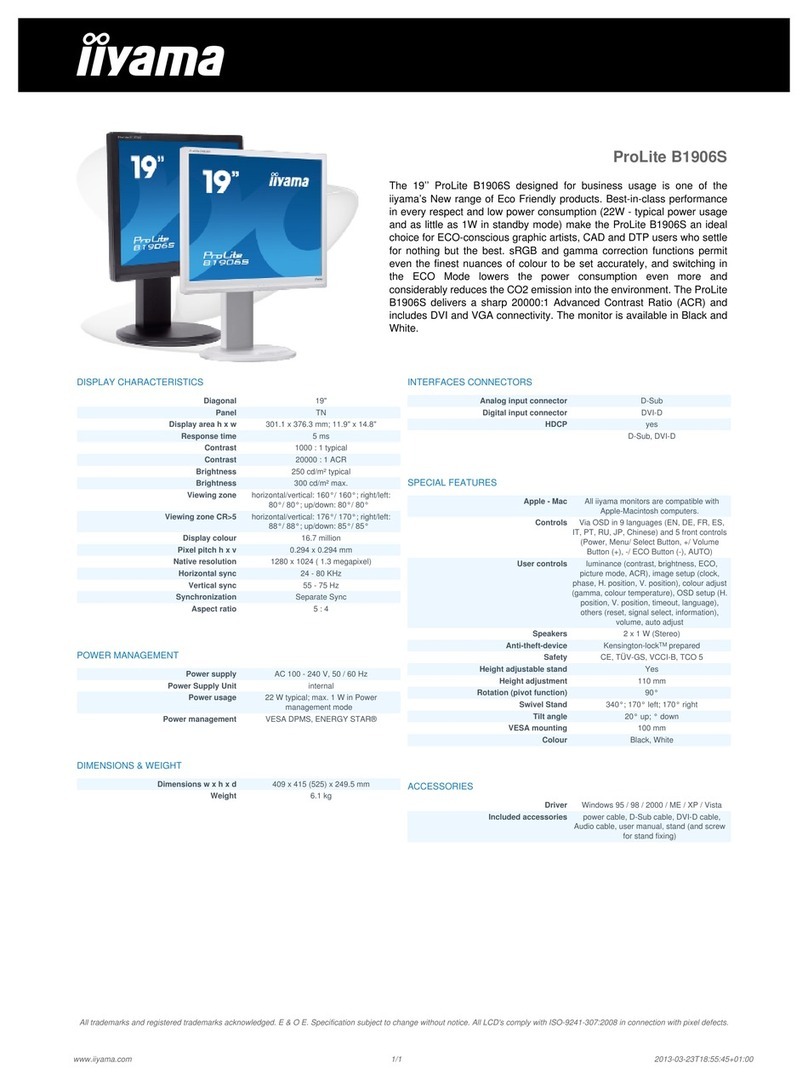
Iiyama CHROMAMAXX 21CSY User manual

Iiyama

Iiyama CHROMAMAXX 21CSY User manual

Iiyama AS4332UT D User manual

Iiyama

Iiyama AS4332UT D User manual

Iiyama ProLite P1905S User manual

Iiyama

Iiyama ProLite P1905S User manual

Iiyama AX3817UT User manual

Iiyama

Iiyama AX3817UT User manual

Iiyama ProLite XB2283HS User manual

Iiyama

Iiyama ProLite XB2283HS User manual

Iiyama PLE1700S User manual

Iiyama

Iiyama PLE1700S User manual

Iiyama Pro Lite E1902S-1 User manual

Iiyama

Iiyama Pro Lite E1902S-1 User manual

Iiyama ProLite X2775HDS User manual

Iiyama

Iiyama ProLite X2775HDS User manual

Iiyama ProLite XB2780HSU User manual

Iiyama

Iiyama ProLite XB2780HSU User manual

Iiyama ProLite LE4041UHS-B1 User manual

Iiyama

Iiyama ProLite LE4041UHS-B1 User manual

Iiyama ProLite LE6540UHS-B1 User manual

Iiyama

Iiyama ProLite LE6540UHS-B1 User manual

Iiyama G-Master GB3466WQSU User manual

Iiyama

Iiyama G-Master GB3466WQSU User manual

Iiyama ProLite TF1534MC-B7X User manual

Iiyama

Iiyama ProLite TF1534MC-B7X User manual

Iiyama S-HS72 User manual

Iiyama

Iiyama S-HS72 User manual

Iiyama ProLite B2283HS-B5 User manual

Iiyama

Iiyama ProLite B2283HS-B5 User manual

Iiyama ProLite B2280WSD-B1 User manual

Iiyama

Iiyama ProLite B2280WSD-B1 User manual

Iiyama ProLite LH5565S User manual

Iiyama

Iiyama ProLite LH5565S User manual

Iiyama ProLite T1731SAW User manual

Iiyama

Iiyama ProLite T1731SAW User manual

Iiyama ProLite E2473HDS-B1 User manual

Iiyama

Iiyama ProLite E2473HDS-B1 User manual

Iiyama ProLite E1902WSV User manual

Iiyama

Iiyama ProLite E1902WSV User manual

Iiyama ProLite TF2234MC-B5X User manual

Iiyama

Iiyama ProLite TF2234MC-B5X User manual

Iiyama ProLite B2282HD-B1 User manual

Iiyama

Iiyama ProLite B2282HD-B1 User manual

Iiyama ProLite XUB2792QSU-B1 User manual

Iiyama

Iiyama ProLite XUB2792QSU-B1 User manual

Iiyama ProLite E2278HD-GB1 User manual

Iiyama

Iiyama ProLite E2278HD-GB1 User manual

Popular Monitor manuals by other brands

Samsung ME32C user manual

Samsung

Samsung ME32C user manual

ViewSonic VA926-LED user guide

ViewSonic

ViewSonic VA926-LED user guide

Furuno Mu 120c Operator's manual

Furuno

Furuno Mu 120c Operator's manual

Asus VB171D - 17" LCD Monitor Service manual

Asus

Asus VB171D - 17" LCD Monitor Service manual

AOC 9GLR Technical specifications

AOC

AOC 9GLR Technical specifications

DMG RAFFAELLO manual

DMG

DMG RAFFAELLO manual

AOC LM720 - 17" Technical specifications

AOC

AOC LM720 - 17" Technical specifications

Sony Trinitron GDM-F500 Service manual

Sony

Sony Trinitron GDM-F500 Service manual

Memorex MT1701 user guide

Memorex

Memorex MT1701 user guide

ViewSonic VE510s-4 Service manual

ViewSonic

ViewSonic VE510s-4 Service manual

Farenheit T-1503CM instruction manual

Farenheit

Farenheit T-1503CM instruction manual

Ditel DINOS DN129/AT Quick installation guide

Ditel

Ditel DINOS DN129/AT Quick installation guide

Sony SDM-S51 Specifications

Sony

Sony SDM-S51 Specifications

Kenwood DMX1025BT quick start guide

Kenwood

Kenwood DMX1025BT quick start guide

Dell S2409WFP user guide

Dell

Dell S2409WFP user guide

EverFocus EN-7517E instruction manual

EverFocus

EverFocus EN-7517E instruction manual

Dell P3222QE user guide

Dell

Dell P3222QE user guide

Panasonic TH152UX1 - 152" PLASMA TV Service manual

Panasonic

Panasonic TH152UX1 - 152" PLASMA TV Service manual

manuals.online logo
manuals.online logoBrands
  • About & Mission
  • Contact us
  • Privacy Policy
  • Terms and Conditions

Copyright 2025 Manuals.Online. All Rights Reserved.

ProLite B2080HSD
The ProLite B2080HSD is a 20’’ 1600x900 LED-backlit monitor with a
Height Adjustable Stand supporting Screen Rotation, ensuring perfect
posture and optimal viewing comfort. It features 5msec black-to-black
response time and 5 000 000 : 1 Advanced Contrast Ratio assuring very
good picture quality. Analogue and DVI inputs ensure compatibility with
the latest systems and associated graphics cards. The monitor is TCO
and Energy Star Certified. A perfect solution for education, local
government, business and finance markets.
DISPLAY CHARACTERISTICS
 Diagonal  20"
 Panel  TN, LED-Backlit
 Display area h x w  249.1 x 442.8 mm; 9.8" x 17.4"
 Response time  5 ms
 Contrast  1000 : 1 typical
 Contrast  5 000 000 : 1 ACR
 Brightness  250 cd/m² typical
 Viewing zone  horizontal/vertical: 170°/ 160°; right/left:
85°/ 85°; up/down: 80°/ 80°
 Display colour  16.7 million
 Pixel pitch h x v  0.2768 x 0.2768 mm
 Native resolution  1600 x 900 ( 1.44 megapixel)
 Horizontal sync  24 - 80 KHz
 Vertical sync  56 - 75 Hz
 Synchronization  Separate sync
 Aspect ratio  16 : 9
POWER MANAGEMENT
 Power supply  AC100~240V 50/60Hz
 Power Supply Unit  internal
 Power usage  16 W typical; max. 0.5 W in Power
management mode
 Power management  VESA DPMS, ENERGY STAR®
EPEAT SILVER
 EPEAT  EPEAT is a comprehensive environmental
rating that helps identify greener computers
and other electronic equipment. The Silver
certification means the monitor meets all
required criteria plus at least 50% of the
optional requirements. EPEAT Silver is valid
in countries where iiyama registers the
product. Please visit www.epeat.net for the
registration status in your country.
DIMENSIONS & WEIGHT 
 Dimensions w x h x d  478 x 375.5 (505.5) x 244.5 mm
 Weight  5.1 kg
INTERFACES CONNECTORS
 Analog input connector  VGA (D-Sub)
 Digital input connector  DVI-D
 HDCP  yes
  D-Sub, DVI-D
SPECIAL FEATURES
 Apple - Mac  All iiyama monitors are compatible with
Apple-Macintosh computers.
 Plug & Play  VESA DDC2B™
 Controls  Via OSD in 9 languages (EN, DE, FR, ES,
IT, PT, Chinese, RU, JP) and 5 front controls
(Power, Menu, + /Volume, - /ECO, Auto)
 User controls  luminance (contrast, brightness, ECO, i-style
Colour, ACR), image steup (clock, phase, H.
position, V. position, aspect), colour (gamma,
colour temperature, sRGB), OSD setup (H.
position, V. position, OSD time out, language),
extra (reset, signal select, information),
volume, auto adjust
 Speakers  2 x 1 W (Stereo)
 Anti-theft-device  Kensington-lock™ prepared
 Ergonomics  CE, TUV-GS, CU, TCO 6
 Height adjustable stand  Yes
 Height adjustment  130 mm
 Rotation (pivot function)  90°
 Swivel Stand  320°; 160° left; 160° right
 Tilt angle  30° up; 5° down
 VESA mounting  100 x 100 mm
 Colour  Black
ACCESSORIES
 Driver  Windows 95 / 98 / 2000 / ME / XP / Vista / 7 /
8
 Included accessories  power cable, VGA (D-Sub) cable, DVI-D
cable, audio cable, stand, screw, cable holder,
quick start guide, safety guide
Powered by TCPDF (www.tcpdf.org)
All trademarks and registered trademarks acknowledged. E & O E. Specification subject to change without notice. All LCD's comply with ISO-9241-307:2008 in connection with pixel defects.
www.iiyama.com 2013-07-06T21:29:25+02:001/1