KNX Line Coupler
Product Manual
4
@2019 INTERRA PM190204012AEN
CONTENTS
1.1.) Front Panel ................................................................................................................................................ 6
1.2.) LED Indication............................................................................................................................................ 7
1.3.) Device Commissioning............................................................................................................................... 8
1.4.) General Features....................................................................................................................................... 8
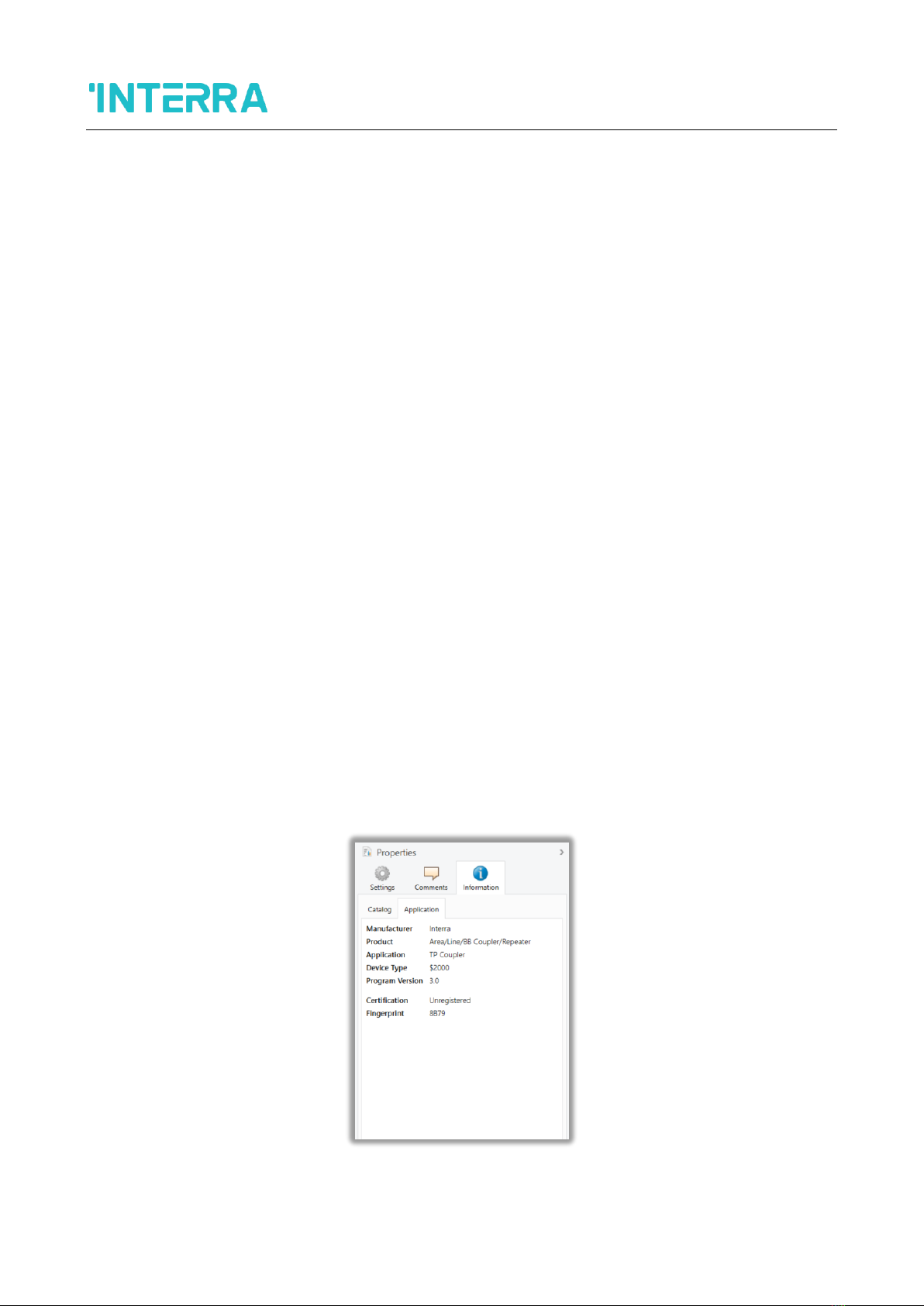
2.1) TP Coupler Application............................................................................................................................... 9
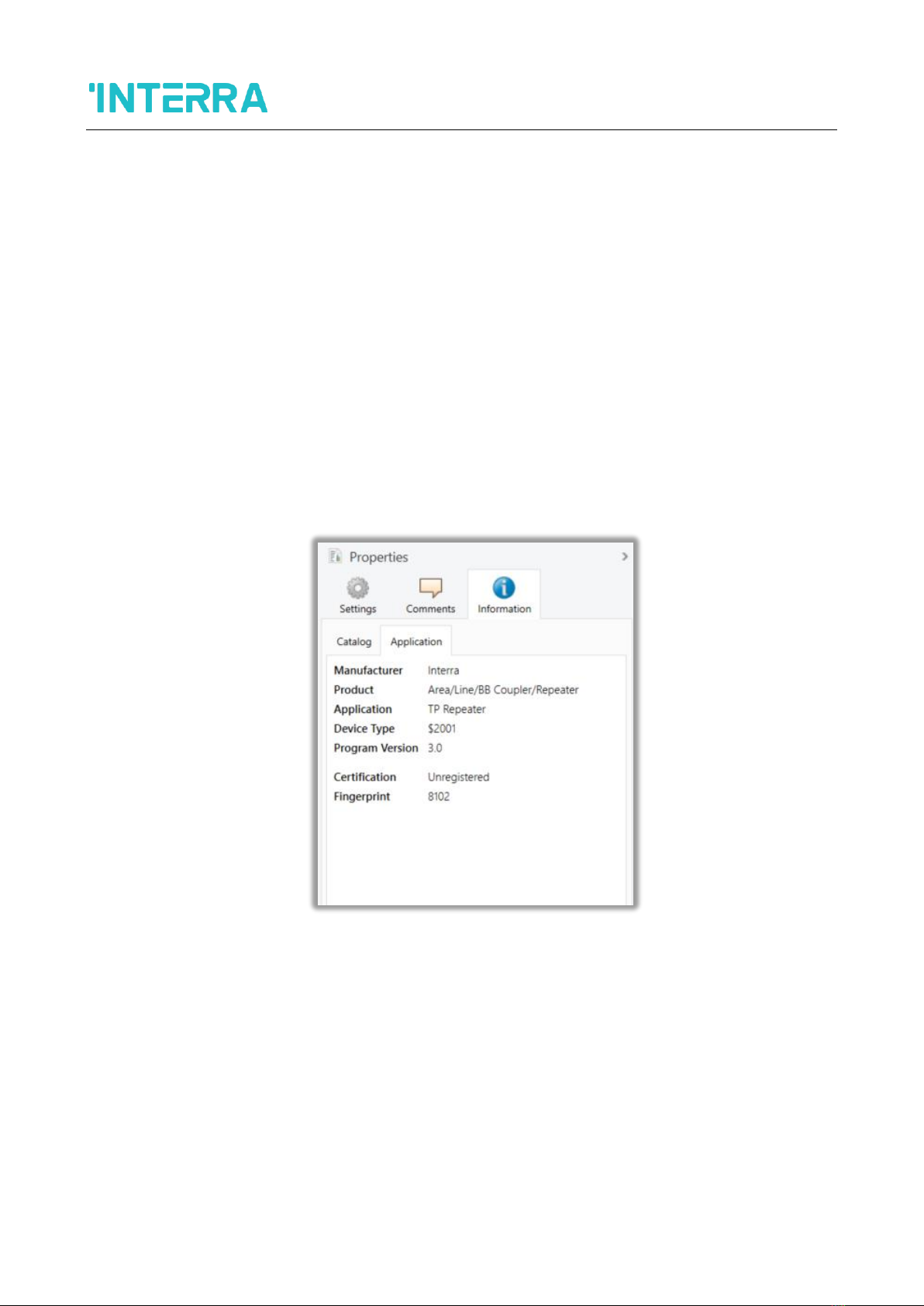
2.2) TP Repeater Application........................................................................................................................... 10
2.3) KNX Network Installation ......................................................................................................................... 11
2.3.1) Physical Address Topology .................................................................................................................... 11
2.3.2) KNX Topology ........................................................................................................................................ 12
2.4) Programming............................................................................................................................................ 13
2.4.1) Programming Button............................................................................................................................. 13
2.4.2) Physical Address Assignment ................................................................................................................ 13
2.5) Special Functions...................................................................................................................................... 14
2.5.1) Manual Function ................................................................................................................................... 14
2.5.2) Restore Factory Settings........................................................................................................................ 14
2.5.3) LED Status Display ................................................................................................................................. 14
3.1) General..................................................................................................................................................... 15
3.2) Main Line.................................................................................................................................................. 16
3.3) Subline...................................................................................................................................................... 17
4.1) General..................................................................................................................................................... 19
4.2) Main Line.................................................................................................................................................. 19
4.3) Subline...................................................................................................................................................... 20
5.) TECHNICAL DRAWINGS .............................................................................................................................. 22