manuals.online logo
Brands
  1. Home
  2. •
  3. Brands
  4. •
  5. iPazzPort
  6. •
  7. Keyboard
  8. •
  9. iPazzPort Unisen KP-810-30B-R User manual

iPazzPort Unisen KP-810-30B-R User manual

Other iPazzPort Keyboard manuals
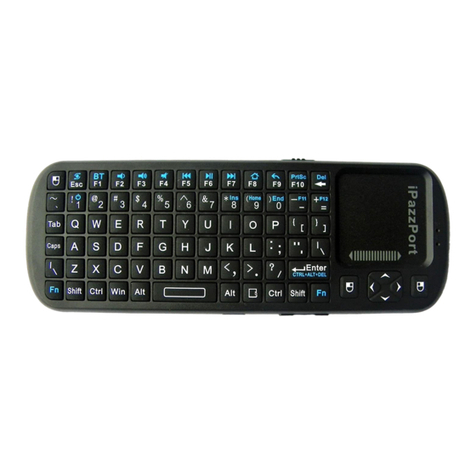
iPazzPort KP-810-05C User manual

iPazzPort

iPazzPort KP-810-05C User manual

iPazzPort KP-810-19BTT User manual

iPazzPort

iPazzPort KP-810-19BTT User manual
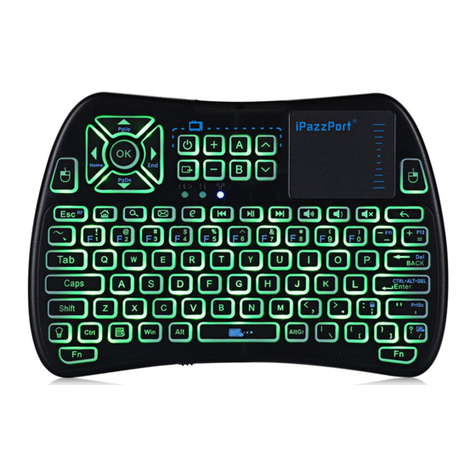
iPazzPort KP-810-21S User manual

iPazzPort

iPazzPort KP-810-21S User manual

iPazzPort KP-810 User manual

iPazzPort

iPazzPort KP-810 User manual

iPazzPort KP-810-21SDL-RGB User manual

iPazzPort

iPazzPort KP-810-21SDL-RGB User manual

iPazzPort KP-810-30K User manual

iPazzPort

iPazzPort KP-810-30K User manual

iPazzPort KP-810-10-BTT User manual

iPazzPort

iPazzPort KP-810-10-BTT User manual

iPazzPort KP-810-21TL User manual

iPazzPort

iPazzPort KP-810-21TL User manual

iPazzPort Unisen KP-810-56 User manual

iPazzPort

iPazzPort Unisen KP-810-56 User manual

iPazzPort KP-810-30B User manual

iPazzPort

iPazzPort KP-810-30B User manual

iPazzPort KP-810-30B User manual

iPazzPort

iPazzPort KP-810-30B User manual

iPazzPort Unisen KP-810-19S User manual

iPazzPort

iPazzPort Unisen KP-810-19S User manual

iPazzPort KP-810-21S User manual

iPazzPort

iPazzPort KP-810-21S User manual

iPazzPort KP-810-21BTL User manual

iPazzPort

iPazzPort KP-810-21BTL User manual

iPazzPort KP-810-25 User manual

iPazzPort

iPazzPort KP-810-25 User manual

iPazzPort KP-810-55BT User manual

iPazzPort

iPazzPort KP-810-55BT User manual

iPazzPort KP-810-61 User manual

iPazzPort

iPazzPort KP-810-61 User manual
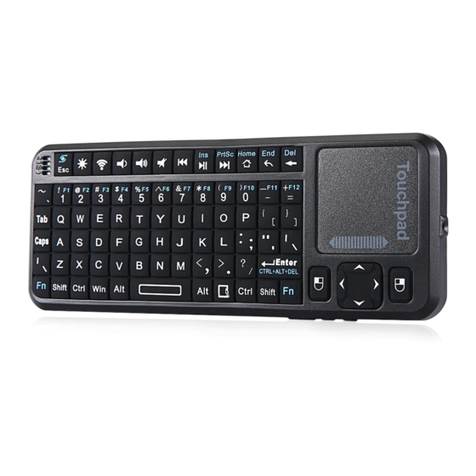
iPazzPort KP-810-21BTL User manual

iPazzPort

iPazzPort KP-810-21BTL User manual

iPazzPort KP-810-27R User manual

iPazzPort

iPazzPort KP-810-27R User manual

iPazzPort KP-810-10-BTT User manual

iPazzPort

iPazzPort KP-810-10-BTT User manual

iPazzPort KP-810-16BR User manual

iPazzPort

iPazzPort KP-810-16BR User manual
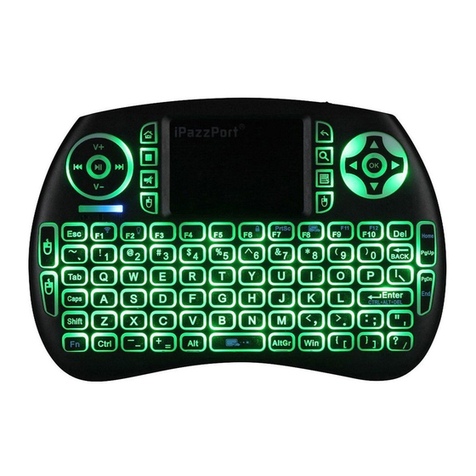
iPazzPort KP-810-09 User manual

iPazzPort

iPazzPort KP-810-09 User manual

iPazzPort KP-810-19SAC User manual

iPazzPort

iPazzPort KP-810-19SAC User manual

iPazzPort KP-810-18R User manual

iPazzPort

iPazzPort KP-810-18R User manual
Popular Keyboard manuals by other brands

Man & Machine Really Cool + user guide

Man & Machine

Man & Machine Really Cool + user guide

SteelSeries APEX PRO TKL Product information guide

SteelSeries

SteelSeries APEX PRO TKL Product information guide

Vortexgear POK3R user manual

Vortexgear

Vortexgear POK3R user manual

Logitech RUGGED LITE quick start guide

Logitech

Logitech RUGGED LITE quick start guide

Honeywell ADEMCO 5839 Installation and setup guide

Honeywell

Honeywell ADEMCO 5839 Installation and setup guide

PROZIS EZ user manual

PROZIS

PROZIS EZ user manual

Hama AK-120 Operating	 instruction

Hama

Hama AK-120 Operating instruction

Rodgers RK-76 owner's manual

Rodgers

Rodgers RK-76 owner's manual

Logic Controls KB5000 Series user manual

Logic Controls

Logic Controls KB5000 Series user manual

Rapoo E9270P quick start guide

Rapoo

Rapoo E9270P quick start guide

AbleNet Chester Creek USB Keyboard quick start guide

AbleNet

AbleNet Chester Creek USB Keyboard quick start guide

iKey DP-88 Specifications

iKey

iKey DP-88 Specifications

Logitech G413 TKL SE Complete Setup Guide

Logitech

Logitech G413 TKL SE Complete Setup Guide

Ultimate Technology 500 POS user guide

Ultimate Technology

Ultimate Technology 500 POS user guide

Mace MACALLY MERGOKEY user guide

Mace

Mace MACALLY MERGOKEY user guide

iKey KYB-42-KIOSK Specifications

iKey

iKey KYB-42-KIOSK Specifications

Akko MX108 user manual

Akko

Akko MX108 user manual

Viper V770 user manual

Viper

Viper V770 user manual

manuals.online logo
manuals.online logoBrands
  • About & Mission
  • Contact us
  • Privacy Policy
  • Terms and Conditions

Copyright 2025 Manuals.Online. All Rights Reserved.

User manual
www.iPazzPort.com
Email: support@iPazzPort.com
Video tutorial on YouTube: iPazzPortfans
1.Basic info
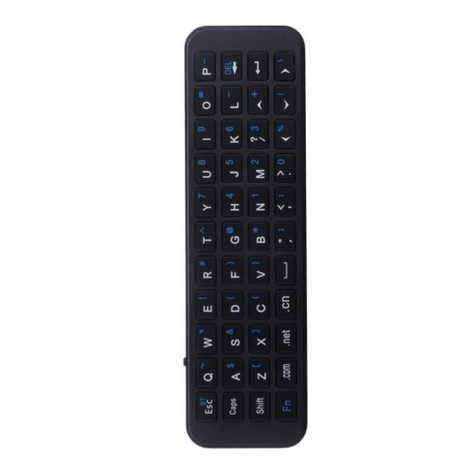
It’s customized for Fire Stick and Fire TV series,
connect with devices via built-in bluetooth;
Silicone sleeve is provided to hold voice remote;
Multi media buttons for video navigation;
Backlit for dark room;
Rechargeable lithium-ion battery.
2 Specifications:
Bluetooth connection(Not provide bluetooth dongle);
10m;
Power Supply: rechargeable li-ion battery
Battery voltage:3.7V
Working voltage: 3.3V
Physical Parameter:
: 155X46X15mm
Weight: 71.5g
.
Work range: up to
-Size
-
5.Kindly noted:
-Fire stick remote is not provided;
-Text input can’t work with few APP (Hulu/Hbo Now),
as their system only support screen virtual
keyboard text input.
6. What’s in package:
-Bluetooth keyboard
-User manual
-Charging cable
1
1
1
3.Charge keyboard
-The included usb cable for charging, doesn’t include
adapter(DC 5V) in package;
-Low voltage: orange led light is flashing, need to
get charged;
-Get fully charged after 3-4 hours.
4.Turn on/off the Backlit
-Hit the bulb button to turn on/off backlit;
-Turn off it to save power when not in use.
Power switch
Charging Port
1.The blue characters: press “Fn”and the target key to get them;
2.The confirm operation: Enter or Space bar key;
3.After connect with device, do not press Fn+Shift combo key to disconnect;
4.Return operation: Fn+Back key or
Space bar
Previous
Play/Pause
Next Track
Search
HOME
Return
Menu
Backlit
How to connect with Fire Stick or Fire TV?
1)Connect your device with tv;
2)Find the bluetooth function on Fire Stick/Fire TV and search new device with your remote;
(Settings-Controllers&Bluetooth Devices-Other Bluetooth Devices-Add Bluetooth Devices)
3)Turn keyboard on, long press FN and Shift key till blue LED flash, then release them;
4)“iPazzPort Bluetooth” signal will display on screen,click it with your remote to get pair, after seconds,
“Device Connected” display on screen, completed.
Note:
“iPazzPort Bluetooth”doesn’t display on tv screen,check the blue led light on keyboard is still flash;
Click the“iPazzPort Bluetooth”signal and fail to connect,need to remove the existing bluetooth
records on your device and have a try again. (Device only support limited bluetooth connection)
Search "ipazzportfans channel”on youtube to get the video tutorial
Search “ ” to get electronic manualwww.ipazzport.com/support/user-manual/
1.Why fail to connect this keyboard with my devices?
1)Make sure the keyboard and Fire Stick is in
effective range;
2)Make sure the keyboard is not in low voltage.
2 Why lost connection between them?
1)Charge the keyboard to get enough power;
2)Pair keyboard with your devices again.
3.
.
Can keyboard control multiple devices?
No, this keyboard only work with one bluetooth device
at the same time, if connect with another device, the
previous connection will be lost and need to connect
them again.
4.APP can’t support this keyboard to input text?
Few APP, such as Hulu/ Hbo Now can’t support the
keyboard text input, because the system is not opened
for peripheral,only support screen virtual keyboard.
FAQ Warranty and Support :
1)All iPazzPort products get 12 months warranty
and 2 months return/refund;
2) Any product issues, please contact email
support@ipazzport.com to get our service;
3)Follow iPazzPort facebook page @iPazzPortFans
to get the latest product info and deals;
4) Trade-in program
Contact email to get
the chance to join in our trade-in program,
you could get the updated new product by
exchanging the old product.
support@ipazzport.com