649 Dean Street Albury NSW 2640 - ABN 64 151 110 753
Station Name Program
•Press TRANS/PGM button
•Dial 7 4 (or 0 7 1 from system attendant + Station Number)
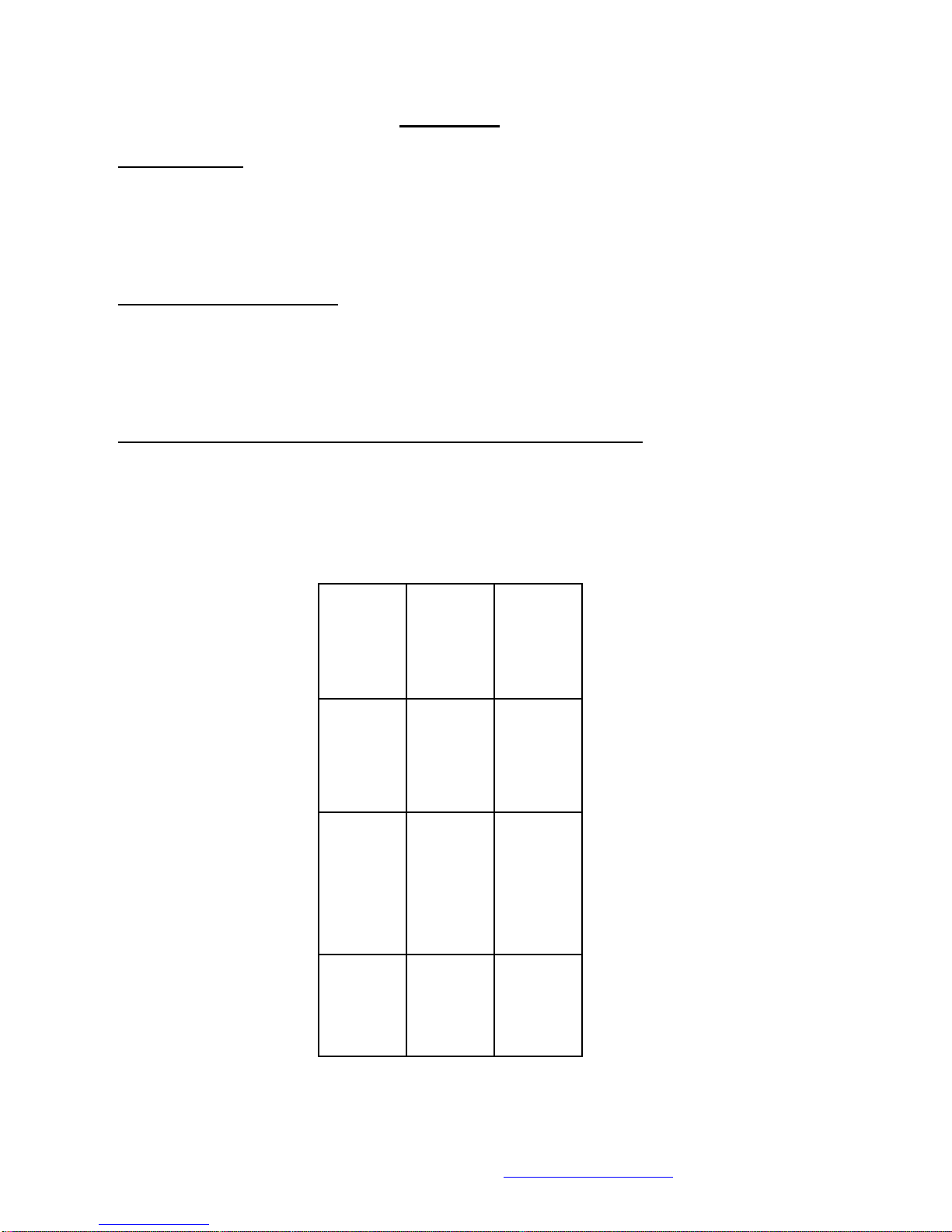
•Enter in Station name label using number chart on last page
•Press HOLD/SAVE button when done
Global Station Name Program (System Attendant Only)
•Press TRANS/PGM button•
•Dial 0 7 1
•Enter the station number you are programming
•Enter in Station name label using number chart on last page
•Press HOLD/SAVE button when done
Use SPEED Dial by name and Station Name
•Press DIR button
•Select corresponding number for the Phone Book
1. Private Directory
2. Public Directory
3. View Station Name Select Name
Press SEND button
Music (On & Off)
•Press TRANS/PGM button •
•Dial 7 3
•Select background music channel by dialling 0-3 (Usually 1 for Music on
•Hold source, 0 turns music off)
•Press HOLD/SAVE button
Making a Conference Call
•Dial first party
•Press CONF button
•Press next party (line or extension)
•Continue above steps until all parties are connected
•Press CONF button twice to commence conference call
#Note you must have a CONF button programmed. Number of members are limited to the
number of exchange lines on the system. All lines used are tied up for the duration of the
Conference call.
Change Headset/Speaker Mode
•Press TRANS/PGM button •
•Dial 6 1 (Change Speaker key to headset key)
•Select 1 (on) or 0 (off)
•Press HOLD/SAVE or OK button
•If headset jack on the side press MENU & dial 2 5
•Scroll up or down the set on or off
•Press HOLD/SAVE or OK button