Pairing, and switching on and off
Pairing the Iqua Street headphones with your
phone:
Before you start, make sure that your phone has
Bluetooth turned on.
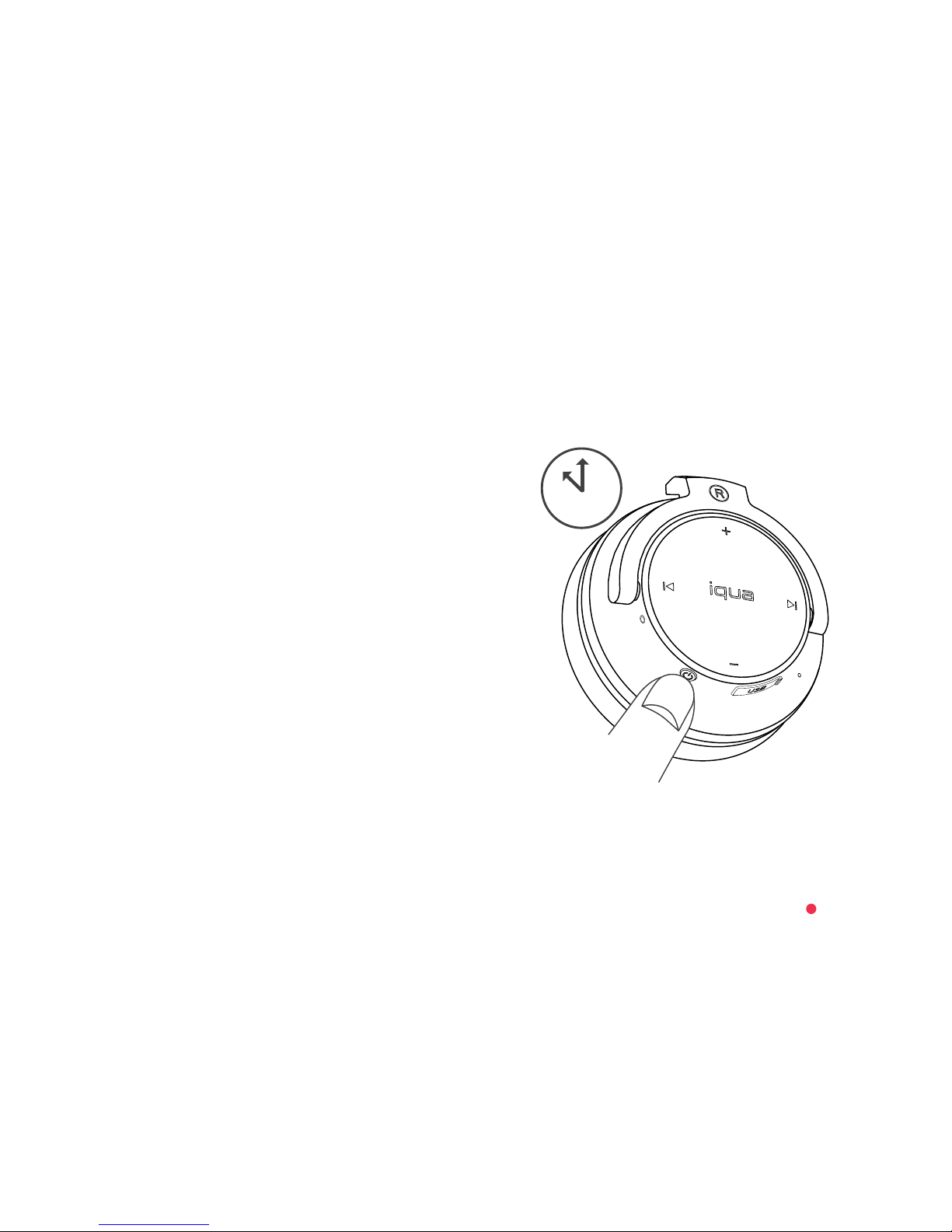
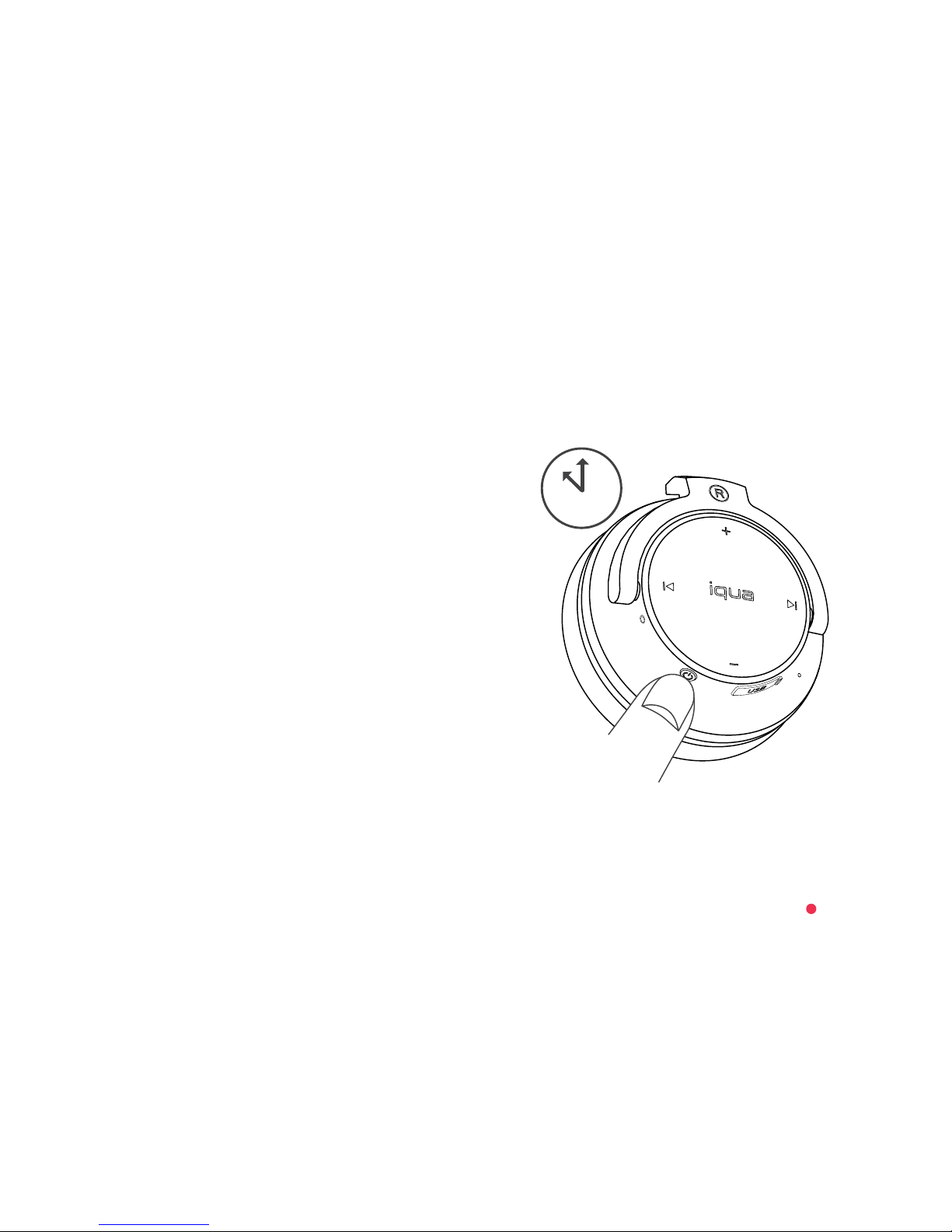
1. With your Iqua Street headphones, go straight to
the pairing mode by pressing the
Power/Multifunction button for over 8 seconds.
An audio notification and alternate flashing of the
red and blue indicator lights will show that the
pairing mode has been activated.
2. In your phone, search for Bluetooth devices and
select “Iqua Street”.
3. Once connected, you will hear an audio notification
and the blue indicator light will flash 3 times every
4 seconds.
For more detailed instructions on how to pair the Iqua
Street headphones with your phone, see the instructions
provided with your phone.
If your phone requires a pairing code, it is 0000.
4.2
8s