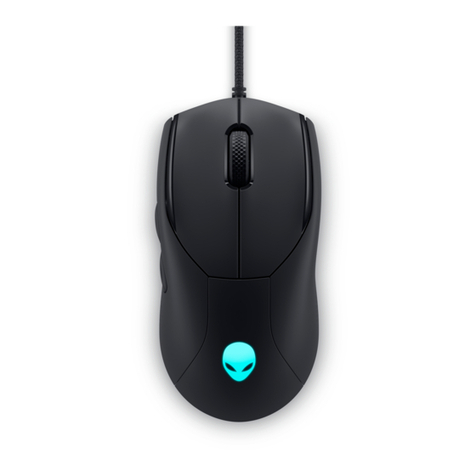
Wireless Bluetooth Mouse User’s Guide
Thanks for purchasing this 1000dpi Bluetooth Optical Mouse. This creative and easy-to-use
Bluetooth Mouse will bring you a whole new wireless life experience.
System Requirement
zMouse compatible with standard Microsoft Mode.
zIBM compatible PCs running Windows Operating System which supports USB devices.
zIf your computer don't have built in Bluetooth function, please make sure that you have the
Bluetooth Dongle. Bluetooth Dongle is not included in this product.
Before you Begin
zKeep this Installation Guide for future reference! It contains important Troubleshooting
Information.
zKeep your old PS/2 mouse as a back-up device.
Getting Started
Congratulations on your purchase of a 1000dpi Bluetooth Optical Mouse, especially for a display
at 1024*768 or higher. It has a double operation speed and only requires 1/4 space, compared with
a 400dpi mouse.
Main Features
zUse Broadcom 2042 Chipset with wireless Bluetooth 2.0 interface
zUse Agilent’s 5030 optical IC, with 1000DPI optical resolution as minimum
zFeatures comfortable, ergonomic design
zUnique super energy saving mode, battery life longer than similar products by 50% to a
maximum period of 12 months
zCome with particular power managing software, indicates the power capacity in Microsoft
Windows System automatically
zUse the Bluetooth industry leading software solutions, WIDCOMM BTW (Microsoft
officially designated software) Bluetooth software
zBuilt-in software solutions with Bluetooth human interface device and comply with the
standard version of the Bluetooth SIG Bluetooth 2.0
zWork with Windows 98, ME, 2000, Server 2003, XP and Vista
zAAA alkaline battery x2
zFrequency band: 2.4 - 2.4835GHz unlicensed ISM band
zReceiving sensitivity: -75bm (standard)
zRF output power: up to 4bm as maximum, good for your health with lowest radiates
zOperation distance: 10m
zOperating temperature: -10~55°C
zWorkable environment: 0-55°C
zHumidity: 20%-50%