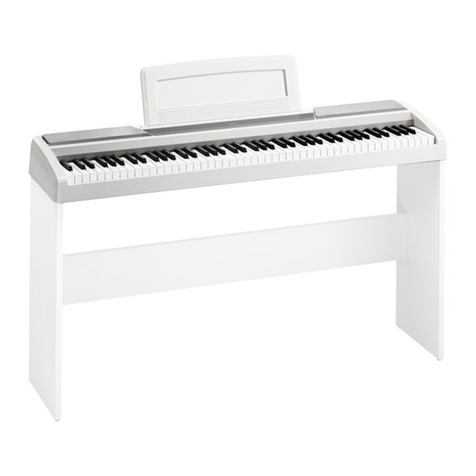
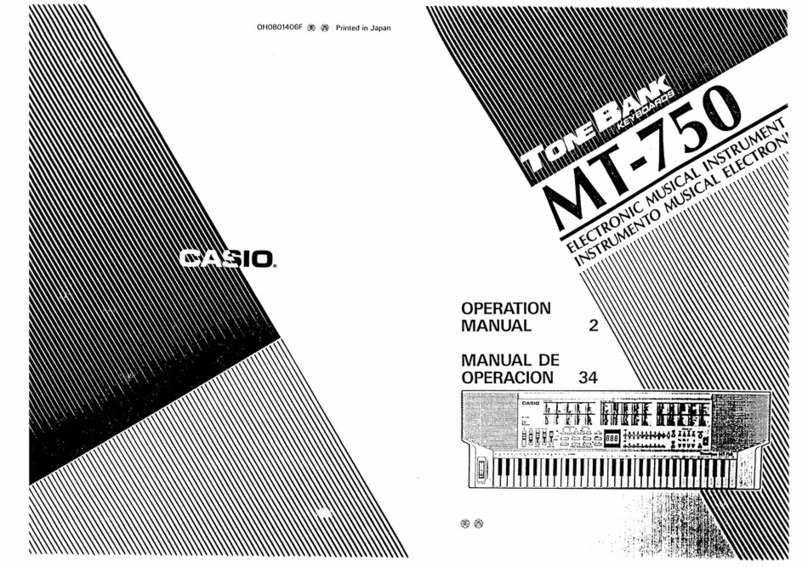
88Keys INSTRUCTION MANUAL
Press this key to enter recording mode and it displays “FUL” when the
recording is full
Press this key to play the recording voice.
Press this key to play the recording voice.
Press the desired number to select 000-027 timbre and rhythm
Press this key to adjust the volume up and down
Press this key to realize drum playing in the keyboard
The function is used together with rhythm performance; It will enter into
chord rhythm accompaniment automatically as long as press any keys of
A1~D3 area.
The function is used together with rhythm performance; It will enter into
chord rhythm accompaniment automatically as long as press any 2 or 3
keys of A1~D3 area.
Press this key, and then press any keyboard on piano, it will enter into
rhythm accompaniment automatically, playing freely with rhythm.
Press this keys to select the Tone, rhythm and demo
Tempo: Press Tempo Up or Tempo Down to enter Tempo mode. There are 240 sections,
range of Tempo is 30-300, and the default is 120. When playing a song, a priority will be given
to the Tempo of the song instead of the default value. When playing rhythm, will give priority to
the setup Tempo. Press Tempo Up or Tempo Down more than one second to increase
Chord: In normal rhythm state and chord function isn’t activated, the black and white keys A1-
F#4 are normal tones; when chord function is activated, the black and white keys A1- F#4 are
Programming: Press the key to enter programming mode, and send out the sound of the
metronome, the default speed is 120. Can record drumbeat that be sent out. On the
Programming mode, only drumbeats is effective. If play notes, only make sounds but do not
record notes. Maximum number of records is 128, exceeds this number, and cannot record