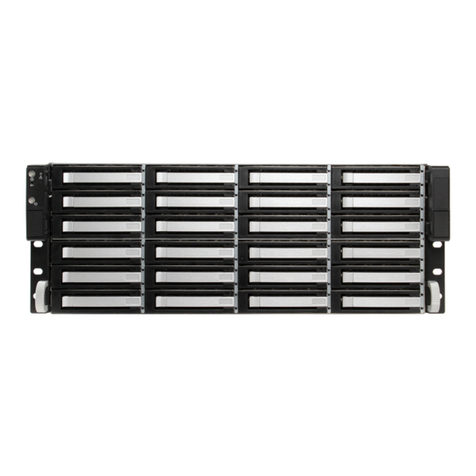
A standard drive tray installation order simplifies support and is strongly recommended:
•SSD drives for SLOG, if present
•SSD drives for L2ARC, if present
•Hard drives or SSD drives for data storage
Install the first drive tray in the front left drive bay. Install the next drive tray to the right of the first. Install remaining drive
trays to the right across the row. After a row is filled with drives, move back to the next row and start again with the left bay.
A label on the front left of the lid identifies the preferred order of drive connection.
Press the blue button to open the latch. Lower the drive tray into a drive bay until the latch begins to move into place. Push
the latch the rest of the way until it locks into place.
1.5 ES60 Cable Managment Arm
The included cable management arm (CMA) is not required for operation. If desired, the CMA can be used to help organize
the ES60 power and data cables.
The tabs along the side of the flex housing can be unclipped from the top, the bottom, or removed entirely.
6