EnglishDeutsch
 logo
Brands
  1. Home
  2. •
  3. Brands
  4. •
  5. JLab Audio
  6. •
  7. Headphones
  8. •
  9. JLab Audio JBUDS AIR PLAY User manual

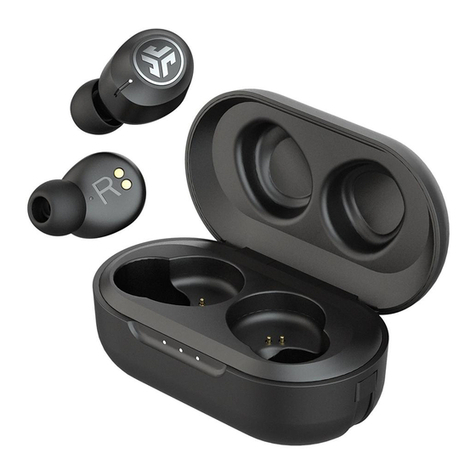
JLab Audio JBUDS AIR PLAY User manual

Other JLab Audio Headphones manuals

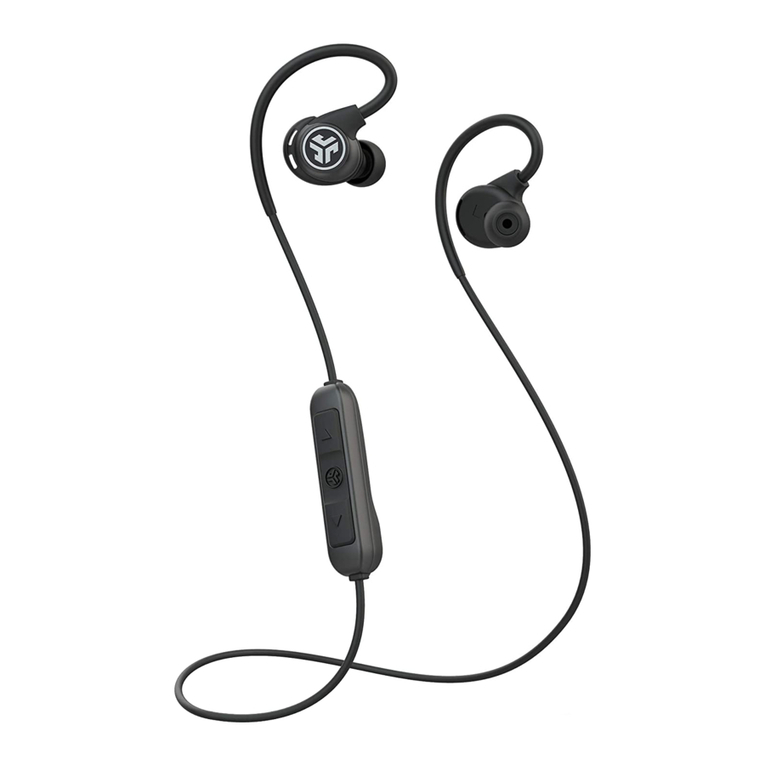
JLab Audio FIT SPORT 3 User manual

JLab Audio

JLab Audio FIT SPORT 3 User manual

JLab Audio JBUDS AIR User manual

JLab Audio

JLab Audio JBUDS AIR User manual

JLab Audio NEON User manual

JLab Audio

JLab Audio NEON User manual

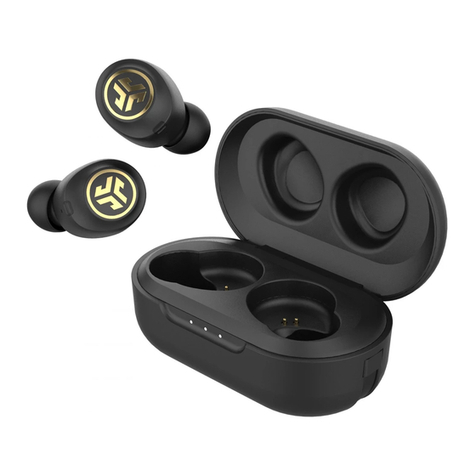
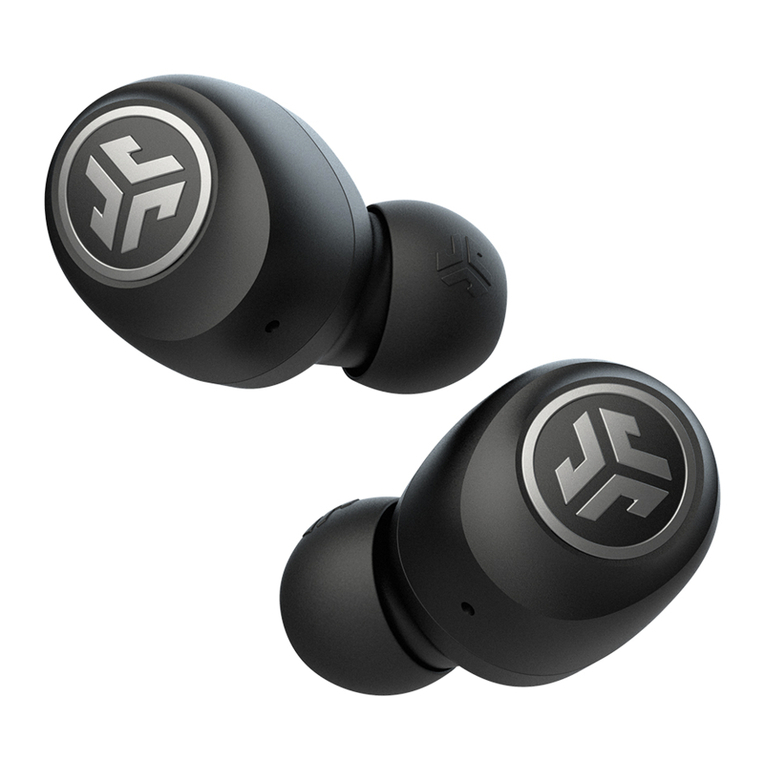
JLab Audio GO AIR User manual

JLab Audio

JLab Audio GO AIR User manual

JLab Audio JBUDS 2 User manual

JLab Audio

JLab Audio JBUDS 2 User manual

JLab Audio JBuddies Studio User manual

JLab Audio

JLab Audio JBuddies Studio User manual

JLab Audio EPIC SPORT User manual

JLab Audio

JLab Audio EPIC SPORT User manual

JLab Audio FIT SPORT 3 User manual

JLab Audio

JLab Audio FIT SPORT 3 User manual

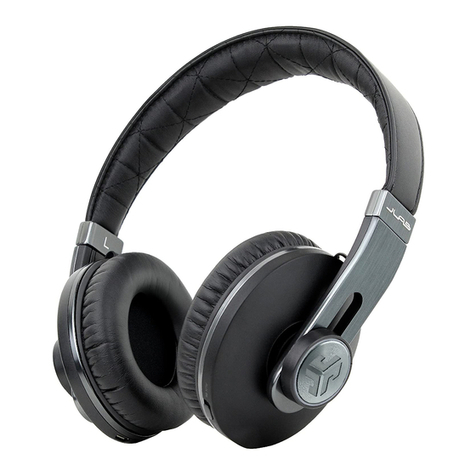
JLab Audio OMNI User manual

JLab Audio

JLab Audio OMNI User manual

JLab Audio GRAVITY User manual

JLab Audio

JLab Audio GRAVITY User manual

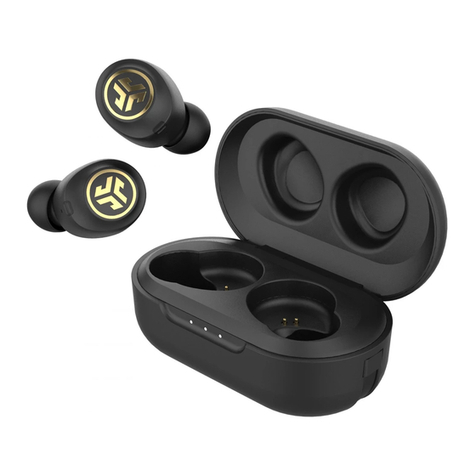
JLab Audio JBUDS AIR ICON User manual

JLab Audio

JLab Audio JBUDS AIR ICON User manual

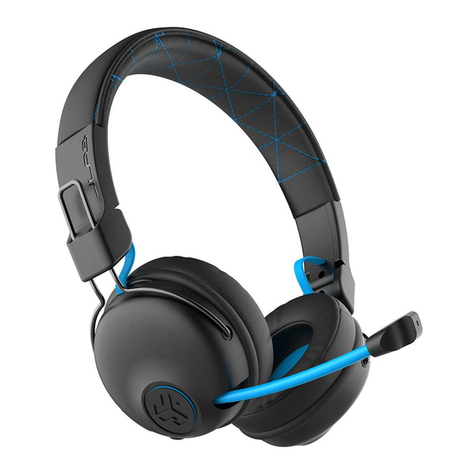
JLab Audio PLAY User manual

JLab Audio

JLab Audio PLAY User manual

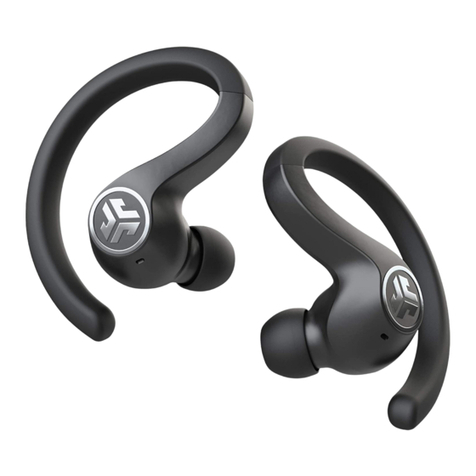
JLab Audio JBUDS AIR SPORT User manual

JLab Audio

JLab Audio JBUDS AIR SPORT User manual

JLab Audio FLEX SPORT User manual

JLab Audio

JLab Audio FLEX SPORT User manual

JLab Audio GO AIR User manual

JLab Audio

JLab Audio GO AIR User manual

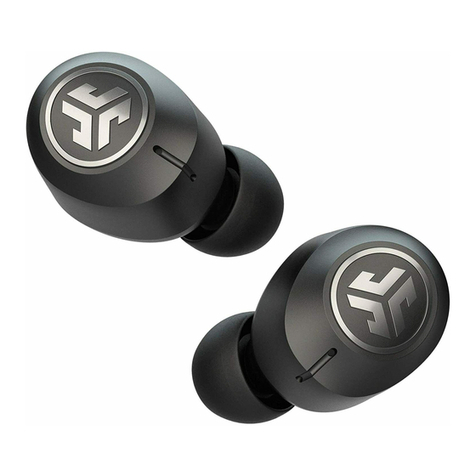
JLab Audio JBUDS AIR ANC User manual

JLab Audio

JLab Audio JBUDS AIR ANC User manual

JLab Audio JBUDS AIR ICON User manual

JLab Audio

JLab Audio JBUDS AIR ICON User manual

JLab Audio EPIC AIR ANC User manual

JLab Audio

JLab Audio EPIC AIR ANC User manual

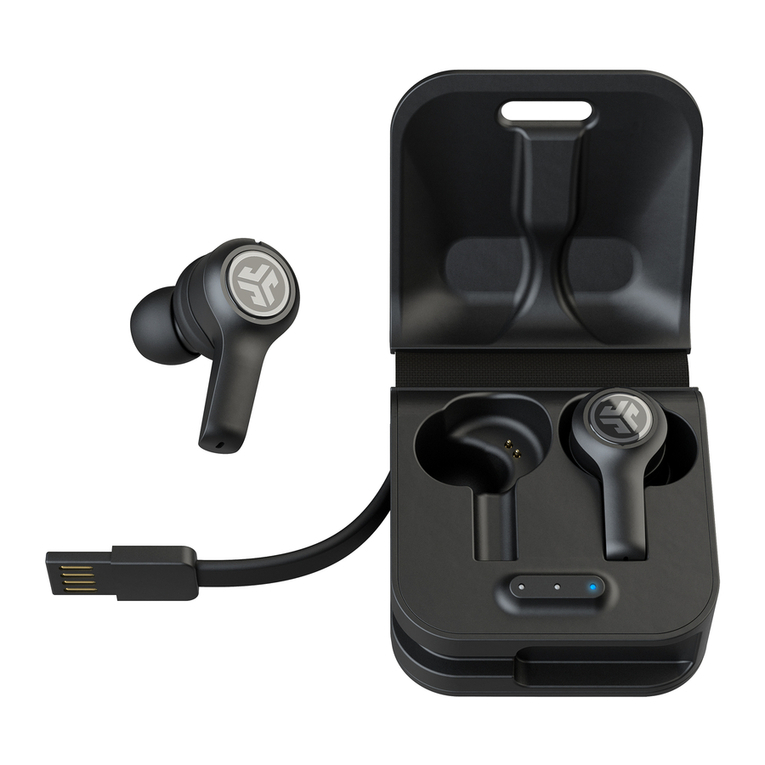
JLab Audio JBuds Air Executive User manual

JLab Audio

JLab Audio JBuds Air Executive User manual

JLab Audio EPIC EXECUTIVE User manual

JLab Audio

JLab Audio EPIC EXECUTIVE User manual

JLab Audio EPIC AIR ANC User manual

JLab Audio

JLab Audio EPIC AIR ANC User manual

JLab Audio EPIC AIR SPORT ANC User manual

JLab Audio

JLab Audio EPIC AIR SPORT ANC User manual

JLab Audio EPIC AIR ANC User manual

JLab Audio

JLab Audio EPIC AIR ANC User manual

JLab Audio JBuds Pro User manual

JLab Audio

JLab Audio JBuds Pro User manual

Popular Headphones manuals by other brands

Panasonic RP-WF810 null

Panasonic

Panasonic RP-WF810 null

Sony MDR-NC8 Specifications

Sony

Sony MDR-NC8 Specifications

AUSounds AU-Stream quick start guide

AUSounds

AUSounds AU-Stream quick start guide

ENERGY SISTEM Style 7 user manual

ENERGY SISTEM

ENERGY SISTEM Style 7 user manual

Philips SHE3622 Specifications

Philips

Philips SHE3622 Specifications

Insignia NS-CAHBTSPORT quick start guide

Insignia

Insignia NS-CAHBTSPORT quick start guide

Movie Vision HP-400 Operation manual

Movie Vision

Movie Vision HP-400 Operation manual

MobiFren SM Pro user guide

MobiFren

MobiFren SM Pro user guide

Motorola solutions PMLN8120 user manual

Motorola solutions

Motorola solutions PMLN8120 user manual

Jaybird freedom Faq

Jaybird

Jaybird freedom Faq

Sony MDR-ED12LP manual

Sony

Sony MDR-ED12LP manual

HiFuture Tidy Buds Pro user manual

HiFuture

HiFuture Tidy Buds Pro user manual

Creative CB2530 user guide

Creative

Creative CB2530 user guide

Renkforce RF FTVK-100 operating instructions

Renkforce

Renkforce RF FTVK-100 operating instructions

Philips SHQ3000 Specifications

Philips

Philips SHQ3000 Specifications

Sennheiser 500371 instruction manual

Sennheiser

Sennheiser 500371 instruction manual

Califone 2924AV Specifications

Califone

Califone 2924AV Specifications

Philips EARGEAR HE205 Series Specifications

Philips

Philips EARGEAR HE205 Series Specifications

https://manuals.online logo
https://manuals.online logoBrands
  • About & Mission
  • Contact us
  • Privacy Policy
  • Terms and Conditions

Copyright 2026 Manuals.Online. All Rights Reserved.

JBUDS AIR PLAY
EARBUDS
AUTO-CONNECTING EARBUDS
A. Take earbuds out of the charging case and remove stickers.
B. Press and hold both touch sensors 3+ seconds to turn ON.
One earbud turns solid white and the other earbud blinks blue/white
indicating ready to pair to your device.
FIRST TIME SETUP
1CONNECTING TO BLUETOOTH
Select “JLab JBuds Air Play” in your device settings.
Voice prompt “Bluetooth connected” followed by
solid white lights will indicate you are connected.
2
Bluetooth
Settings
JLab JBuds Air Play
ADDING NEW /ADDITIONAL BLUETOOTH DEVICES:
Turn OFF Bluetooth from any previously connected device. Turn ON Bluetooth from new device. Take earbuds out of the case.
Earbuds will automatically enter Bluetooth Pairing. Select “JLab JBuds Air Play” in device settings to connect.
A. B.
Press and hold 3+ secondsRemove stickers
C
U
S
T
O
M
E
R
S
U
P
P
O
R
T
U
.
S
.
B
A
S
E
D
We love that you are rocking JLab Audio!
We take pride in our products and fully stand behind them.
YOUR WARRANTY
All warranty claims are subject to JLab Audio
authorization and at our sole discretion. Retain your
proof of purchase to ensure warranty coverage.
CONTACT US
Reach out to us at [email protected]
or visit jlabaudio.com/contact
L
I
M
I
T
E
D
T
W
O
Y
E
A
R
REGISTER TODAY
jlabaudio.com/register
Product updates | How-to tips
FAQs & more
IN THE BOX
EARBUDS
LEFT
TOUCH
SENSOR
RIGHT
TOUCH
SENSOR
INDICATOR LIGHTS CHARGING CASE
USB CHARGE INPUT
CHARGE INDICATOR LIGHTS
EARTIPS
Cloud Foam
S M L
Placing the earbuds in the charging case
will power OFF earbuds and start charging.
Blue lights indicate earbuds are charging
and will turn off when fully charged.
When earbuds are taken out of the case,
they will auto power ON and reconnect to
your device.
VOLUME DOWN: Single tap
SIRI (iOS) or “OK GOOGLE”
(ANDROID): Double tap
SWITCH MUSIC /GAMING MODE:
Press & hold 1+ sec
EQ CHANGE: Triple tap
(Cycles through 3 EQ settings)
POWER ON: Press & hold 3+ sec
VOLUME UP: Single tap
PLAY / PAUSE: Double tap
TRACK FORWARD: Press & hold 1+ sec
ANSWER: Single tap
HANGUP: Double tap
REJECT INCOMING CALLS:
Press & hold 1+ sec
BE AWARE MODE ON / OFF: Triple tap
POWER ON: Press & hold 3+ sec
VOICE PROMPTS
“Hello”: Power ON
“Earbuds joined”:
Earbuds paired to each other
“Ready to Pair”: JBuds Air Play are
ready to pair to Bluetooth device
“Bluetooth Connected”:
Earbud is connected to device
“Battery Full”: 100-75%
“Battery Medium”: 75-25%
“Low Battery”: Less than 25%
When power decreases to 10%,
“Low Battery” will play
“Goodbye”: Power OFF
BUTTON FUNCTIONS
Triple tap left earbud for different EQ settings. Voice prompts will indicate EQ settings (JBuds Air Play will cycle 3 EQ settings)
EQUALIZER MODES
JLab SIGNATURE
JLab C3™ signature
sound with amplified
bass and vocals
BALANCED
Even sound with
no additional
enhancements
BASS BOOST
Amplified bass
and sub-bass
CHARGING EARBUDS CHARGING CASE
RIGHT EARBUD
CHARGING
LEFT EARBUD
CHARGING
Lights pulse white when
charging and turn solid white
when fully charged.
Connect the JBuds Air Play to computer
or USB 5V 1A (or less) output device.
LEFT
TOUCH
SENSOR
RIGHT
TOUCH
SENSOR
1
2
TURN OFF EARBUDS WITHOUT CHARGING CASE:
Enter your Bluetooth device settings and disconnect the JBuds Air Play. Earbuds will power OFF after 3 minutes.
OR
Try the optional Cush Fins and all
ear tips for best fit and proper seal.
FITTING
• Fully dry off the earbuds before putting in the charging case.
• The left or right earbud can be used independently for music and
phone calls. Simply choose one and take out of the case to connect.
• Choosing the correct ear tip makes a significant improvement in audio
quality due to the proper seal for the driver. Test all ear tips for best
results.
• Only ONE Bluetooth device can be connected at a time. Turn off
Bluetooth on unwanted devices and turn on Bluetooth on chosen
device to connect.
QUICK TIPS WARNING
CUSH FIN
EAR TIP
Place the earbud in
the ear canal and
slightly rotate to
adjust for best fit.
Fully dry off the earbuds before
placing in the charging case.
If the earbuds are damp or wet,
this will cause damage to the
charging case. The warranty will
be voided if the charging case
shows damage by water/sweat.
TROUBLESHOOTING
A
Bluetooth
Settings
JLab JBuds Air Executive i
Bluetooth
Settings
B
C1 C2
CONNECTION FAILURE OR EARBUDS DISCONNECTED FROM EACH OTHER
(MANUAL RESET)
BLUETOOTH DEVICE DOES NOT CONNECT/RECONNECT
Enter your Bluetooth device settings and forget the JBuds Air Play. Fig
1
Turn OFF then ON Bluetooth. Fig
2
1
2
Take the earbuds out of the case. Wait for one to turn solid white and
another to blink blue/white.
Select “JLab JBuds Air Play” in device settings to reconnect.
3
4
Enter your Bluetooth device settings and forget the JBuds Air Play. Fig
Open the charging case door and leave both earbuds inside. Starting with
ONE earbud, quickly tap the touch sensor 7x times. Light will blink blue
4x times then turn solid blue. Leave the earbuds in the charging case. Fig
Repeat with other earbud. Quickly tap the touch sensor 7x times.
Light will blink blue 4x times then turn solid blue. Fig
3
Take both earbuds out of the charging case and keep them within 2 inches from
each other. Wait for one earbud to turn solid white and another to blink blue/white.
You are now ready to pair to your Bluetooth device.
4
A
A
B
Instructional videos at: JLABAUDIO.COM/MANUALS
C1
C2

JLABAUDIO.COM
CAUTIONS
• Avoid extreme heat, cold, and humidity.
• Avoid dropping or crushing the earbuds.
• Wax may build up in the earbud tips, lowering the sound quality.
Carefully remove the wax with a cotton swab or other small tool to improve the sound quality.
• If you experience discomfort or pain, try lowering the volume or discontinuing use temporarily.
• If you experience regular discomfort while using this product, discontinue use and consult your physician.
• We recommend you treat your earbuds as you would a nice pair of sunglasses and keep them in safe location when not in use.
Shop products |Product alerts |Burn-in your headphones
JLab Audio + Burn-in Tool