
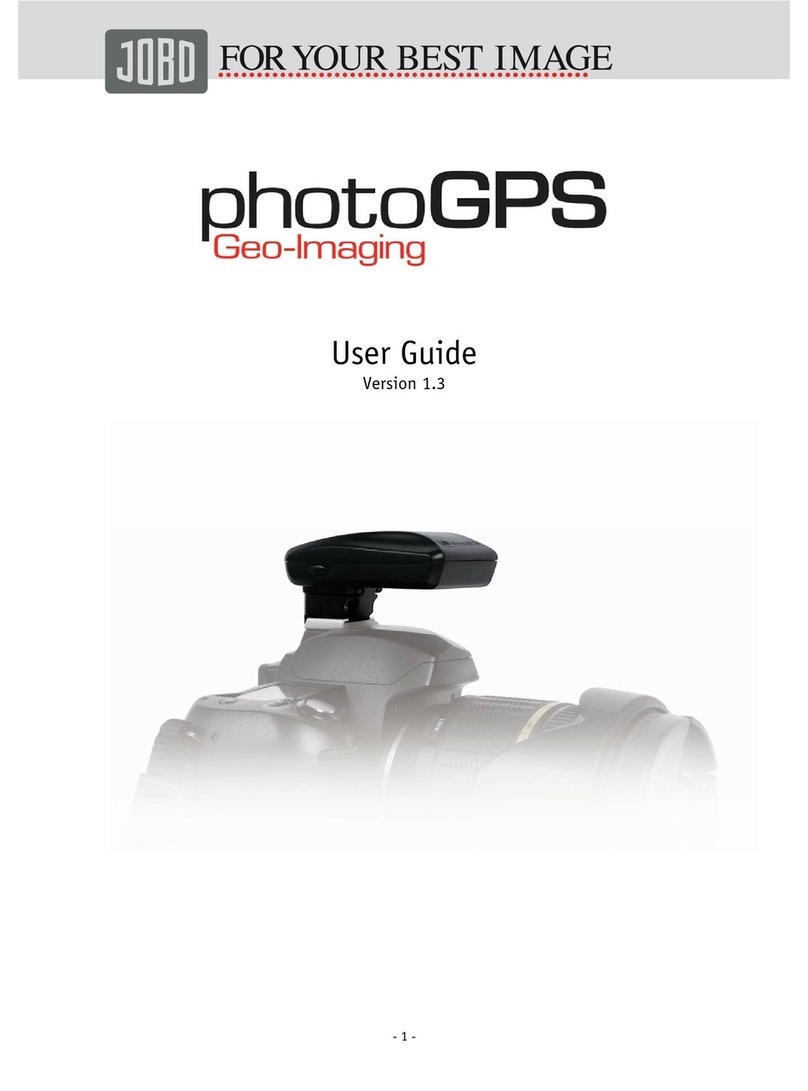
JOBO PHOTOGPS User manual

Capturing geo-data incl. actual address has never
been so simple!
Mount the JOBO photoGPS on your camera’s hot-shoe and capture the
geo-data of each picture by the click of your camera. The photoGPS
is immediately ready for use – it captures the corresponding geo-data
in less than one second! Moreover, it has a long battery life of sever-
al weeks due to particularly low power consumption.
Coordinate the geo-data and your pictures on the PC or laptop, using
the supplied software. In addition to the longitude and latitude, the
address – i.e. country, city, street and closest point of interest – is
captured in the image file. This enables you to search for specific
places, streets or POI without having to tag each picture individually.
Software is also included to organise, find and sort pictures.
• Recording time: approx. 0.2 sec
• Storage capacity: approx. 1 000 recorded locations
• Accuracy: approx. 10 m
• Geo-data: via Tele Atlas map material (country, city, street, POI)
• Camera connection: standard hot-shoe (ISO 518:2006)
• Supported file formats: JPEG, RAW with XMP sidecar file
• Power supply: internal rechargeable Li-poly battery (120 mAh);
battery charging: via USB 2.0
• Internal battery has very low power consumption, allowing it to
stay charged for several weeks (18 millijoules per picture)
• PC connection: USB 2.0
• GeoHint button allows you to store and save the last captured geo-
data even if you temporarily lose the geotagging signal.
• Supported operating systems: Windows XP (SP2) and Vista (SP1),
support for MAC systems available by year-end 2008
• Dimensions: 68 x 20 x 43 mm (excl. adapter); Weight: 80 g
JOBO AG · Kölner Str. 58 · 51645 Gummersbach · Tel.: 02261 / 545-0 · Fax: 02261 / 545-42 · Internet: www.jobo.com
JOBO AG US office · P.O. Box 87310 · Canton, MI 48187 USA · Ph: +1 (734) 453-0300 · Fax: +1 (734) 453-0303 · www.jobo-usa.com
11008 (79 647)
Standard
GPS logger*
JOBO
photoGPS
Capture of GPS coordinates
Longitude
Latitude
Height partially
Device characteristics
Cold start approx. 5 to 30 min 0,2 sec
Warm start approx. 30 to 120 sec 0,2 sec
Battery life 6 to 48 hours Approx. 4 weeks
Device attached on hot shoe (ideal positioning of
antenna)
Triggering the device 100% synchronous to shutter
release of your camera
Geo hint button, e.g. for indoor use
Translation of GPS data into Address
Address information
Country
City
Street
Points of Interest (POI) within a radius of up to 5 km
Software features
Very easy operating user interface (4 clicks for a
final result)
Matching by imaging sequence (setting exact time
is not necessary)
Selection of POI by category
Manual adding of POI data
Included countries for reverse geocoding 0 67
Included 3-year TeleAtlas license
Offline storage of position fixes partially
Adding copyright information to images partially
Manual tagging of image data
(via drag & drop) partially
View images on, e.g., Google Earth (creation of
KML files) partially
Image search options
Search images by country, city, street, POI, etc.
* e.g. SONY GPS-CS1KASP, HOLUX M-241, WINTEC WBT-201

Revolutionize your picture archiving!
Capture geo-data
On the spot when you release the
shutter − Take images as usual,
just with attached photoGPS
Matching
of GPS and address data with your
images on your computer with enclosed
photoGPS software
Search, sort and organize
all pictures by country, city, street
or nearest point of interest
POI: Tower Bridge
Street: Tower Bridge Road
City: London SE1
Country: United Kingdom
Matching software:
Translation and
tagging of photos
with real address
(country, city, street, POI)
Organizer software:
Finding and sorting
images by using the real
address data such as street,
city or time.
Technology Partner Geodata based on
Other manuals for PHOTOGPS
1
This manual suits for next models
1
Other JOBO Camera Accessories manuals

Popular Camera Accessories manuals by other brands

Viltrox
Viltrox EF-NEX Mount instructions

Calumet
Calumet 7100 Series CK7114 operating instructions

Ropox
Ropox 4Single Series User manual and installation instructions

Cambo
Cambo Wide DS Digital Series Main operating instructions

Samsung
Samsung SHG-120 Specification sheet

Ryobi
Ryobi BPL-1820 Owner's operating manual











