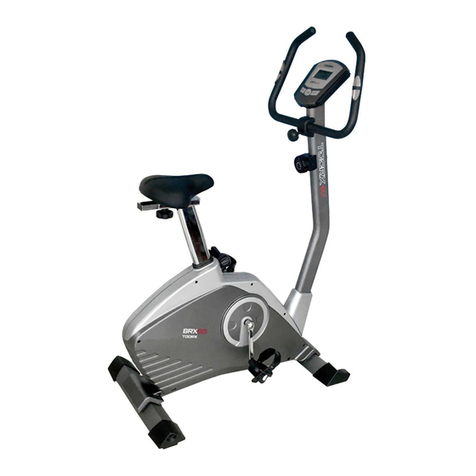
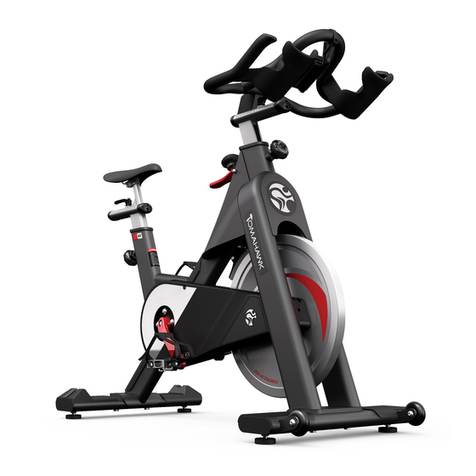
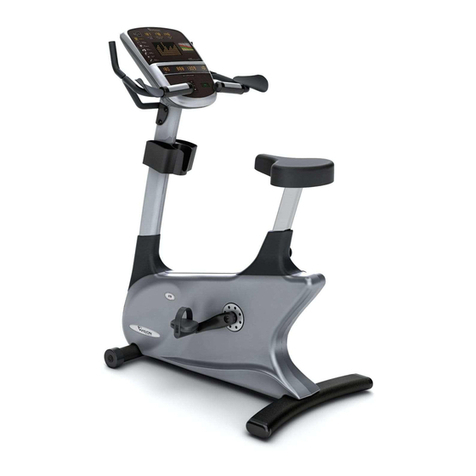
JOHNSON HEALTH TECH. Tempo FITNESS TP-U2050 User manual

MANUAL
MAGNETIC BIKE
TP-U2050
www.johnsonhealthtec
h.com.au
A brand of Johnson Health Tec
h
USER
MANUAL
www.johnsonhealthtec
h.com.au

150
330
www.johnsonhealthtec
h.com.au
www.johnsonhealthtec
h.com.au
www.johnsonhealthtec
h.com.au

www.johnsonhealthtec
h.com.au
www.johnsonhealthtec
h.com.au
www.johnsonhealthtec
h.com.au
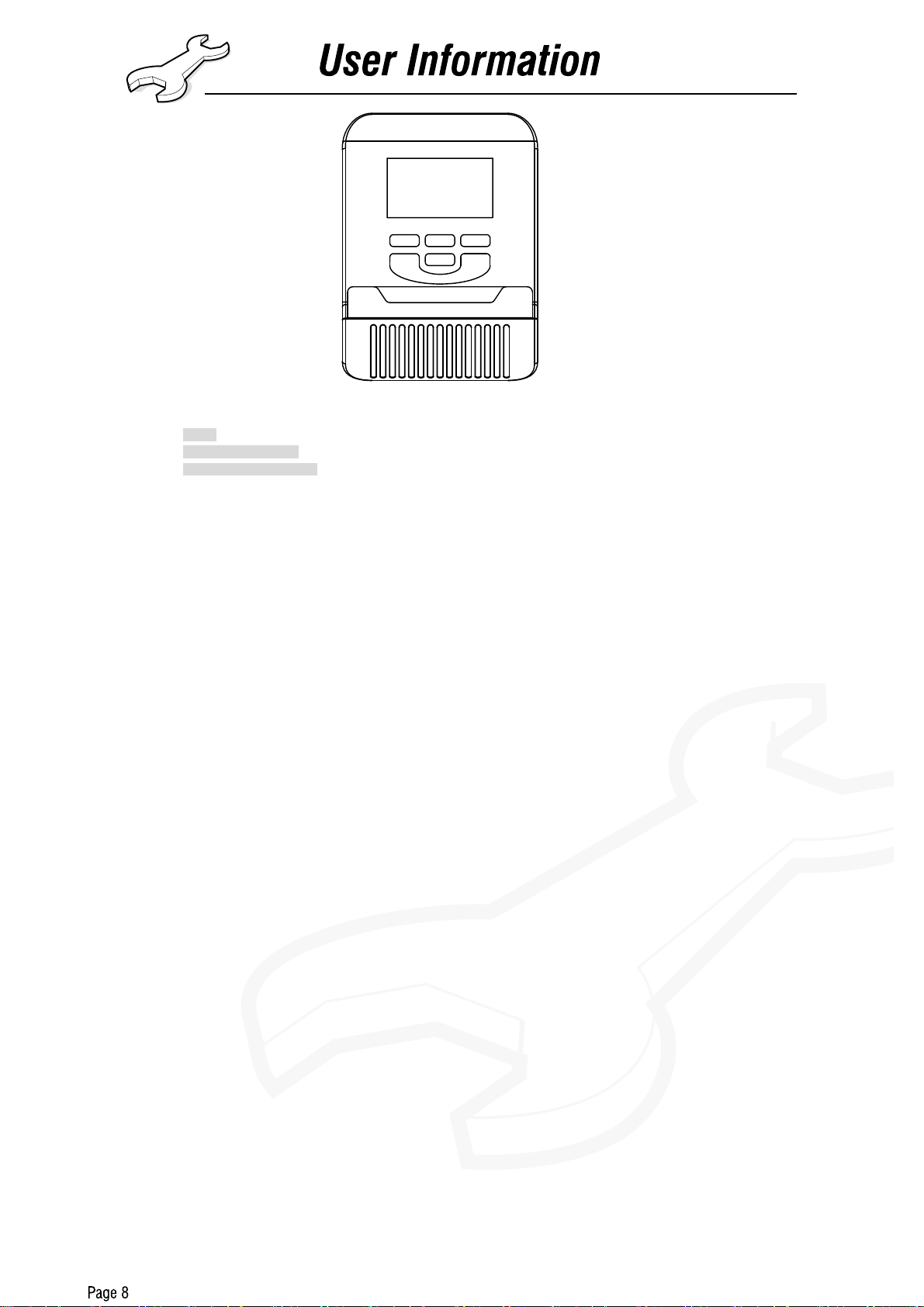
ST/SP
+ -
RECOVERY MODE ENTER
BUTTON:
1.BODY FAT:Press the key to enter your personal data before measure your body fat ratio.
2.MEASURE:Press the key to get your body fat ratio and BMI and BMR.
a. FAT %: Indicate your body fat percentage after measurement.
b. BMI (Body Mass Index): BMI is a measure of body fat based on height and weight that applies to both adult men and women.
c. BMR (Basal Metabolic Rate): Your Basal Metabolic Rate (BMR) shows the number of calories your body needs to operate.
This doesn’t account for any activity, it’s simply the energy needed to sustain a heartbeat, breathing and normal body
temperature. It measures the body at rest, not sleep, at room temperature.
3.UP:During the setting mode, press the key to increase the value of Time, Distance, Calories, Age, Weight, Height etc. and to select sex.
During the CLOCK mode, you can set up clock and alarm by this key.
4.DOWN:During the setting mode, press the key to decrease the value of Time, Distance, Calories, Age, Weight, Height etc. and to select
sex. During the CLOCK mode, you can set up clock and alarm by this key.
5.ENTER/RESET:
a. Press the key to accept the current data entry.
b. During the “NO SPEED” mode, by holding this key for over two seconds then the computer will re-power-on.
6.RECOVERY:Press this button to enter the fitness test if the pulse excess 72. The ranking of the test resolute is from F1 to F6.
FUNCTION:
1.SCAN:During the exercise stage, the computer will automatically scan the function of TIME, SPEED, DISTANCE, CALORIES
andPULSE per each for 6 seconds unless press the ENTER key to exit the auto-scan function. When the computer exits the
manual-scan then the message window will show “SCAN” for 2 seconds then switch to auto-scan function.
2.TIME:Shows your elapsed workout time in minutes and seconds. Your computer will automatically count up from 0:00 to 99:59 in one
second intervals. You many also program your computer to count down from a set value by using the UP and DOWN keys. If
you continue exercising once the time has reached 0:00, the computer will begin beeping, and reset itself to the original time set,
letting you know your workout is done.
3.SPEED:Displays your workout speed value in KM/MILE per hour. If no speed signal input then the computer will display “NO SPEED”
on the window.
4.DISTANCE:Displays the accumulative distance traveled during each workout up to a maximum of 99.9KM/MILE.
5.CAL:Your computer will estimate the cumulative calories burned at any given time during your workout.
6.PULSE:Your computer displays your pulse rate in beats per minute during your workout. If no pulse signal input hen the computer will
display “NO pulse” on the window.
7.BODY FAT:Display about body fat function (BMI,BMR,FAT% and so on).
8.PULSE RECOVERY:During the START stage, leave your hands holding on grips or leave the chest transmitter attached and then press
“PULSE RECOVERY” key time starts counting from 01:00 - 00:59 - - to 00:00. As soon as 00:00 is reached, the computer will
show your heart rate recovery status with the grade F1.0 to F6.0 and message window will show your workout situation. The
details as follows,
1.0 means OUSTANDING
1.0<F<2.0 means EXCELLENT
2.0≦F≦2.9 means GOOD
3.0≦F≦3.9 means FAIR
4.0≦F≦5.9 means BELOWAVERAGE
6.0 means POOR
9.TEMPERATURE:Display the current temperature.
10.Clock and Alarm Mode:Display the current time after 4 minutes without and signal input.During the Clock mode, you can set up clock
and alarm.During the any work mode, you can holding enter and up keys into this mode.
NOTE:
1. Stop exercise for 4 seconds, all functions stop working, heart rate function may still working if pulse sensor still on.
2. Computer automatically display the system clock after 4 minutes without any signal input.
3. Replace the batteries while the computer displays improperly.
4. Display temperature at room after the computer shut down.
www.johnsonhealthtech.com.au
www.johnsonhealthtec
h.com.au
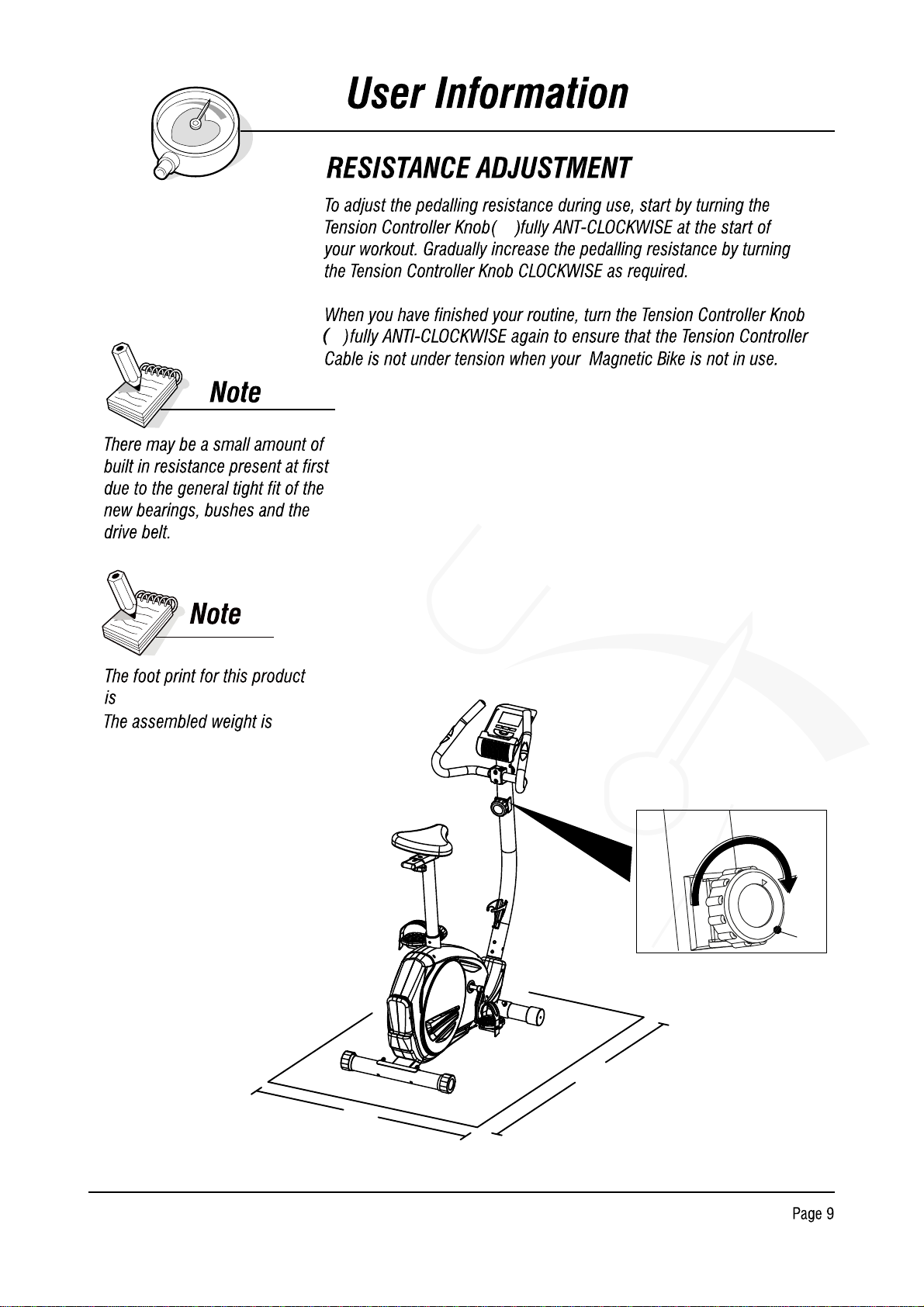
1000mm*550mm 25.8kgs
62
62
62
550mm
1000mm
www.johnsonhealthtech.com.au
www.johnsonhealthtech.com.au
www.johnsonhealthtec
h.com.au