manuals.online logo
Brands
  1. Home
  2. •
  3. Brands
  4. •
  5. JVC
  6. •
  7. Portable DVD Player
  8. •
  9. JVC XV-PY700A User manual

JVC XV-PY700A User manual

Other JVC Portable DVD Player manuals

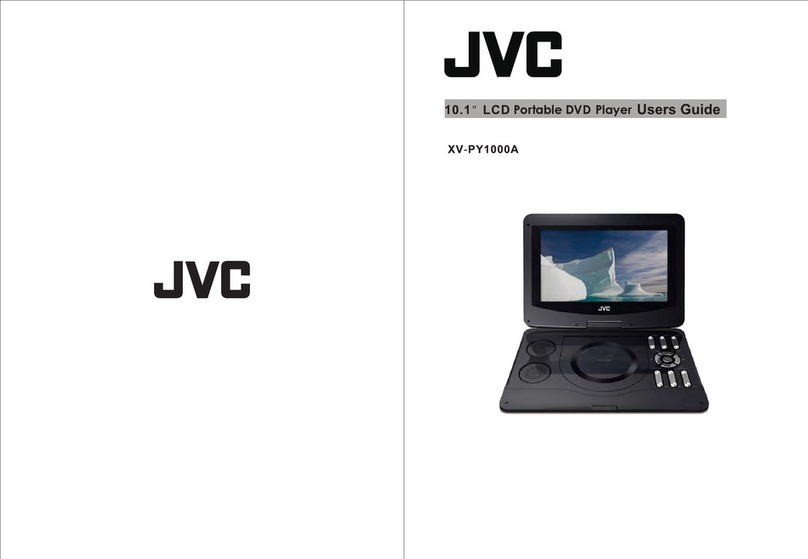
JVC XV-PY1000A User manual

JVC

JVC XV-PY1000A User manual

JVC MRD900 - KV - DVD Player User manual

JVC

JVC MRD900 - KV - DVD Player User manual

Popular Portable DVD Player manuals by other brands

Hyundai H-LCDVD901 instruction manual

Hyundai

Hyundai H-LCDVD901 instruction manual

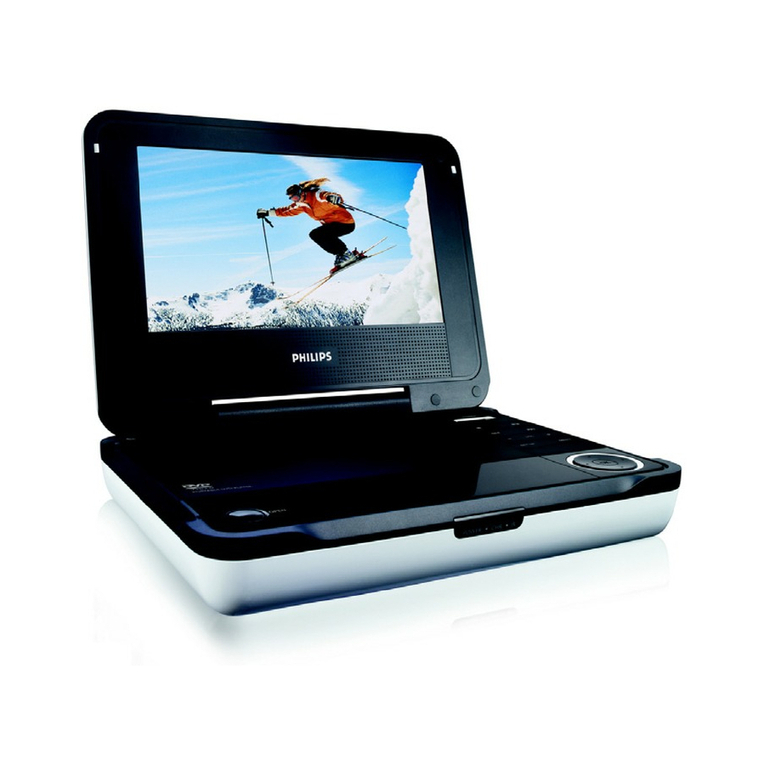
Philips PET718/77 user manual

Philips

Philips PET718/77 user manual

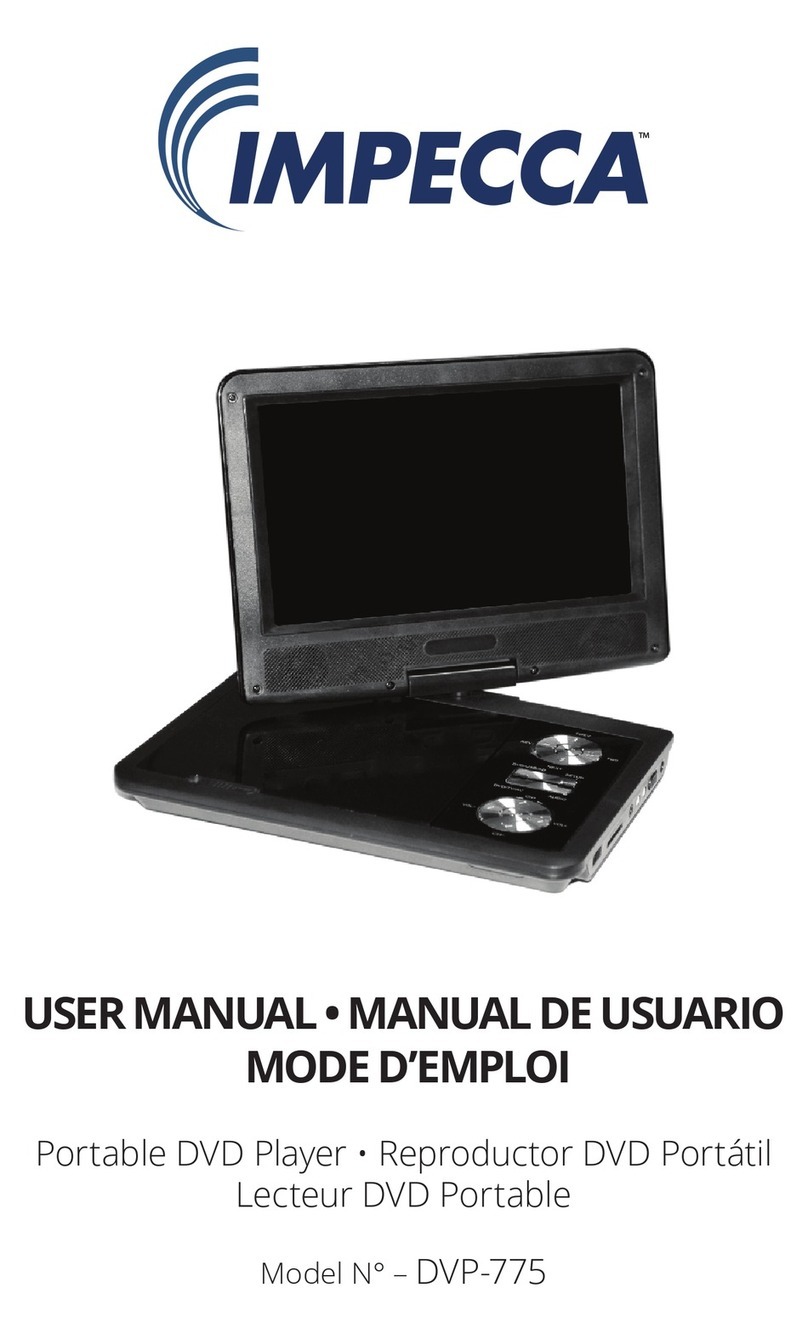
Impecca DVP775 user manual

Impecca

Impecca DVP775 user manual

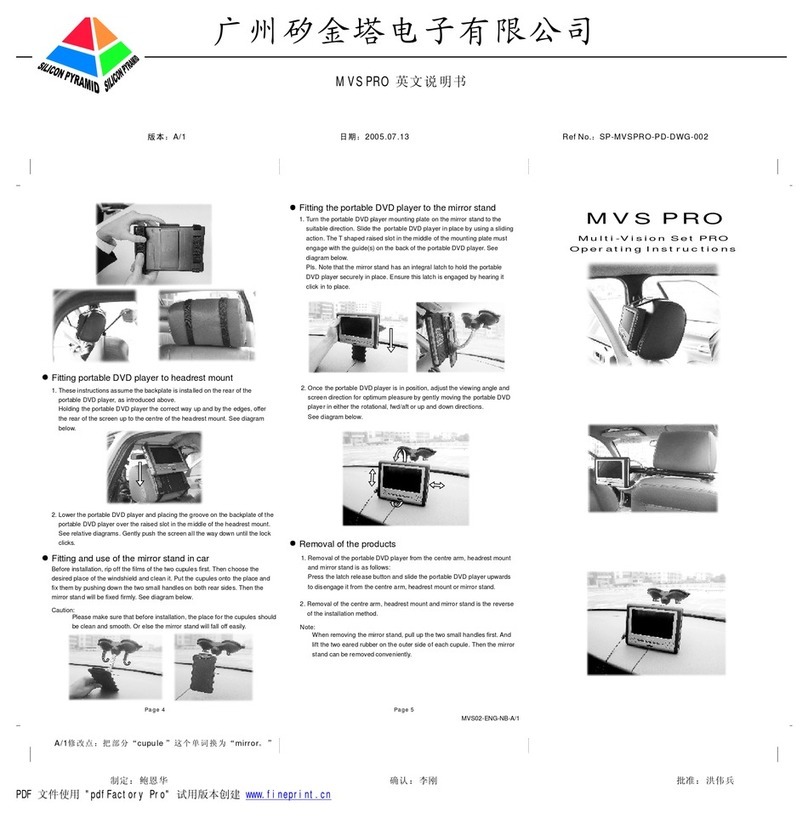
NextBase MULTI-VISION SET PRO manual

NextBase

NextBase MULTI-VISION SET PRO manual

TV Star TD3 LCD COMBO user manual

TV Star

TV Star TD3 LCD COMBO user manual

Philips PD7016 user manual

Philips

Philips PD7016 user manual

Akura APDVD6008 user manual

Akura

Akura APDVD6008 user manual

LENCO MES-202 operating manual

LENCO

LENCO MES-202 operating manual

Philips PET702P Specifications

Philips

Philips PET702P Specifications

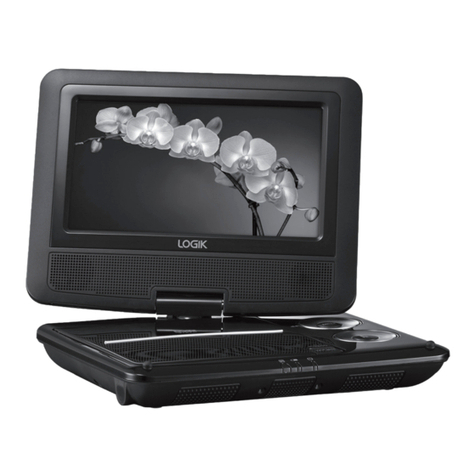
Logik L7SPDVD11 instruction manual

Logik

Logik L7SPDVD11 instruction manual

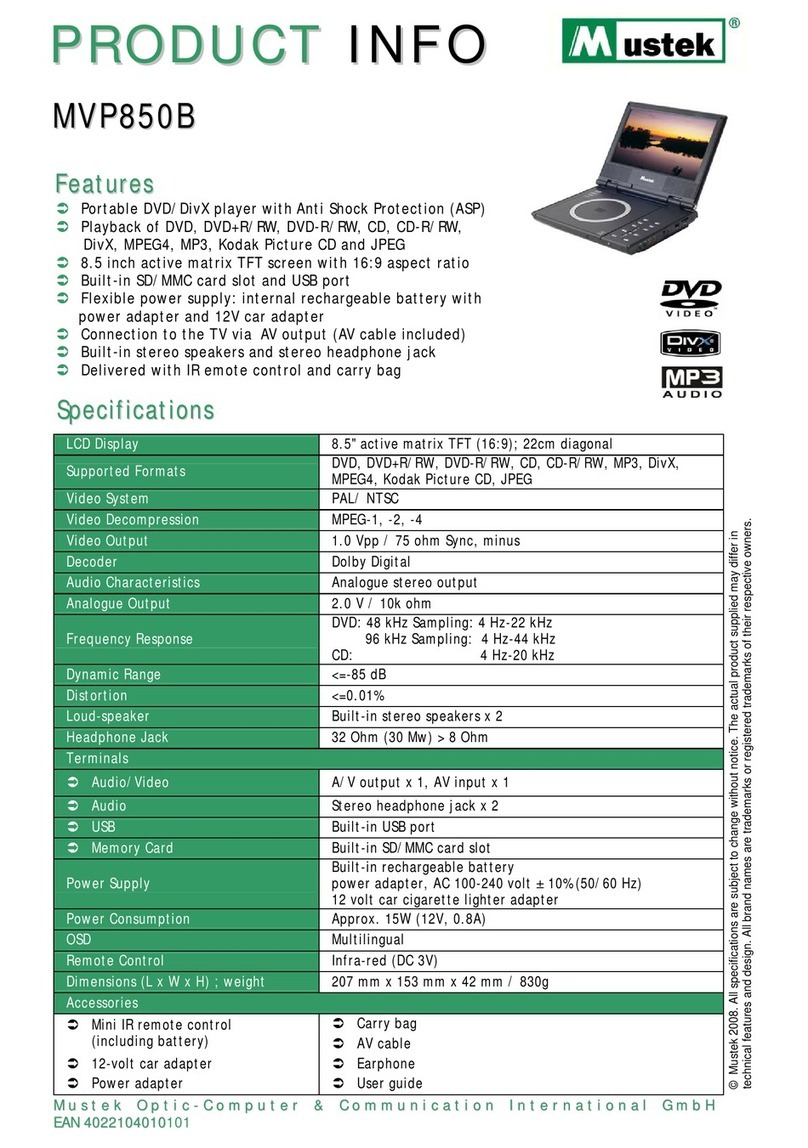
Mustek MVP850B user guide

Mustek

Mustek MVP850B user guide

Philips PET721D/98 user manual

Philips

Philips PET721D/98 user manual

LENCO DVP-928 user manual

LENCO

LENCO DVP-928 user manual
Philips PD9000/12 user manual
Philips

Philips PD9000/12 user manual
LENCO DVP-1027 instruction manual

LENCO

LENCO DVP-1027 instruction manual

Philips PD7010/05 user manual
Philips

Philips PD7010/05 user manual
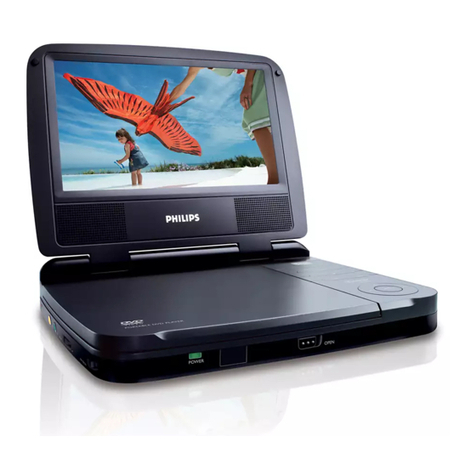
LENCO DVP-846 brochure

LENCO

LENCO DVP-846 brochure

Matsui PL617 user guide

Matsui

Matsui PL617 user guide

manuals.online logo
manuals.online logoBrands
  • About & Mission
  • Contact us
  • Privacy Policy
  • Terms and Conditions

Copyright 2025 Manuals.Online. All Rights Reserved.

XV-PY700A
12.
Net Weight 0.7 Kg
210X166X45mm
Battery runtime 2 hours
800x480
8
8
8
8
13
13
13
2
4
6
Note: this feature relies on the disc itself
being encoded with a rating.
TVDisplay
TVType
Press Mode key to switch between DISC/SD/USB mode and AV IN mode.
Remark: the volume will turn to initial value when you switch to another mode.
Mode:
MODE
Main Unit Remote Control AC Adapter
Earphones Car Adaptor RCA Cable
Supports USB/SD/MMC card 32GB Max (FAT32 format).
supports file formats VCD\SVCD\DVD\MP3\MP4\JPEG\HDCD\CDDA\WMA\CD-G\HDVD\
Kodak PICTURE CD\FLV in USB/SD/MMC memory device.
CARD
Turning Display ON/ OFF
Press 'Mute' button on the unit to mute the sound. Press again to restore sound.
Press 'LCD ON/OFF' button on the unit to turn the display ON/ OFF.
1. LCD ON/OFF
2. Mode
3. Setup
4. Menu
5. Arrow Left & Fast Reverse
6. Arrow Up/Prev
7. Arrow Right & Fast Forward
9. Arrow Down/Next
11. Play/Pause
10. Stop
12.Volume -
13. Volume +
8. Enter
LCD Screen