NORMAL DISC PLAY
lLoad a CD into the disc compartment, and close the compartment, the display will
show the total playing time and the total number of tracks on the CD.
lPress the CD Play/Pause button.
A track can be selected by using the CD Skip / Search buttons. If this is done before
pressing the Play/Pause button, disc play will start with the selected track
once the Play/ Pause button is pressed.
lAt the end of the disc, the unit will switch to stop mode
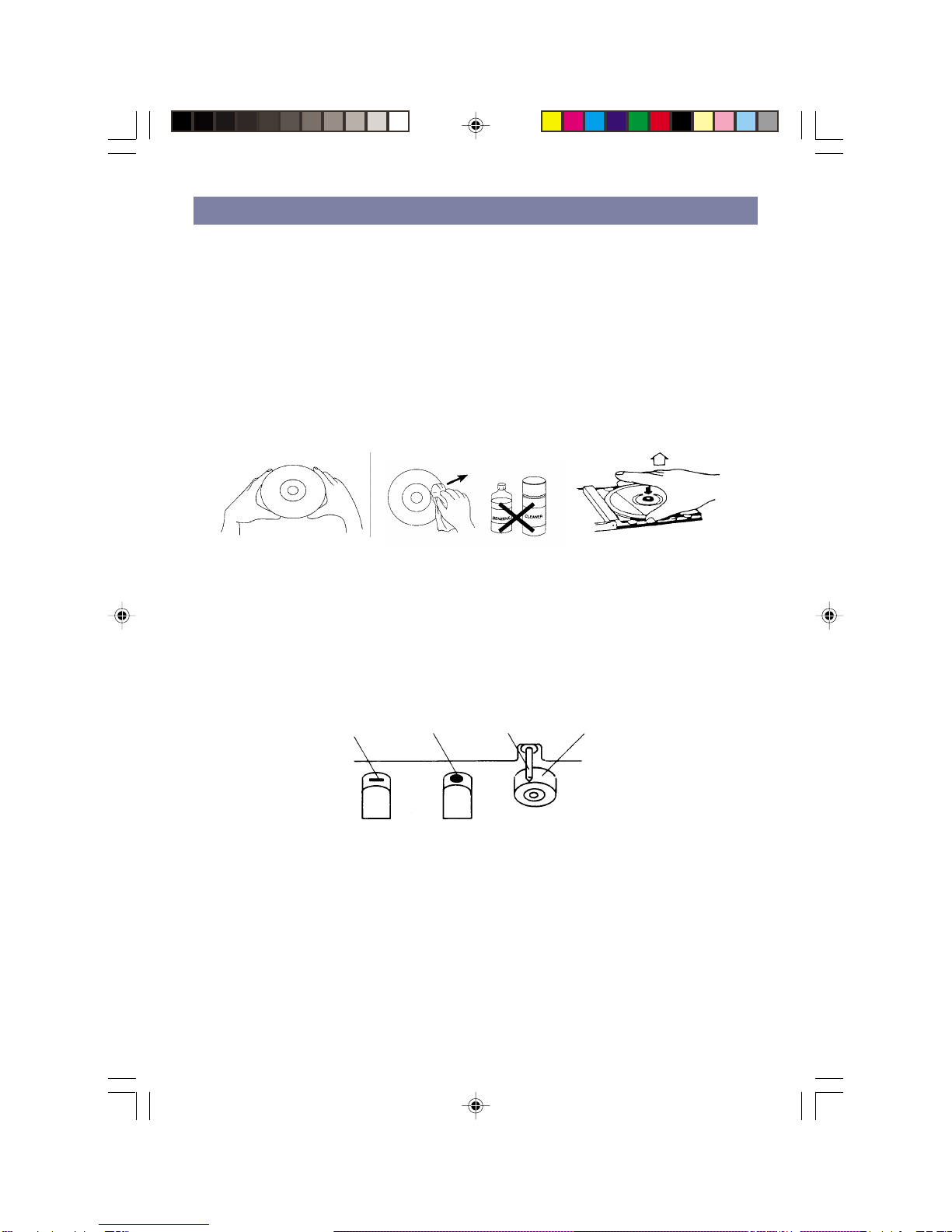
Notes: If the disc is deeply scratched, or too dirty, disc play may not start.
If an improperly centred disc is played, noise can be heard in the
mechanism. The use of such discs should be avoided.
IMPORTANT INFORMATION
This compact disc player has built-in error compensation circuits to correct for minor
defects in a disc. There are limits, however, to the amount of correction available.
In some cases, the CD player may skip some tracks on a disc during disc play. This
problem may be caused by defects (such as scratches) in the disc being played,
which are too large for the error compensation circuits to handle.
TO STOP A CD AT MID. WAY
lPress the Stop button. Disc play will stop.
lTo temporarily stop disc play (pause mode), press the Play/Pause button. Disc play
will stop at the current play position. The elapsed time will begin to flash.
lTo resume disc play, press the Play button again.
TRACK SKIP
STARTING DISC PLAY FROM THE BEGINNING OF APARTICULAR TRACK
lPress the Forward ( ) or Reverse ( ) Search/Skip button to select the desired
track. The number of the selected track will be shown on the CD display.
Press the Play button to start play.
TOSKIP TO THE NEXT TRACK
lFor example, to skip forward to the beginning of track 5 while track 4 is playing.
lPress the Forward Search/Skip button ( ) once. Disc play will start at the
beginning of track 5.
The CD player will skip forward to the next track each time the Forward Search/Skip
button ( ) is pressed. Repeatedly pressing the Forward Search/Skip button makes
the CD player skip forward through the disc track by track. Once the beginning of the
last track is reached the CD player will go to track 1.
TOSKIP BACK TO THE PREVIOUS TRACK
lFor example to skip back to the beginning of track 3 while track 4 is playing.
lPress the Reverse Search/Skip button ( ) twice. Disc play will start at the
beginning of track 3.
4
004AV1R.p65 2004/2/10, PM 04:074