ANTI-THEFT SECURITY PIN CODE
8. Another example pin code number is 7963.
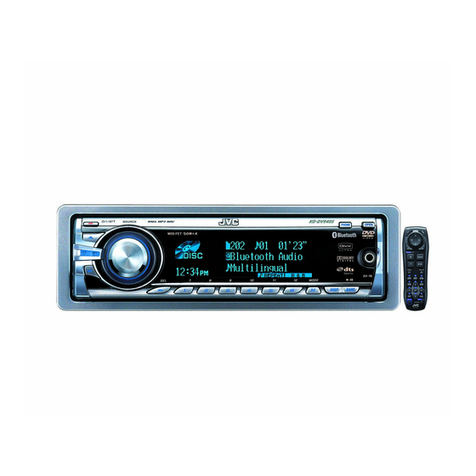
9. To enter pin code 7963 into your stereo, always follow these steps,
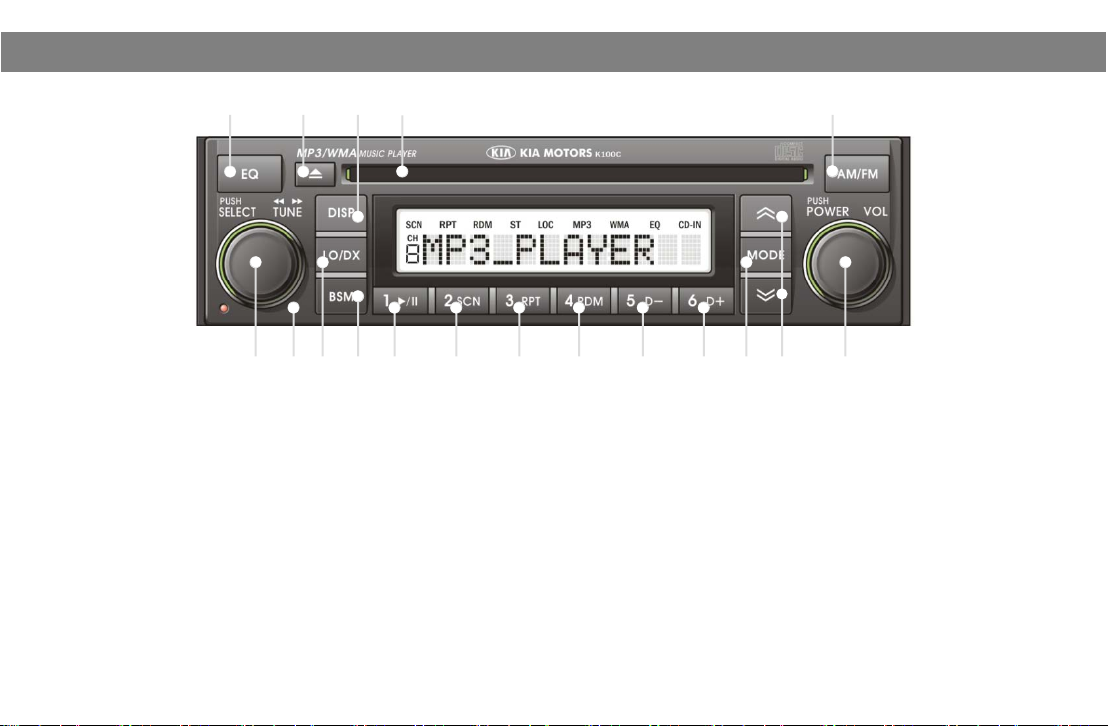
a. Press Pre-set 1 button ⑩seven (7) times.
b. Press Pre-set 2 button ⑪nine (9) times.
c. Press Pre-set 3 button ⑫six (6) times.
d. Press Pre-set 4 button ⑬three (3) times.
e. Check that the PIN code shown on your stereo screen is “7963”.
f. Press Pre-set 5 button ⑭to activate the PIN code.
.
,
your stereo screen will exhibit the following message “2 CDE”. This means you need enter the pin code a second time
taking care to follow these instructions and enter the correct pin code.
11. If the stereo screen show the message “3 CDE”, this means you failed to follow the correct instructions or that you
entered the incorrect pin code.
12. If you fail to succeed to enter the correct pin code at the third attempt, your stereo will turn off. You will need to wait at
least one hour before attempting to re-enter the correct anti-theft security pin code number using the above procedures
.
Your KIA stereo has the anti-theft security pin code entered into it prior to you collecting your new KIA car.
The only time your stereo will identify the message “1 CDE” in the screen is if your stereo or car has lost battery power.
If your car battery is in good order, your stereo will accept your anti-theft security pin code number using the above
procedure.
If you experience a failure to operate your stereo after carrying out the above procedure.
Pl i it KIA D l f dditi l i t
10
ease v
s
a
ea
er
or a
ona
ass
s
ance.
Please do not leave your card containing your anti-theft security pin code number in your car.
Keep your card featuring your pin code number in a safe secure place.