Read all safety and operation instructions before installing and using your WID340 Wireless Adapter.
Warning: To reduce the risk of re or electric shock, do not expose this USB adapter to water or moisture.
Important Safety Instructions
1. Do not expose the WID340 to liquid, moisture or areas of high humidity.
2. Do not expose the WID340 to extremely high or low temperatures.
3. Do not attempt to open or modify the WID340 in any way.
4. Always dispose of the packaging and unit in accordance with the local regulations and in a responsible
manner.
5. To avoid electronic interference and/or compatible conicts, do not use the WID340 in any facilities where
posted notices instruct you to do so. For example: Aircraft, Military Base, Hospital or Health Care Facilities.
6. Keep away of re, water, and high voltage equipments.
7. Store the WID340 in a cool dry place.
Product Overview
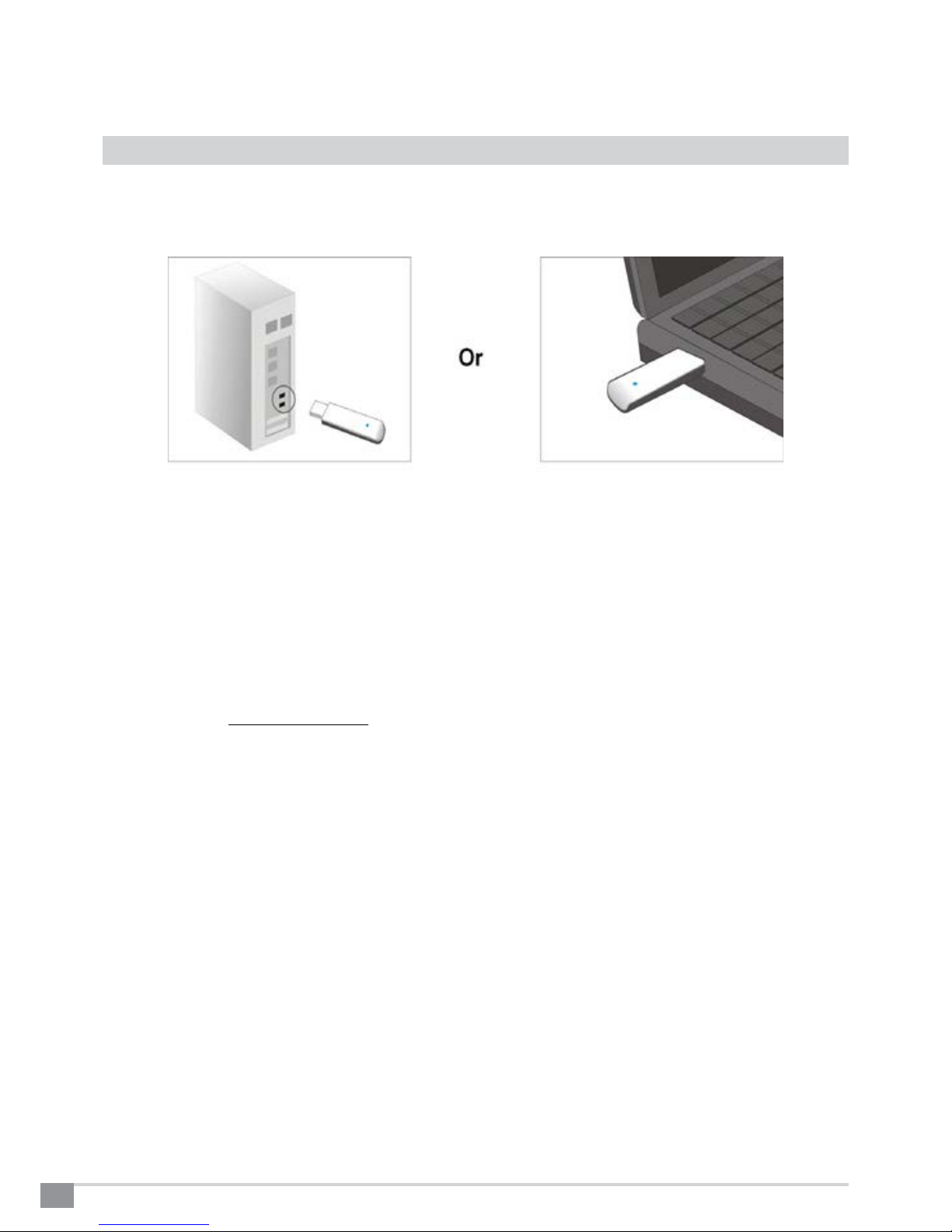
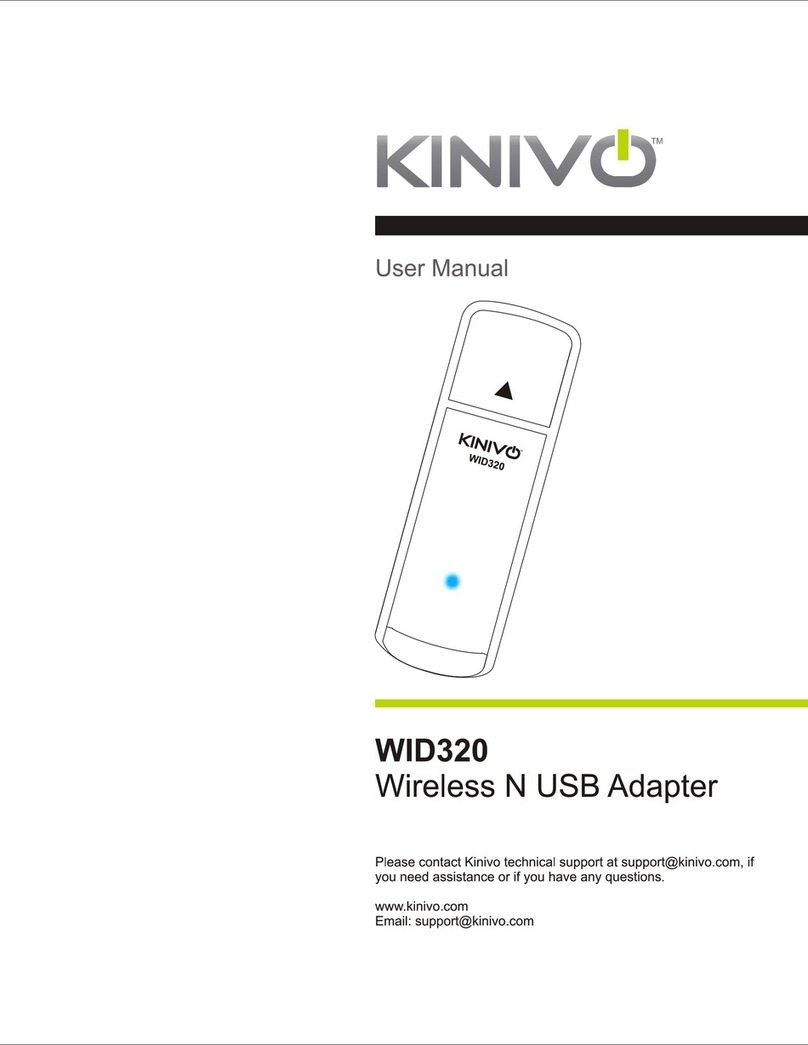
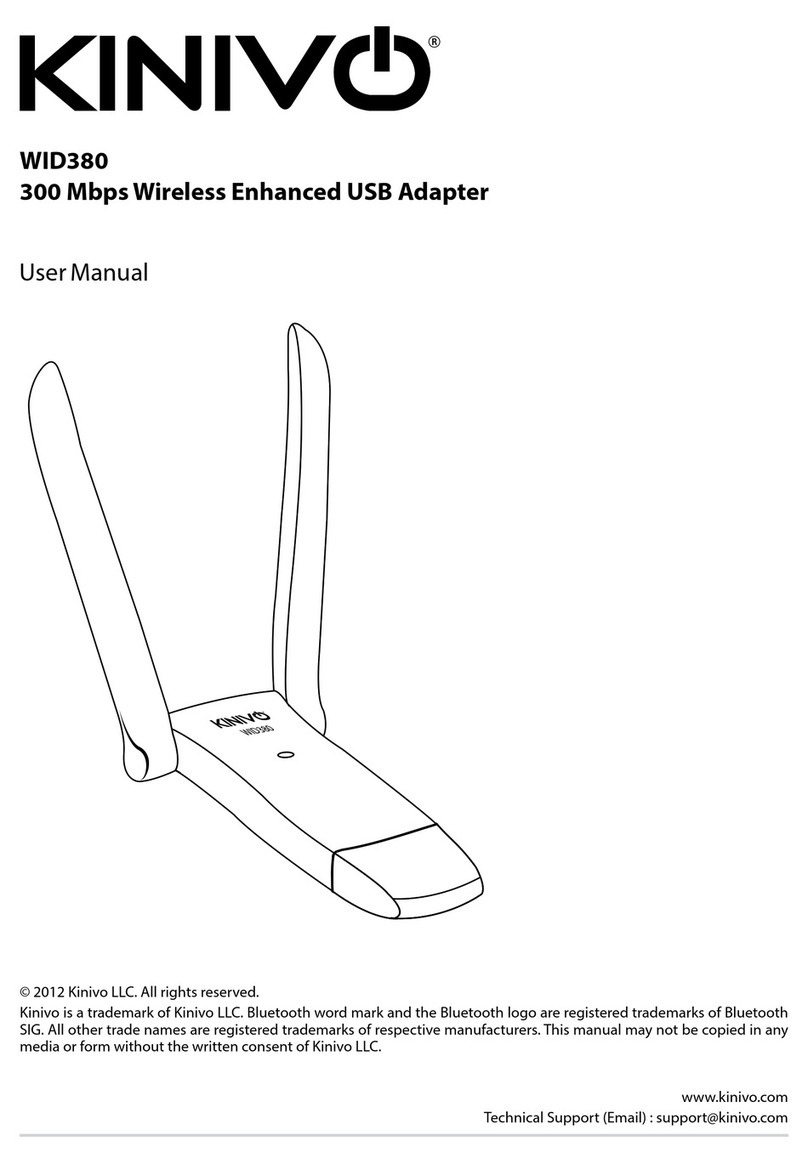
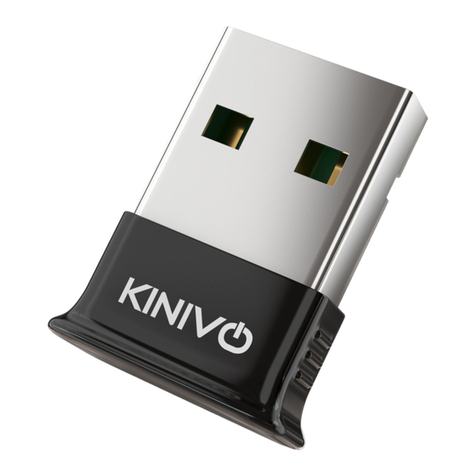
WID340 is a 802.11n USB dongle that can allow you to connect to WiFi networks with speeds up to 150/300
Mbps (fully compatible with 802.11b/g) on 2.4GHz and 5GHz networks. It has a small form factor and can be
connected to any Windows, Linux or Mac computer via USB. WID340 has built-in antenna that enhances the
signal strength and throughput while consuming minimal power from the host computer.
Please
ref
er
to
this
manual
for
installation
procedur
e
and
contact
us
at
suppor
[email protected] if
y
ou
have
any
questions or concerns.
1. Package Contents
WID340 Dual Band Wireless N USB Adapter
Software CD (contains driver and user manual)
2. Features
Dual band technology supports wireless 2.4GHz and 5GHz networks
Wireless N speeds up to 150/300Mbps. Please note that the actual throughput/speed will depend on
distance and other conditions.
Backward-compatible with 802.11b/g devices.
Wi security modes include WEP, WPA, WPA2, and WPS
Supports Ad-Hoc (Client to Client) and Infrastructure (AP to Client) modes.
3. System Requirements
Minimum computer requirements:
CD Drive (for driver installation). Alternatively the drivers and the manual can be downloaded from http://
support.kinivo.com
733MHz CPU or faster
64MB Memory or higher
Operating System
Windows XP or higher