manuals.online logo
Brands
  1. Home
  2. •
  3. Brands
  4. •
  5. KLIK
  6. •
  7. Light Fixture
  8. •
  9. KLIK LEDpod 40 User manual

KLIK LEDpod 40 User manual

Popular Light Fixture manuals by other brands

Veko Magnus manual

Veko

Veko Magnus manual

Cooper Lighting Halo L10538 specification

Cooper Lighting

Cooper Lighting Halo L10538 specification

Emos CLASSIC ZY1431T manual

Emos

Emos CLASSIC ZY1431T manual

Westinghouse Outdoor Lighting Fixture owner's manual

Westinghouse

Westinghouse Outdoor Lighting Fixture owner's manual

Hedler C 12 silent Operation manual

Hedler

Hedler C 12 silent Operation manual

Blizzard Lighting Puck: CSI manual 

Blizzard Lighting

Blizzard Lighting Puck: CSI manual 

Energetic Lighting ELYSL-5004 Series installation instructions

Energetic Lighting

Energetic Lighting ELYSL-5004 Series installation instructions

Lightmaxx Shaft 5R user manual

Lightmaxx

Lightmaxx Shaft 5R user manual

Triarch 31083 Assembly instructions

Triarch

Triarch 31083 Assembly instructions

Philips 32614 Series user manual

Philips

Philips 32614 Series user manual

IKEA TIVED Assembly instructions

IKEA

IKEA TIVED Assembly instructions

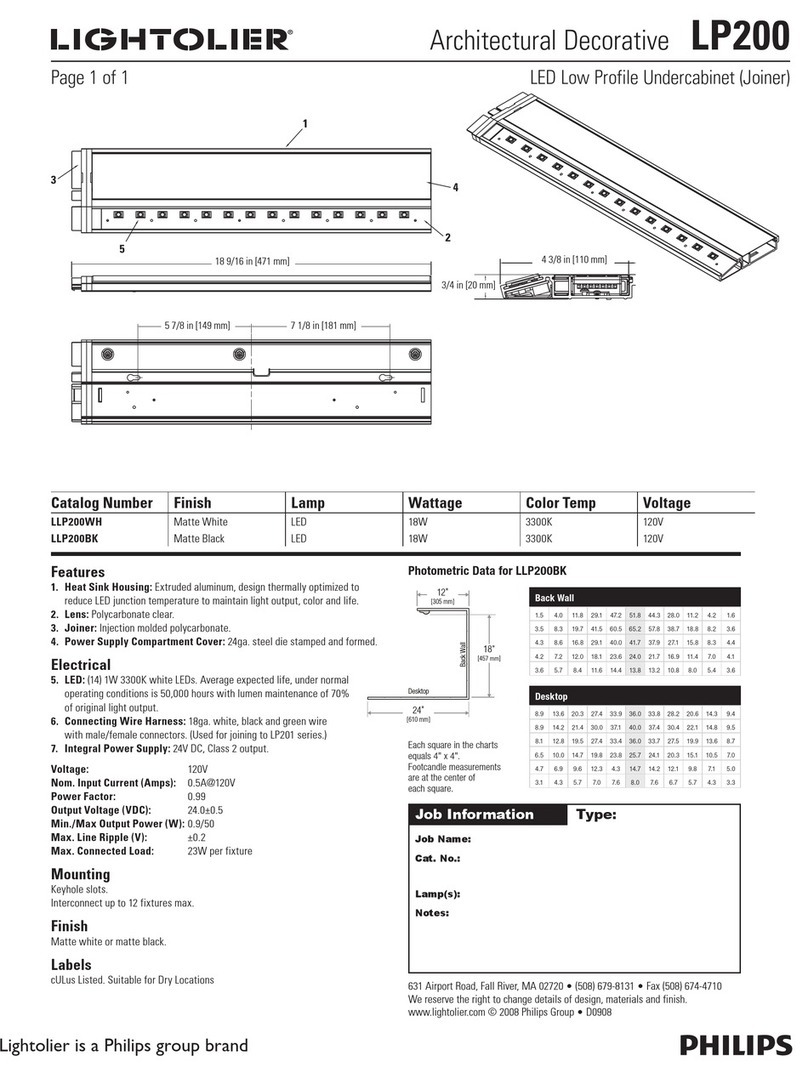
Lightolier LP200 specification

Lightolier

Lightolier LP200 specification

Chauvet Professional ROGUE R1 BEAM WASH user manual

Chauvet Professional

Chauvet Professional ROGUE R1 BEAM WASH user manual

Martin MAC 250 Krypton user manual

Martin

Martin MAC 250 Krypton user manual

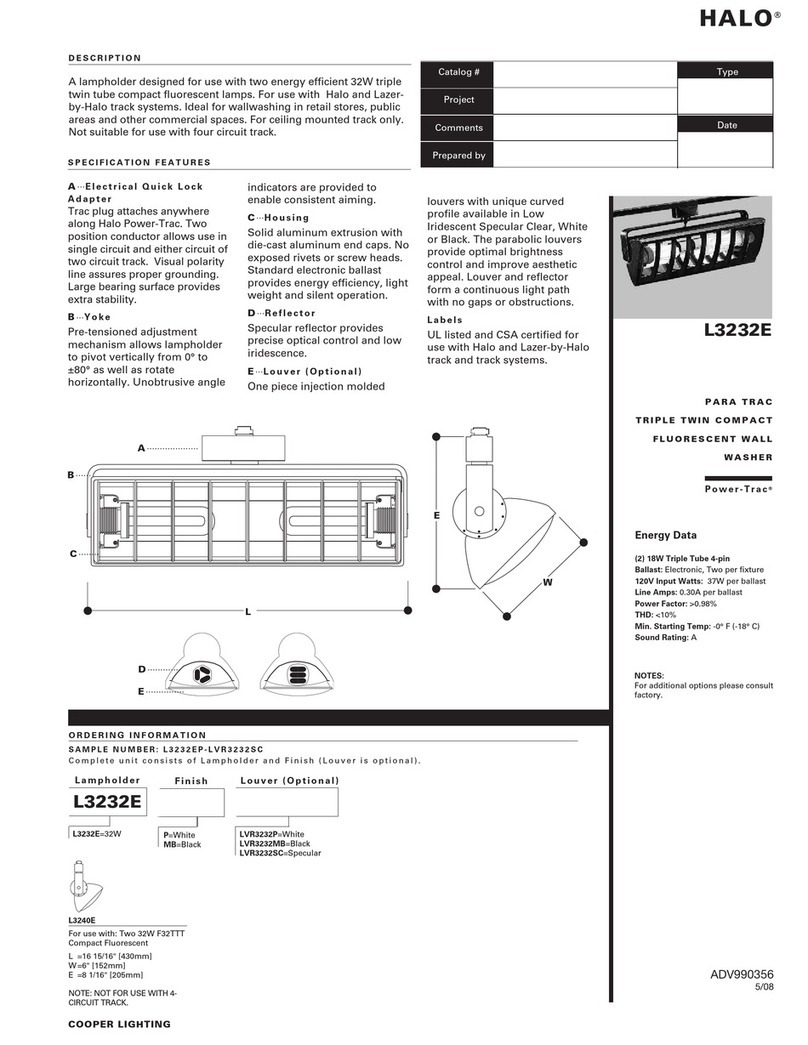
Cooper Lighting Halo L3232E Specification sheet

Cooper Lighting

Cooper Lighting Halo L3232E Specification sheet

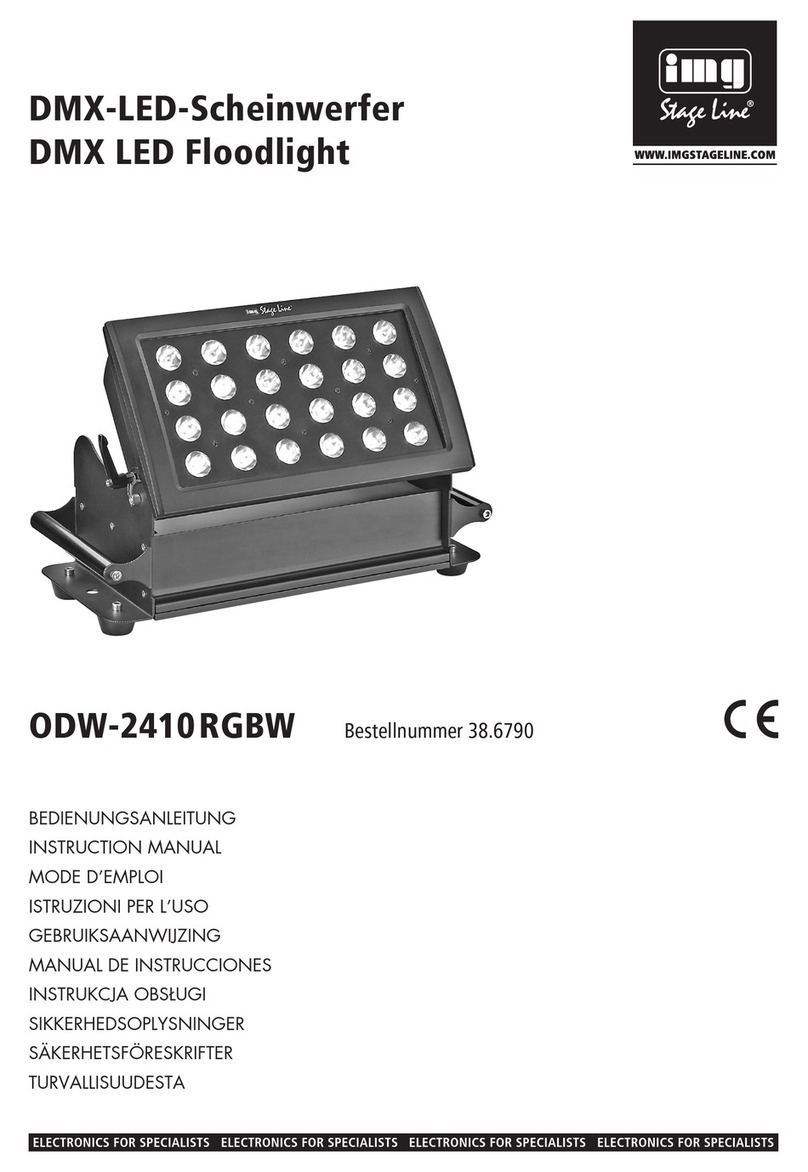
Stageline ODW-2410RGBW instruction manual

Stageline

Stageline ODW-2410RGBW instruction manual

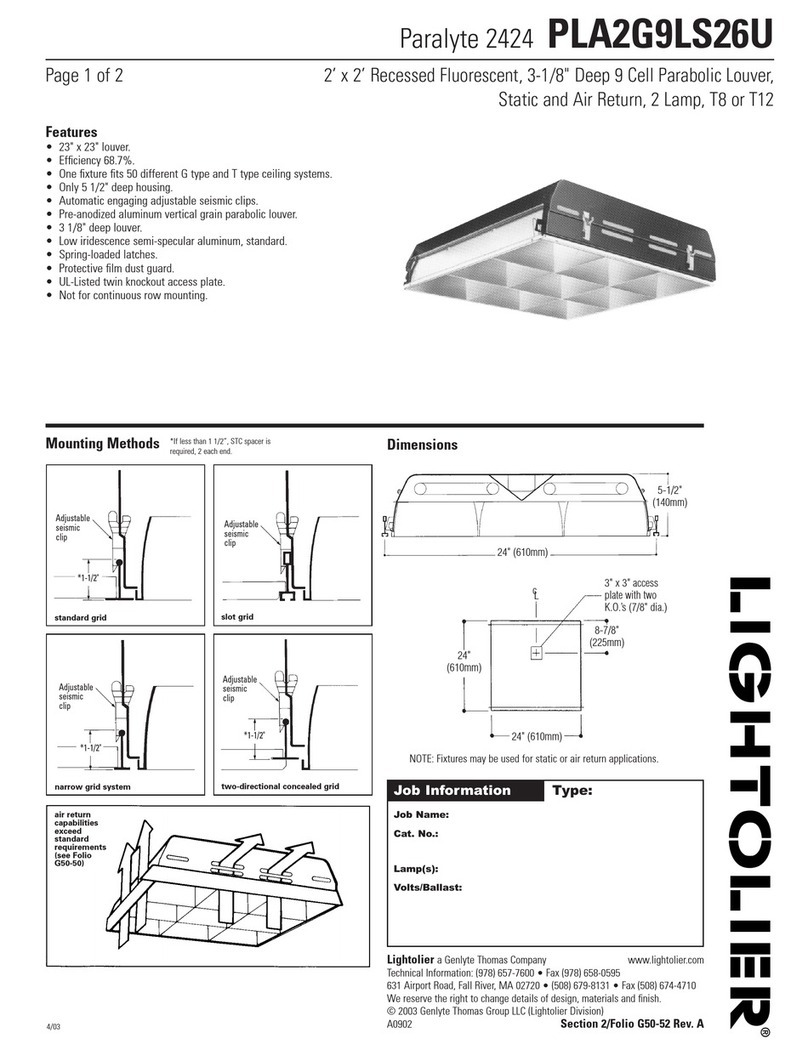
Lightolier Paralyte 2424 PLA2G9LS26U specification

Lightolier

Lightolier Paralyte 2424 PLA2G9LS26U specification

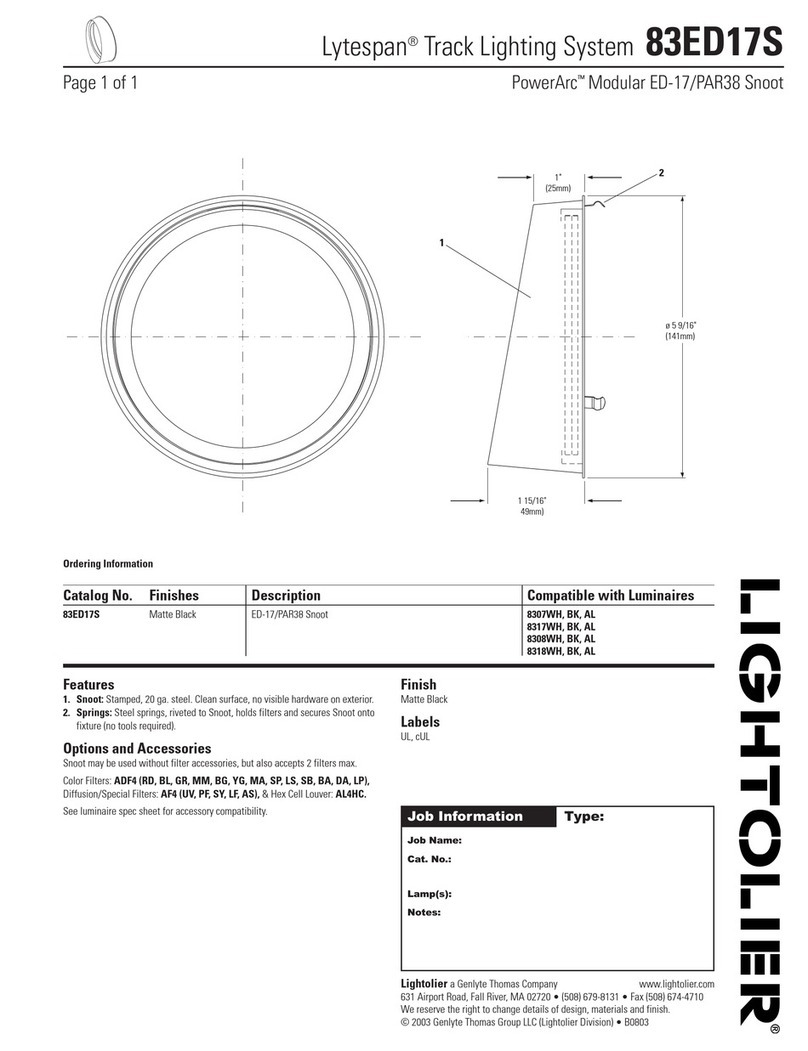
Lightolier Lytespan 83ED17S specification

Lightolier

Lightolier Lytespan 83ED17S specification

manuals.online logo
manuals.online logoBrands
  • About & Mission
  • Contact us
  • Privacy Policy
  • Terms and Conditions

Copyright 2025 Manuals.Online. All Rights Reserved.

90°
www.klikusa.com - sales@klikusa.com
Push LEDPOD in until it snaps into place
and the outer surface is flush with the
outer surface of the tube.
Prod the rim of the clear silicone IP Seal
to provide a tighter fit.
The notch indicates
the direction of the light,
Asymmetrical LEDPods
Light
direction
LEDPOD Removal Steps
Insert removal tool into the
2mm holes in the LEDPOD.
With firm pressure, rotate
the LEDPod 90°.
Carefully peel back
the IP silicone seal
one side at a time.
Carefully remove the LEDPOD
from the clip, ensuring not to
damage or disconnect wires in
the process.
Be sure to re-attach
the silicone seal ready
for reinsertion.
NEGATIVE [ - ]: Black
POSITIVE [ + ]: Red
9
1 2 3
Thru.
wire
Pull a loop of wire through hole.
Rotate retaining clips in as shown. Avoid
tangling or severing through wire.
3 4 5
Apply pressure as shown to deform clip into place in a
circular motion. Avoid damaging the surface of tube
and tangling or severing through wire.
PAGE 1 OF 2
Install Scotchlok connectors to the (0.75-1.5sq)
red and black wires. Connect the corresponding
color wires of the driver to the Scotchloks and
assure the clip is secured.
CAREFULLY feed the Scotchloks to the left
of the clipand the driver to the right with the
driverconnectorhangingout.Ensurewires
are clear from where the LEDPOD is to fit.
Proceed to connect the LEDPOD.
6 7 8
Fit clip into place until the clamping
ends are equally centered over the
hole. Use the tool to center the clip until
equal pressure can be felt and inspect
by eye.
Feed through appropriate
wires (0.75-1.5mm²).
2
Make sure drilled holes are
deburred and excess swarf
is removed from railing.
1
32863-C.1
Ø 0.98”
Ø 1.02”
1.18”
OD 1.50”
1.66”
Use a 25mm annular
cutter to bore hole.
(Use 1” in aluminum.)
Aprx 2”
KLIK LEDpod™ 40 Installation Instructions
Ø 25 ± 0.2mm

www.klikusa.com - [email protected]
Match colors of wires as shown in the images below.
Insert wires into connectors as far as possible and push down blue tabs to splice the wires.
IMPORTANT :
ONLY
connect 24V DC supply input to the Blue and Red Soft starter
DO NOT connect power to any other wires.
Blue IN
Negative [-]
Red IN
Positive [+]
Black OUT
Negative [-]
Red OUT
Positive [+]
23
5
4
24V DC IN Black
Negative [-]
24V DC IN Red
Positive [+]
LEDPOD OUT
Black Negative [-]
LEDPOD OUT
Red Positive [+]
Cut wires at the center
of the loop.
24VDC Supply
INPUT
To LEDPods
OUTPUT
Carefully feed one
connector at a time
through the
LEDPOD holes.
Carefully pull out a
loop of wire at the
first LEDPOD location.
Feed power wires
through tubing
Soft starter complete
with pre-fitted connectors
1
To 24V DC Supply
INPUT
To LEDPODs
OUTPUT
Move components down to make room for retaining clip insertion.
Refer to page 1 for LEDPOD installation instructions.
6
PAGE 2 OF 2
32863-C.1
Aprx 2”
KLIK LEDpod™ Soft Start Relay Installation Instructions
(Use for 350mA drivers only)