Operations Display Note
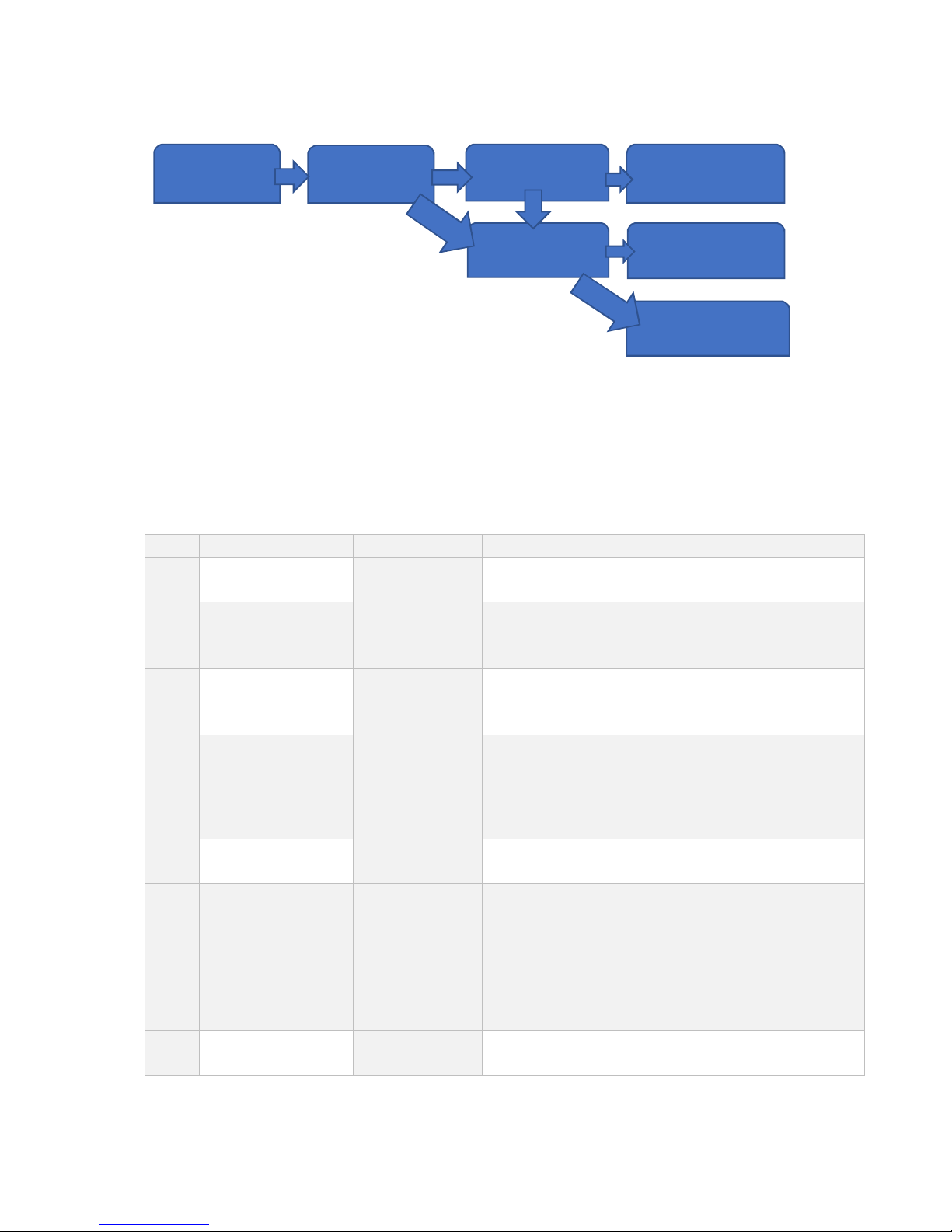
1 Keep Pressing
“FUNCTION” to Enter
“ “ to Switch
“ “ to Confirm
[FN **] “Functıon” Setting:
[ Lb]: One key switch (kg/lb), (Not available under net weighing status)
[ANL]: Animal Scale, One key total and lock display.
[ --]
2
“ “ to Switch
“ “ to Confirm
[PS **] Power Save Setting:
[oFF]: Power save mode off
[oN]: Open power save mode. The power save mode will be entered 5
minutes after weight stable. The indicator will only display date circultly
in last digit
[onP]: Enchanced power save mode which will automatically turn off
the indicator after 5 minutes power save mode.
3 “ “ to Switch
“ “ to Confirm
[ br****] Baud Rate Setting: 600~9600bps Optional
4 “ “ to Switch
“ “ to Confirm
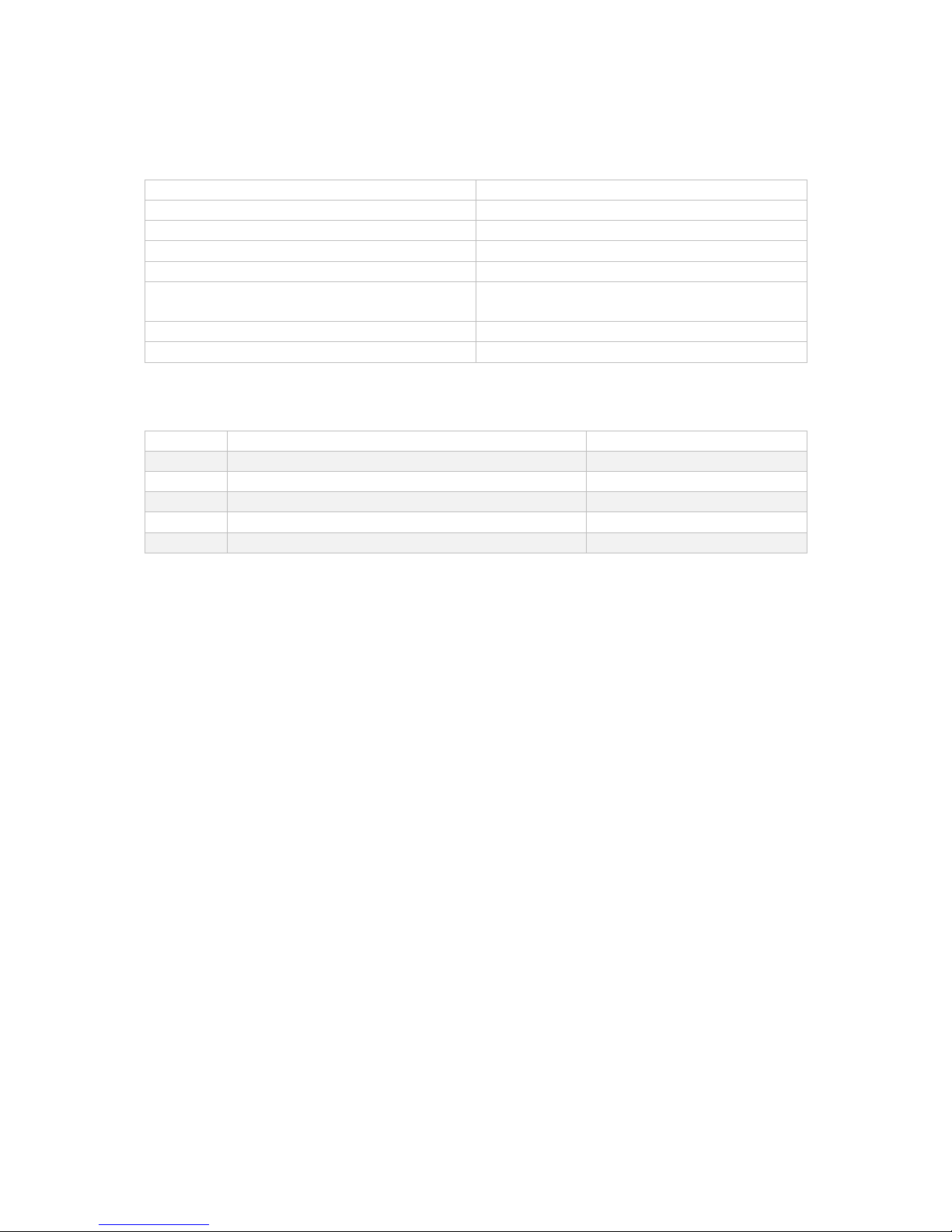
[Co *] Comunicate Mode Setting: 1~6 Optional, Detailed format followed
5
High Setting
[H*****] High Setting:
Press “ “ the flash digit will move towards right
Press “ “ to increase the number of flash digit
Press “ “ to confirm and enter next step such as 2000
6
Low Setting
[ L*****] Low Setting:
Press ““ the flash digit will move towards right
Press “ “ to increase the number of flash digit
Press “ “ to confirm and enter next step such as 1000
If weight is higher than High setting the “HI” light on left side of the
indicator will be on
If weight is lower than low setting the “LO” light on left side of the
indicator will be on
If the weight is between High and Low setting the the “OK” light will be
on
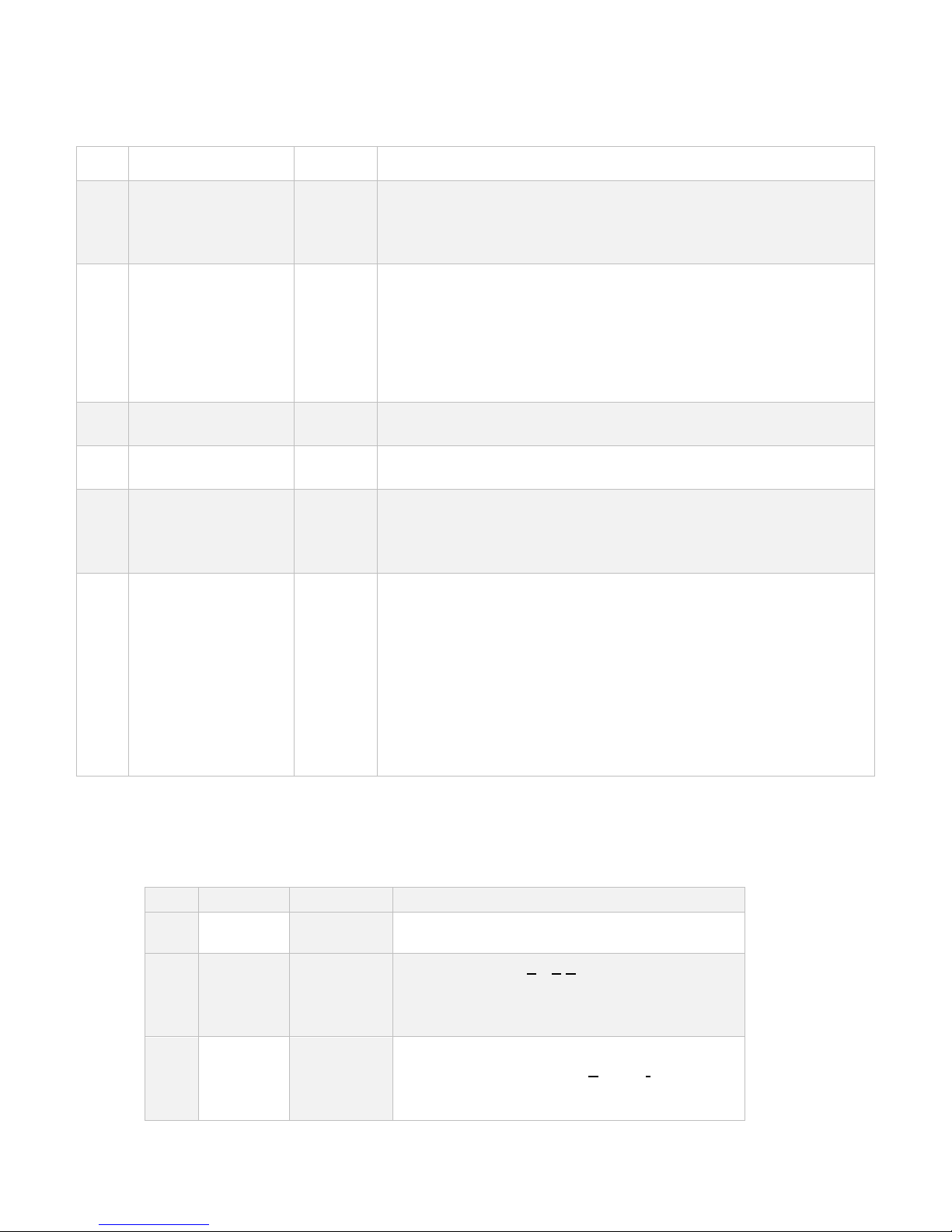
After enter calibration and display 【CAL】, press “” button, indicator displays 【Zero】, then
press “” enter to other parameter calibration setting, the detailed steps as below:
Step Operation Display Specification
【Zero】 Means enter other parameter calibration status,
press“↙”button to next step;
1
“” to
switch
“”to
confirm
【Zot *.*】
Zero trace range(Zero Trace):0~4d,
When the object weight is within the set division,
the indicator will return back to zero
automatically
2
“”to
switch
“”to
confirm
【nt **】 Manual set zero range(Manual Set Zero):0
,2,4,10,20,100 % of full capacity;