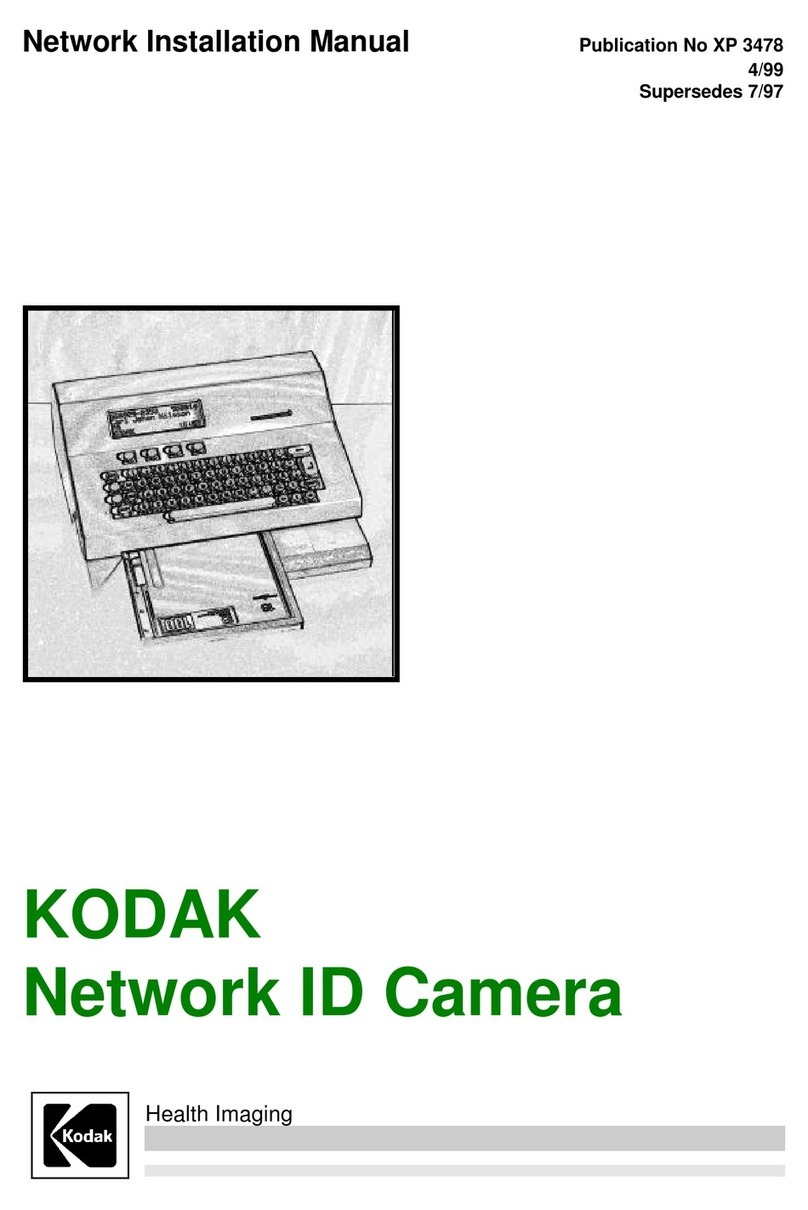
II 3478 Installation and Set-up Manual
Kodak AG Stuttgart 4/99
i
Table of Contents
Description Page
1 General 1
2 Installation 1
2.1 Unpacking.................................................................................................................................... 1
2.2 Installation Details....................................................................................................................... 1
3 Setup 3
3.1 Getting into setup mode............................................................................................................. 3
3.2 Resetting to factory default........................................................................................................ 3
3.3 Main configuration window........................................................................................................ 4
3.3.1 Picture and settings................................................................................................................ 4
3.3.2 Communication param ........................................................................................................... 4
3.3.3 Settings.................................................................................................................................. 4
3.3.4 Sensor adjustment.................................................................................................................. 5
3.3.5 Test functions......................................................................................................................... 5
3.3.6 Serial analyzer........................................................................................................................ 5
3.3.7 Remote control....................................................................................................................... 5
3.3.8 System logger ........................................................................................................................ 5
3.4 Pictures and settings ................................................................................................................ 5
3.4.1 Picture.................................................................................................................................... 5
3.4.2 Some frequently used words................................................................................................... 6
3.4.3 Picture Standard, C1/Min-R2, C1N......................................................................................... 6
3.4.4 Editing a field.......................................................................................................................... 7
3.4.5 Settings Standard, C1/Min-R2, C1N........................................................................................ 8
3.4.6 Menues................................................................................................................................... 9
3.5 Communication param.............................................................................................................. 10
3.5.1 Communication parameters Channel: HOST........................................................................ 11
3.5.2 Protocol set-up ..................................................................................................................... 12
3.5.3 Communication parameters Channel: AUX........................................................................... 12
3.5.4 Protocol set-up SIEMENS Mammomat®3000 ....................................................................... 13
3.5.5 Protocol set-up GE Medical System Senographe.................................................................. 15
3.5.6 Protocol set-up GXDP........................................................................................................... 16
3.6 Settings...................................................................................................................................... 18
3.7 Remote control.......................................................................................................................... 19
3.7.1 Save a Set-up....................................................................................................................... 19
3.7.2 Load a Set-up....................................................................................................................... 20