manuals.online logo
Brands
  1. Home
  2. •
  3. Brands
  4. •
  5. Laser
  6. •
  7. Portable TV
  8. •
  9. Laser DVBT-C30B User manual

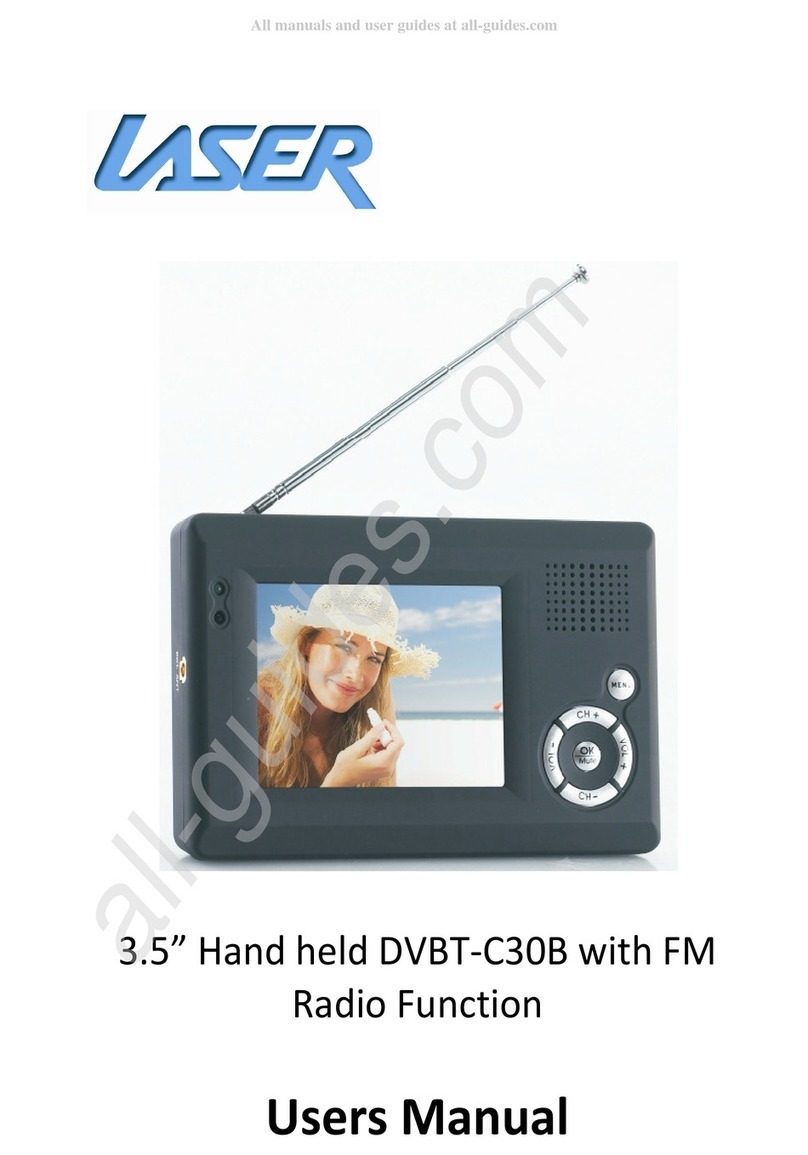
Laser DVBT-C30B User manual

Other manuals for DVBT-C30B

1

Other Laser Portable TV manuals

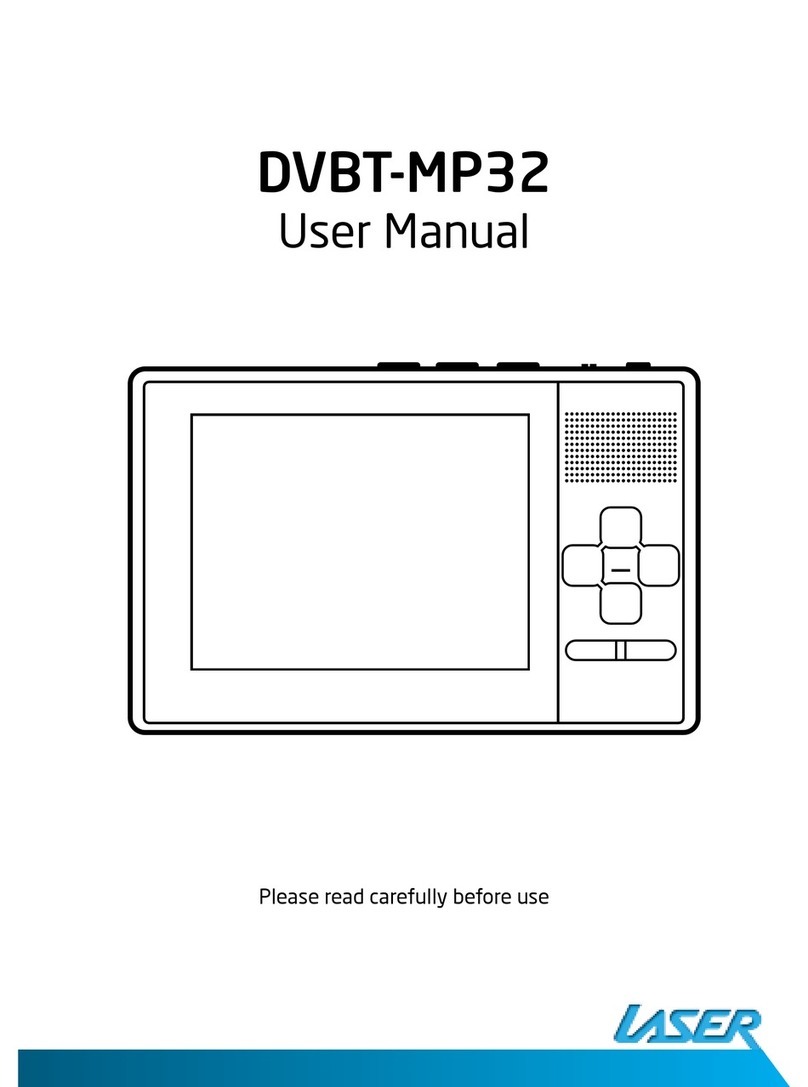
Laser DVBT-MP32 User manual

Laser

Laser DVBT-MP32 User manual

Laser DVBT-C30B User manual

Laser

Laser DVBT-C30B User manual

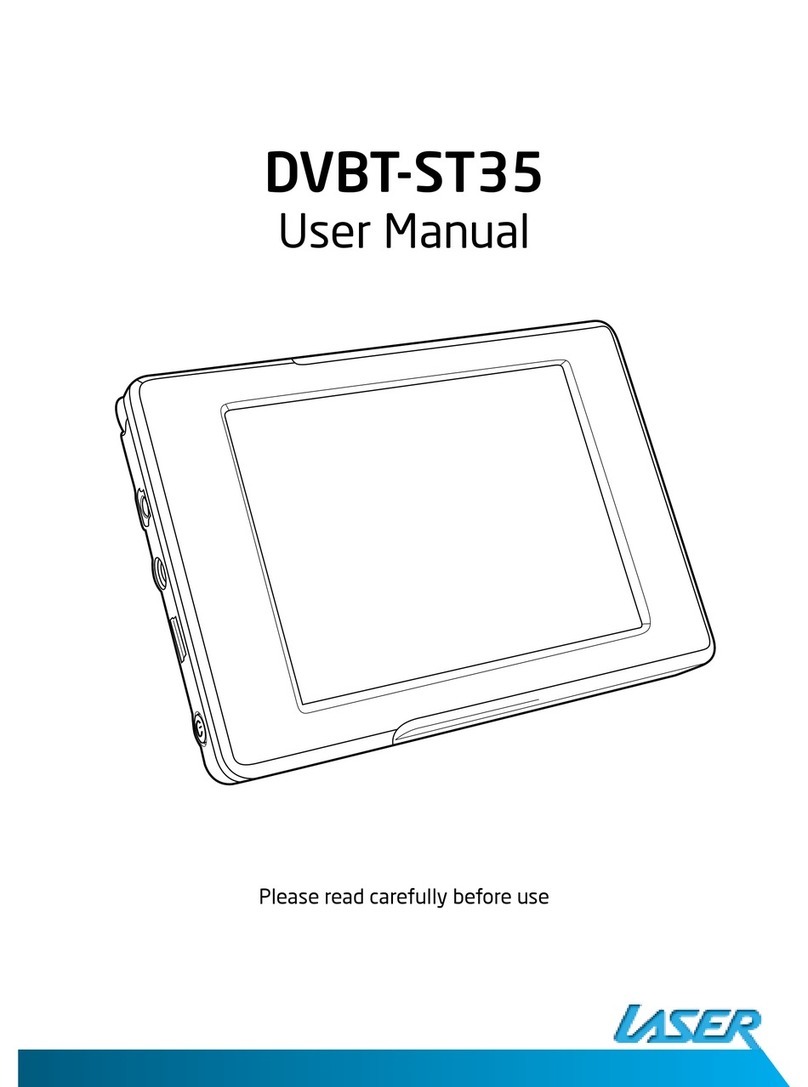
Laser DVBT-ST35 User manual

Laser

Laser DVBT-ST35 User manual

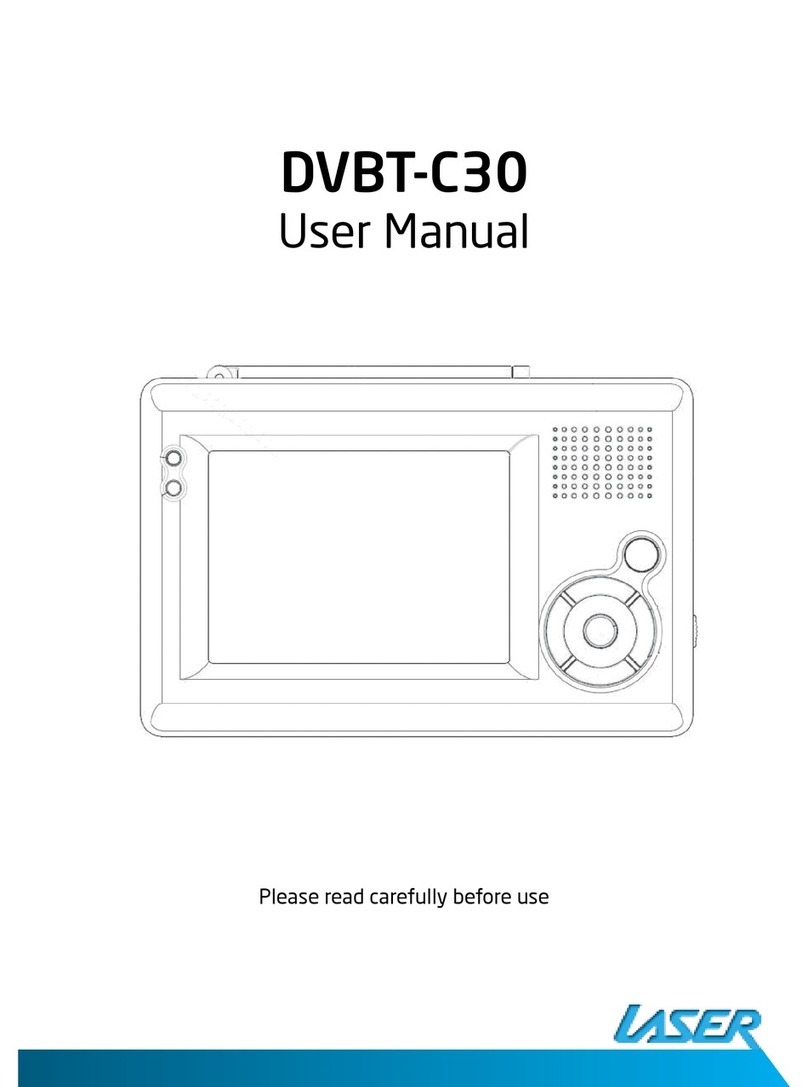
Laser DVBT-C30 User manual

Laser

Laser DVBT-C30 User manual

Popular Portable TV manuals by other brands

Sony LocationFree LF-X11 operating instructions

Sony

Sony LocationFree LF-X11 operating instructions

Denver DFT-707 instruction manual

Denver

Denver DFT-707 instruction manual

RCA RTV86073 user manual

RCA

RCA RTV86073 user manual

Philips PVD700/37 user manual

Philips

Philips PVD700/37 user manual

Axion AXN-8705 Specifications

Axion

Axion AXN-8705 Specifications

Prestigio PMR-701TV user manual

Prestigio

Prestigio PMR-701TV user manual

Eviant T10 Series quick start guide

Eviant

Eviant T10 Series quick start guide

Muse M-229 TV user manual

Muse

Muse M-229 TV user manual

Sony Watchman FDL-250T operating instructions

Sony

Sony Watchman FDL-250T operating instructions

Lenoxx Lenoxx Sound TV-504 operating instructions

Lenoxx

Lenoxx Lenoxx Sound TV-504 operating instructions

Sony LocationFree LF-X11 Specifications

Sony

Sony LocationFree LF-X11 Specifications

Casio FV-600P Service manual & parts list

Casio

Casio FV-600P Service manual & parts list

August DTV310 specification

August

August DTV310 specification

August DA701C specification

August

August DA701C specification

Radio Shack Television owner's manual

Radio Shack

Radio Shack Television owner's manual

Sony Watchman FDL-22 Specifications

Sony

Sony Watchman FDL-22 Specifications

Casio TV-770C Service manual & parts manual

Casio

Casio TV-770C Service manual & parts manual

Jensen JDTV-1020 user manual

Jensen

Jensen JDTV-1020 user manual

manuals.online logo
manuals.online logoBrands
  • About & Mission
  • Contact us
  • Privacy Policy
  • Terms and Conditions

Copyright 2025 Manuals.Online. All Rights Reserved.

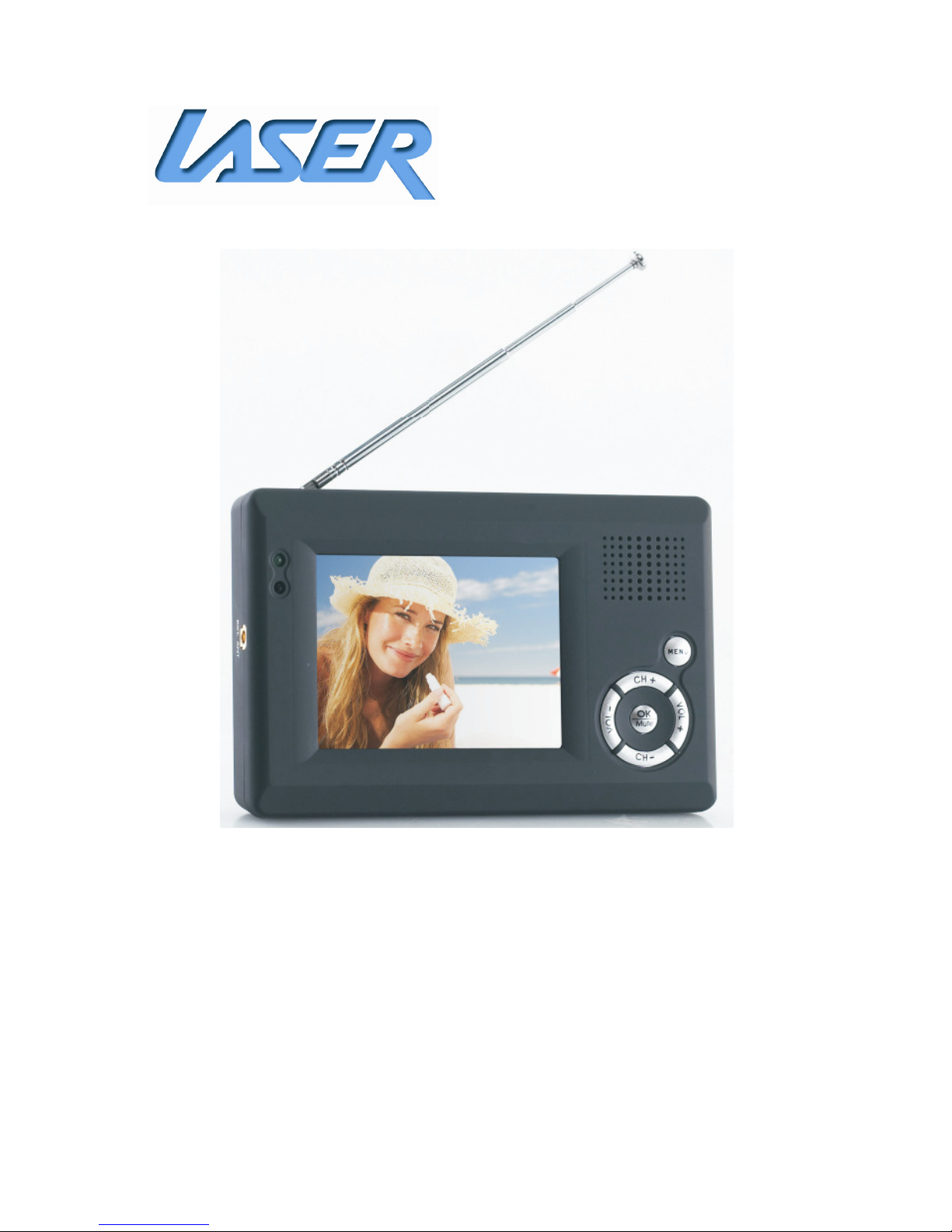
3.5” Hand held DVBT-C30B with FM
Radio Function
Users Manual
DVBT-C30B
USER M NU L
1
IMPORTANT SAFETY INSTRUCTIONS AND PRECAUTIONS
•Read instruction carefully before using this product
•Observe all warnings and cautions when using this product.
•Retain all manuals and documentation for future referral.
•Only use this product in a manner described in this manual.
•Do not use this product if you are in control of a motor vehicle.
•If used in a motor vehicle is should be used away from the driver to avoid distraction.
•Do not use this device in extremely hot, cold, humid, dusty or sandy environments.
•Do not use this device in electrical storms or other conditions if the likely hood of
lightning is possible.
•Do not attempt to clean this product using liquid cleaners or aerosol cleaners. Use
only a damp soft cloth to clean the surface of this device.
•Extreme Care should be taken when using this product near any body of water such
swimming pools, kitchen sinks, baths and alike.
•This device is not waterproof. Do not use this device in the open if there is a high
level of moisture in the air.
•Only place the device on a stable surface and ensure that cables attached to the
device can not cause the device to fall.
•Only use the recommended accessories for this device. Use of incorrect accessories
may cause damage and void the warranty.
•Use only the recommended batteries in this device. The use of incorrect batteries
may cause damage to the device or injury to the user.
•Using this device near other electronic devices may cause interference. Please use
care using this product near other devices.
•Do not mix batteries in this product. Please use the same brand and type of batteries
and do not mix old and new batteries.
DVBT-C30B
USER M NU L
2
•Dispose of batteries thoughtfully.
•Remove batteries from device if it is not to be used for long periods. Damaged
caused by leaking or faulty batteries is not covered by warranty.
•Care should be taken when using the external antenna. Please remove the fitting
carefully from the device. Do not pull at the cord to remove it.
•Ensure that the ventilation holes are no blocked when using this device. Heat build
up may cause this device to fail.
•There are no serviceable parts in this device. ttempts to open this device by
unauthorised personnel may cause further dame and void the warranty.
•Picture quality will be dependent on signal quality and strength. This device may not
be able to pick up all stations in all areas. For best results use in a strong signal area
and ensure that the antenna has a clear unobstructed view of the sky.
•Images of product and accessories are indicative only and may vary slightly from
actual product.
•We reserve the right to make changes to this document and the product without
notification.
DVBT-C30B
USER M NU L
3
Table of Contents
IMPORT NT S FETY INSTRUCTIONS ND PREC UTIONS ......................................................... 1
CCESSORY LIST ......................................................................................................................... 5
CONNECTION GUIDE .................................................................................................................. 5
PREP RING THE B TTERY P CK FOR USE .................................................................................. 6
ttaching the Battery Pack .................................................................................................... 6
KNOWING YOUR DVB-T ............................................................................................................. 7
B SIC OPER TION ...................................................................................................................... 8
QUICK ST RT FOR FIRST TIME USE ............................................................................................ 9
USING THE M IN MENU .......................................................................................................... 10
M IN MENU IN DET IL ............................................................................................................ 12
Service Type ......................................................................................................................... 12
Program List ......................................................................................................................... 12
utomatic Search ................................................................................................................. 12
Channel Management ......................................................................................................... 13
Skip a Channel .................................................................................................................. 13
Move a Channel ............................................................................................................... 13
Delete a Channel .............................................................................................................. 13
Channel Information ............................................................................................................ 14
ntenna Selection ................................................................................................................ 14
Display Settings .................................................................................................................... 14
Region & Language Settings ................................................................................................ 15
Subtitles ............................................................................................................................... 15
Teletext ................................................................................................................................ 16
udio Settings ...................................................................................................................... 16
System Reset ........................................................................................................................ 16
DVB-T R DIO SERVICE .............................................................................................................. 17
FM R DIO SERVICE................................................................................................................... 18
Favourites list ....................................................................................................................... 18
Load Favourite List ............................................................................................................... 18
Store Favourite List .............................................................................................................. 19
FM R DIO MENU ..................................................................................................................... 19
Service Type ......................................................................................................................... 19
Favourites List ...................................................................................................................... 20

DVBT-C30B
USER M NU L
4
dd to favourite List............................................................................................................. 20
Speakers ............................................................................................................................... 20

TROUBLE SHOOTING ................................................................................................................ 21
SPECIFIC TIONS ....................................................................................................................... 22
V IL BLE CCESSORIES ......................................................................................................... 23
CONT CT INFORM TION ......................................................................................................... 23
DVBT-C30B
USER M NU L
5
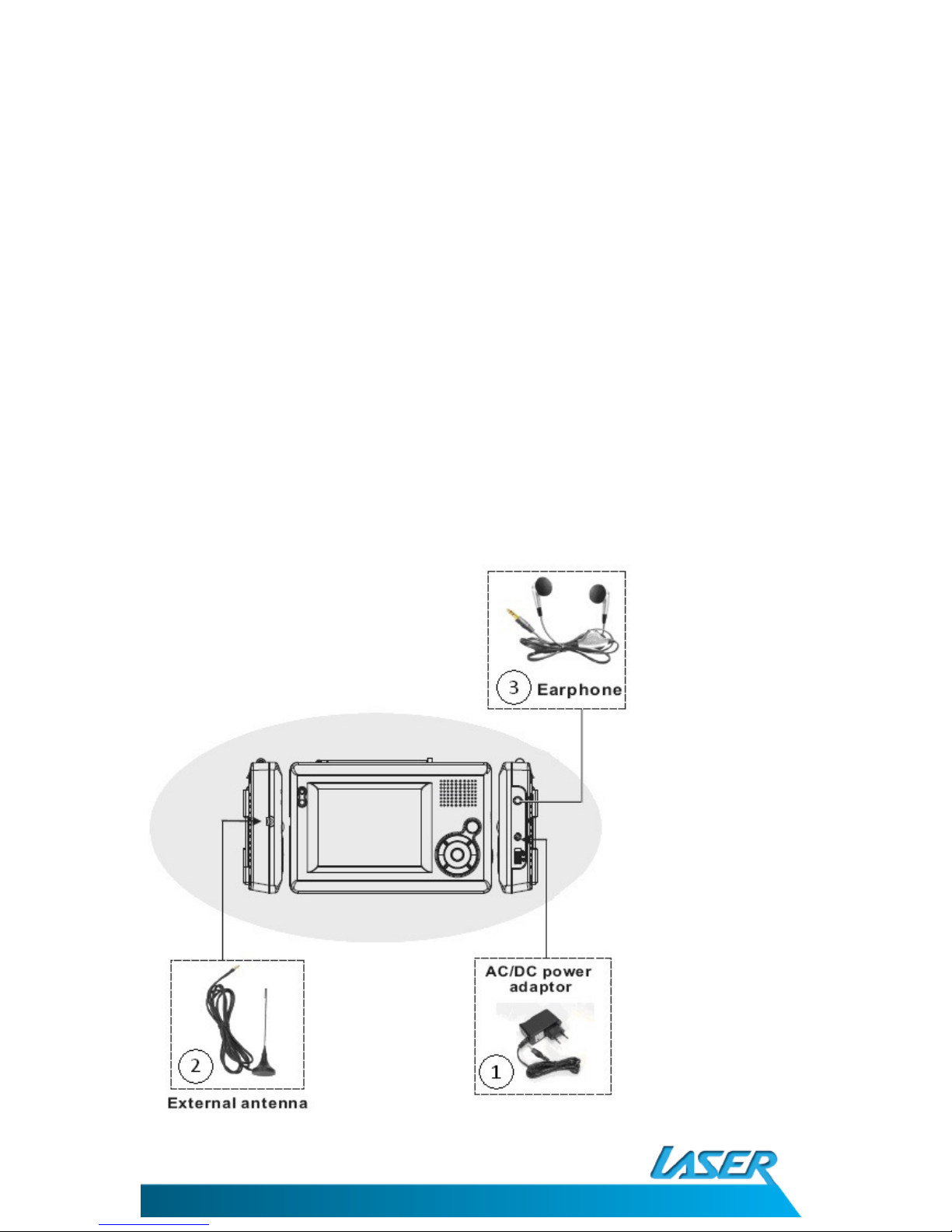
ACCESSORY LIST
ccessory List
DVBT-C30B +
1. C/DC Power adaptor
2. External ntenna
3. Earphone
4. Battery Pack (NOT SHOWN)
5. Manual (this document)
CONNECTION GUIDE
DVBT-C30B
USER M NU L
6
PREPARING THE BATTERY PACK FOR USE
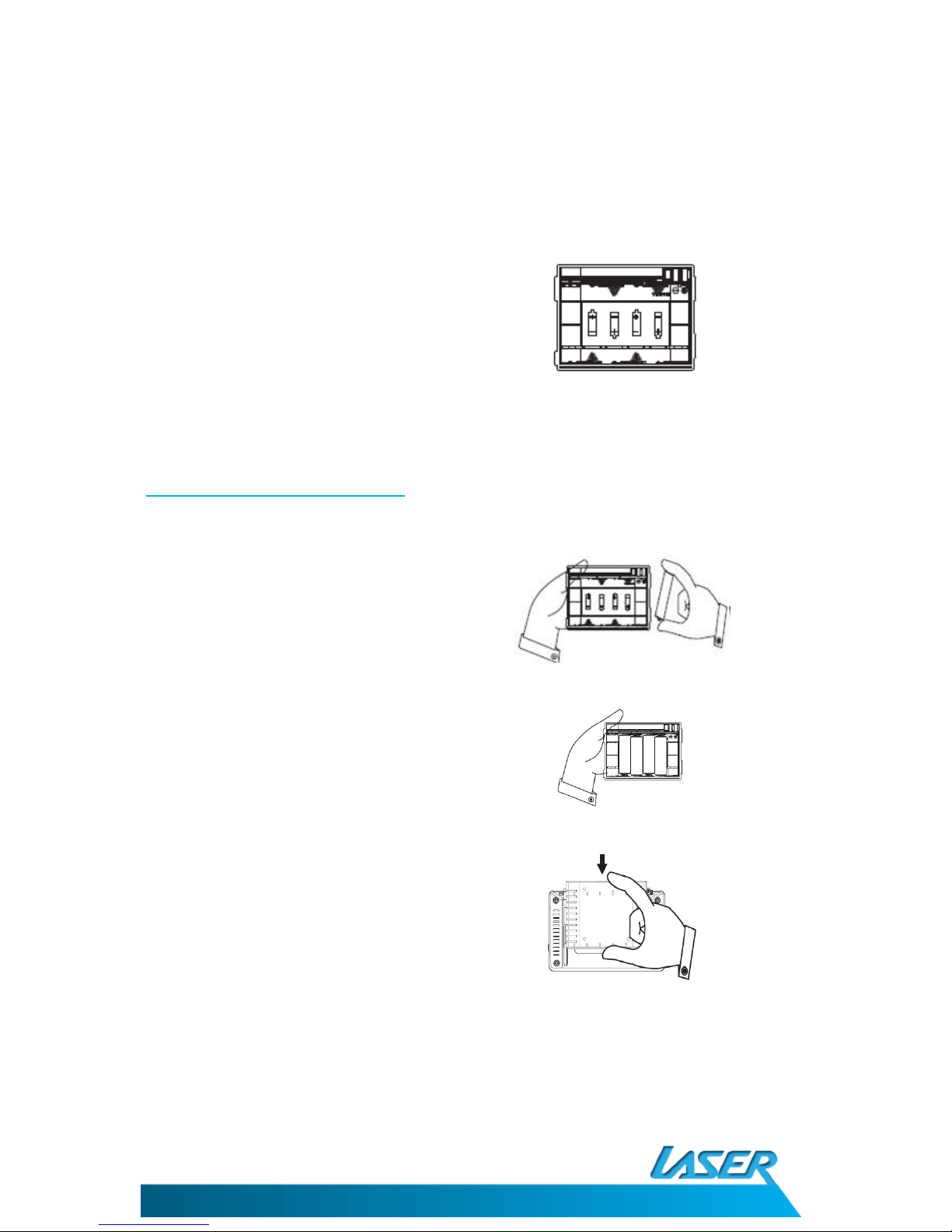
The battery pack allows the TV to be used
without the C adaptor
Make sure that the batteries used in the
pack are fully charged and are in good
condition.
Rechargeable batteries can be used but
not charged in this pack.
Attach ng the Battery Pack
Fit 4 X Size batteries to the pack as
shown.
Match the batteries to the images in the
pack.
Locate the top of the battery pack and
hold upwards.
Position the pack on the back of the DVT.
Push the battery pack downwards until the
pack locks in place.
Makes sure the pack is locked in place
before using the DVT.
To remove the battery pack from the DVT, locate the locking tab at the top of the pack and
press in. Push the pack upwards until tabs are clear of the DVT.
DVBT-C30B
USER M NU L
7
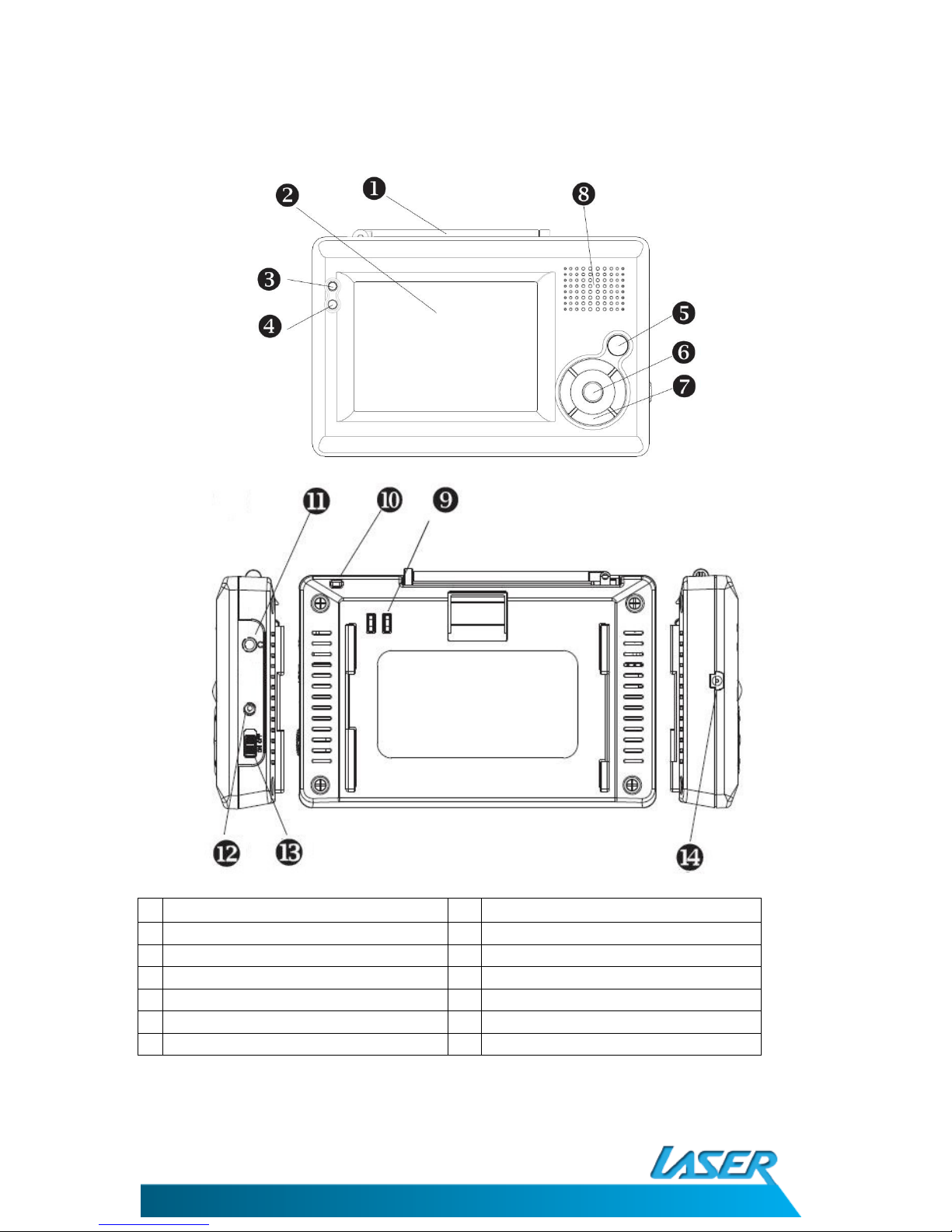
KNOWING YOUR DVB-T
1
ntenna 8 Speaker
2
LCD panel 9 Battery Connector terminal
3
Power LED
(LED will glow green if
in use)
10
Eyelet for lanyard (Not Supplied)
4
IR Sensor 11
Earphone/ udio out Socket
5
Menu/Exit Button 12
DC power connecter socket
6
OK/Mute button 13
Power ON/OFF Switch
7
Multi Selector (VOL & Channel) 14
External ntenna connector
(Device shown with battery pack removed)
DVBT-C30B
USER M NU L
8
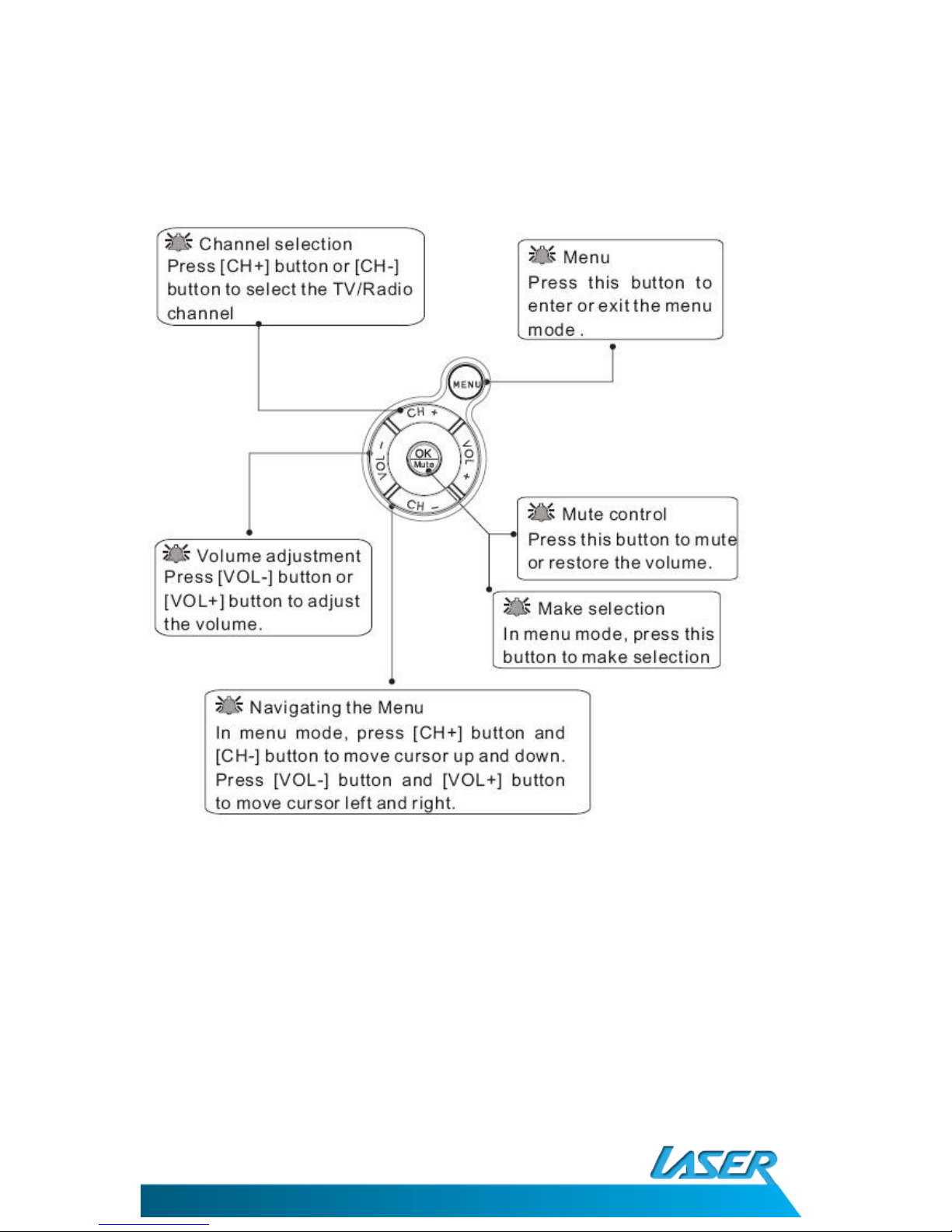
BASIC OPERATION
DVBT-C30B
USER M NU L
9
QUICK START FOR FIRST TIME USE
When turned on for the first time you will be required to check some basic settings for the
DVBT-C30B
1) Turn the DVBT-C30B on and wait for the
following screen to be shown and then
press the OK button.
2) Select your OSD Language, your current
region, whether it’s summer time at
present.
Use [CH+]/[CH-] buttons to highlight the
item.
Use [VOL+] button to set the highlight
item.
Press [CH+]/[CH-] buttons to scroll up and
down the options.
Select one by pressing the [OK] button or
exit the setting by pressing the [MENU]
button.
3) Perform auto search to find available TV
DVB-T channels.
Use [CH+]/[CH-] buttons to highlight the
uto Search item.
Press [OK] button to start.
When the scan is complete you will be able to watch Digital TV channels available in your
current area.
Please note that playback qual ty s subject to s gnal strength and qual ty at the current
locat on. Chang ng locat on may mprove qual ty n some cases.