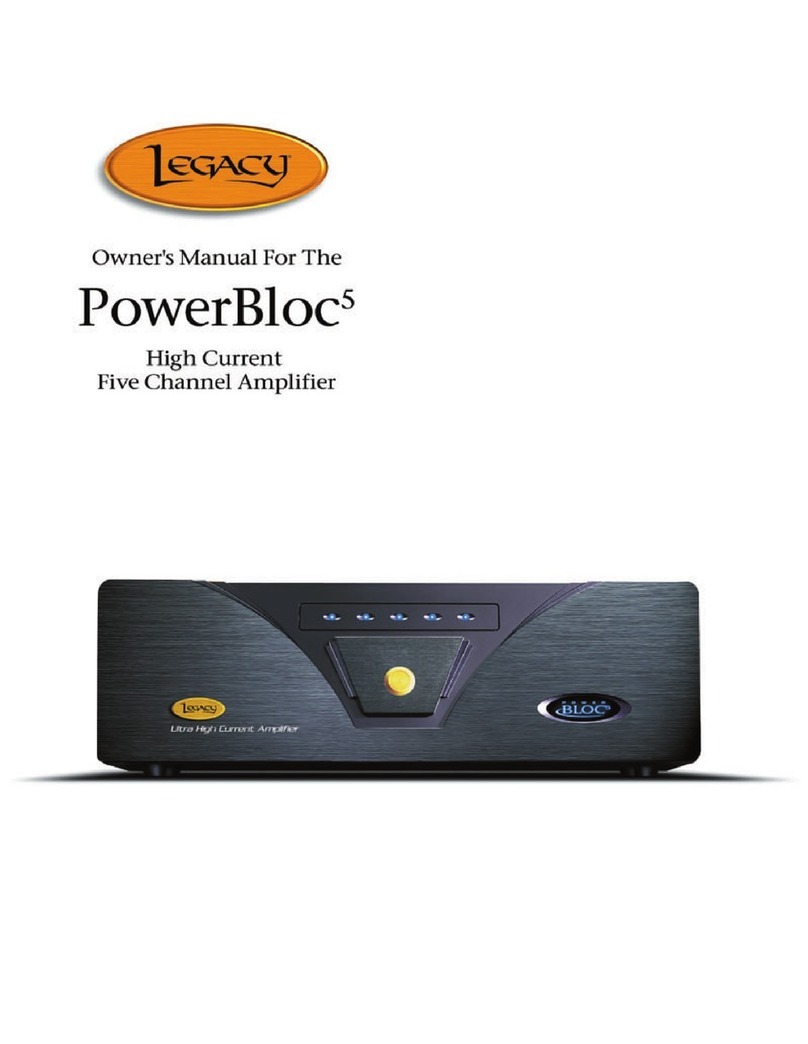
Legacy Step One User manual


2
Registration
3. Owners Record
Setup
4. Unit Connections
6. Using the Step One
7. Adjusting the Step One
8. Unit Care
Technology
9. Designer’s Note
12. Specifications

3
The model and serial numbers are located on the rear of the unit. Record
these numbers in the spaces provided below. Refer to them when calling
upon your dealer regarding this product.
Model No. _______________________________
Serial No. _______________________________
Date of purchase: _________________________
Thank you for selecting a Legacy Audio System. Please take a few
moments to read this brief manual to insure maximum benefit from your
electronic system.

4
Single Ended Uniamplification
Option 1:
Preamplifier Processor Output to STEP ONE Unbalanced Input
STEP ONE Unbalanced Variable Output to Processor Input Engage
Processor Loop on Preamplifier
Option 2:
Preamplifier Output to STEP ONE Unbalanced Input
STEP ONE Unbalanced Variable Output to Amplifier Input
Balanced Uniamplification
Preamplifier Balanced Output to STEP ONE Balanced Input
TEP ONE Balanced Output to Amplifier Balanced Input

5
Single Ended Biamplification
Preamplifier Unbalanced Output to STEP ONE unbalanced Input
STEP ONE Unbalanced Fixed Output to High
Frequency Amplifier Input STEP ONE Unbalanced Variable
Output to Low Frequency Amplifier Input

6
When uniamplifying using a single-ended stereo amplifier, STEP ONE can
be used on an external processor loop of your preamplifier. It may also be
inserted between your preamplifier and power amplifier. STEP ONE may
also be placed on a tape monitor loop to “see” the effect of the unit; but for
normal operation we recommend placing the environmental processor
between your preamplifier and amplifier for optimum performance.
Be sure your entire system has been turned off for at least 3 minutes
before making connections. After connections are made:
1. Turn on sources
2. Turn on preamplifier
3. Turn on STEP ONE
4. Turn on Amplifier(s)
Always observe this turn-on sequence!

7
STEP ONE is a dramatic addition to your Legacy loudspeaker system.
One of the most exciting features of the STEP ONE Processor is its
flexibility. No matter what size your listening room, no matter what
sensitivity differences may exist between your amplifiers, no matter how
far you sit from your speakers, the STEP ONE Environmental Processor
will allow you to adjust the low frequency balance until it is spectrally
correct. Simply rotate the large knob on the front panel clockwise to
increase low frequency output. Trust your ears to tell you when it is right.

8
If you wish to clean your Step One, use diluted ammonia based window
cleaner. Do not use any abrasive cleaners or chemical solvents. Take
care not to damage the aluminum faceplate, since aluminum is a medium
hardness metal and can be scratched by the careless use of tools during
the installation.
The Step One may overheat and the finish may fade if exposed to direct
sunlight or intense heat sources for prolonged periods. Save your box and
packing material; they may be necessary for moving or shipping the unit
for servicing by the factory.

9
The STEP ONE Environmental Processor is an intelligent solution to the
acoustical problems encountered in most hi-fi systems. No longer will you
have to tolerate uncontrollable bass (room boom), glaring spectral balance
or a congested soundstage.
Easy to use, STEP ONE is inserted after your preamplifier. All you’ll need
is one extra pair of interconnects. STEP ONE may also be placed in a
tape loop for easy “before and after” comparison of adjustments. Its
experimentally derived algorithm is based on data from 75 listening rooms
over a four year period and addresses these common listening room
problems:
1. The typical listening room suffers from a lingering resonance typically
centered around 65 Hz. This axial resonance can cloud bass response
and smear detail. Even when the bass drivers have began the rarefaction
stroke, the room just doesn’t seem to let go of the note. STEP ONE’S
configurable circuitry reduces the buildup of this axial energy, restoring a
more natural decay to the notes. Upper bass punch will become quick and
taut, allowing less audible deep bass to be heard and felt.

10
2. Did you know the amount of bass that you hear is strongly dependent
on the size of your listening room?
Larger rooms can require much more low frequency power from a
loudspeaker than smaller rooms. The cubic volume of your room
determines how much your speaker’s output will be reinforced.
STEP ONE provides a spectral control below 125 Hz, following the natural
taper of room gain. For the first time, you’ll actually be able to match your
system’s bass volume to your room’s cubic volume with the turn of a
single knob.
3. Our research has shown that in most listening rooms system channel
separation is nearly nonexistent below
500 Hz. In fact, the signal reaching your right ear is likely to contain just as
much left channel information as right channel information. As reverberant
field energy becomes dominant, clarity and imaging suffer severely. In the
natural free field, the human hearing mechanism is provided nearly 6 dB
of separation in this range to localize sounds properly. The wall bounded
listening environment masks this critical information.
Other Legacy Amplifier manuals