manuals.online logo
Brands
  1. Home
  2. •
  3. Brands
  4. •
  5. LENCO
  6. •
  7. TV Receiver
  8. •
  9. LENCO TFT-360 User manual

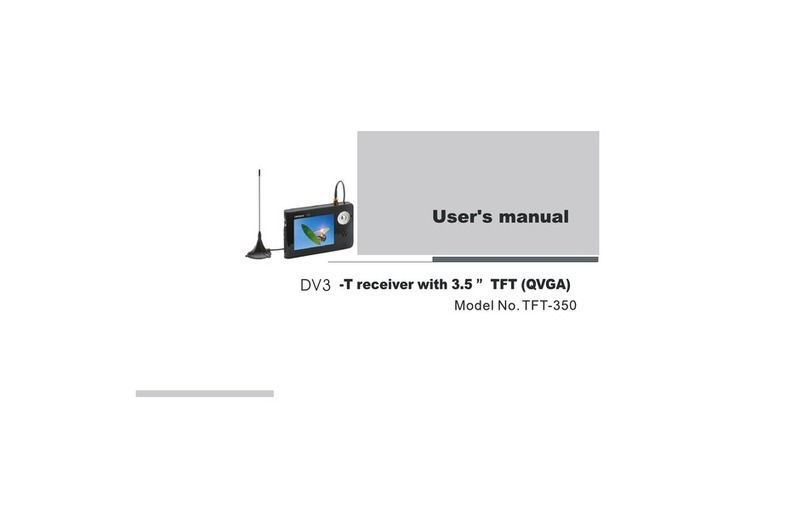
LENCO TFT-360 User manual

Other manuals for TFT-360

1

Other LENCO TV Receiver manuals

LENCO TFT-350 User manual

LENCO

LENCO TFT-350 User manual

LENCO TFT-721 User manual

LENCO

LENCO TFT-721 User manual

Popular TV Receiver manuals by other brands

AXIL RT 0401 HD user manual

AXIL

AXIL RT 0401 HD user manual

Motorola DCT700 installation manual

Motorola

Motorola DCT700 installation manual

Edision Piccollino user guide

Edision

Edision Piccollino user guide

Strong SRT 2401 Troubleshooting

Strong

Strong SRT 2401 Troubleshooting

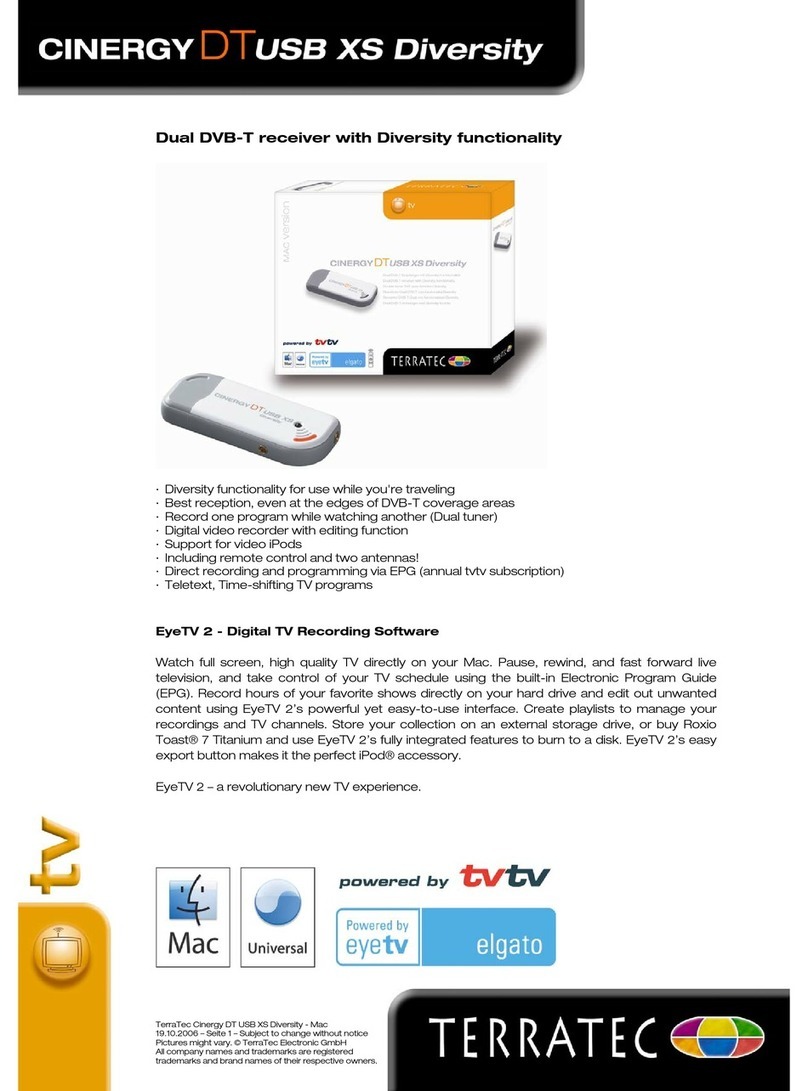
TerraTec CINERGY DT USB XS DIVERSITY Technical data

TerraTec

TerraTec CINERGY DT USB XS DIVERSITY Technical data

Haier 34F9K owner's manual

Haier

Haier 34F9K owner's manual

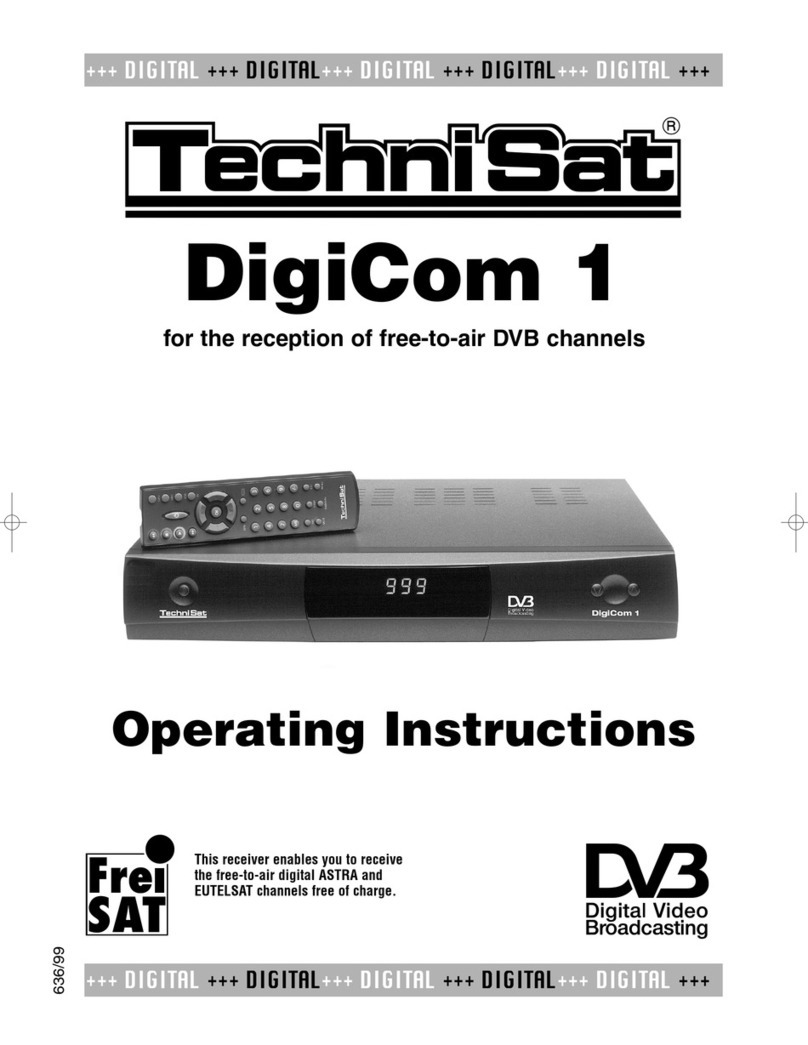
TechniSat DigiCom 1 operating instructions

TechniSat

TechniSat DigiCom 1 operating instructions

Haier LT19A1 user manual

Haier

Haier LT19A1 user manual

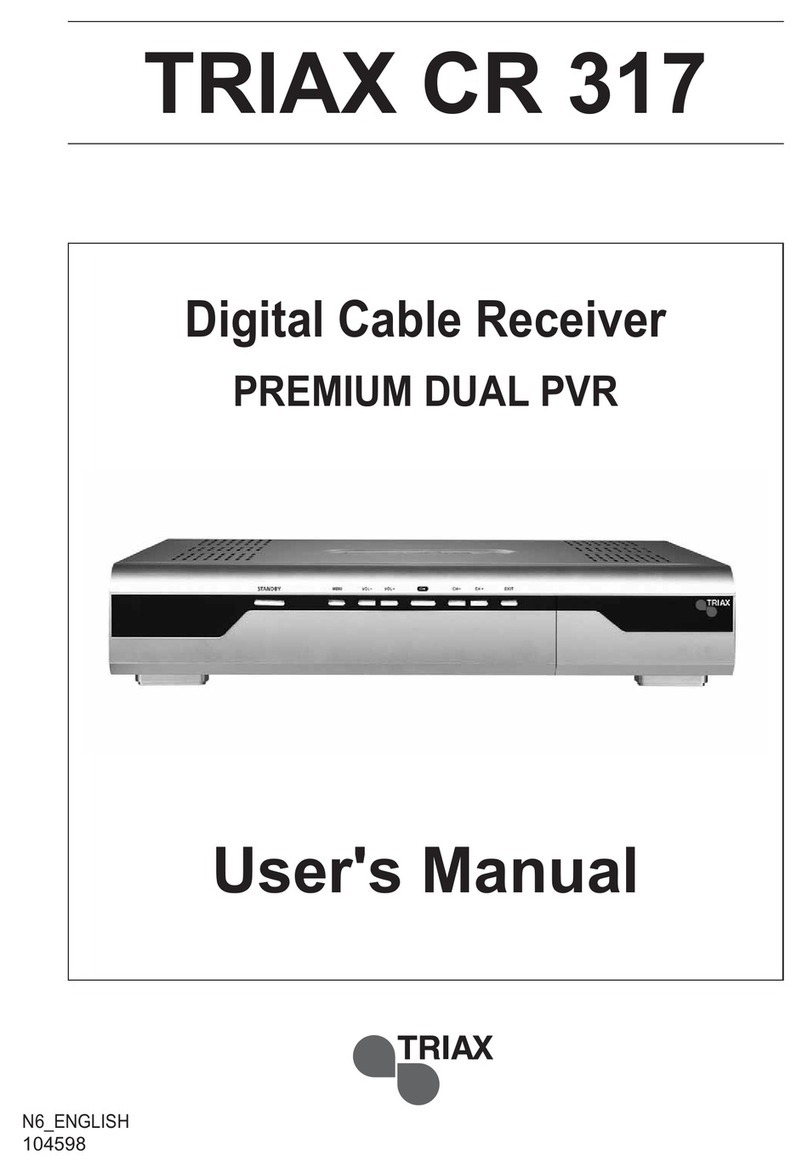
Triax CR 317 user manual

Triax

Triax CR 317 user manual

DirecTV D10-300 user guide

DirecTV

DirecTV D10-300 user guide

Motorola VIP2502W installation guide

Motorola

Motorola VIP2502W installation guide

Micro Prose MPI-500 user manual

Micro Prose

Micro Prose MPI-500 user manual

TechniSat DIGIT ISIO S Quick start manual

TechniSat

TechniSat DIGIT ISIO S Quick start manual

Rextor 3488 user manual

Rextor

Rextor 3488 user manual

Matsui DTR1 user manual

Matsui

Matsui DTR1 user manual

Sky Sat Royal HD PVR Ready user manual

Sky Sat

Sky Sat Royal HD PVR Ready user manual

Dyon Raptor Specifications

Dyon

Dyon Raptor Specifications

Best Buy Easy Home DVB-T Flip HD user manual

Best Buy

Best Buy Easy Home DVB-T Flip HD user manual

manuals.online logo
manuals.online logoBrands
  • About & Mission
  • Contact us
  • Privacy Policy
  • Terms and Conditions

Copyright 2025 Manuals.Online. All Rights Reserved.

User's manual
-T receiver with 3.5 TFT (QVGA)
``
12
BASIC OPERATIONS........................
TURNING ON/OFF THE MAIN UNIT..................
DVB-T SETUP...................................
HOW TO DEFINE FAVORITE PROGRAM................
ELECTRONIC PROGRAM GUIDE......................
DTV SETTING ..................................
AUTO SCAN.....................................
MANUAL SCAN...................................
DISPLAY.......................................
SYSTEM........................................
SD-MMC MODE...................................
PLAYING THE FILE STORING IN A MEMORY CARD.....
PLAYING Mp3 FILE..............................
PLAYING JPEG FILE.............................
PLAYING Mp4 FILE..............................
GAME MODE.....................................
HOW TO SELECT TV PROGRAM......................
HOW TO SELECT FAVORITE PROGRAM................
HOW TO CONTROL THE VOLUME.....................
12
13
13
14
14
14
14
14
14
14
101 08
PRECAUTIONS......................................
Table of contents
ACCESSORIES.....................................
PARTS AND FUNCTIONS.......................
SPECIFICATION.....................................
2
3
4
02
03
05
02
TROUBLE SHOOTING .............................
15
03
PARTS IN THE FRONT OF THE UNIT............
PARTS IN THE LEFT OF THE UNIT.............
PARTS IN THE BOTTOM OF THE UNIT...........
PARTS IN THE TOP OF THE UNIT..............
KEYPAD IN THE MAIN UNIT...................
03
03
04
03
USING THE BATTERY..........................
5
CONNECTING THE MAIN UNIT TO OTHER
COMPONENTS............................
CONNECTING TO ANTENNA.....................
CONNECTING TO AC-DC ADAPTER...............
CONNECTING EARPHONE.......................
CONNECTING TO PC..........................
CONNECTING TO MEMORY CARD (SD/MMC)........
CONNECTING TO A TV SET....................
10
10
10
10
11
11
11
5
66
06
06
07
06
08
08
09

1
WARNING:
Precautions
01
Thank you for purchasing this smart product.
Please read this manual carefully before operating this product.
Please keep this manual for future use. It will be helpful to you if you are encounter any
operational problem.
TO REDUCE THE RISK OF FIRE OR ELECTRIC SHOCK, DO NOT USE THE UNIT
IN THE RAIN OR MOISTURE ENVIRONMENT.
ONLY USE ACCESSORIES SPECIFIED BY THE MANUFACTURE.
PLEASE KEEP THE UNIT IN THE TEMPERATURE 10~50.
PLEASE TURN THE POWER SWITCH OFF WHEN DON'T USE THE UNIT.
CLEAN ONLY WITH A DAMP CLOTH.
Precautions
Ca utions on using th is smar t produ ct
Ensure a minim um dist ance of 5 cm arou nd the ap parat us for su ffici ent ven tilat ion.
Ensure that th e venti latio n is not im peded b y cover ing the v entil ation o penin gs
with items suc h as news paper s,tab le-cl oths, curta ins,e tc.
Do not place nak ed flam e sourc es,su ch as lig hted ca ndles o n the app aratu s.
Use the appara tus onl y in mode rate cl imate s(not i n tropi cal cli mates ).
Do not expose th e appar atus to d rippi ng or spl ashin g.
Do not place obj ects fi lled wi th liqu ids,s uch as va ses ,on t he appa ratus .
Do not dispose o f the bat tery in t he usua l house hold ga rbage a t the end o f its
lifecycle; h and it ov er at a col lecti on poin t for the r ecycl ing of el ectri cal
and electron ic appl iance s.
1
Please check the accessories according to the following:
Ac cesso ries
Earphone
AV cable
AC/DC switching adapter
User's manual
Main unit(built in battery )
Mini cupula antenna
1pcs
1pcs
1pcs
1pcs
Accessories&Specifications
02
VIDEO
TFT
POWER
SIZE
NET WEIGHT
WORKING TEMPERATURE
DVB-T RECEIVER
SPEAKER
RECHARGEABLE BATTERY
Video output, 1.0Vpp/75Ω(PAL/NTSC)
3.5 digital TFT panel, 320x240 RGB strip
AC/DC switching adapter,AC input 100~240V,DC output 5V/1.0A
128x80x18.5 mm
170g (include battery)
5 ~ 40
VHF,UHF
0.8W/8ohm
2200mAh/3.6V Li-polymerization
Specifications
CC
1p cs
1p cs
``
PORTABLE MULTIMEDIA PLAYER
MENU
CH+
CH-
Fav- Fav+
OK
Parts in the top of the main unit
Antenna socket
1.
1
Parts & Functions
Pa rts in th e front of the main unit 2
1.
2.
3.
2.
LCD display
Speakers
Control keypad
3.
Parts in the bottom of the main unit
1
1
2
3
3
3
03
23
5V DC input
Connecting to AC-DC adapter
Earphone jack
1.
2.
3.
4.
USB(1.1) socket
Video output
Output video signal
Parts in the left of the main unit
1234
USB DC INVIDEO OUT
SD CARD
Memory card socket
1.
Suit for SD/MMC card reader
Power LED indicator
Po wer but ton
When power on, the LED is light
When power off, the LED:
Flash: when charging the battery
Dim: when battery is fully charged
Off : when no use AC/DC adapter
Press the button for 1.5 second to power
on/off the unit
Keypad in the main unit
1.
2.
3.
4.
5.
Menu
Press the button to set the system
information.
/
OK
Press the button to confirm the select
6.
122
Parts & Functions
Fav-
/
Fav+
Cursor left/Favorite program
subtract
Cursor right/Favorite program
addition
04
/CH-
Cursor down/channel subtract
/CH+
Cursor up/channel addition
7.
8. Volume +/-
Press these buttons to increase/
decrease the volume when the main
unit is in play mode.
Press the button to display program
information when the main unit is in
play mode.
Press the button to select Teletext,
Language,Subtitle when the main
unit is in play mode.
Press the button to Return
3
4
5
6
7
8
MENU
CH+
CH-
Fav- Fav+
OK
Please fully charge the bat ter y whe n the first using the unit.
The unit will be warmer when th e uni t is in u sing. It's normal.
Please switch power off whe n the u nit i s not used for long time
The unit will be auto switch po wer o ff wh en the battery is low.
05
3
Using battery
Warning
Don't use the battery which is not match the unit.Danger of explosion if battery is incorrectly
replaced.Replace only with the same or equivalent type.
The battery could play 2 hour s whe n the b attery is fully charged.
When charging the battery , the p owe r switch should be off.
Charging the battery using AC/DC adapter
Please follow the followi ng st ep:
Switch off the unit, you will s ee th e LED i ndicator is off . Plug AC/DC ad apt er & pl ug DC in, you will see
LED indicator
Flashing: when battery is c har ged ;
Dim: when battery is fully ch arg ed.
The charging time will be aro und 4 h our s.
The AC/DC adapter is switching adapter. The input voltage is 100V~240V, Output voltage is 5V/1.0A
Precautions
Danger of burning out the unit if the AC/DC adapter is not match the unit..
.
Warning
06
4
Connecting to DVB-T antenna
Plug the antenna to the anten na so cke t.
Please select correct ant enn a mod el in system setup menu.
The following is must be know n:
Type of antenna
The antenna is divided into 2 m ode l: Ac tive and Passive. When you ch ang e
the antenna, please choic e the c orr ect antenna model.
If you don't know the model, pl eas e cho ice passive. (In the setup me nu)
When the unit is moved to a new country
Please search the program f irs t. Th e signal is different from co unt ry,
you must select the correct c oun try .
Connecting the main unit to other components
Connecting to AC-DC adapter
1 Please plug the AC-DC adapter to AC
power socket;
2 Connecting the DC output of adapter
to DC in of the main unit.
AC-DC adapter specification: 5V/1.0A
Please using the adapter that is the
standard accessory of the main unit.
Note:
USB DC INVIDEO OUT
Ma i n uni t
left side
07
4
Connecting earphone
Connect the earphone plug securely to the earphone jack on the main unit.
To listen to the audio, using +/- to adjust the volume to a comfortable level.
Main unit
left side
To earphone jack
Insert the earphones plug securely.
No sound will be heard unless the earphones are securely connected.
Note:
Earphone
Note:
When using the earphone, pl eas e adj ust the volume smaller firs t, th en in sert
the earphone.
USB DC INVIDEO OUT
Connecting the main unit to other components
PC
USB c able ( co nn ec t t o PC )
08
Connecting to PC
1 Please connect the PC USB cable to
the USB terminal of the main unit,
then the main unit could show PC
connected
2 The PC could explore the USB
automatically
3
The PC can read the contents of
card when there is memory card in
the main unit.At the same time,the
contents of card can be removed,
copied and deleted.
Main unit
left side
Connecting to memory card (SD/MMC)
1 Please insert the memory card
to the memory socket of the
main unit
2 The main unit can be read the
contents in the memory card
automatically when the main
unit is in SD/MMC card mode.
Please insert the memory card in
right direction.
Note: Memory card
4
Note:
If connect to PC USB cable,the keypad
of the main unit can not be operated.
USB DC INVIDEO OUT
PORTABLE MULTIMEDIA PLAYER
MENU
CH+
CH-
Fav- Fav+
OK
Connecting the main unit to other components