Contents
Discover our Chromebook . . . . . . . . . . . ii
Chapter 1. Meet yo r Chromebook . . . 1
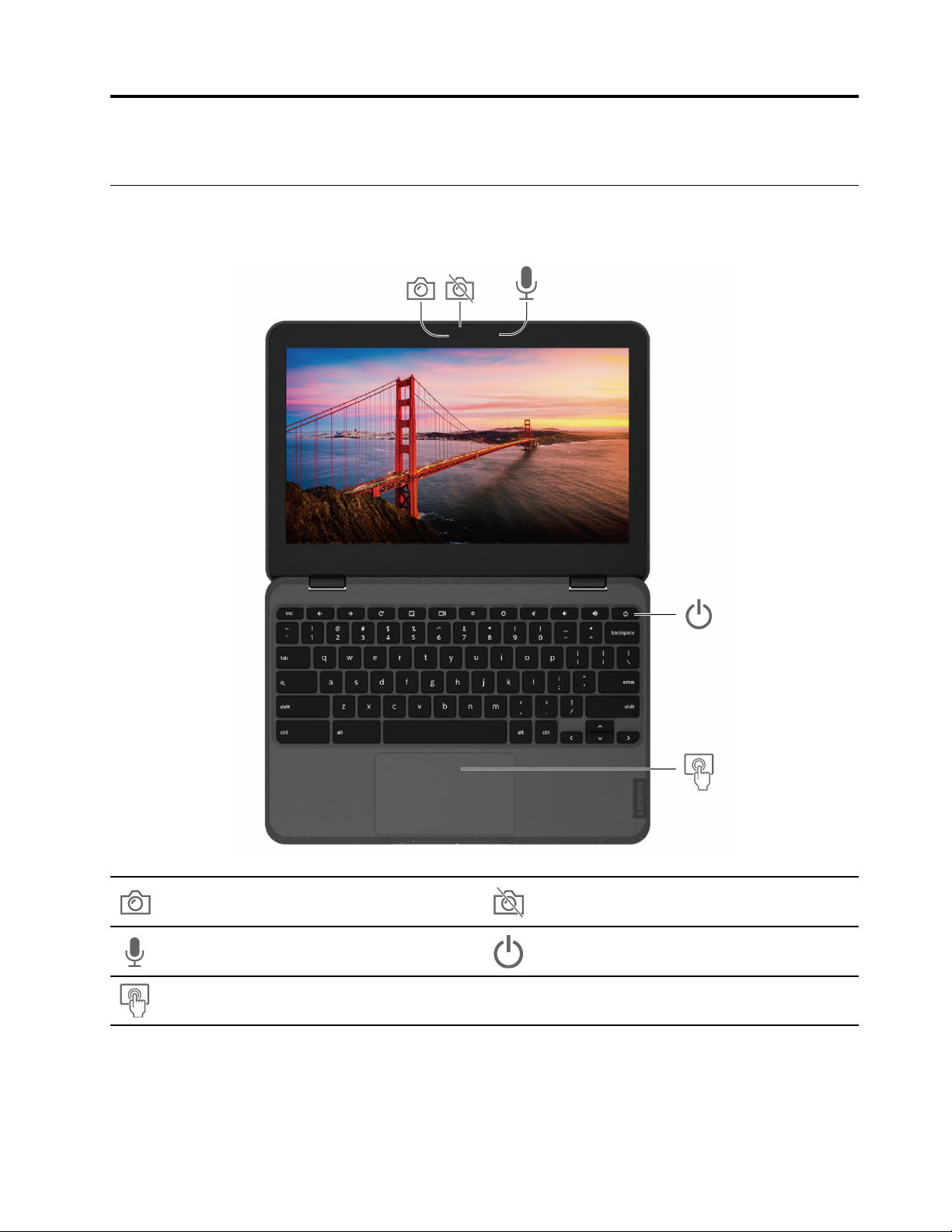
Front view . . . . . . . . . . . . . . . . . . 1
Side view . . . . . . . . . . . . . . . . . . 3
Bottom view . . . . . . . . . . . . . . . . . 5
Rear view . . . . . . . . . . . . . . . . . . 5
Specifications . . . . . . . . . . . . . . . . 5
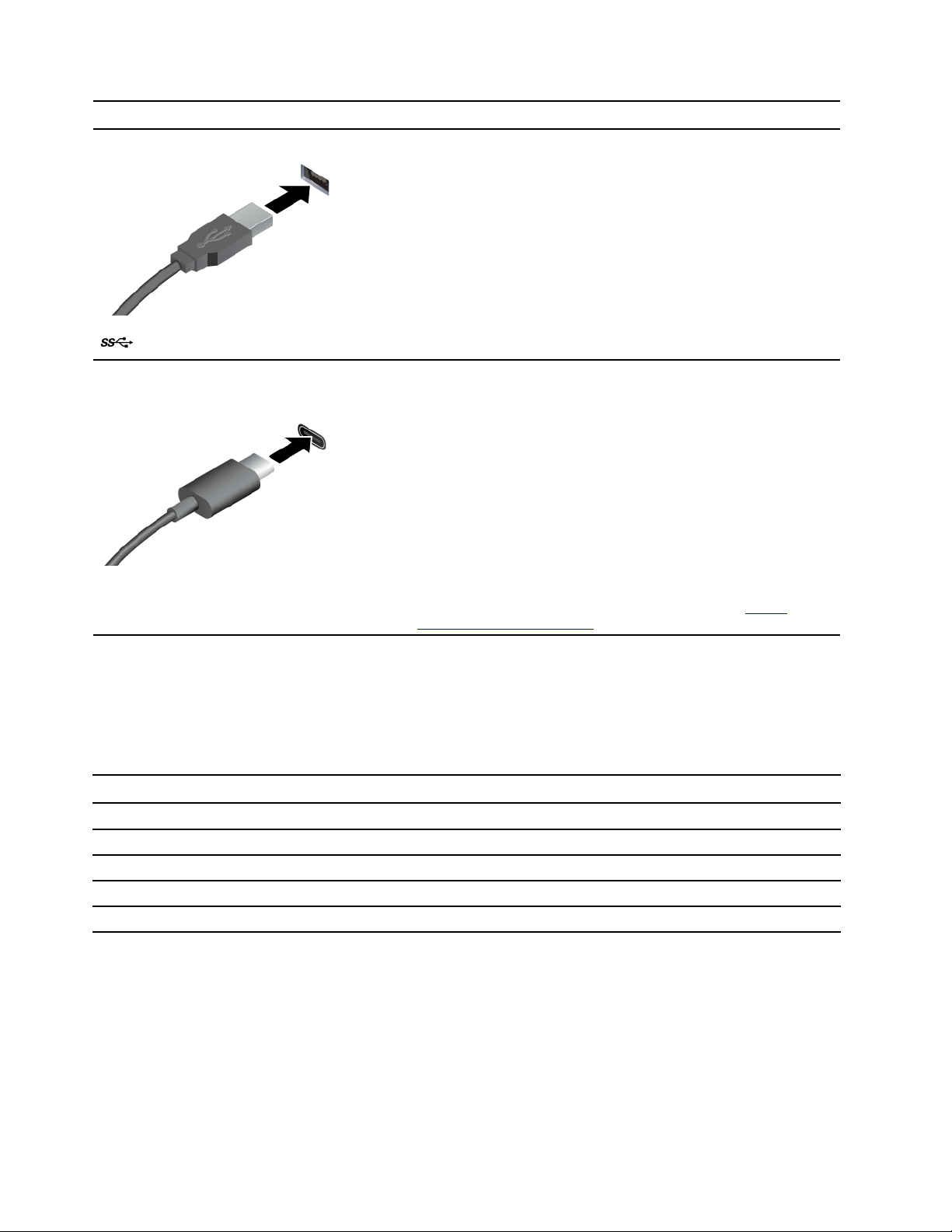
USB specifications. . . . . . . . . . . . . 5
Chapter 2. Explore yo r
Chromebook . . . . . . . . . . . . . . . 7
Charge our Chromebook. . . . . . . . . . . . 7
Lock our Chromebook. . . . . . . . . . . . . 7
Connect to a cellular network (for selected
models) . . . . . . . . . . . . . . . . . . . 8
Interact with our Chromebook . . . . . . . . . . 8
Use the ke board shortcuts . . . . . . . . . 9
Use the touchpad . . . . . . . . . . . . . 9
Use the touch screen (for Lenovo 300e/500e
Chromebook Gen 3 onl ) . . . . . . . . . 10
Use the electronic pen (for selected models of
Lenovo 300e/500e Chromebook Gen 3) . . . 12
Get to know our Chromebook modes (for
Lenovo 300e/500e Chromebook Gen 3) . . . 12
Connect to an external displa . . . . . . . 13
Set the power plan . . . . . . . . . . . . 14
Shut down our Chromebook . . . . . . . 14
Chapter 3. CRU replacement . . . . . 17
What are CRUs . . . . . . . . . . . . . . . 17
Replace a CRU . . . . . . . . . . . . . . . 17
Pen dumm . . . . . . . . . . . . . . 17
Base cover assembl . . . . . . . . . . . 18
Chapter 4. Help and s pport . . . . . 21
Frequentl asked questions . . . . . . . . . . 21
Call Lenovo . . . . . . . . . . . . . . . . 21
Before ou contact Lenovo . . . . . . . . 21
Lenovo Customer Support Center . . . . . . 22
Get help from Google . . . . . . . . . . . . 23
Appendix A. Compliance
information . . . . . . . . . . . . . . . 25
Appendix B. Open so rce
information . . . . . . . . . . . . . . . 31
Appendix C. Notices and
trademarks . . . . . . . . . . . . . . . 33
© Cop right Lenovo 2021 i