Unpacking
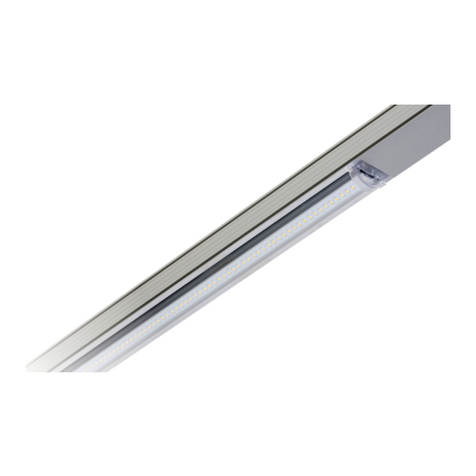
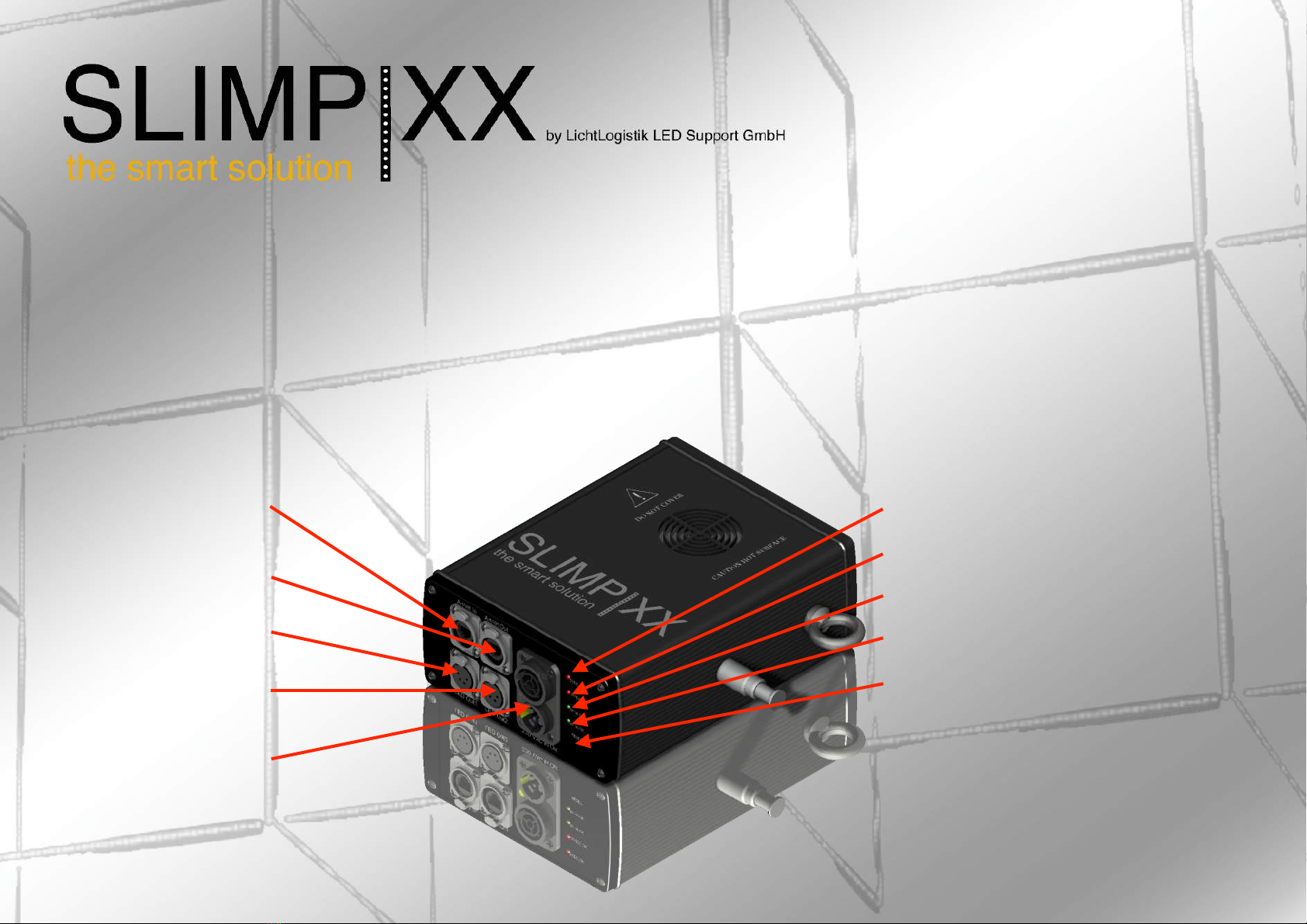
You will receive your new „SlimPixx“-System in the following parts:"
*#SlimPixx-Sticks"
*#Power Supply | LED Controller"
*#Neutrik True1 Power cable"
*#4pin LED connection cable"
Connect your SlimPixx LED-Sticks as you need it for your installation."
Plug in the LED connection cable in your SlimPixx-controller and the first SlimPixx-stick of your installation. "
Connect controller to 230 VAC with the Neutrik True1 Power cable."
Connect ArtNet via RJ45 cable from your control device or network hub to the SlimPixx-controller. "
Set the ArtNet address, chip and configuration in the browser based menu from the SlimPixx-controller."
In any kind of situation never connect or disconnect LEDs while on power! This may harm your product seriously!
Erste Schritte
Sie erhalten Ihr neues „SlimPixx"-System in folgenden Teilen:"
* SlimPixx-Sticks"
* Stromversorgung | LED-Controller"
* Neutrik True1 Netzkabel"
* 4-poliges LED-Verbindungskabel"
Verbinden Sie Ihre SlimPixx-Sticks so, wie Sie sie für Ihre Installation benötigen."
Verbinden Sie über das LED-Anschlusskabel Ihren SlimPixx-Controller mit dem 1. SlimPixx-Stick Ihrer Installation."
Schließen Sie den SlimPixx-Controller mit dem Neutrik True1 Netzkabel an ein 230 VAC -Stromsystem an."
Verbinden Sie ArtNet über ein RJ45-Kabel von Ihrem Steuergerät oder Netzwerk-Hub mit dem SlimPixx-Controller."
Stellen Sie die ArtNet-Adresse, den Chip und die Konfiguration im Browser-basierten Menü des SlimPixx-Controllers ein."
Zu keinem Zeitpunkt der Installation LEDs unter Last an- oder ausstecken! Dies kann zu ernsten Beschädigungen des Produktes führen!