manuals.online logo
Brands
  1. Home
  2. •
  3. Brands
  4. •
  5. Linak
  6. •
  7. Automobile Part
  8. •
  9. Linak TWINDRIVE HB12 User manual

Linak TWINDRIVE HB12 User manual

Other manuals for TWINDRIVE HB12

1

This manual suits for next models

1

Popular Automobile Part manuals by other brands

Edelbrock 2929 installation instructions

Edelbrock

Edelbrock 2929 installation instructions

Edelbrock 5247 installation instructions

Edelbrock

Edelbrock 5247 installation instructions

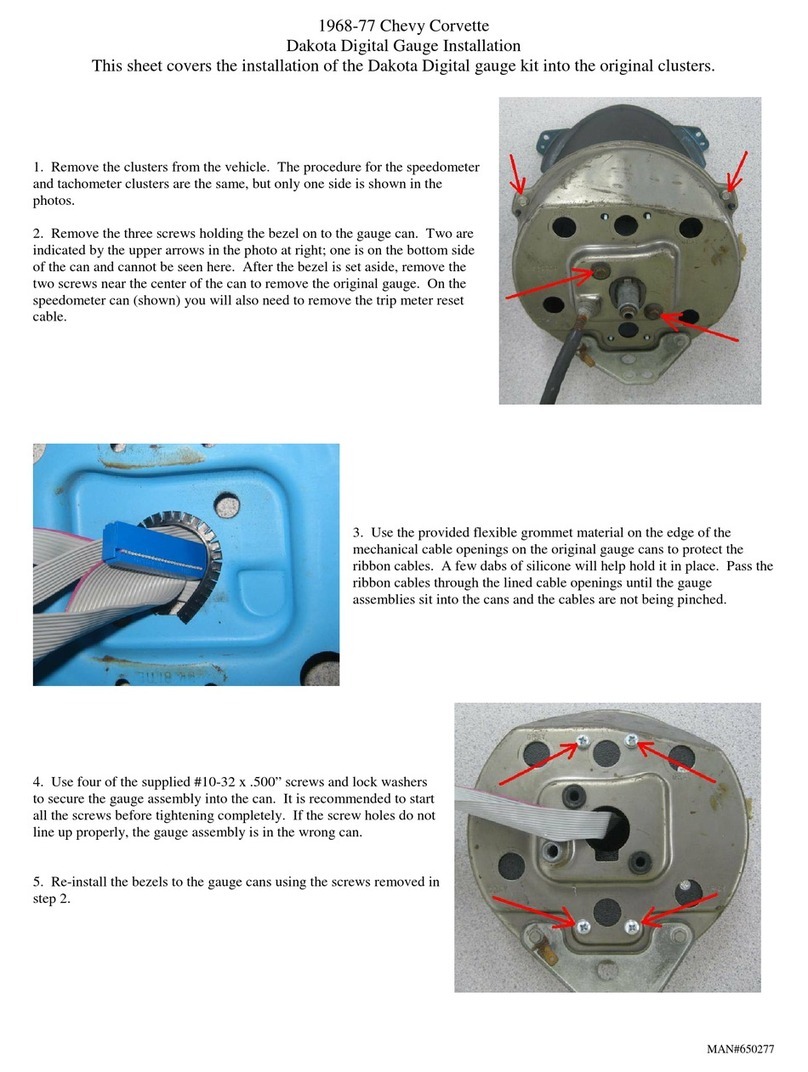
Dakota Digital 650277 Installation

Dakota Digital

Dakota Digital 650277 Installation

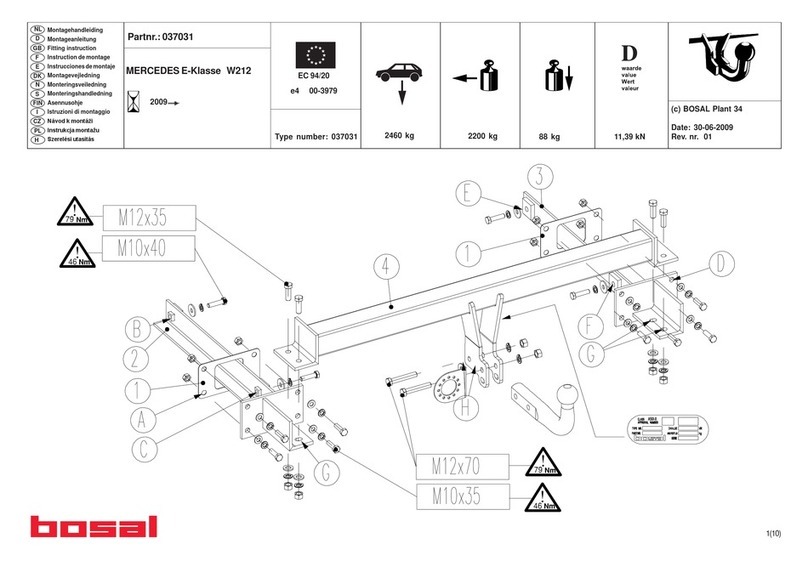
bosal 037031 Fitting instructions

bosal

bosal 037031 Fitting instructions

Edelbrock 66332 installation instructions

Edelbrock

Edelbrock 66332 installation instructions

bosal 028091 Fitting instructions

bosal

bosal 028091 Fitting instructions

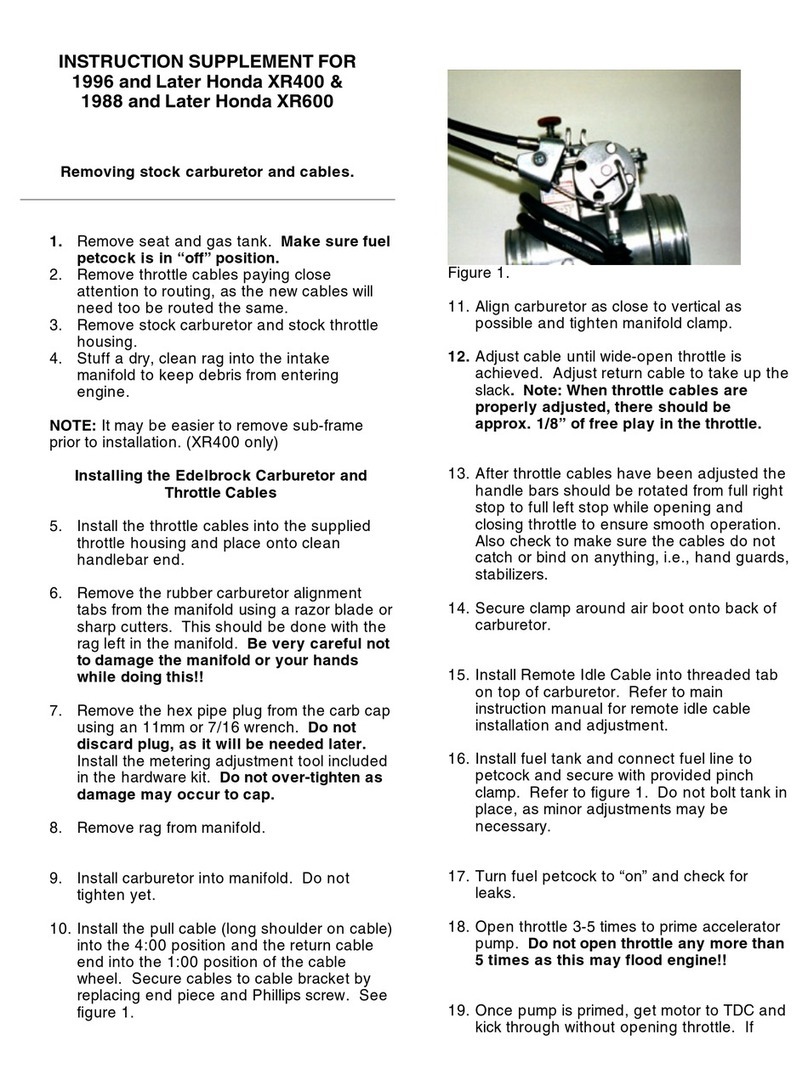
Edelbrock Honda XR400 Instruction supplement

Edelbrock

Edelbrock Honda XR400 Instruction supplement

Vintage Air 571063 manual

Vintage Air

Vintage Air 571063 manual

Edelbrock 70005 installation manual

Edelbrock

Edelbrock 70005 installation manual

GFB EX38 instruction manual

GFB

GFB EX38 instruction manual

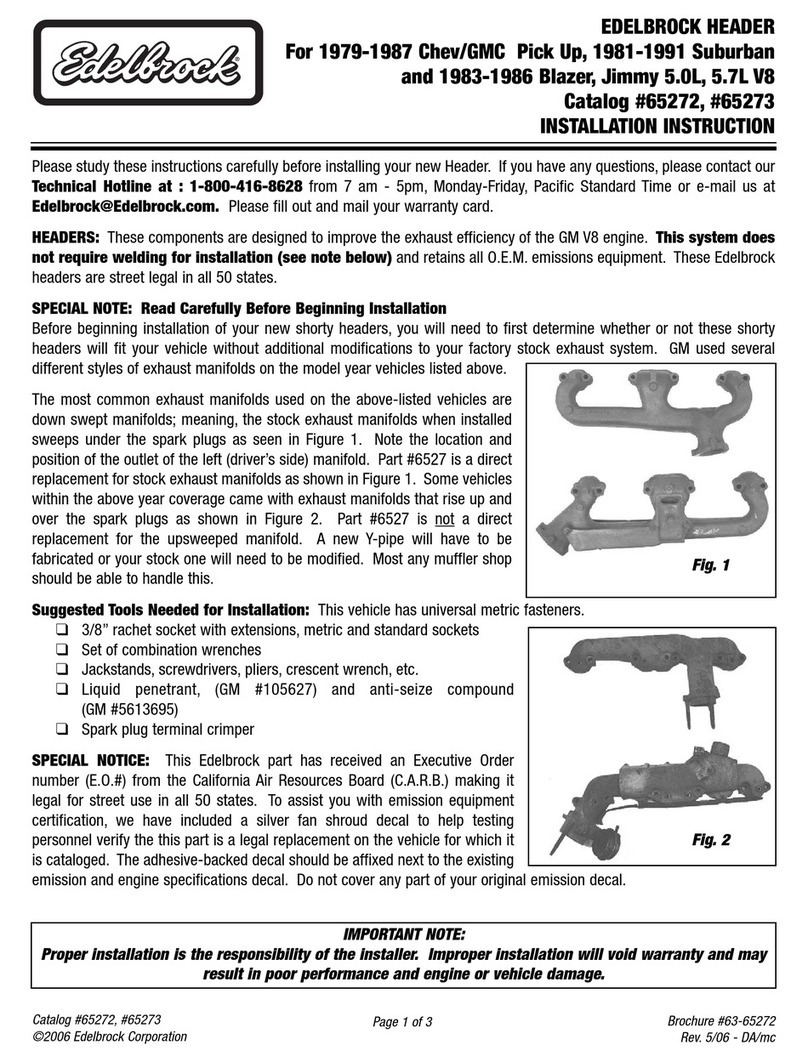
Edelbrock 65272 installation instructions

Edelbrock

Edelbrock 65272 installation instructions

Dodge 8W-43 Wiring diagram

Dodge

Dodge 8W-43 Wiring diagram

ICI Magnum FBM10DGN Installation

ICI

ICI Magnum FBM10DGN Installation

Volant Perfomance 19435 installation instructions

Volant Perfomance

Volant Perfomance 19435 installation instructions

Edelbrock 5761 installation instructions

Edelbrock

Edelbrock 5761 installation instructions

Robin America DY30 Service manual

Robin America

Robin America DY30 Service manual

Edelbrock 8192 installation instructions

Edelbrock

Edelbrock 8192 installation instructions

Edelbrock Ford Mustang 3381 installation instructions

Edelbrock

Edelbrock Ford Mustang 3381 installation instructions

manuals.online logo
manuals.online logoBrands
  • About & Mission
  • Contact us
  • Privacy Policy
  • Terms and Conditions

Copyright 2025 Manuals.Online. All Rights Reserved.

Copyright©LINAK 2010.08 MA M9-02-275-B
TWINDRIVE®RF based Systems
without Memory
www.linak.com
Functional description
Transmitter HB12 + HB22:
Up – down head motor
Up – down foot motor
Simultaneous up/down
This is only an additional guideline
Should you have further questions, please contact the
bed manufacturer
Is only valid for the motor part (TWINDRIVE®system).
Child lock - only on HB22
Enable/Disable Child lock
1. Remove 1 battery and wait 15 seconds
2. Press both buttons on second row and keep the keys pressed
3. Mount the battery at the same time (the keys are pressed)
4. The child lock function is now enabled
2. 3.
Unlock of Child lock
Press up and down keys of the 2nd row at the same time for one
sec.
When the blue LED turns on the handset is unlocked.
The handset is not unlocked If the keys are not released again
before the blue led turns off.
Lock
If no keys are pressed for 10 seconds, the handset will lock again.
Factory settings (disabled childlock)
Dismount 1 battery and wait 15 seconds. Mount the battery
and the HB is back to factory setting.
Congratulations on your new elevation bed!
An actuator is mounted in the bed. This is the electronic unit,
which moves the bed, when you press the handset. The actuator
is a LINAK product. LINAK is the world’s leading manufacturer of
actuator systems.
A LINAK actuator is reliable and noiseless. It provides a high and
constant force, and it leaves more space under the bed than any
other actuator.
The actuator has been constructed with full focus on security.
At the same time, it has the lowest power consumption in the
market.
In short: A LINAK actuator is a quality product, which is built to
ensure full functionality several years ahead. In this user manual,
you can find advice and information.
For further information, please read our user manuals on our
website http://www.linak.com/products/Dual-Actuators.aspx.
We recommend that you read the user manual thoroughly
through before use, so that you will have optimum pleasure with
the bed and the LINAK actuator many years ahead.
Have a good time!
Start-up:
The TD can accept commands from up to 2 RF handsets.
From the factory, the TD cannot recognize any RF handsets at
all. Therefore, the end user/bed manufacturer must match it to
the RF handset before they can control the TD operation.
Conditions which must be fulfilled prior to activating the
learning mode:
TD1:
1. Connect the TD1 to the mains
2. Wait 20 sec.
3. Activate the reset key on the TD1 by using a fingertip, keep
the button pressed (1 - 2 sec.). Push at the same time on a
button at the HB. HB is now paired to the TD. System is now
(setup) ready to be used. (This learning mode also works via
battery pack).

TD3
TD1
TD3:
1. Connect the TD3 to the mains
2. Wait 20 sec.
3. Activate the reset key and keep it pressed until the motor stops.
4. Release the reset key
5. Activate the reset key on the TD3 by using a pen, keep the
button pressed (1 - 2 sec.). Push at the same time on a button
at the HB. HB is now paired to the TD. System is now (setup)
ready to be used. (This learning mode also works via battery
pack).