manuals.online logo
Brands
  1. Home
  2. •
  3. Brands
  4. •
  5. Lindenis
  6. •
  7. Video Card
  8. •
  9. Lindenis V5 User manual

Lindenis V5 User manual

Popular Video Card manuals by other brands
Diamond Multimedia ATI Radeon SKU 4870PE51GDT Specification sheet
Diamond Multimedia

Diamond Multimedia ATI Radeon SKU 4870PE51GDT Specification sheet

NEC N8116-29 user guide

NEC

NEC N8116-29 user guide

ATI Technologies RADEON 137-40225-20 user guide
ATI Technologies

ATI Technologies RADEON 137-40225-20 user guide

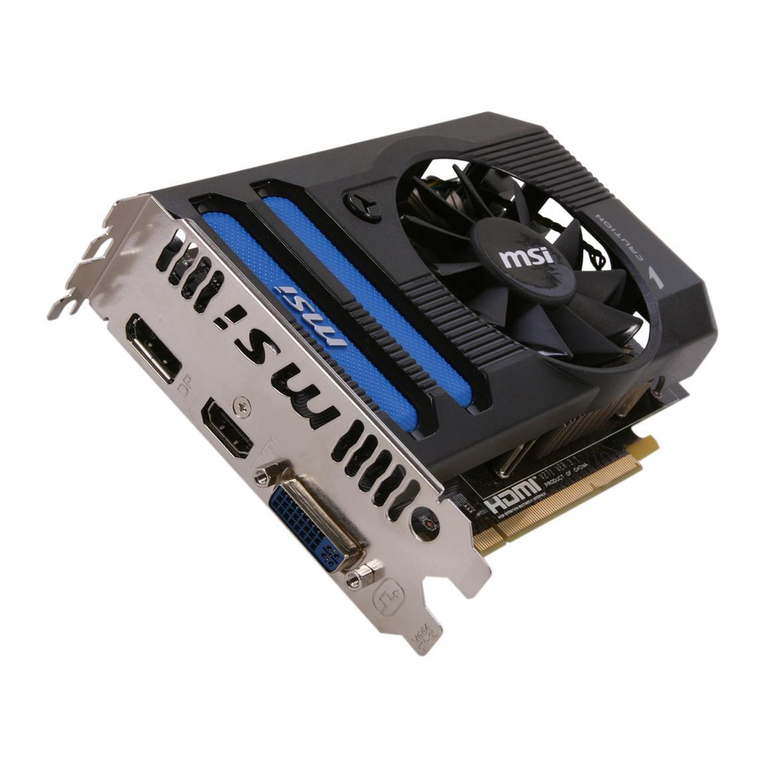
MSI N220GT series user manual

MSI

MSI N220GT series user manual

ATI Technologies RADEON 7000 MAC EDITION user guide

ATI Technologies

ATI Technologies RADEON 7000 MAC EDITION user guide

SIIG aurora Quick installation guide

SIIG

SIIG aurora Quick installation guide
ClearSpeed ClearSpeed Advance e720 user guide

ClearSpeed

ClearSpeed ClearSpeed Advance e720 user guide

MSI R7850 series user guide

MSI

MSI R7850 series user guide

DVS Atomix HDMI installation guide

DVS

DVS Atomix HDMI installation guide

NEC N8116-48 user guide

NEC

NEC N8116-48 user guide

Nvidia Quadro Workstation user guide

Nvidia

Nvidia Quadro Workstation user guide

Aztech VGS3D-AGP user manual

Aztech

Aztech VGS3D-AGP user manual

Advoli TB4 Standard installation guide

Advoli

Advoli TB4 Standard installation guide

ELSA ERAZOR III LT user manual

ELSA

ELSA ERAZOR III LT user manual

Gigabyte GV-R7500L User'smanual

Gigabyte

Gigabyte GV-R7500L User'smanual

MSI R7770 PoweR Edition user guide

MSI

MSI R7770 PoweR Edition user guide

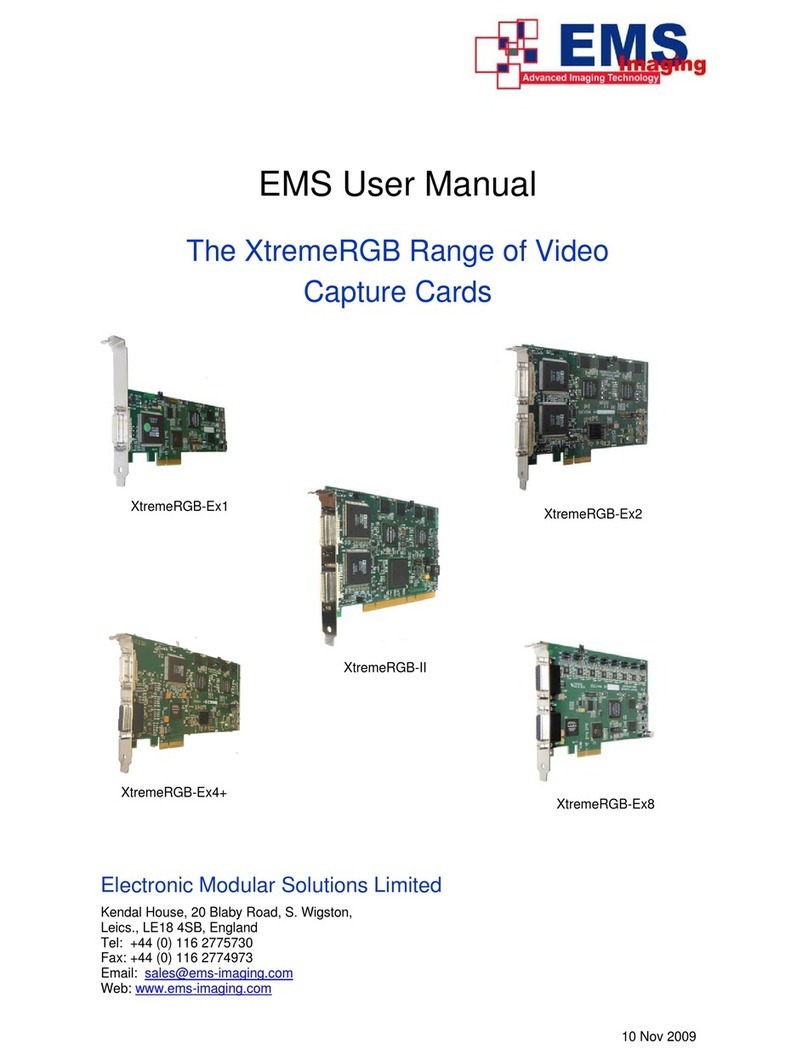
EMS XtremeRGB-Ex1 user manual

EMS

EMS XtremeRGB-Ex1 user manual

Gigabyte GV-N68T256D user manual

Gigabyte

Gigabyte GV-N68T256D user manual

manuals.online logo
manuals.online logoBrands
  • About & Mission
  • Contact us
  • Privacy Policy
  • Terms and Conditions

Copyright 2025 Manuals.Online. All Rights Reserved.

LCD & CTP Installation Guide
LCD Cable
CTP Cable
CTP + LCD Active Area
Figure 1:The Structure of LCD & CTP Module
Figure 2: The Two Sides of LCD Cable
A
B
The side you can see the copper pins,
called Side A.
The other side you can see a dark brown
plastic covered, called Side B.
Figure 3: The CTP Cable Top View (Left) and Bottom View (Right)
Figure 4: MIPI-DSI LCD Connector Location
Inner Side
Outer Side
Figure 5: MIPI-DSI LCD Connector
Outer Side
Inner Side
Side B
Side A
Active Switch
Step 1: Pull up the switch.
Step 2: Put the LCD cable into the
connector like Figure 6.
Step 3: Press down the switch.
So Easy!!!
Figure 6: How to connect the cable to the connector
Figure 8: Pins map of the adapter
!!!
Because the CTP is a TWI device, so we can connect it
to V5 board’s Pi bus through an adapter.
Figure 7: Connect the CTP cable to the adapter with a 10mm 6 pins ribbon cable
1
6
P6
P4
P2
P5
P3
P1
Figure 10: Connect the adapter to the PI bus
Figure 9: PI Bus Location