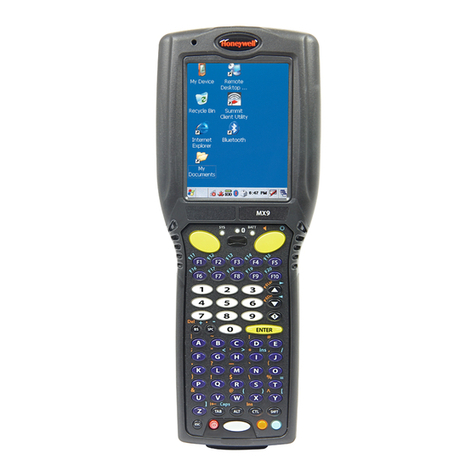
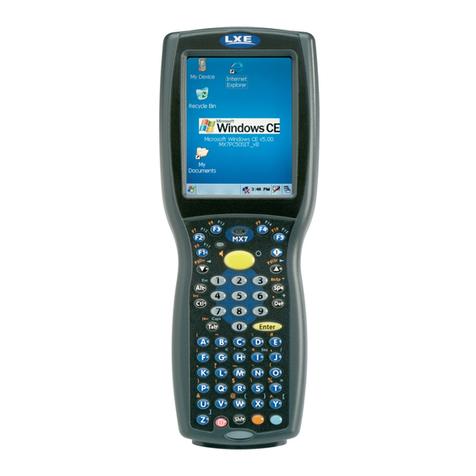
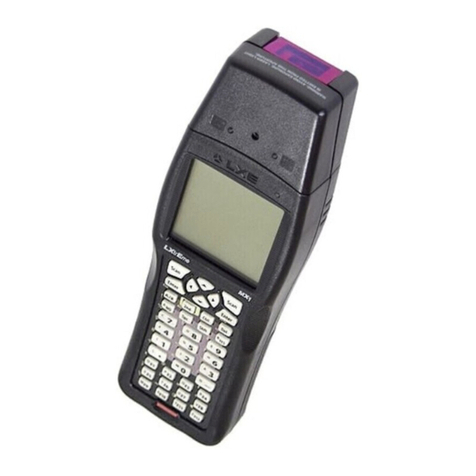
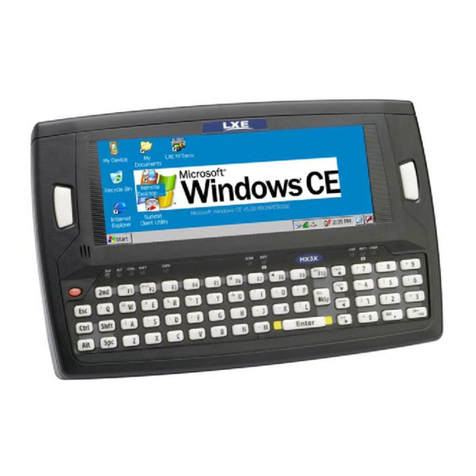
E-EQ-MX2OGWW-K-ARC MX2 User’s Guide
Table of Contents
MX2 HAND HELD COMPUTER 1
Introduction ............................................................................................................... 1
Features.....................................................................................................................................2
Keypads..................................................................................................................................3
Document Conventions ............................................................................................................4
Batteries..................................................................................................................... 5
Main Battery.............................................................................................................................5
Backup Battery .........................................................................................................................5
How To Insert/Replace Battery ................................................................................................6
Replacing Battery in MX2 with Handle...................................................................................7
Charging the MX2 Batteries in A Dock.................................................................... 8
Serial Communication in the Dock.......................................................................... 8
Operation................................................................................................................... 9
Quick Start................................................................................................................................9
Power Up ..................................................................................................................................9
“Please Wait” Messages.........................................................................................................9
Auto-Shutoff.........................................................................................................................10
Hardware Reset ....................................................................................................................10
Laser Scanner ......................................................................................................... 11
Cautions, Labels and Warnings..............................................................................................11
Using the Laser Scanner .........................................................................................................12
Triggering a Scan .................................................................................................................12
38-key Keypad............................................................................................................................... 12
48-key Keypad............................................................................................................................... 13
How To . . ............................................................................................................................14
Aiming the Barcode Scanner................................................................................................14
Distance from Label .............................................................................................................14
Successful Scan....................................................................................................................14
Unsuccessful Scan................................................................................................................15
Cleaning the Scanner Aperture ............................................................................................15
Keypad ..................................................................................................................... 16
38-key Keypad........................................................................................................................16
Key Maps .............................................................................................................................16
Repeating Keystrokes...........................................................................................................17
DOS Key Functions Not Available on the MX2..................................................................17
Keypad Input Modes ............................................................................................................18
Key Combinations for International Characters...................................................................19
International Characters and LXE Terminal Emulations............................................................... 19
Double Action Key Mode ....................................................................................................20
Selecting Alpha Characters in Double Strike Mode ...................................................................... 20