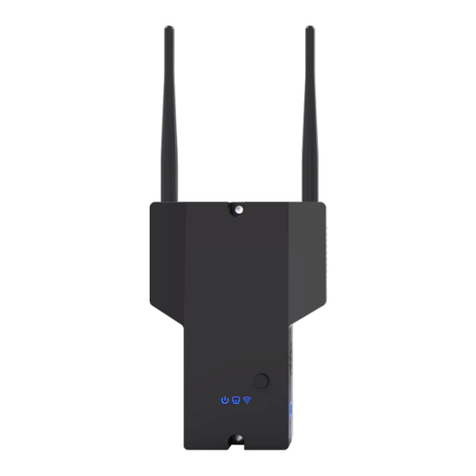
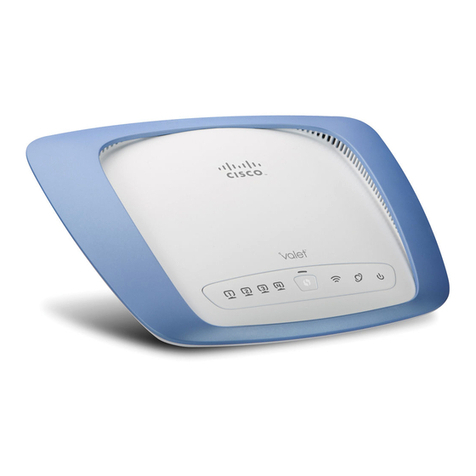
If you have purchased the WF-CON-LTE system or
upgraded from the Wi-Fi only RV2400 to the Wi-Fi / LTE
enabled RV2402 you will need to activate a data plan to
take advantage of the LTE benefits.
To get started with your LTE Activation, the system needs to be
installed and operational by completing Steps 1-6 in the following
pages of this manual. At Step 7 select “LTE” and then advance to
Step 15. At this point, you will be presented with the ICCID and
IMEI numbers you will need for your Data Plan Activation.
Record these numbers in the space provided below.
The RV2402 is shipped with an AT&T SIM preinstalled and ready
for easy activation at www.att.com/RV-Link. If you encounter any
difficulties activating your data service, review the FAQ section or
reach tech support through the chat function on the order page.
Once you are logged into the RV-Link page of the AT&T portal,
you will be presented with the most current high speed data plans
available for our program and an easy activation process - just
follow the on screen instuctions.
How to Activate your Data Plan
AT&T, the Globe logo and other AT&T marks are trademarks and service marks of AT&T Intellectual Property.
All other marks are the property of their respective owners. The information contained herein is not an offer,
commitment, representation or warranty by AT&T and is subject to change. AT&T products and services are provided
or offered by subsidiaries and affiliates of AT&T Inc. under the AT&T brand and not by AT&T Inc. | 14098-022519
IMPORTANT: Access to the internet is required for LTE Data Plan Activation
ICCID #
IMEI#
3