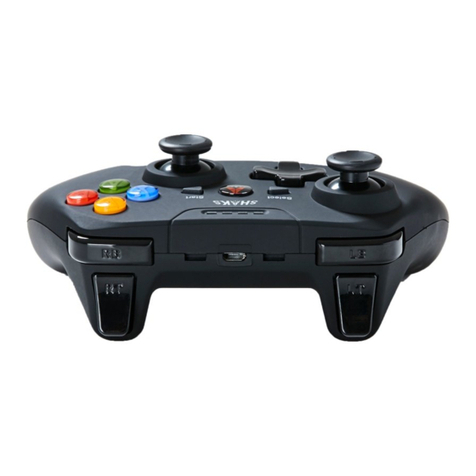
Marvo GT-016 User manual

GT-016
User Manual • Uživatelský manuál •
Užívateľský manuál • Használati utasítás •
Benutzerhandbuch • Manuel d'utilisation

2
English
3 –7
Čeština
8 –12
Slovenčina
13 –17
Magyar
18 –22
Deutsch
23 –27
Français
28 –33

3
Dear customer,
Thank you for purchasing our product. Please read the
following instructions carefully before first use and keep this
user manual for future reference. Pay particular attention to
the safety instructions. If you have any questions or
comments about the device, please contact the customer
line.
✉www.alza.co.uk/kontakt
✆+44 (0)203 514 4411
Importer Alza.cz a.s., Jankovcova 1522/53, Holešovice, 170 00
Prague 7, www.alza.cz
Product Presentation
Features
•Ergonomic design
•Rubber 3D joystick
•Comfortable high precising joystick
•USB power supply, plug and play
Technical Specifications
Number of buttons
12
Analog sticks
2
Vibration feedback
Interface
USB 2.0, micro-USB
Cable length
2.0 m (break-away 1.5 + 0.5
OTG)
Compatibility
PC, PS3 and Android
OS support
Windows 7 or newer

4
System Requirements
Compatible with PS3, Android or PC system
Safety Notes
•Keep the equipment dry. Keep away from precipitation,
humidity, all types of liquids and condensation.
•Do not use the product with wet hands.
•Do not use or store the equipment in dusty or dirty
areas.
•Do not store the equipment under high-temperature or
low-temperature conditions (this may damage it).
•Do not drop, knock, or shake the equipment as it may
damage it.
Installation
1. Connect USB port of the gamepad to equipment correctly.
2. Check whether the equipment can recognize the
gamepad.
3. Operate according to User Manual.
4. Please do not use the product in an extreme environment.
Use
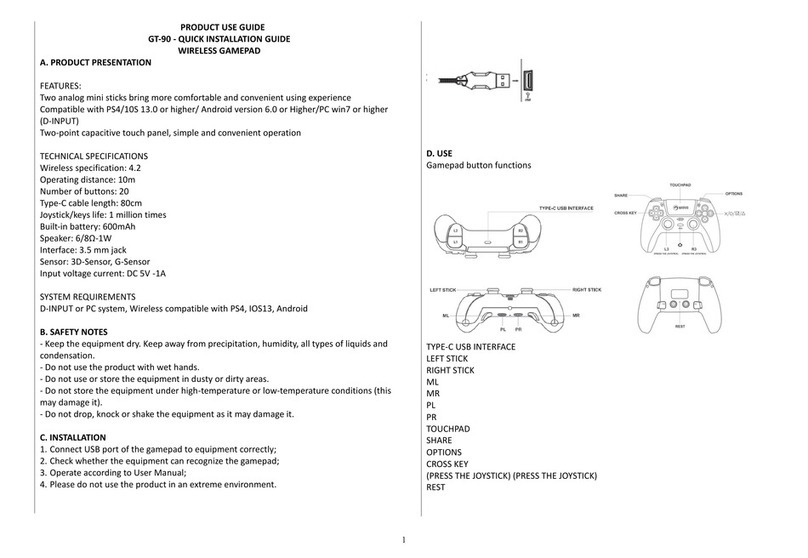
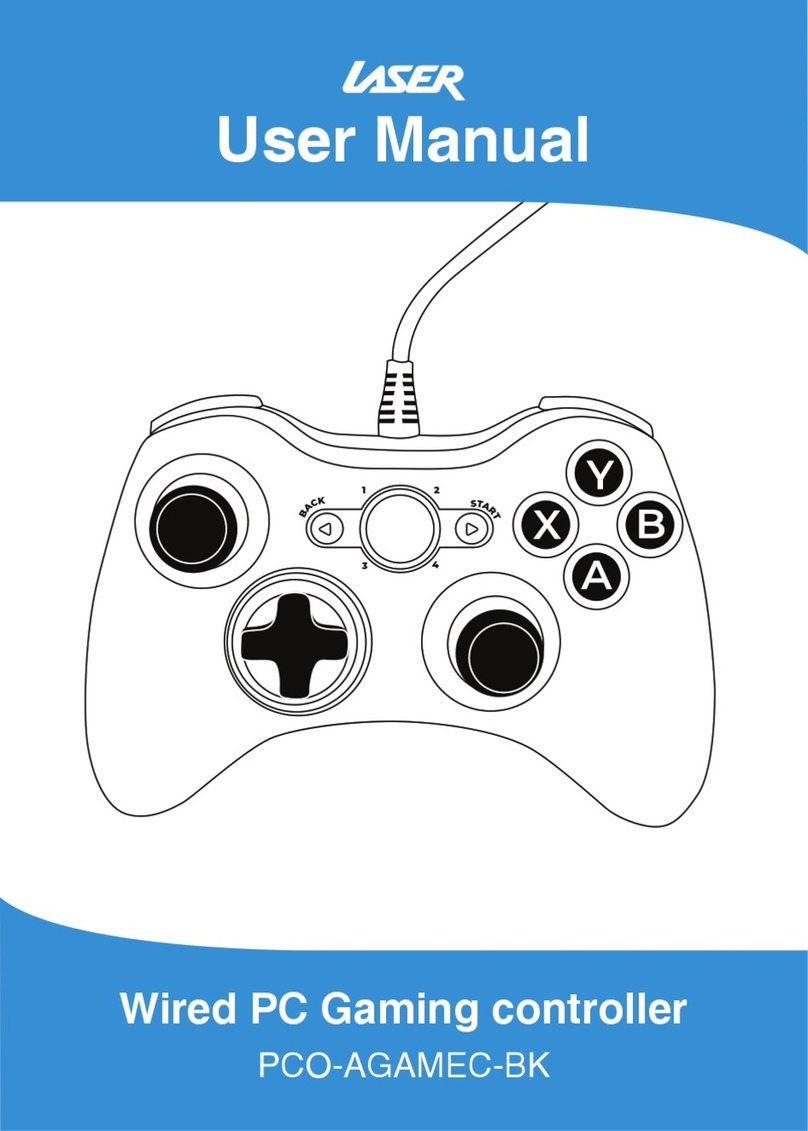
Gamepad button functions: X, Y, B, A, UP, DOWN, LEFT,
RIGHT, SELECT, START, L2, R2, HOME, L1, R1, TURBO

5
Troubleshooting
If the gamepad does not vibrate or it is not recognized,
please check that the game you are trying to play supports
vibrations effects.
In case of incorrect operation follow the steps below:
•Check the integrity of the connectors.
•Check the connection to the device.
•Check your device settings.
•Check the battery level.
•Disconnect and reconnect the equipment; restart
the device.
If the problem persists, please contact your local seller.
Warranty Conditions
A new product purchased in the Alza.cz sales network is
guaranteed for 2 years. If you need repair or other services
during the warranty period, contact the product seller
directly, you must provide the original proof of purchase
with the date of purchase.
The following are considered to be a conflict with the
warranty conditions, for which the claimed claim may
not be recognized:
•Using the product for any purpose other than that for
which the product is intended or failing to follow the
instructions for maintenance, operation, and service of
the product.

6
•Damage to the product by a natural disaster, the
intervention of an unauthorized person or mechanically
through the fault of the buyer (e.g., during transport,
cleaning by inappropriate means, etc.).
•Natural wear and aging of consumables or components
during use (such as batteries, etc.).
•Exposure to adverse external influences, such as
sunlight and other radiation or electromagnetic fields,
fluid intrusion, object intrusion, mains overvoltage,
electrostatic discharge voltage (including lightning),
faulty supply or input voltage and inappropriate polarity
of this voltage, chemical processes such as used power
supplies, etc.
•If anyone has made modifications, modifications,
alterations to the design or adaptation to change or
extend the functions of the product compared to the
purchased design or use of non-original components.
EU Declaration of Conformity
This product complies with the essential
requirements of Directives 2014/30/EU and
2011/65/EU including amendments
2015/863/EU.

7
WEEE
This product must not be disposed of as normal household
waste in accordance with the EU Directive on Waste
Electrical and Electronic Equipment (WEEE - 2012/19 / EU).
Instead, it shall be returned to the place of purchase or
handed over to a public collection point for the recyclable
waste. By ensuring this product is disposed of correctly, you
will help prevent potential negative consequences for the
environment and human health, which could otherwise be
caused by inappropriate waste handling of this product.
Contact your local authority or the nearest collection point
for further details. Improper disposal of this type of waste
may result in fines in accordance with national regulations.

8
Vážený zákazníku,
Děkujeme vám za zakoupení našeho produktu. Před prvním
použitím si prosím pečlivě přečtěte následující pokyny a
uschovejte si tento návod k použití pro budoucí použití.
Zvláštní pozornost věnujte bezpečnostním pokynům. Pokud
máte k přístroji jakékoli dotazy nebo připomínky, obraťte se
na zákaznickou linku.
✉www.alza.co.uk/kontakt
✆+44 (0)203 514 4411
Dovozce Alza.cz a.s. , Jankovcova 1522/53, Holešovice, 170
00 Praha 7, www.alza.cz
Prezentace produktu
Funkce
•Ergonomický design
•Gumový 3D joystick
•Pohodlný joystick s vysokou přesností
•Napájení USB, plug and play
Technické specifikace
Počet tlačítek
12
Analogové páčky
2
Vibrační zpětná vazba
Rozhraní
USB 2.0, micro-USB
Délka kabelu
2,0 m (1,5 + 0,5 OTG)
Kompatibilita
PC, PS3 a Android
Podpora operačních
systémů
Windows 7 nebo novější

9
Systémové požadavky
Kompatibilní se systémy PS3, Android nebo PC
Bezpečnostní poznámky
•Udržujte zařízení v suchu. Chraňte před srážkami,
vlhkostí, všemi druhy kapalin a kondenzací.
•Nepoužívejte výrobek s mokrýma rukama.
•Zařízení nepoužívejte ani neskladujte na prašných nebo
znečištěných místech.
•Neskladujte zařízení při vysokých nebo nízkých
teplotách (mohlo by dojít k jeho poškození).
•Zařízení neupouštějte, neklepejte na něj ani s ním
netřeste, protože by mohlo dojít k jeho poškození.
Instalace
1. Připojte správně port USB gamepadu k zařízení.
2. Zkontrolujte, zda zařízení dokáže gamepad rozpoznat.
3. Provozujte zařízení podle uživatelské příručky.
4. Nepoužívejte výrobek v extrémním prostředí.
Použijte
Funkce tlačítek na gamepadu: FUNKCE: X, Y, B, A, NAHORU,
DOLŮ, VLEVO, VPRAVO, VYBRAT, START, L2, R2, HOME, L1,
R1, TURBO

10
Řešení problémů
Pokud gamepad nevibruje nebo není rozpoznán,
zkontrolujte, zda hra, kterou se snažíte hrát, podporuje
vibrační efekty.
V případě nesprávné funkce postupujte podle následujících
pokynů:
•Zkontrolujte neporušenost konektorů.
•Zkontrolujte připojení k zařízení.
•Zkontrolujte nastavení zařízení.
•Zkontrolujte úroveň nabití baterie.
•Odpojte a znovu připojte zařízení; restartujte
zařízení.
Pokud problém přetrvává, obraťte se na místního prodejce.
Záruční podmínky
Na nový výrobek zakoupený v prodejní síti Alza.cz se
vztahuje záruka 2 roky. V případě potřeby opravy nebo
jiného servisu v záruční době se obraťte přímo na prodejce
výrobku, je nutné předložit originální doklad o koupi s datem
nákupu.
Za rozpor se záručními podmínkami, pro který nelze
reklamaci uznat, se považují následující skutečnosti:
•Používání výrobku k jinému účelu, než pro který je
výrobek určen, nebo nedodržování pokynů pro údržbu,
provoz a servis výrobku.
Table of contents
Languages:
Other Marvo Video Game Controllers manuals