manuals.online logo
Brands
  1. Home
  2. •
  3. Brands
  4. •
  5. McIntosh
  6. •
  7. Amplifier
  8. •
  9. McIntosh MC1201 User manual

McIntosh MC1201 User manual

Other manuals for MC1201

1

Other McIntosh Amplifier manuals

McIntosh MX 110 User manual

McIntosh

McIntosh MX 110 User manual

McIntosh MA5300 User manual

McIntosh

McIntosh MA5300 User manual

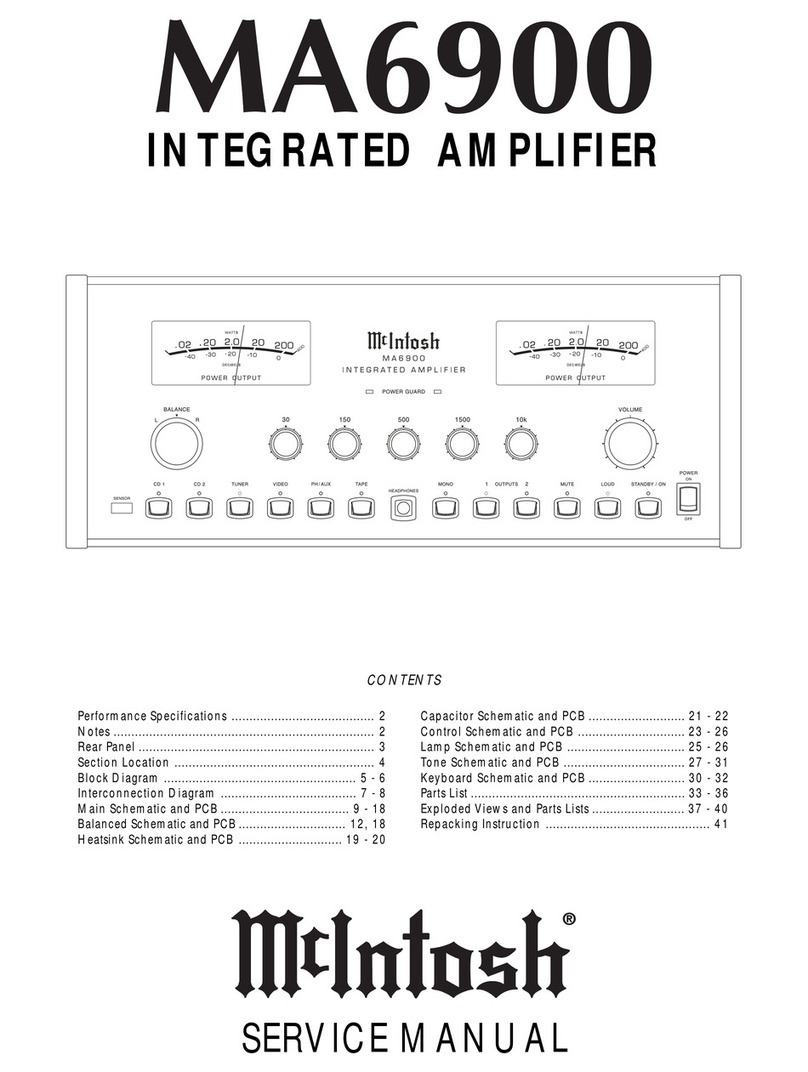
McIntosh MA6900 User manual

McIntosh

McIntosh MA6900 User manual

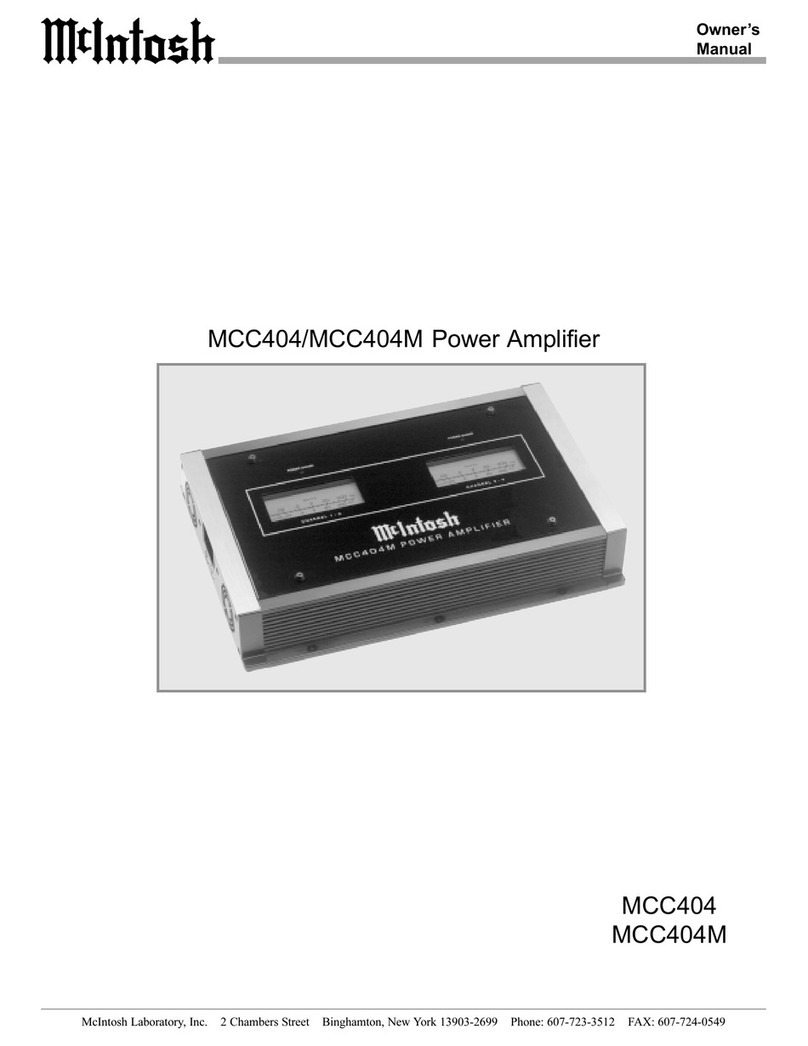
McIntosh MCC404 User manual

McIntosh

McIntosh MCC404 User manual

McIntosh MC2102 User manual

McIntosh

McIntosh MC2102 User manual

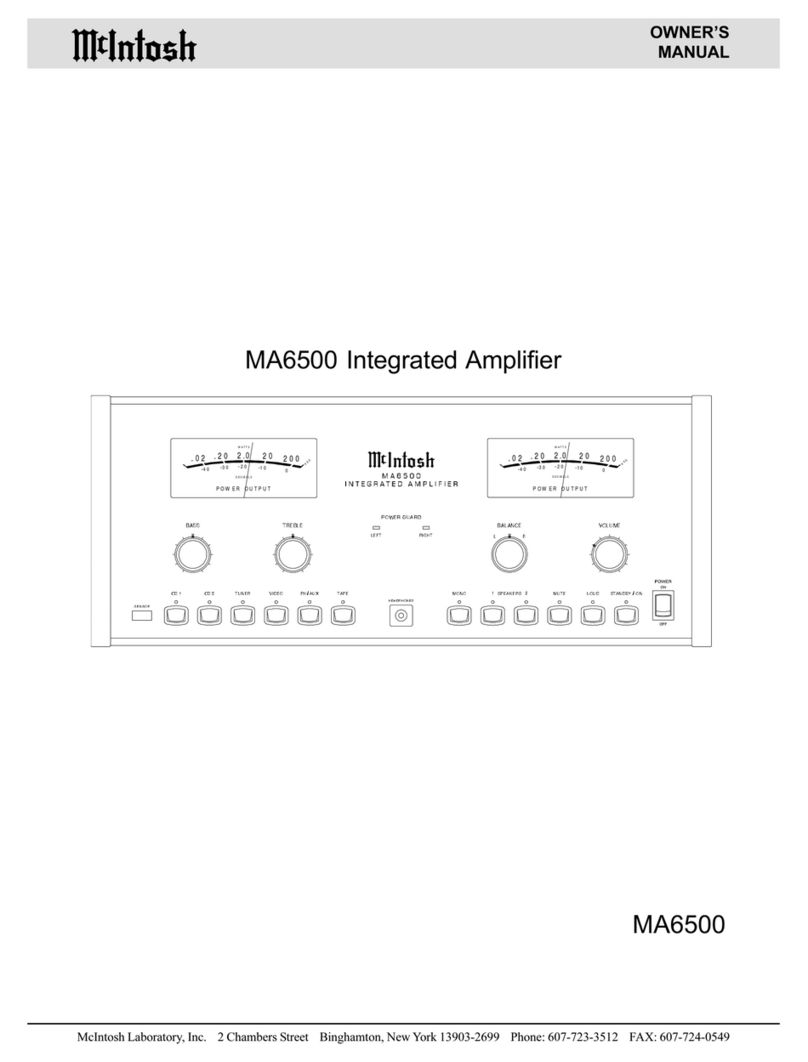
McIntosh MA6500 User manual

McIntosh

McIntosh MA6500 User manual

McIntosh C24 User manual

McIntosh

McIntosh C24 User manual

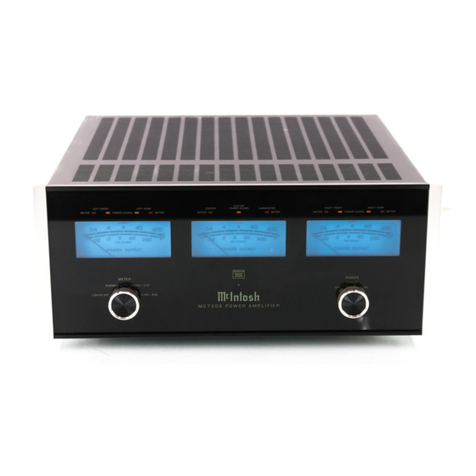
McIntosh MC7205 User manual

McIntosh

McIntosh MC7205 User manual

McIntosh C2300 User manual

McIntosh

McIntosh C2300 User manual

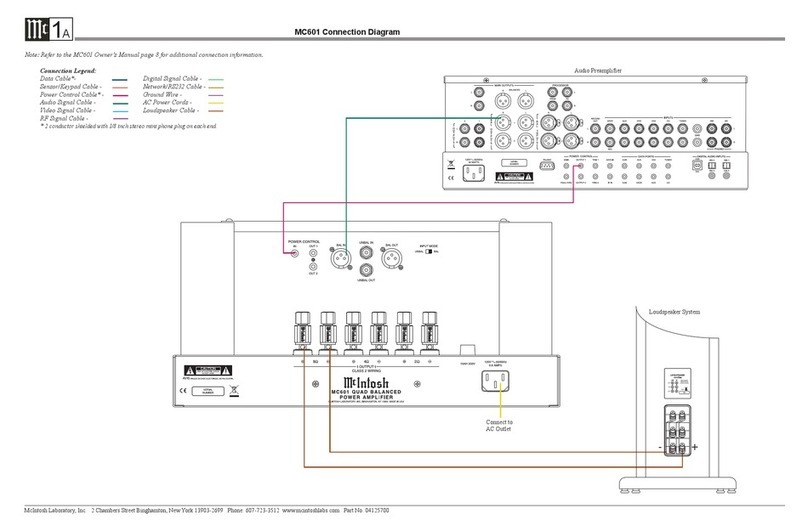
McIntosh MC601 Instruction manual

McIntosh

McIntosh MC601 Instruction manual

McIntosh MA6500 User manual

McIntosh

McIntosh MA6500 User manual

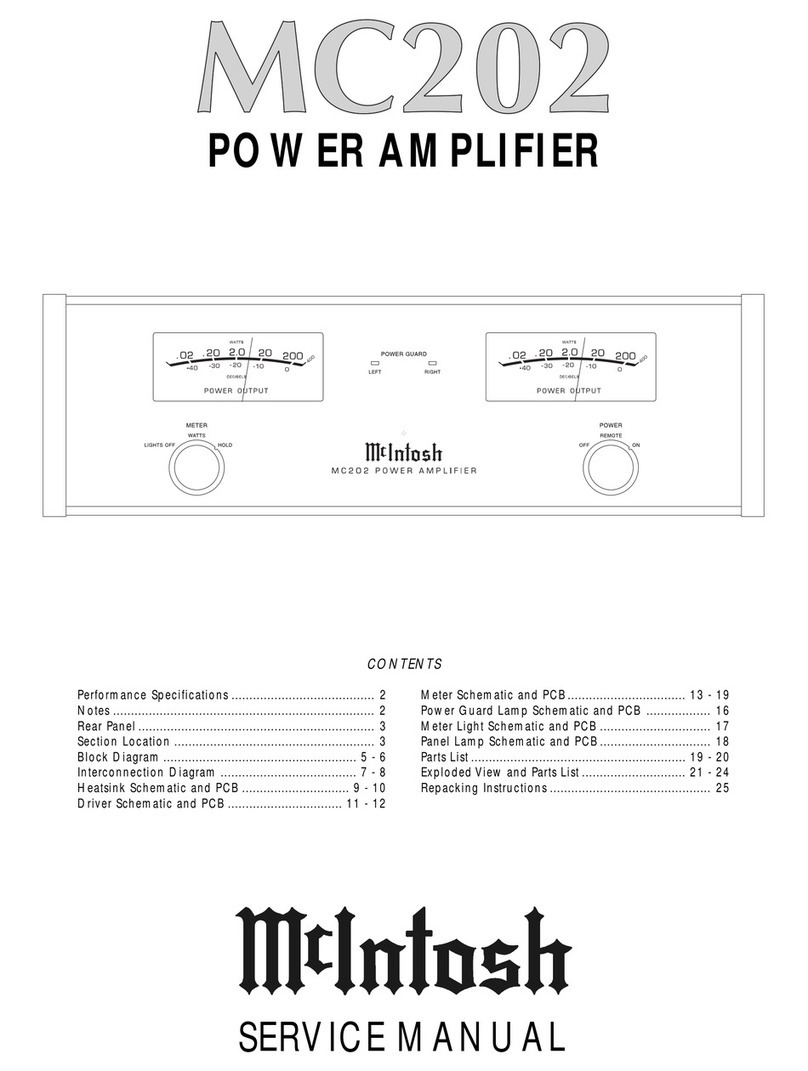
McIntosh MC202 User manual

McIntosh

McIntosh MC202 User manual

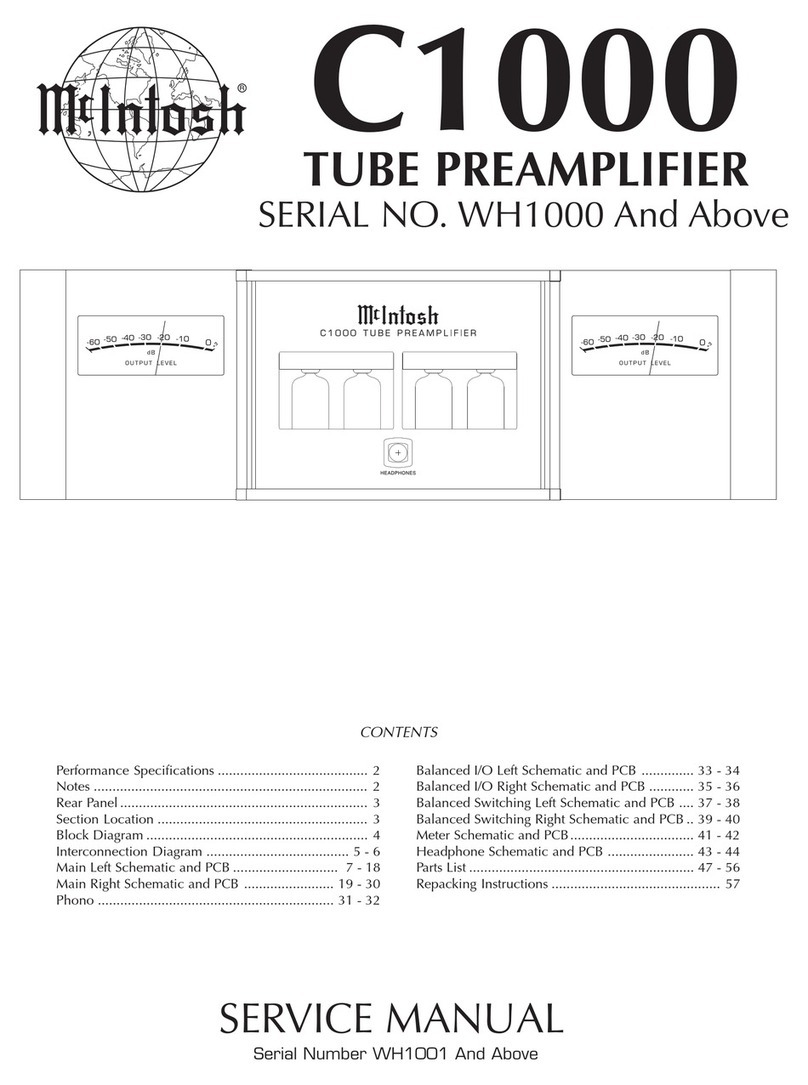
McIntosh C1000 User manual

McIntosh

McIntosh C1000 User manual

McIntosh MX130 User manual

McIntosh

McIntosh MX130 User manual

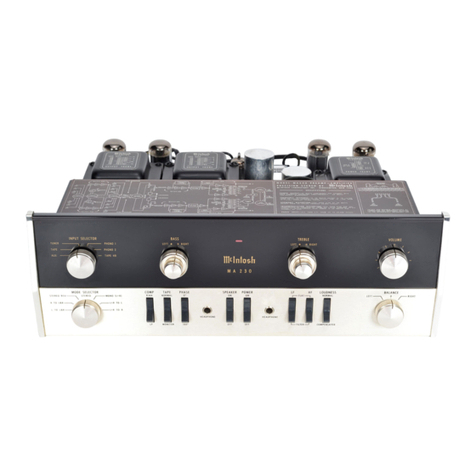
McIntosh MA 230 - SERVICS BULLETINS User manual

McIntosh

McIntosh MA 230 - SERVICS BULLETINS User manual

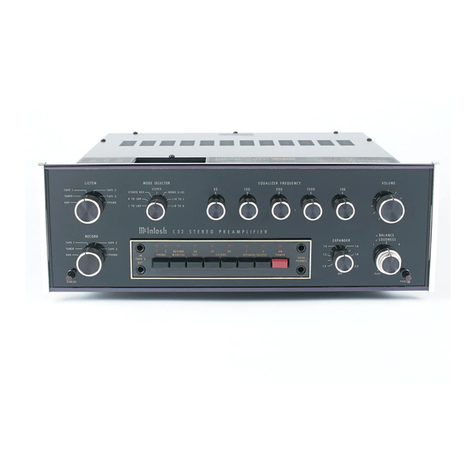
McIntosh C32 User manual

McIntosh

McIntosh C32 User manual

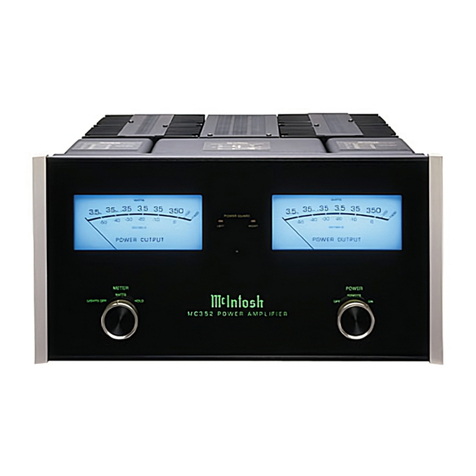
McIntosh MC352 User manual

McIntosh

McIntosh MC352 User manual

McIntosh MA6600 User manual

McIntosh

McIntosh MA6600 User manual

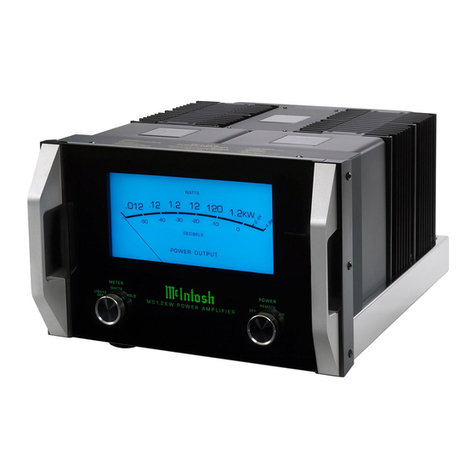
McIntosh MC1.2KW User manual

McIntosh

McIntosh MC1.2KW User manual

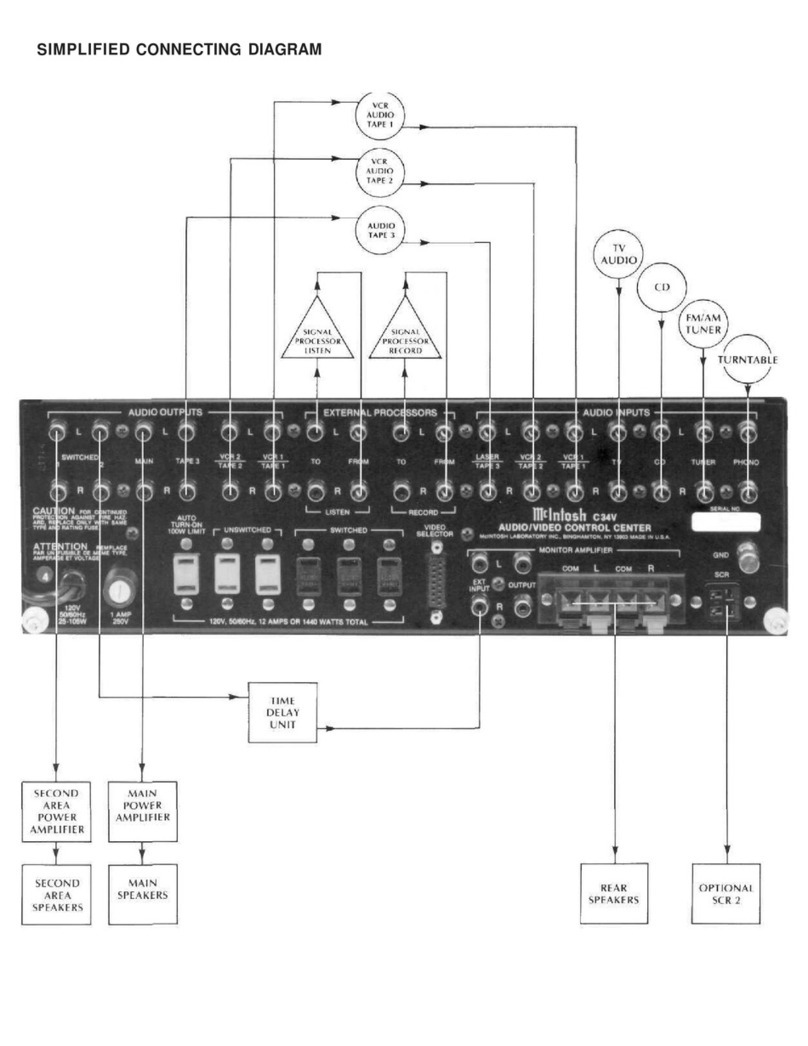
McIntosh C34V User manual

McIntosh

McIntosh C34V User manual

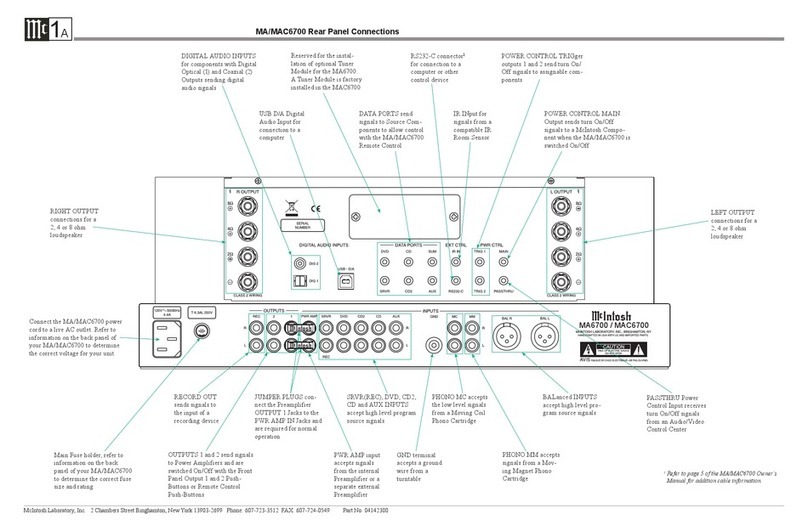
McIntosh MA6700 Guide

McIntosh

McIntosh MA6700 Guide

McIntosh MC275 User manual

McIntosh

McIntosh MC275 User manual

McIntosh MMC240 User manual

McIntosh

McIntosh MMC240 User manual

McIntosh MC207 User manual

McIntosh

McIntosh MC207 User manual

Popular Amplifier manuals by other brands

Magnat Audio EDITION FOUR Owner's manual/warranty document

Magnat Audio

Magnat Audio EDITION FOUR Owner's manual/warranty document

Inter-m PA-2000A Operation manual

Inter-m

Inter-m PA-2000A Operation manual

Yamaha TX6n owner's manual

Yamaha

Yamaha TX6n owner's manual

Peavey TNT 150 user guide

Peavey

Peavey TNT 150 user guide

Bosch LBB 1903/10 Installation and user instructions

Bosch

Bosch LBB 1903/10 Installation and user instructions

Avocent Emerge DA1200D Installer/user guide

Avocent

Avocent Emerge DA1200D Installer/user guide

Redgum RGi35 operating instructions

Redgum

Redgum RGi35 operating instructions

Cambridge Audio AXA25 user manual

Cambridge Audio

Cambridge Audio AXA25 user manual

Alpine MRP-M200 owner's manual

Alpine

Alpine MRP-M200 owner's manual

Technical Pro H1502UrBT user manual

Technical Pro

Technical Pro H1502UrBT user manual

FMS EMGZ307 operating manual

FMS

FMS EMGZ307 operating manual

Racal Instruments 5601 user manual

Racal Instruments

Racal Instruments 5601 user manual

Valcom V-1094A Technical specifications

Valcom

Valcom V-1094A Technical specifications

Cambridge Audio 851D user manual

Cambridge Audio

Cambridge Audio 851D user manual

QSC 3800 Specifications

QSC

QSC 3800 Specifications

NAD C300 owner's manual

NAD

NAD C300 owner's manual

Rotel RMB-1077 owner's manual

Rotel

Rotel RMB-1077 owner's manual

Peavey Monitor 300 Series operating guide

Peavey

Peavey Monitor 300 Series operating guide

manuals.online logo
manuals.online logoBrands
  • About & Mission
  • Contact us
  • Privacy Policy
  • Terms and Conditions

Copyright 2025 Manuals.Online. All Rights Reserved.

McIntosh Laboratory, Inc. 2 Chambers Street Binghamton, New York 139 3-2699 Phone: 6 7-723-3512 FAX: 6 7-724- 549
Owners
Manual
MC1201
MC1201 Power Amplifier
2
IMPORTANT SAFETY
INSTRUCTIONS!
PLEASE READ THEM BEFORE
OPERATING THIS EQUIPMENT.
WARNING - TO REDUCE RISK OF
FIRE OR ELECTRICAL SHOCK, DO
NOT EXPOSE THIS EQUIPMENT TO
RAIN OR MOISTURE.
The lightning flash with arrowhead,
within an equilateral triangle, is intended
to alert the user to the presence of
uninsulated dangerous voltage within
the products enclosure that may be of
sufficient magnitude to constitute a risk
of electric shock to persons.
NO USER-SERVICEABLE PARTS
INSIDE. REFER SERVICING TO
QUALIFIED PERSONNEL.
To prevent the risk of electric shock, do not remove cover or
back. No user serviceable parts inside.
The e clamation point within an equi-
lateral triangle is intended to alert the
user to the presence of important
operating and maintenance (servic-
ing) instructions in the literature ac-
companying the appliance.
General:
1. Read these instructions.
2. Keep these instructions.
3. Heed all warnings.
4. Follow all instructions.
5. Warning: To reduce risk of fire or electrical shock,
do not expose this equipment to rain or moisture.
This unit is capable of producing high sound pres-
sure levels. ontinued exposure to high sound pres-
sure levels can cause permanent hearing impair-
ment or loss. User caution is advised and ear protec-
tion is recommended when playing at high volumes.
6. aution: to prevent electrical shock do not use this
(polarized) plug with an extension cord, receptacle
or other outlet unless the blades can be fully in-
serted to prevent blade exposure.
Attention: pour pevenir les chocs elecriques pas
utiliser cette fiche polarisee avec un prolongateur,
une prise de courant ou un autre sortie de courant,
sauf si les lames peuvent etre inserees afond ans en
laisser aucune partie a decouvert.
7. Unplug this equipment during lightning storms or
when unused for long periods of time.
. Only use attachments/accessories specified by the
manufacturer.
Installation:
9. The equipment shall be installed near the AC Socket
Outlet and the disconnect device shall be easily acces-
sible.
10. Do not block any ventilation openings. Install in accor-
dance with the manufacturers instructions.
11. Do not install near any heat sources such as radiators,
heat registers, stoves, or other equipment (including
amplifiers) that produce heat.
12. Do not use this equipment near water.
13. Do not expose this equipment to dripping or splashing
and ensure that no objects filled with liquids, such as
vases, are placed on the equipment.
14. Use only with the cart, stand, tripod,
bracket, or table specified by the manu-
facturer, or sold with the equipment.
When a cart is used, use caution when
moving the cart/equipment combination
to avoid injury from tip-over.
onnection:
15. Connect this equipment only to the type of AC power
source as marked on the unit.
16. Protect the power cord from being walked on or
pinched particularly at plugs, convenience receptacles,
and the point where they exit from the equipment.
17. Do not defeat the safety purpose of the polarized or
grounding-type plug.
3
A polarized plug has two blades with one wider
than the other. A grounding type plug has two
blades and a third grounding prong. The wide
blade or the third prong are provided for your
safety. If the provided plug does not fit into your
outlet, consult an electrician for replacement of the
obsolete outlet.
1 . Do not overload wall outlets, extension cords or inte-
gral convenience receptacles as this can result in a risk
of fire or electric shock.
19. To completely disconnect this equipment from the AC
Mains, disconnect the power supply cord plug from the
AC receptacle.
are of Equipment:
20. Clean only with a dry cloth.
21. Do not permit objects or liquids of any kind to be
pushed, spilled and/or fall into the equipment through
enclosure openings.
22. Unplug the power cord from the AC power outlet
when left unused for a long period of time.
Repair of Equipment:
23. Refer all servicing to qualified service personnel. Ser-
vicing is required when the equipment has been dam-
aged in any way, such as power-supply cord or plug is
damaged, liquid has been spilled or objects have fallen
into the equipment, the equipment has been exposed to
rain or moisture, does not operate normally, or has
been dropped.
24. Do not attempt to service beyond that described in the
operating instructions. All other service should be re-
ferred to qualified service personnel.
25. When replacement parts are required, be sure the ser-
vice technician has used replacement parts specified by
McIntosh or have the same characteristics as the origi-
nal part. Unauthorized substitutions may result in fire,
electric shock, or other hazards.
26. Upon completion of any service or repairs to this prod-
uct, ask the service technician to perform safety checks
to determine that the product is in proper operating
condition.
Customer Service
Technical Assistance
Please Take A Moment
Thank You
Copyright 2000 ã by McIntosh Laboratory, Inc.
The serial number, purchase date and McIntosh dealer
name are important to you for possible insurance claim or
future service. The spaces below have been provided for
you to record that information:
Your decision to own this McIntosh MC1201 Power Am-
plifier ranks you at the very top among discriminating mu-
sic listeners. You now have The Best. The McIntosh
dedication to Quality, is assurance that you will receive
many years of musical enjoyment from this unit.
Please take a short time to read the information in this
manual. We want you to be as familiar as possible with all
the features and functions of your new McIntosh.
Serial Number:
Purchase Date:
Dealer Name:
If it is determined that your McIntosh product is in need of
repair, you can return it to your dealer. You can also return
it to the McIntosh Laboratory Service Department. For as-
sistance on factory repair return procedure, contact the
McIntosh Service Department at:
McIntosh Laboratory, Inc.
2 Chambers Street
Binghamton, New York 13903
Phone: 607-723-3515
Fax: 607-723-1917
If at any time you have questions about your McIntosh
product, contact your McIntosh dealer who is familiar with
your McIntosh equipment and any other brands that may
be part of your system. If you or your dealer wish addi-
tional help concerning a suspected problem, you can re-
ceive technical assistance for all McIntosh products at:
McIntosh Laboratory, Inc.
2 Chambers Street
Binghamton, New York 13903
Phone: 607-723-1545
Fax: 607-723-3636
4
Table of Contents
eneral Notes
Caution: The MC1201 Amplifier weight is 147 pounds
(66.7 ilograms). It requires two or more persons
to safely handle when moving the amplifier.
1. The following Connecting Cable is available from the
McIntosh Parts Department:
Power Control Cable Part No. 170-202
Six foot, conductor shielded, with two 1/8 inch stereo
mini phone plugs.
. For additional connection information, refer to the owners
manual(s) for any component(s) connected to the MC1 01.
3. The MC1 01 mutes the speaker output for approximately two
seconds when first turned on.
4. It is very important that loudspeaker cables of adequate size
be used, so that there will be no power loss. The size is
specified in Gauge Numbers or AWG, (American Wire Gauge).
The smaller the Gauge number, the larger the wire size:
If your loudspeaker cables are 50 feet (38.1m) or less,
use at least 14 Gauge.
If your loudspeaker cables are 100 feet (76. m) or less,
use at least 1 Gauge.
5. Pin configuration for the XLR Balanced Input connectors on
the MC1 01: PIN 1: Shield or ground
PIN : + input
PIN 3: - input
6. In the event that the MC1 01 over heats, due to improper
ventilation and/or high ambient temperature, the protection
circuits will activate. The Front Panel Power Guard LED will
continuously indicate ON and the audio will be muted. When
the MC1 01 has returned to a safe operating temperature,
normal operation will resume.
7. The MC1 01 incorporates the very latest in Fully Double
Balanced Circuitry. As a result, the Loudspeaker Negative
Connections are above chassis ground. Do not combine any
connections together, ground them or connect with another
MC1 01.
Performance Features
Introduction
·Power Output
The MC1201 is a Power Amplifier with a capability of
1,200 watts into 2, 4 or ohm speakers with less than
0.005% distortion.
·Full Balanced ircuity
The MC1201 is fully balanced from inputs to outputs. It
consists of two matched power amplifiers operating in
push-pull with their outputs combined in a McIntosh
Autoformer. The double balanced configuration cancels
virtually all distortion.
·Power Guard
The patented McIntosh Power Guard circuit that prevents
the amplifier from being overdriven into clipping, with its
harsh distorted sound that can also damage your valuable
loudspeakers.
·Sentry Monitor and Thermal Protection
McIntosh Sentry Monitor power output stage protection
circuits ensure the MC1201 will have a long and trouble
free operating life. Built-in Thermal Protection Circuits
guard against overheating.
·Patented Autoformer
McIntosh designed and manufactured Output Autoformers
provide an ideal match between the amplifier output stages
and speaker loads of 2, 4 and ohms. The Autoformers
also provide perfect DC protection for your valuable loud-
speakers.
·Illuminated Power Meter
The Illuminated Power Output Watt Meter on the MC1201
is peak responding, and indicates the true power output of
the amplifier. The Peak Watt Hold Mode allows the meter
to temporarily stay at the highest power output and then
slowly decay.
Now you can take advantage of traditional McIntosh stan-
dards of excellence in the MC1201 Power Amplifier. The
1,200 watt high current output will drive any high quality
loudspeaker system to its ultimate performance. The
MC1201 reproduction is sonically transparent and abso-
lutely accurate. The McIntosh Sound is The Sound of the
Music Itself.
Safety Instructions ............................................................ 2
Thank You and Please Take a Moment............................. 3
Technical Assistance and Customer Service .................... 3
Table of Contents and General Notes ............................... 4
Introduction ...................................................................... 4
Performance Features ....................................................... 4
Dimensions ....................................................................... 5
Installation ........................................................................ 6
Rear Panel Connections and Switch ................................. 7
How to Connect ................................................................
Front Panel Displays and Controls ................................. 10
How to Operate ............................................................... 11
Technical Description ..................................................... 12
Notes ............................................................................... 16
Specifications ................................................................. 1
Packing Instruction ......................................................... 19

5
Introduction, Performance Features and Dimensions
The following dimensions can assist in determining the
best location for your MC1201. There is additional infor-
mation on the next page pertaining to installing the
MC1201 into cabinets.
17-
3/4
"
45.09cm
11"
27.94cm
12-
5/16
"
31.27cm
18"
45.72cm
19-
1/2
"
49.50cm
3/16
"
0.48cm
10-
1/2
"
26.70cm
14"
35.60cm
1-
9/16
"
3.96cm
1-
1/2
"
3.81cm
12-
1/4
"
31.11cm
17-
3/8
"
44.15cm
1-
5/8
"
4.12cm
Front View of the MC1201
Rear View of the MC1201
Side View of the MC1201
6
Installation
Caution: The MC1201 Amplifier weight is 147 pounds
(66.7 ilograms). It requires two or more persons
to safely handle when moving the amplifier.
The MC1201 can be placed upright on a table or shelf,
standing on its four feet. The
four feet may be removed from
the bottom of the MC1201
when it is custom installed as
outlined below. The four feet
together with the mounting
screws should be retained for
possible future use if the
MC1201 is removed from the
custom installation and used
free standing. It also can be
custom installed in a piece of
furniture or cabinet of your
choice. The required panel cut-
out, ventilation cutout and unit
dimensions are shown.
Always provide adequate
ventilation for your MC1201.
Cool operation ensures the
longest possible operating life
for any electronic instrument.
Do not install the MC1201 di-
rectly above a heat generating
component such as a high pow-
ered amplifier. If all the com-
ponents are installed in a single
cabinet, a quiet running venti-
lation fan can be a definite as-
set in maintaining all the sys-
tem components at the coolest
possible operating temperature.
A custom cabinet installa-
tion should provide the follow-
ing minimum spacing dimen-
sions for cool operation. Allow
at least 6 inches (15.24 cm)
above the top, 2 inches
(3. 1cm) below the bottom and
1 inch (2.54 cm) on each side
of the amplifier, so that airflow
is not obstructed. Allow 22
inches (55. cm) depth behind
the front panel. Allow 2 inches
Installation
10 -
13/16
"
27.46cm
17-
9/16
"
44.62cm
6"
15.24cm
14-
1/2
"
36.83cm
14"
35.56cm
15-
5/16
"
38.91cm
21/32
"
1.67cm
Cutout Opening
for Ventilation
Cutout Opening for Ventilation
Support
Shelf
Cabinet
Front
Panel
Chassis
Spacers
Cutout Opening for Custom Mounting
Opening
for Ventilation
MC1201 Front Panel
Custom Cabinet Cutout
MC1201 Side View
in Custom Cabinet
MC1201 Bottom View
in Custom Cabinet
1
"
2.54cm
(5.0 cm) in front of the mounting panel for handle clear-
ance. Be sure to cut out a ventilation hole in the mounting
shelf according to the dimensions in the drawing.
7
UNBALANCED INPUT
for an audio cable from a
preamplifier or control cen-
ter audio output
CIRCUIT BREAKER
Press to reset if t e am-
plifier will not power
up
Rear Panel Connections and Switch
Connect t e
MC1201 power
cord to a live AC
outlet. Refer to in-
formation on t e
back panel to deter-
mine t e correct
voltage
BALANCED INPUT for an au-
dio cable from a preamplifier or
control center audio output
POWER CONTROL IN receives turn On/
Off signals from a McIntos component and
t e POWER CONTROL OUT sends a turn
On/Off signal to t e next McIntos compo-
nent
OUTPUT Connections
for 4 o m loudspeaker
INPUT MODE
switc selects
balanced or
unbalanced
input
OUTPUT Connections
for 8 o m loudspeaker
Caution: The Loudspea er Negative Connections are above chassis
ground. Do not combine any connections together, ground
them or connect with another MC1201.
OUTPUT Connections
for 2 o m loudspeaker
8
How to Connect the MC1201
Caution: The supplied AC Power Cord should not be
connected to the Rear Panel of the MC1201
Amplifier until after the Loudspea er Connections
have been made and the supplied protective
Terminal Connections Cover has been installed.
Failure to observe this could result in Electric
Shoc .
1. For Remote Power Control, connect a power control
cable from the Control Center or Preamplifier Power
Control Out to the MC1201 Power Control In.
2. Connect a cable from the Balanced Output of a McIn-
tosh Preamplifier or Control Center to the MC1201
Balanced Input.
Note: An optional hookup is to use an unbalanced cable.
3. Prepare the Loudspeaker Hookup Cable that attach to
the MC1201 Power Amplifier by choosing one of the
methods below:
Bare wire cable ends:
Carefully remove sufficient insulation from the cable
ends, refer to figures 1,
2 & 3. If the cable is
stranded, carefully twist
the strands together as
tightly as possible.
Note: If desired, the twisted ends can be tinned with
solder to keep the strands together, or attach spade
lug and/or banana connector.
Spade lug or prepared wire connection:
Insert the spade lug
connector or pre-
pared section of the
cable end into the
terminal side access
hole, and tighten the terminal
cap until the cable is firmly
clamped into the terminal so
the wires cannot slip out. Re-
fer to figures 4, 5 & 6.
Banana plug connection:
Insert the banana plug into the hole at the top of the
terminal. Tighten the top portion of the terminal post
and the set screw to secure the banana plug in place.
Note: The use of Banana Plugs is for use in the United
States and Canada only.
4. Connect the loudspeaker hookup cable to the output
terminals that match the impedance of your loudspeak-
er, being careful to observe the correct polarities. Out-
put impedance connections of 2 ohms, 4 ohms and
ohms are provided. If the impedance of your loud-
speaker is in-between the available connections, use
the nearest lower impedance connection.
WARNING: Loudspea er terminals are hazardous live
and present a ris of electric shoc . For
additional instruction on ma ing
Loudspea er Connections contact your
McIntosh Dealer or McIntosh Technical
Support.
5. Attach the supplied Terminal Connections Cover with
the four Philip Head Mounting Screws (10-32 x 1/2
inch) to the Rear Panel of the MC1201 Amplifier. Re-
fer to figure 7.
Note: There are six openings on the bottom edge of the
cover to allow for the Loudspeakers Cable to exit
the MC1 01. The Rear Chassis Handle (U
shaped) has tapped screw openings on both sides
for securing the cover to the MC1 01.
6. Connect the MC1201 power cord to an active AC out-
let.
Terminal
Connections
Cover
Cover
Mounting
Screw
Locations
Cable Openings
Rear
Chassis
Handle
Cover
Mounting
Screw
Locations
Figure 7
9
How to Connect the MC1201
To AC Outlet
4 ohm
Loudspeaker
McIntosh C2 C Controller McIntosh C2 P Preamplifier
Caution: The Loudspea er Negative Connections are above chassis
ground. Do not combine any connections together, ground
them or connect with another MC1201.
1
Front Panel Displays and Controls
METER indicates
t e Power Output
of t e amplifier
METER Switc selects
t e display modes of t e
Power Output Meter
POWER GUARD LED
lig ts w en t e amplifier
POWER GUARD circuit
activates
POWER Switc Turns
AC power On/Off, or
On/Remote
Remote On
Indicator lig ts
w en t e am-
plifier is in t e
Remote Turn-
On Mode