manuals.online logo
Brands
  1. Home
  2. •
  3. Brands
  4. •
  5. McIntosh
  6. •
  7. Amplifier
  8. •
  9. McIntosh MCC404/MCC404M User manual

McIntosh MCC404/MCC404M User manual

This manual suits for next models

2

Other McIntosh Amplifier manuals

McIntosh MI128 User manual

McIntosh

McIntosh MI128 User manual

McIntosh C20 - User manual

McIntosh

McIntosh C20 - User manual

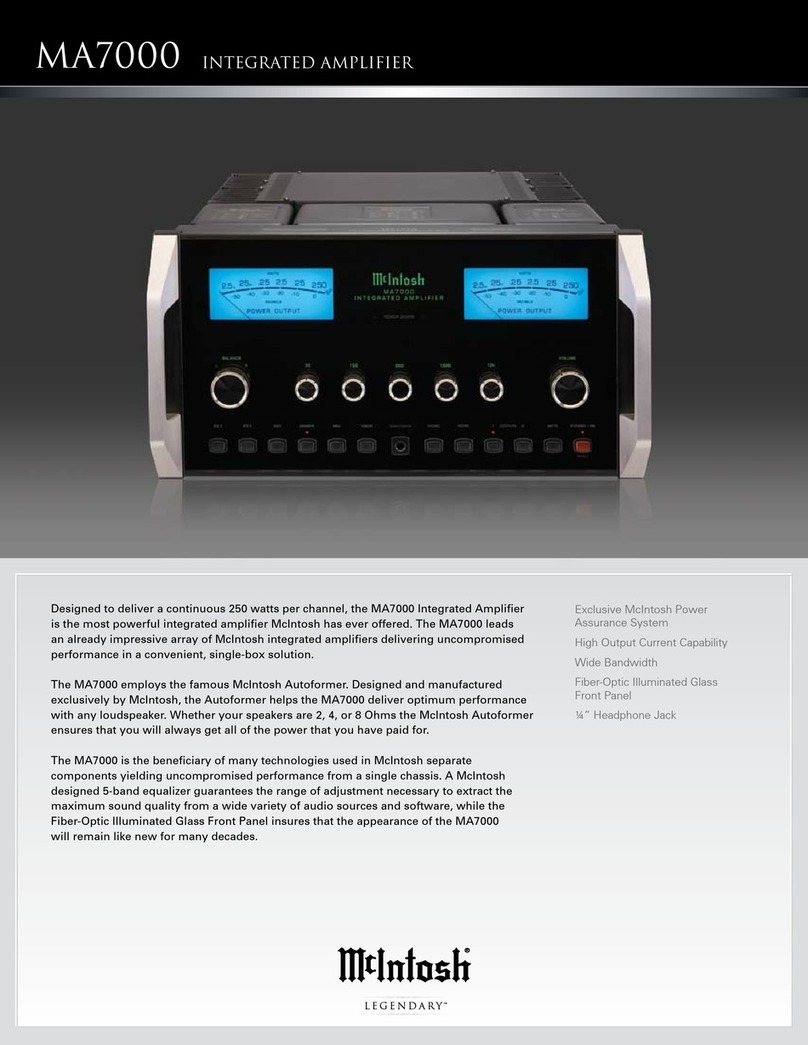
McIntosh MA7000 Instruction manual

McIntosh

McIntosh MA7000 Instruction manual

McIntosh MC 502 User manual

McIntosh

McIntosh MC 502 User manual

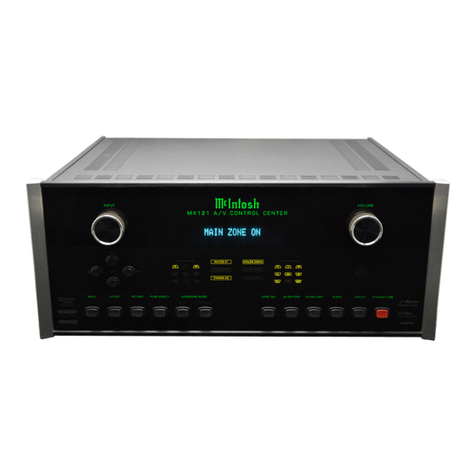
McIntosh MX121 User manual

McIntosh

McIntosh MX121 User manual

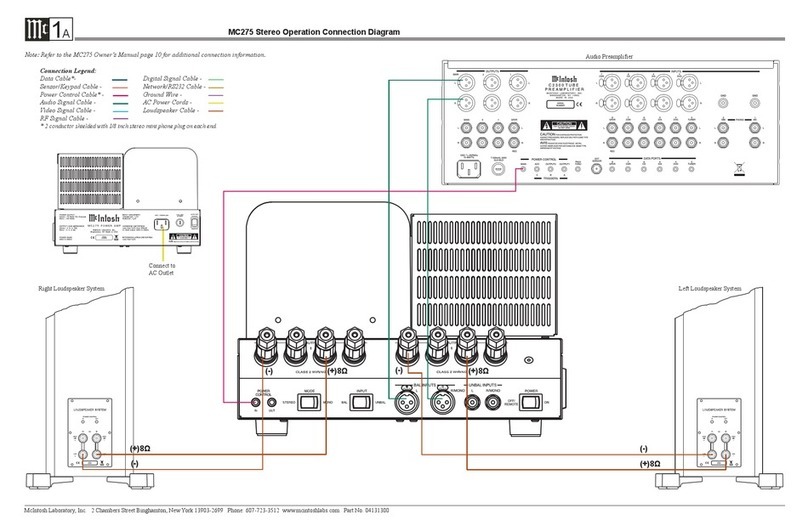
McIntosh MC275 Instruction manual

McIntosh

McIntosh MC275 Instruction manual

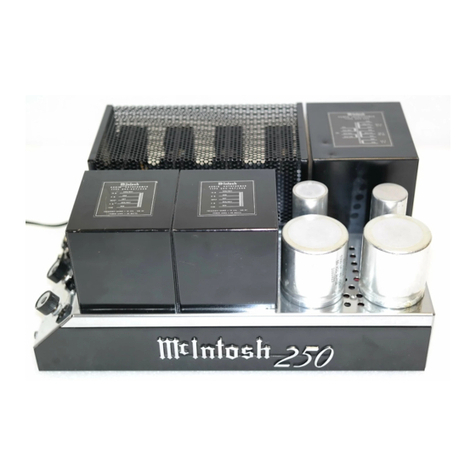
McIntosh MC 250 Operating and installation instructions

McIntosh

McIntosh MC 250 Operating and installation instructions

McIntosh MA6100 B Reference manual

McIntosh

McIntosh MA6100 B Reference manual

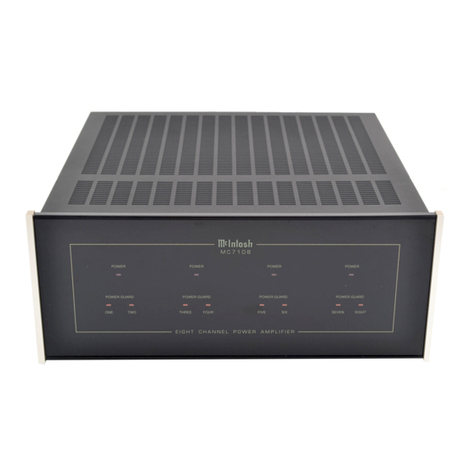
McIntosh MC7108 User manual

McIntosh

McIntosh MC7108 User manual

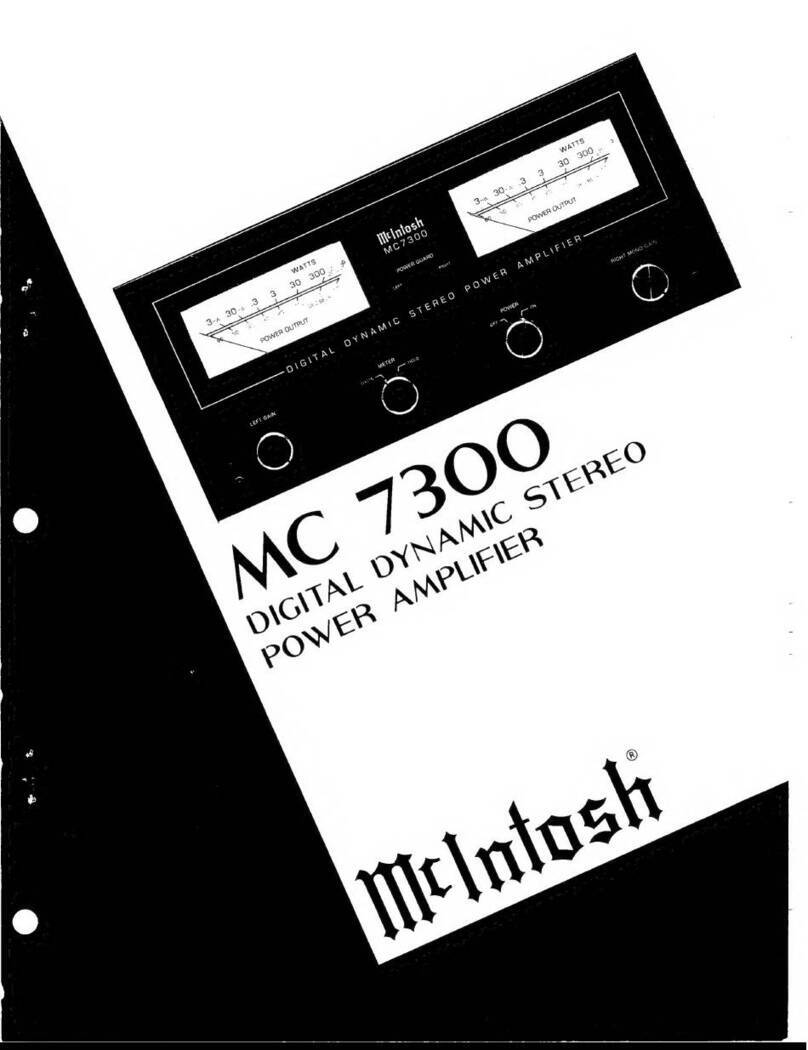
McIntosh MC 7300 User manual

McIntosh

McIntosh MC 7300 User manual

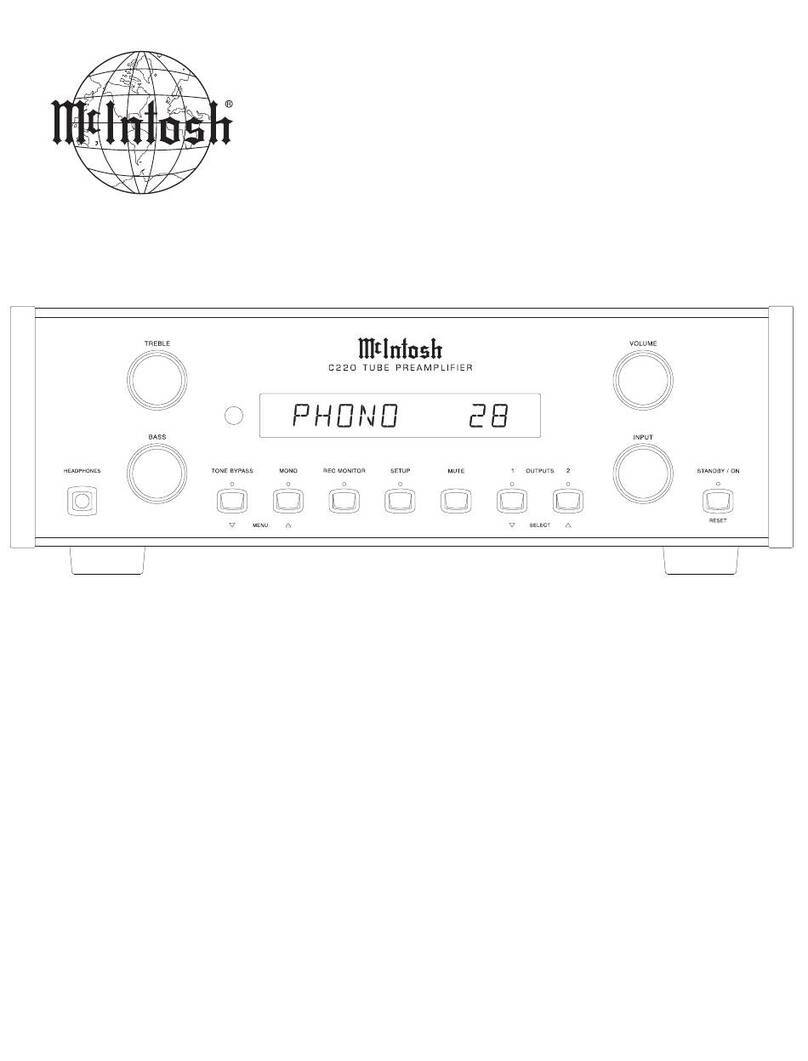
McIntosh C220 User manual

McIntosh

McIntosh C220 User manual

McIntosh C52 Instruction manual

McIntosh

McIntosh C52 Instruction manual

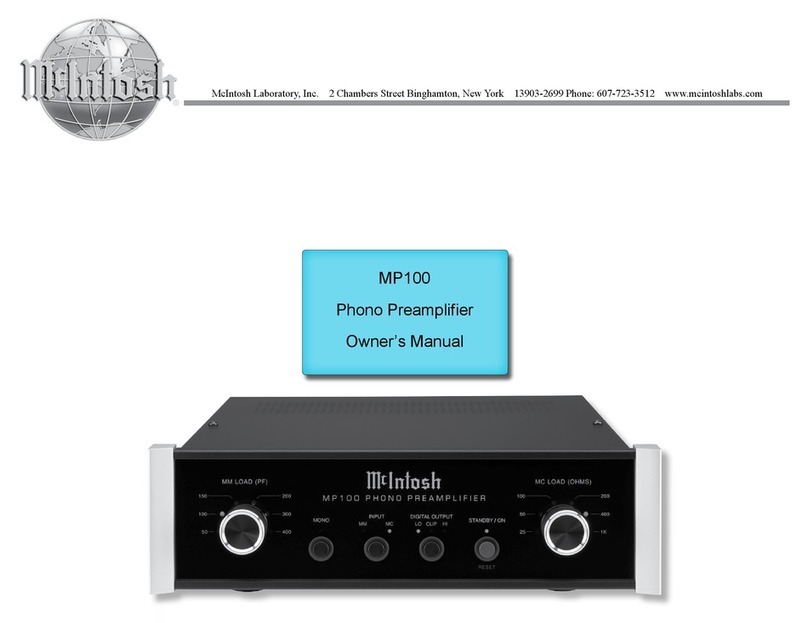
McIntosh MP100 User manual

McIntosh

McIntosh MP100 User manual

McIntosh MA2275 User manual

McIntosh

McIntosh MA2275 User manual

McIntosh MX134 User manual

McIntosh

McIntosh MX134 User manual

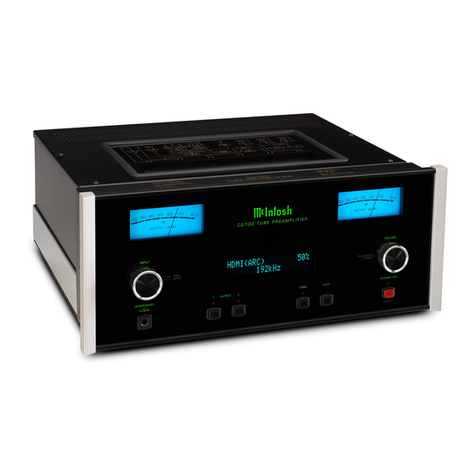
McIntosh C2700 User manual

McIntosh

McIntosh C2700 User manual

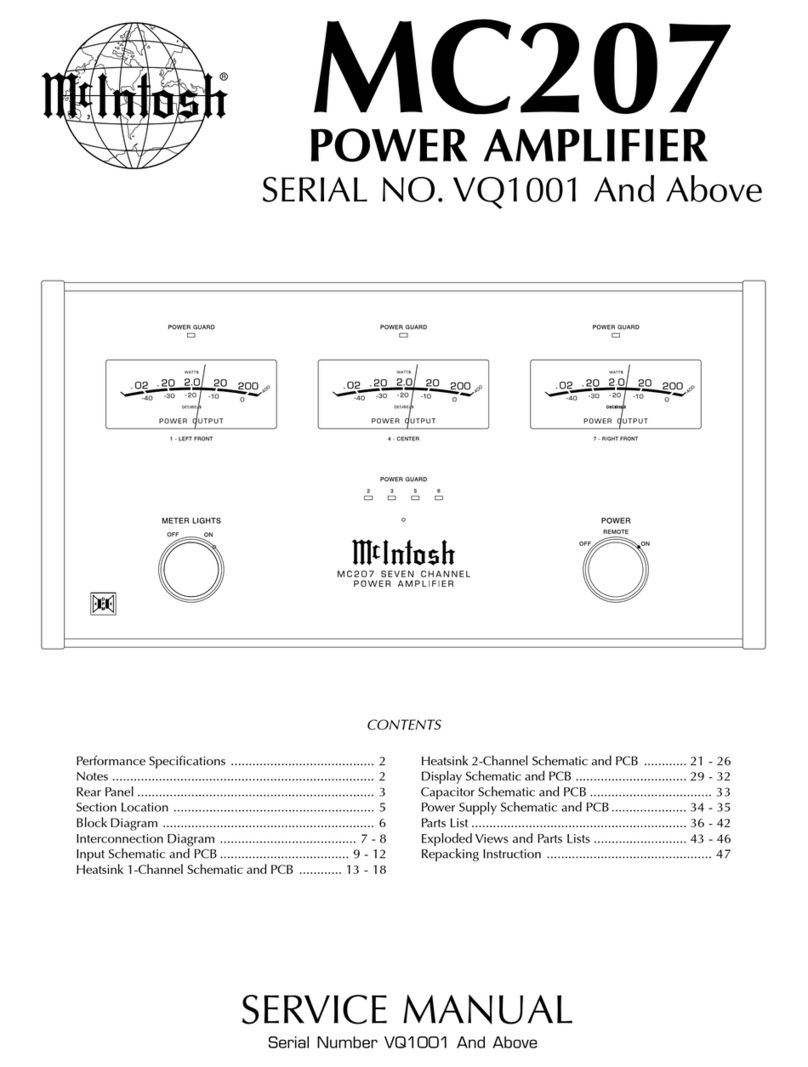
McIntosh MC207 User manual

McIntosh

McIntosh MC207 User manual

McIntosh MA8900 User manual

McIntosh

McIntosh MA8900 User manual

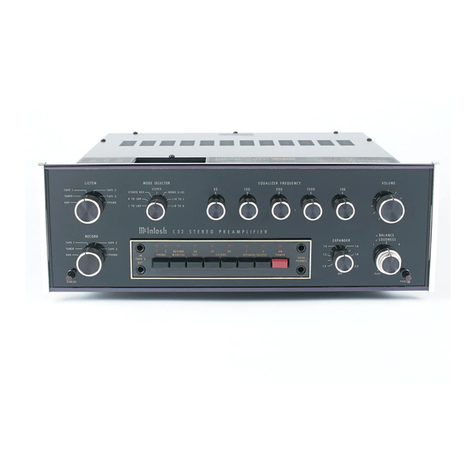
McIntosh C32 User manual

McIntosh

McIntosh C32 User manual

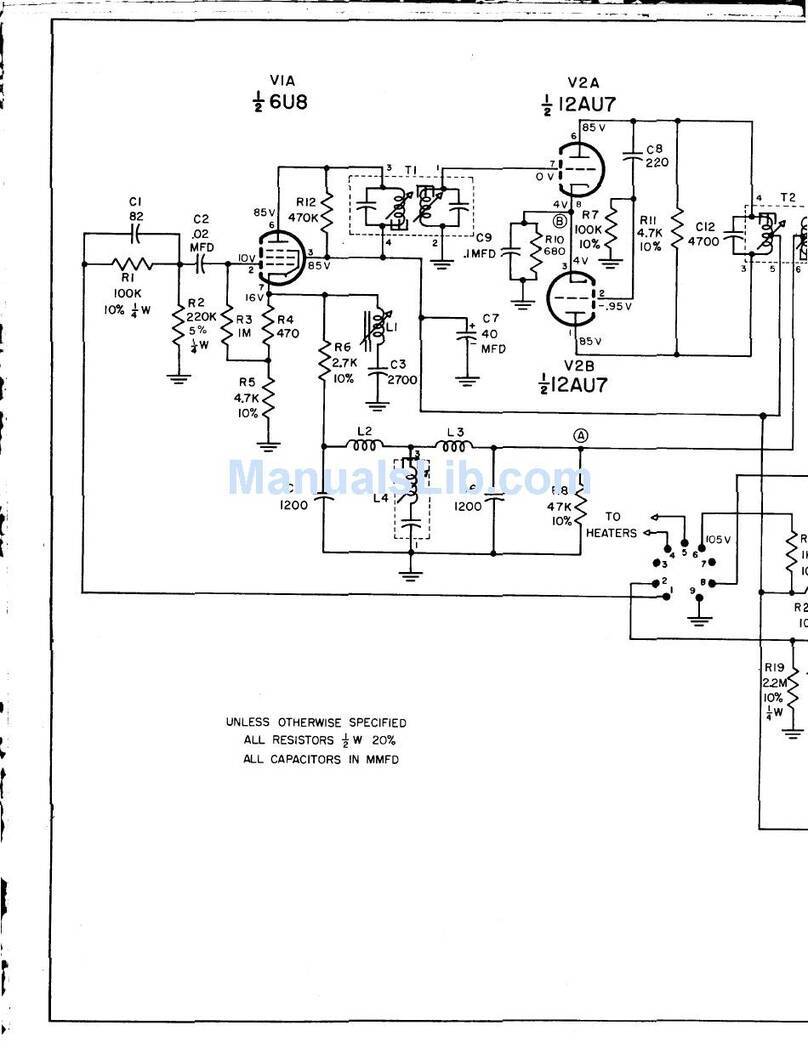
McIntosh MA5 - SCHEMATICS User manual

McIntosh

McIntosh MA5 - SCHEMATICS User manual

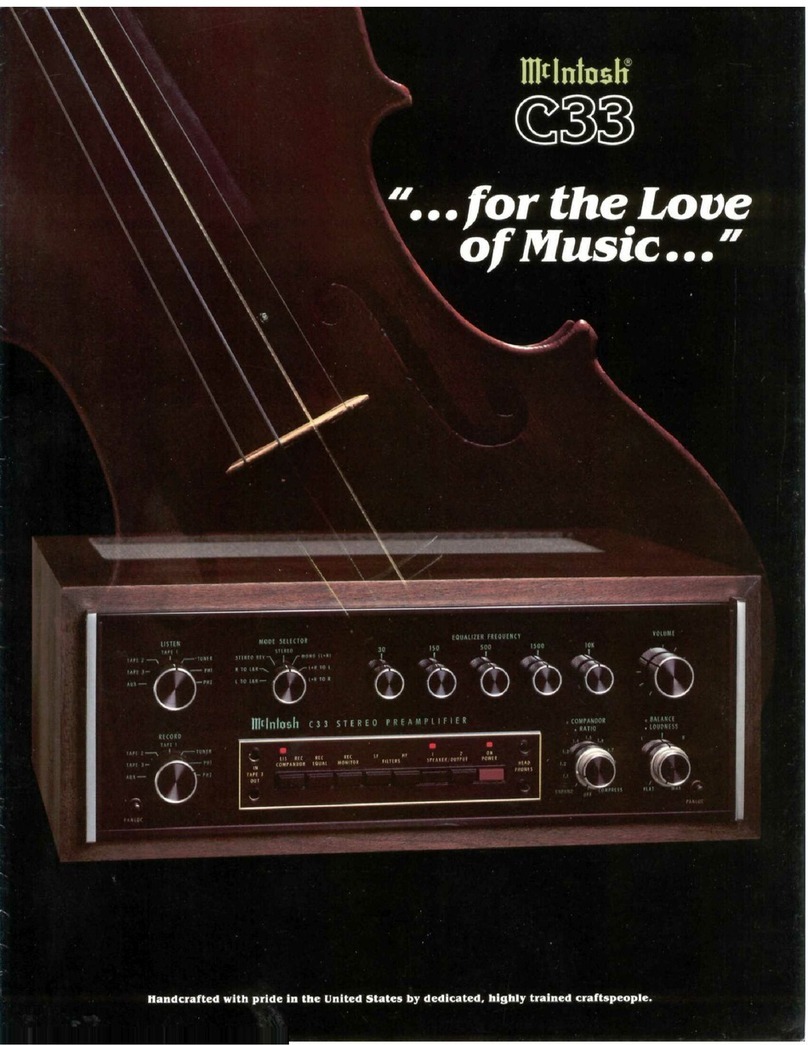
McIntosh C33 User manual

McIntosh

McIntosh C33 User manual

McIntosh MA7000 User manual

McIntosh

McIntosh MA7000 User manual

McIntosh MC75 User manual

McIntosh

McIntosh MC75 User manual

McIntosh MX 110 User manual

McIntosh

McIntosh MX 110 User manual

Popular Amplifier manuals by other brands

Magnat Audio EDITION FOUR Owner's manual/warranty document

Magnat Audio

Magnat Audio EDITION FOUR Owner's manual/warranty document

Inter-m PA-2000A Operation manual

Inter-m

Inter-m PA-2000A Operation manual

Yamaha TX6n owner's manual

Yamaha

Yamaha TX6n owner's manual

Peavey TNT 150 user guide

Peavey

Peavey TNT 150 user guide

Bosch LBB 1903/10 Installation and user instructions

Bosch

Bosch LBB 1903/10 Installation and user instructions

Avocent Emerge DA1200D Installer/user guide

Avocent

Avocent Emerge DA1200D Installer/user guide

Redgum RGi35 operating instructions

Redgum

Redgum RGi35 operating instructions

Cambridge Audio AXA25 user manual

Cambridge Audio

Cambridge Audio AXA25 user manual

Alpine MRP-M200 owner's manual

Alpine

Alpine MRP-M200 owner's manual

Technical Pro H1502UrBT user manual

Technical Pro

Technical Pro H1502UrBT user manual

FMS EMGZ307 operating manual

FMS

FMS EMGZ307 operating manual

Racal Instruments 5601 user manual

Racal Instruments

Racal Instruments 5601 user manual

Valcom V-1094A Technical specifications

Valcom

Valcom V-1094A Technical specifications

Cambridge Audio 851D user manual

Cambridge Audio

Cambridge Audio 851D user manual

QSC 3800 Specifications

QSC

QSC 3800 Specifications

NAD C300 owner's manual

NAD

NAD C300 owner's manual

Rotel RMB-1077 owner's manual

Rotel

Rotel RMB-1077 owner's manual

Peavey Monitor 300 Series operating guide

Peavey

Peavey Monitor 300 Series operating guide

manuals.online logo
manuals.online logoBrands
  • About & Mission
  • Contact us
  • Privacy Policy
  • Terms and Conditions

Copyright 2025 Manuals.Online. All Rights Reserved.

McIntosh Laboratory, Inc. 2 Chambers Street Binghamton, New York 139 3-2699 Phone: 6 7-723-3512 FAX: 6 7-724- 549
Owners
Manual
MCC404
MCC404M
MCC404/MCC404M Power Amplifier
2
IMPORTANT SAFETY INSTRUCTIONS!
PLEASE READ THEM BEFORE OPERATING THIS EQUIPMENT.
General:
1. Read these instructions.
2. Keep these instructions.
3. Heed all warnings.
4. Follow all instructions.
5. Warning: To reduce risk of fire or electrical shock,
do not expose this equipment to rain or moisture.
This unit is capable of producing high sound pres-
sure levels. ontinued exposure to high sound pres-
sure levels can cause permanent hearing impair-
ment or loss. User caution is advised and ear protec-
tion is recommended when playing at high volumes.
6. Disconnect this equipment when unused for long peri
ods of time.
7. Only use attachments/accessories specified by the
manufacturer.
Installation:
8. Do not block any ventilation openings. Install in accor
dance with the manufacturers instructions.
9. Do not install near any heat sources such as radiators,
heat ducts or other equipment that produce heat.
10. Do not use this equipment near water.
11. Do not expose this equipment to dripping or splashing
and ensure that no objects filled with liquids are
placed on the equipment.
12. Do not mount this product with an unstable bracket as
the equipment may fall, causing serious injury to a
person, and serious damage to the product.
onnection:
13. Route DC power cords so that they are not likely to be
pinched by items placed upon or against them, paying
particular attention to the point where they enter the
instrument.
are of Equipment:
14. Clean only with dry cloth.
15. Do not permit objects or liquids of any kind to be
pushed, spilled and/or fall into the equipment through
enclosure openings.
Repair of Equipment:
16. Refer all servicing to qualified service personnel. Ser
vicing is required when the equipment has been dam
aged in any way, such as power supply cord or plug is
damaged, liquid has been spilled or objects have fallen
into the equipment, the equipment has been exposed to
rain or moisture, does not operate normally, or has
been dropped.
17. Do not attempt to service beyond that described in the
operating instructions. All other service should be re
ferred to qualified service personnel.
18. When replacement parts are required, be sure the ser
vice technician has used replacement parts specified by
McIntosh or have the same characteristics as the origi
nal part. Unauthorized substitutions may result in fire,
electric shock, or other hazards.
19. Upon completion of any service or repairs to this prod
uct, ask the service technician to perform safety checks
to determine that the product is in proper operating
condition.
WARNING - TO REDUCE RISK OF
FIRE OR ELECTRICAL SHOCK, DO
NOT EXPOSE THIS EQUIPMENT TO
RAIN OR MOISTURE.
NO USER-SERVICEABLE PARTS
INSIDE. REFER SERVICING TO
QUALIFIED PERSONNEL.
To prevent the risk of electric shock, do not remove
bottom cover. No user serviceable parts inside.
3
Customer Service
Technical Assistance
Please Take A Moment
Thank You
Copyright 2000 ã by McIntosh Laboratory, Inc.
The serial number, purchase date and McIntosh dealer
name are important to you for possible insurance claim or
future service. The spaces below have been provided for
you to record that information:
Your decision to own this McIntosh MCC404/MCC404M
Four Channel Power Amplifier ranks you at the very top
among discriminating music listeners. You now have The
Best. The McIntosh dedication to Quality, is assurance
that you will receive many years of musical enjoyment
from this unit.
Please take a short time to read the information in this
manual. We want you to be as familiar as possible with all
the features and functions of your new McIntosh.
Serial Number:
Purchase Date:
Dealer Name:
If it is determined that your McIntosh product is in need of
repair, you can return it to your dealer. You can also return
it to the McIntosh Laboratory Service Repair department.
For assistance on factory repair return procedure, contact
the McIntosh Repair Department at:
McIntosh Laboratory, Inc.
2 Chambers Street
Binghamton, New York 13903
Phone: 607 723 3515
Fax: 607 723 1917
If at any time you have questions about your McIntosh
product, contact your McIntosh dealer who is familiar with
your McIntosh equipment and any other brands that may
be part of your system. If you or your dealer wish addi
tional help concerning a suspected problem, you can re
ceive technical assistance for all McIntosh products at:
McIntosh Laboratory, Inc.
2 Chambers Street
Binghamton, New York 13903
Phone: 607 723 1545
Fax: 607 723 3636
The McIntosh MCC404 Power Amplifier is identical to the
McIntosh MCC404M illustrated throughout this manual in
every aspect except the MCC404 is without the Power Out
put Meters.
McIntosh MCC 0 Amplifier
4
Safety Instructions ............................................................. 2
Thank You .......................................................................... 3
Please Take a Moment ....................................................... 3
Customer Service............................................................... 3
Table of Contents ............................................................... 4
Introduction ....................................................................... 4
Performance Features ........................................................ 4
Dimensions ....................................................................... 5
Installation ........................................................................ 6
Side Panel Cooling and Connections ................................ 7
How to Connect for Four Channels ................................... 8
How to Connect for Three Channels ................................. 9
How to Connect for Two Channels ................................. 10
How to Connect with Subwoofer Channels .................... 11
Top Panel Controls, Displays and Switches .................... 12
How to Operate the MC404/MC404M............................ 13
How to Operate in Four or Three Channel Mode ............ 14
How to Operate in Two Channel or Subwoofer Mode .... 15
How to Replace the Fuses ............................................... 16
Block Diagram ................................................................. 17
Specifications .................................................................. 18
Packing Instruction .......................................................... 19
Table of Contents
General Notes
1. An optional McIntosh External Subwoofer Rotary Control,
Model Number R1163, is available from your McIntosh
ealer.
2. o not connect the Amplifier Speaker Negative Terminal
Connection directly to the Vehicle Chassis. Failure to observe
this could result in damage to your Amplifier.
3. For additional connection information, refer to the owners
manual(s) for any component(s) connected to the MCC404/
MCC404M Amplifier.
4. There is a built-in turn on delay which will mute the speaker
outputs for approximately two seconds when the amplifier is
turned on.
5. It is very important that loudspeaker cables of adequate size
be used in your music system, to ensure that there will be no
power loss or heating. If your loudspeaker cables are 25 feet
(7.62m) or less, use at least 16 Gauge wire size or larger.
6. It is advisable to place an in-line fuse as close as possible to
the battery.
7. The MCC404/MCC404M Line Level OUTPUTs are wired as a
Y connection with the INPUTs to pass the input signals on
to additional amplifiers (keep cable lengths as short as
possible). The McIntosh MX406 Control Center is capable of
driving several additional
power amplifiers with no
degradation of the signal.
8. The MCC404M/MCC404 can
accept speaker level inputs at
its Input Jacks. Refer to the
diagram for connection.
Performance Features
Introduction
·Power Output
The MCC404/MCC404M consists of four separate power
amplifier channels, each capable of 100 watts into 4ohm
speakers with less than 0.005% distortion.
·Four Bridgeable hannels
The MCC404/MCC404M includes four 100 watt amplifier
channels. Each pair of channels can be set in bridged con
figuration for 400 watts output into 4 ohm loudspeakers
with less than 0.007% distortion.
·High urrent Output
A peak output current of 20 amperes ensures that the
MCC404/MCC404M will successfully drive high quality
loudspeakers, such as McIntosh, for a truly exciting sound
experience.
·Equalizer and Variable rossover Filters
The one band equalizer has a center frequency that is vari
able from 40 Hz to 2,000 Hz that can be either cut or
boosted ±12db. 12dB per octave high pass filters with vari
able corner frequencies from 5Hz to 5,000Hz and 12dB per
octave low pass filters with variable corner frequencies
from 50Hz to 5,000Hz.
·Power Guard and Sentry Monitor
All channels include the patented McIntosh Power Guard
circuit that prevents the amplifier from being overdriven
into clipping with its harsh distorted sound that can also
damage your valuable loudspeakers. McIntosh Sentry
Monitor power output stage protection circuits are present
on all channels to ensure the MCC404/MCC404M will
have a long and trouble free operating life.
·Speaker Protection
If for any reason, a DC (Direct Current) voltage appears at
the speaker output terminals, a built in circuit turns off the
amplifier power supplies to prevent damage to your valu
able loudspeakers.
Now you can take advantage of traditional McIntosh stan
dards of excellence in the MCC404/MCC404M power am
plifier. Four 100 watt high current output channels will
drive any high quality loudspeaker system to its ultimate
performance. The MCC404/MCC404M reproduction is
sonically transparent and absolutely accurate. The McIn
tosh Sound is The Sound of the Music Itself.
(-) NEGATIVE SPEAKER OUTPUT
(+) POSITIVE SPEAKER OUTPUT

5
Dimensions
The following dimensions can assist in determining the
best location for your MCC404/MCC404M. There is addi
tional information on the next page pertaining to installing
the MCC404/MCC404M into your vehicle.
Dimensions
18-
3/8
"
46.66cm
Top View of the MCC404/MCC404M
Side View of the MCC404/MCC404M
3-
3/16
"
8.09cm
9-
3/16
"
23.33cm
15-
3/16
"
38.57cm
11-
13/16
"
29.97cm
12-
1/4
"
31.12cm
2-
15/16
"
7.49cm
11"
27.93cm
11/32
"
10.93cm
6
Installation
Installation
Remove Top Cover Screws
Figure 2
Remove End Cap Screws
Figure 3
Cool Air
Warm Air
Warm Air
Figure 1
Cool Air
It is recommended that a professional who is skilled in all
aspects of installation and operation install the MCC404/
MCC404M and any associated mobile audio equipment.
Amplifier Ventilation
Always provide adequate ventilation for the MCC404/
MCC404M. The amplifier requires an adequate airflow
into the cooling fans, which are located on the left side of
the amplifier. The warm air exits the amplifier through
vents on the heatsinks. See figure 1. Be sure to provide at
least 1 1/2 inches clearance in front of the cooling fans and
1 inch clearance at the sides of the heatsinks.
The cooling fans are controlled by temperature sensors,
attached to the interior of the tunnel. The fans are normally
off. If the program material contains sustained loud pas
sages demanding high power, the fans will turn on to in
crease cooling. If cooling is still not sufficient, additional
heating will shut down the amplifier internal power supply
completely and the Power Guard LEDs will light. The fans
will continue to run and once normal temperatures are re
stored, operation will resume.
The amplifier can be mounted vertically or horizontally
and may be located under a seat if adequate clearance is
available. The preferred installation method is to mount the
amplifier directly to the vehicle main frame using the hard
ware supplied with the amplifier.
It is not recommended that the amplifier be mounted
under the hood or in a location where it will be directly ex
posed to the elements. The openings in the fan housings
and heat tunnel vents can allow internal components to be
damaged by exposure to water, chemicals or any form of
road dust or debris.
Removing the Glass Panel
To access the MCC404/MCC404M Controls, remove the
glass panel by removing the four hex bolts with the sup
plied 3/32 hex key. See figure 2. Attach the supplied suc
tion cup to the top center of the glass panel and carefully
raise it high enough to put your hand under. Temporarily
place the removed glass panel in a safe place, remove the
suction cup and save it for future use.
Removing the End aps
To access the MCC404/MCC404M Connecting Terminal
Blocks, remove the Glass Panel first (the above step) and
then remove the Phillips Screws holding the End Caps on
both sides of the amplifier and lift the end caps off. See fig
ure 3.
7
Side Panel Cooling and Connections
Connect to the positve (+)
vehicle battery terminal
with an inline use
INPUTs or
audio cables
rom a signal
source
Cooling Fan
Air Intake
Controls the Power Guard
Circuit when connected to
certain McIntosh Control
Centers
Cooling Fan
Air Intake
OUTPUT Connections

or 2, 4 or 8 ohm loud-
speakers
SUBWOOFER OUTPUTS
supplies a our channel
summed output
Receives the Ampli ier
Turn-ON signal rom a
McIntosh Control Center
Connect to the Negative (-)
vehicle battery terminal
OUTPUT Connections

or 2, 4 or 8 ohm loud-
speakers
Connector or optional
Subwoo er Remote
Volume Control
OUTPUTs rom the
INPUT Signal Source

to connect to the an-
other Power Ampli ier
8
How to Connect for Four Channels
Right Front
Loudspeaker
12345678901234
12345678901234
12345678901234
12345678901234
12345678901234
12345678901234
12345678901234
12345678901234
12345678901234
12345678901234
12345678901234
12345678901234
12345678901234
12345678901234
Left Front
Loudspeaker
1234567890123
1234567890123
1234567890123
1234567890123
1234567890123
1234567890123
1234567890123
1234567890123
1234567890123
1234567890123
1234567890123
1234567890123
1234567890123
1234567890123
Left Rear
Loudspeaker
Right Rear
Loudspeaker
12345678901234
12345678901234
12345678901234
12345678901234
12345678901234
12345678901234
12345678901234
12345678901234
12345678901234
12345678901234
12345678901234
12345678901234
12345678901234
12345678901234
How to Connect for Four Channels
Right Rear Output
Left Rear Output
Left Front Output
Right Front Output
12345678901234
12345678901234
12345678901234
12345678901234
12345678901234
12345678901234
12345678901234
12345678901234
12345678901234
12345678901234
12345678901234
12345678901234
12345678901234
12345678901234
12345678901234567890
12345678901234567890
12345678901234567890
12345678901234567890
12345678901234567890
12345678901234567890
12345678901234567890
12345678901234567890
12345678901234567890
12345678901234567890
12345678901234567890
12345678901234567890
12345678901234567890
12345678901234567890
12345678901234567890
12345678901234567890
12345678901234567890
12345678901234567890
12345678901234567890
Subwoofer
Loudspeaker
Optional Subwoofer Amplifier
Vehicle
Battery
+
-
Fuse
1. Connect the cable from the Control Center Amp On to
the MCC404/MCC404M ON Connector on the right
side of the amplifier.
Note: All cables should be connected to the amplifier before
connecting the C power cables to the battery.
2. Connect a cable from a McIntosh Control Center with
Power Guard to the MCC404/MCC404M PG Connec
tor on the right side of the amplifier.
3. Connect cables (up to 12AWG) from four separate
loudspeakers, to the Amplifiers Channels 1, 2, 3 and 4
Terminals, being careful to observe the correct polari
ties.
4. Connect audio cables from the Control Center Outputs
to the MCC404/MCC404M Inputs 1, 2, 3 and 4.
5. Optional Connection allows the SUB Outputs to be
connected to a separate Subwoofer Power Amplifier,
regardless of the MCC404/MCC404M Operating
Mode used.
Note: The Subwoofer Outputs are line-level outputs and
summed from all the Input Channels. They can be
remotely controlled by connecting a cable from the SUB
REMOTE CONTROL jack to the optional external
rotary control.
6. Optional Connection allows the SUB REMOTE CON
TROL to be connected to the Power Amplifier, regard
less of the MCC404/MCC404M Operating Mode used.
7. Connect the MCC404/MCC404M to the vehicle bat
tery terminals using size 4 AWG (Maximum) cables.
Note: It is advisable to place an in-line fuse of a suitable size
as close as possible to the battery.
McIntosh Control Center
9
How to Connect for Three Channels
Midrange
Loudspeaker
Woofer
Loudspeaker
1234567
1234567
1234567
1234567
1234567
1234567
1234567
1234567890
1234567890
1234567890
1234567890
1234567890
1234567890
1234567890
1234567890
1234567890
1234567890123456
1234567890123456
1234567890123456
1234567890123456
1234567890123456
1234567890123456
1234567890123456
1234567890123456
1234567890123456
1234567890123456
1234567890123456
1234567890123456
1234567890123456
1234567890123456
1234567890123456
1234567890123456
1234567890123456
Tweeter
Loudspeaker
McIntosh Electronic Crossover
Left Output
Vehicle
Battery
+
-
Fuse
1.Connect the AMP ON wire from the Control Center
Amp ON to the MCC404/MCC404M ON connector
on the side of the amplifier.
Note: All cables should be connected to the amplifier before
connecting the C power cables to the battery.
2.Connect a cable from a McIntosh Control Center with
Power Guard to the MCC404/MCC404M PG connec
tor on the side of the amplifier.
3. Connect speaker cables (up to 12AWG) from a tweeter
to the amplifiers channel 1 output terminals.
4. Connect speaker cables from a mid range loudspeaker
to the amplifiers channel 2 output terminals, being
careful to observe the correct polarities.
Note: The connecting information shown here is for a single
channel of an audio system. For the other channel,
connect a second MCC404/MCC404M and
loudspeakers in a similar manner.
5. Connect speaker cables from one woofer to the
amplifiers channels 3&4 BRIDGED output terminals,
being careful to observe the correct polarities.
6. Connect an audio cable from one of the control center
outputs to the input of an external crossover.
7. Connect an audio cable from the external crossover
TWEETER output to the MCC404/MCC404M channel
1 input.
8. Connect an audio cable from the external crossover
MID RANGE output to the MCC404/MCC404M
channel 2 input.
9. Connect an audio cable from the external crossover
WOOFER output to the MCC404/MCC404M channel
3 input.
Note: o not connect a cable to the MCC404/MCC404M
channel 4 input.
10. Connect the MCC404/MCC404M to the vehicle bat
tery terminals using size 4 AWG (Maximum) cables.
Note: It is advisable to place an in-line fuse of a suitable size
as close as possible to the battery.
McIntosh Control Center
1
How to Connect for Two Channels
1. Connect the cable from the Control Center Amp On to
the MCC404/MCC404M ON Connector on the right
side of the amplifier.
Note: All cables should be connected to the amplifier before
connecting the C power cables to the battery.
2. Connect a cable from a McIntosh Control Center with
Power Guard to the MCC404/MCC404M PG Connec
tor on the right side of the amplifier.
3. Connect cables (up to 12AWG) from two separate
loudspeakers, one to the Amplifier Bridged Channels 1
and 2 Terminals, and one to Bridged Channels 3 and 4
Terminals, being careful to observe the correct polari
ties.
4. Connect audio cables from the Control Center Outputs
to the MCC404/MCC404M Inputs 1 and 3.
5. Optional Connection allows the SUB Outputs to be
connected to a separate Subwoofer Power Amplifier,
regardless of the MCC404/MCC404M Operating
Mode used.
Note: The Subwoofer Outputs are line-level outputs and
summed from all the Input Channels. They can be
remotely controlled by connecting a cable from the SUB
REMOTE CONTROL jack to the optional external
rotary control.
6. Optional Connection allows the SUB REMOTE CON
TROL to be connected to the Power Amplifier, regard
less of the MCC404/MCC404M Operating Mode used.
7. Connect the MCC404/MCC404M to the vehicle bat
tery terminals using size 4 AWG (Maximum) cables.
Note: It is advisable to place an in-line fuse of a suitable size
as close as possible to the battery.
12345678901234
12345678901234
12345678901234
12345678901234
12345678901234
12345678901234
12345678901234
12345678901234
12345678901234
12345678901234
12345678901234
12345678901234
12345678901234
Left
Loudspeaker Left Rear
Loudspeaker
1234567890123
1234567890123
1234567890123
1234567890123
1234567890123
1234567890123
1234567890123
1234567890123
1234567890123
1234567890123
1234567890123
1234567890123
1234567890123
1234567890123
Left Output
Right Output
1234567890123456789
1234567890123456789
1234567890123456789
1234567890123456789
1234567890123456789
1234567890123456789
1234567890123456789
1234567890123456789
1234567890123456789
1234567890123456789
1234567890123456789
1234567890123456789
1234567890123456789
1234567890123456789
1234567890123456789
1234567890123456789
1234567890123456789
1234567890123456789
1234567890123456789
Subwoofer
Loudspeaker
Optional Subwoofer Amplifier
Vehicle
Battery
+
-
Fuse
McIntosh Control Center
Optional connections for
controlling the Subwoofer
Level by using the Front to
Rear Fader Control on the
Control Center