manuals.online logo
Brands
  1. Home
  2. •
  3. Brands
  4. •
  5. Meade
  6. •
  7. Telescope
  8. •
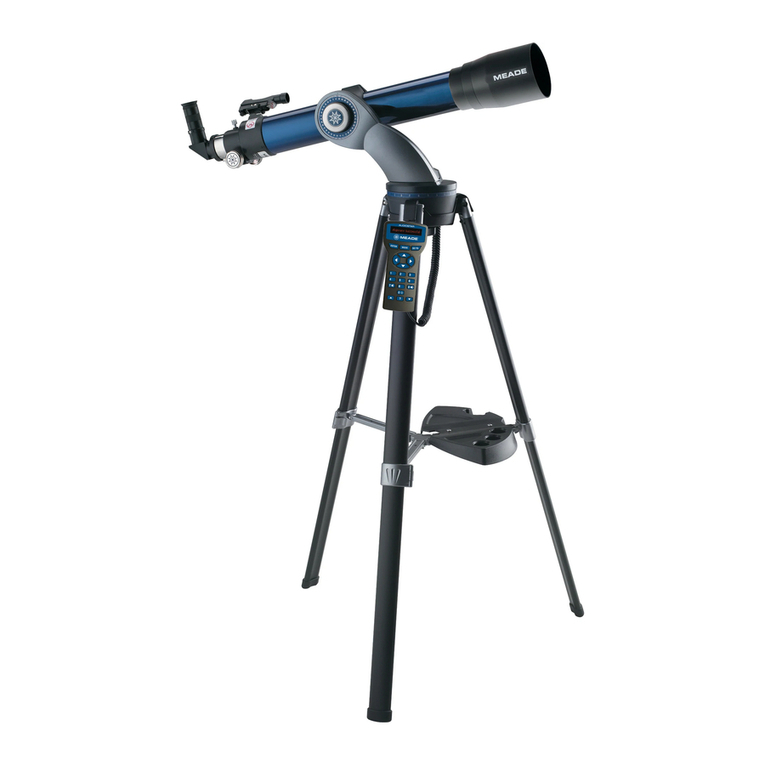
  9. Meade TELESTAR 60AZ-A2 User manual

Meade TELESTAR 60AZ-A2 User manual

Other Meade Telescope manuals

Meade 102ACHR/500 User manual

Meade

Meade 102ACHR/500 User manual

Meade NG User manual

Meade

Meade NG User manual

Meade ETX Premier User manual

Meade

Meade ETX Premier User manual

Meade LX850 User manual

Meade

Meade LX850 User manual

Meade 647 User manual

Meade

Meade 647 User manual

Meade Jupiter 114 EQ-D User manual

Meade

Meade Jupiter 114 EQ-D User manual

Meade Polaris 60AZ-AR User manual

Meade

Meade Polaris 60AZ-AR User manual

Meade 2080/LX6 Wiring diagram

Meade

Meade 2080/LX6 Wiring diagram

Meade 2120 User manual

Meade

Meade 2120 User manual

Meade Polaris 60AZ-D User manual

Meade

Meade Polaris 60AZ-D User manual

Meade LX850 User manual

Meade

Meade LX850 User manual

Meade 102ED User manual

Meade

Meade 102ED User manual

Meade ETX-90PE User manual

Meade

Meade ETX-90PE User manual

Meade NG70-SM User manual

Meade

Meade NG70-SM User manual

Meade 2045 User manual

Meade

Meade 2045 User manual

Meade LX50 User manual

Meade

Meade LX50 User manual

Meade Autostar Quick start guide

Meade

Meade Autostar Quick start guide

Meade ETX-AT User manual

Meade

Meade ETX-AT User manual

Meade LX-90 User manual

Meade

Meade LX-90 User manual

Meade LX200 CLASSIC User manual

Meade

Meade LX200 CLASSIC User manual

Meade LXD 75 User manual

Meade

Meade LXD 75 User manual

Meade LX90GPS User manual

Meade

Meade LX90GPS User manual

Meade DS-2000 Series User manual

Meade

Meade DS-2000 Series User manual

Meade 10" & 12.5" Starfinder User manual

Meade

Meade 10" & 12.5" Starfinder User manual

Popular Telescope manuals by other brands

National Geographic 70/900 operating instructions

National Geographic

National Geographic 70/900 operating instructions

Celestron NexStar 6 SE Quick setup guide

Celestron

Celestron NexStar 6 SE Quick setup guide

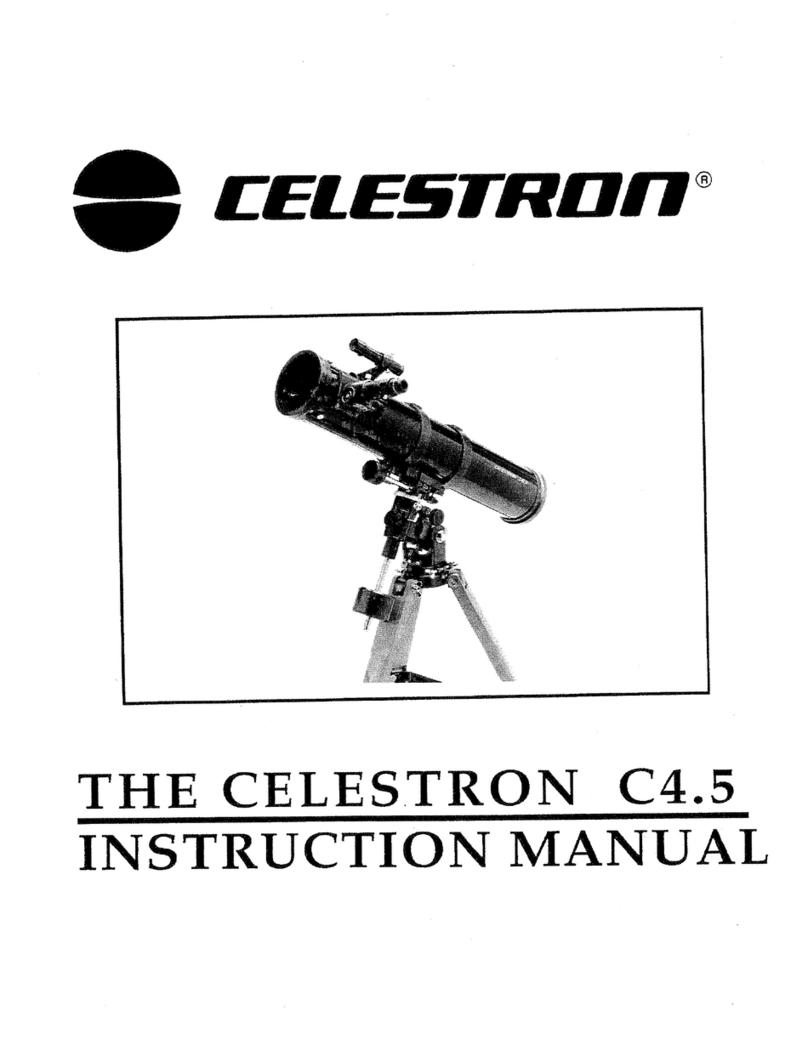
Celestron C4.5 instruction manual

Celestron

Celestron C4.5 instruction manual

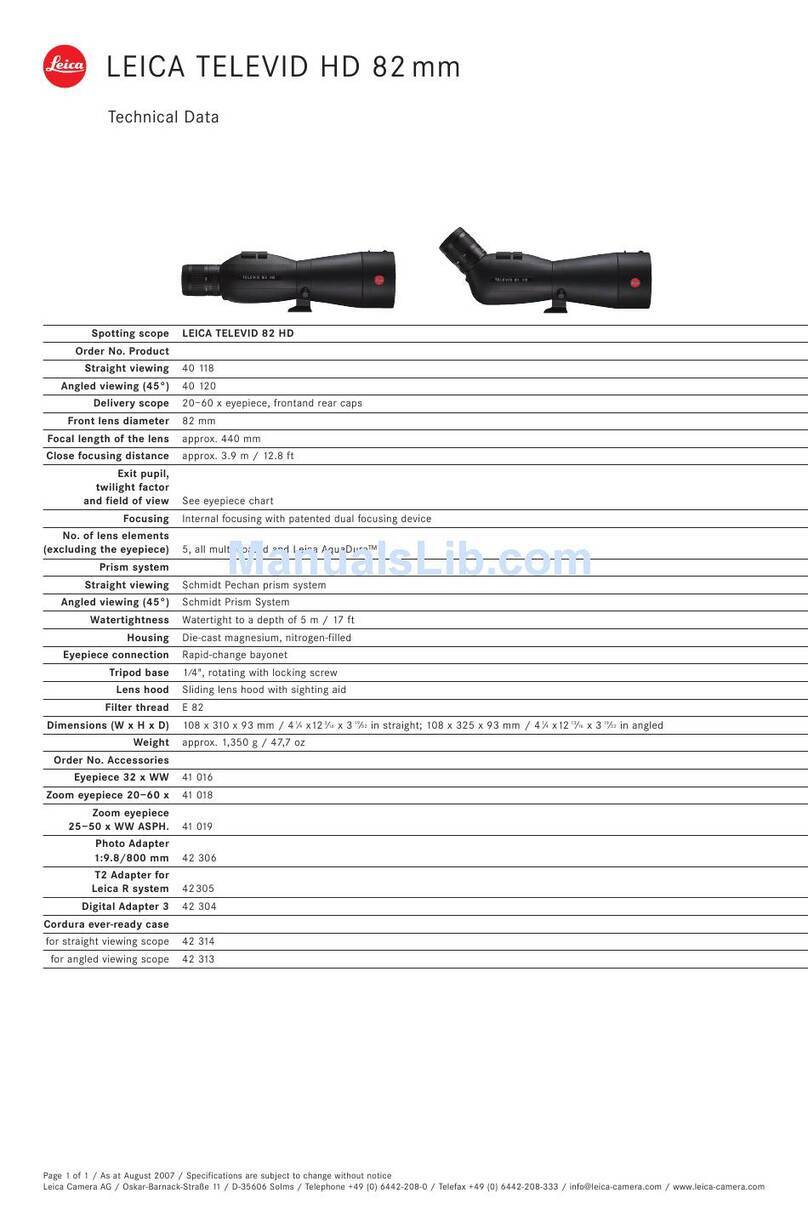
Leica 82 HD Specifications

Leica

Leica 82 HD Specifications

Celestron CPC DELUXE 800 HD instruction manual

Celestron

Celestron CPC DELUXE 800 HD instruction manual

EASTCOLIGHT 9920 instruction manual

EASTCOLIGHT

EASTCOLIGHT 9920 instruction manual

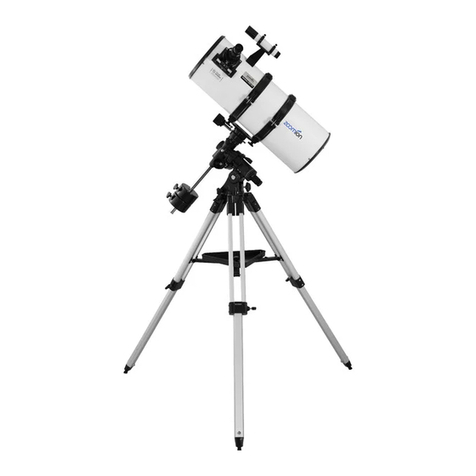
zoomion Genesis 200 EQ instructions

zoomion

zoomion Genesis 200 EQ instructions

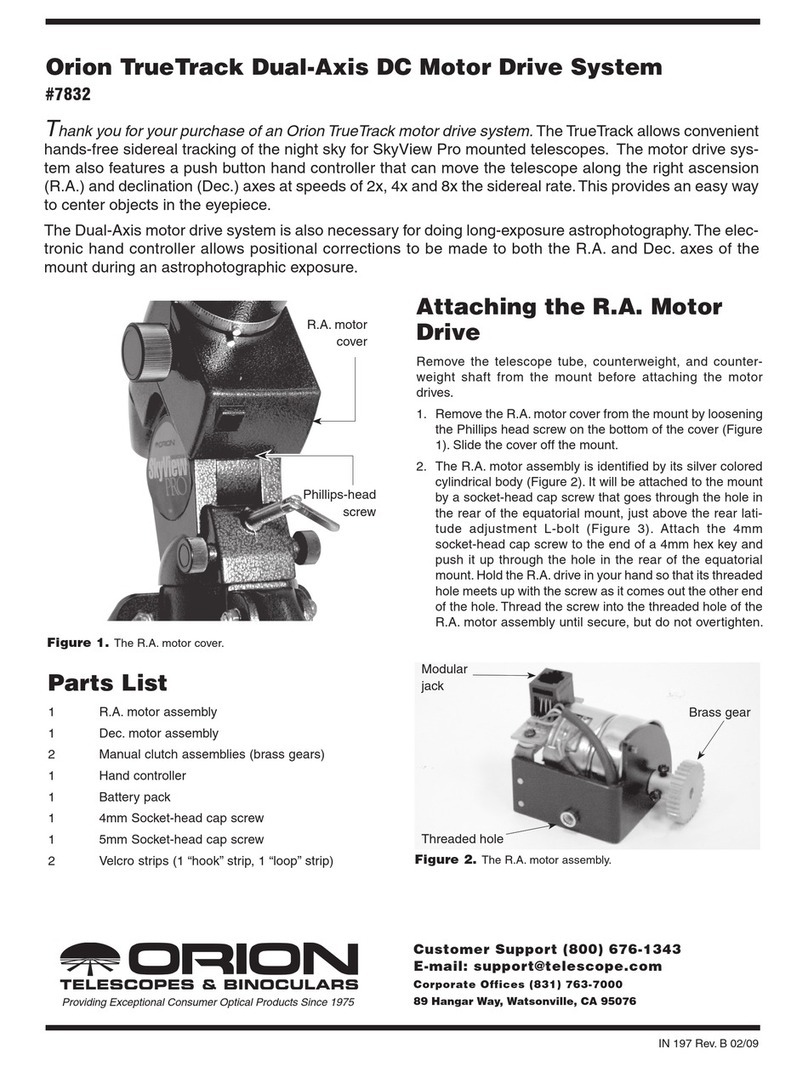
Orion 7832 manual

Orion

Orion 7832 manual

Carson Skelescope SK-100 instruction manual

Carson

Carson Skelescope SK-100 instruction manual

Celestron Novice 50 user guide

Celestron

Celestron Novice 50 user guide

SKY-WATCHER VIRTUOSO instruction manual

SKY-WATCHER

SKY-WATCHER VIRTUOSO instruction manual

cassini C-JRS operating instructions

cassini

cassini C-JRS operating instructions

nedis SCTE5060WT quick start guide

nedis

nedis SCTE5060WT quick start guide

PlaneWave CDK700 manual

PlaneWave

PlaneWave CDK700 manual

William Optics Synta Crayford user guide

William Optics

William Optics Synta Crayford user guide

Orion FUNSCOPE instruction manual

Orion

Orion FUNSCOPE instruction manual

Levenhuk Skyline Travel user manual

Levenhuk

Levenhuk Skyline Travel user manual

DayStar Filters SolaREDi manual

DayStar Filters

DayStar Filters SolaREDi manual

manuals.online logo
manuals.online logoBrands
  • About & Mission
  • Contact us
  • Privacy Policy
  • Terms and Conditions

Copyright 2025 Manuals.Online. All Rights Reserved.

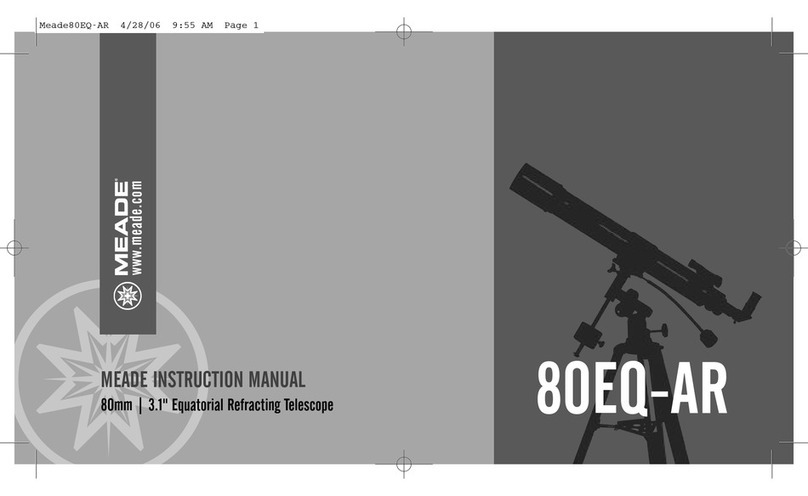
TELESTAR INSTRUCTION MANUAL
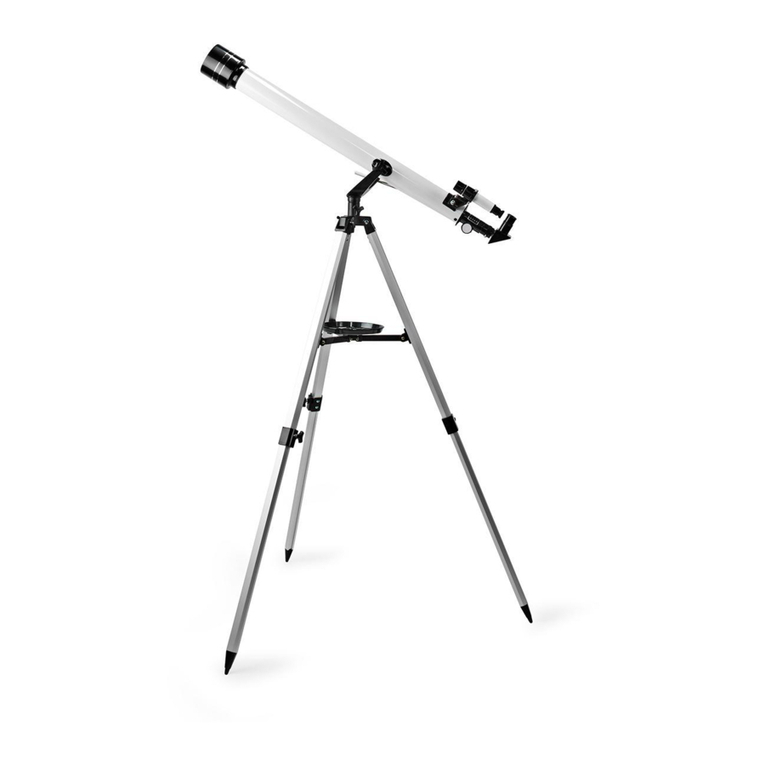
60mm | 2.4" Altazimuth Refracting Telescope 60AZ-A2
www.meade.com
40-04135 8 Page Manual Template 6/29/05 10:54 AM Page 1
40-04135 8 Page Manual Template 6/29/05 10:54 AM Page 2
1
INTRODUCTION
Your telescope is an excellent beginner’s
instrument, and is designed to observe
objects in the sky and also on land. It can be
your personal window on the universe or
allows you to intimately study the behavior of
nesting birds on a distant hillside.
The telescope is shipped with the following
parts:
• Optical tube
• Aluminum tripod with an accessory tray
• Two 1.25" eyepieces: MA25mm (28X),
MH9mm
• 2x 1.25" Barlow lens
• Diagonal mirror
• 5x24mm viewfinder with bracket
• Telescope mount
• Hardware used in the assembly:
3 bolts (2" long) with wing nuts and
washers
3 screws (1/2" long) with nuts
The tube has a focal length of 700mm, and
its objective lens has a diameter of 60mm.
The lens diameter is one of the most
important pieces of information about the
telescope. The size of the objective lens
determines how much detail you will be
able to see in your telescope. The focal
length will help later on to calculate
magnification.
Setting up your telescope involves these
simple steps:
• Assemble your tripod
• Attach the accessory tray
• Attach the optical tube to the mount
• Attach the viewfinder
• Attach the diagonal mirror and
eyepiece
• Align the viewfinder
Study the the picture on the next page
and become acquainted with the parts
of your telescope. Then proceed to
“Assemble your Tripod.”
40-04135 8 Page Manual Template 6/29/05 10:54 AM Page 3
FIGURE 1 Figure 1: Telestar 60AZ-A2 Altazimuth Refracting Telescope
Inset A: Accessory Tray Mounting Bolt Hole
Inset B: Tripod Leg
Inset C: Viewfinder Assembly
1. Eyepiece
2. Viewfinder (see Inset C)
3. Viewfinder alignment screws (see Inset C)
4. Optical tube assembly
5. Vertical lock knobs
6. Horizontal lock knob
7. Tripod legs
8. Leg brace supports
9. Leg brace
10. Mount base attachment
11. Tripod attachment bolts and wing nuts
12. Accessory tray mounting bolt hole (see Inset A)
13. Diagonal mirror
14. Objective lens cell
15. Focuser drawtube and thumbscrews
16. Altitude rod slow motion fine adjustment control
17. Altitude rod
18. Altazimuth mount
19. Adjustable sliding center leg extension
(see Inset B)
20. Tripod leg lock thumbscrew (see Inset B)
21. Dew shield/lens shade
22. Front lens cap
23. Focusing knob
24. Viewfinder bracket (see Inset C)
25. Viewfinder bracket mounting thumbscrews
(see Inset C)
26. Accessory tray
2
Inset A
Inset B
Inset C
bcdef
g
h
i
i
j
1)
1*
1!
1@
1#
1$
2! 2)
1(
c
d
2%
2$
2@
2^
1%2# 1^
1&
40-04135 8 Page Manual Template 6/29/05 10:54 AM Page 4
Fig. 3
Fig. 2
ASSEMBLE YOUR TRIPOD
The tripod is the basic support for your
telescope. Its height may be adjusted so that
you can view comfortably.
NNoottee::NNuummbbeerriinnbbrraacckkeettss,,ee..gg..,,((33)),,rreeffeerrttoo
FFiigg..11..
1. Make sure that as you attach the legs (7)
to the mount that the leg braces (9) are
facing inward.
2. Line up the holes at the top of one of the
legs with the holes in the mount (10). See
Fig. 2.
3. Thread one of the 2-inch bolts through
the holes.
4. Thread a wingnut over the bolt and hand-
tighten to a firm feel.
5. Attach the remaining two legs to the
mount in the same manner.
6. Spread the legs out evenly apart.
7. Set the height of your tripod:
a. Rotate and loosen the leg lock
thumbscrew (20) to unlock the leg lock.
b. Slide the inner portion of the leg (19) in
or out to the desired length.
c. Rotate and tighten the leg lock
thumbscrew to relock the leg lock.
d. Repeat for the other two legs.
ATTACH THE ACCESSORY TRAY
The tray helps stabilize the tripod and is also
a convenient holder of eyepieces and other
Meade accessories, such as the Barlow lens.
1. Line up the holes at the end of one of the
leg brace supports (8) with the holes in
one of the leg braces (9).
2. Thread one of the one-half inch bolts
through the holes.
3. Thread a hex nut over the end of the bolt.
4. Finger tighten the bolt and hex nut. See
Fig. 3.
5. Repeat with the two other leg
braces.
6. Thread the accessory tray (26) over
the center mounting bolt to a firm
feel.
ATTACH THE OPTICAL TUBE TO THE MOUNT
The optical tube gathers distant light which
is focused in the eyepiece.
1. Remove the two lock knobs (5) from the
optical tube.
2. Slide the altitude rod (17) into the hole in
the altitude adjustment control . Tighten
to a firm feel. See Fig. 4.
3. Place the optical tube (4) between the
forks of the mount, oriented as shown in
Fig. 4.
3
2” Screw
tripod
leg
mount
washer
wingnut
finger tighten the
hex nut
40-04135 8 Page Manual Template 6/29/05 10:54 AM Page 5
Fig. 4
onto two bolts on the optical tube.
Remove the thumbscrews from the tube.
2. Line up the two holes on the viewfinder
bracket over the two bolts. Slide the
bracket over the bolts. See Fig. 1, inset C.
3. Replace the thumbscrews onto the bolts
and tighten to a firm feel.
ATTACH THE DIAGONAL MIRROR AND
EYEPIECE
The diagonal mirror reflects the light from
the optical tube to a more comfortable
viewing position.
1. Slide the diagonal mirror (13) into the
focuser drawtube(15).
2. Tighten the drawtube thumbscrew to hold
the diagonal mirror securely.
3. Slide the MA 25mm eyepiece (1) into
diagonal mirror.
4. Tighten the diagonal mirror thumbscrew
to hold the eyepiece securely.
ALIGN THE VIEWFINDER
Perform the first part of this procedure
during the daytime and the last step at night.
1. Point the telescope at an easy-to-find
land object such as the top of a telephone
4.Thread a lock knob (5) through each
of the holes in the forks of the mount
and tighten to a firm feel.
ATTACH THE VIEWFINDER
An eyepiece (1) has a narrow field of view. A
viewfinder (2) has a wider field of view,
which makes it easier to locate objects. The
5x24mm viewfinder has crosshairs to make
it easier to line up more precisely with a
target.
1. Note the two thumbscrews (25) threaded
4
slide rod
through
hole
lock
knob
lock
knob
place tube between
forks
pole or a distant mountain or tower. Look
through the eyepiece in the diagonal
mirror and turn the focuser knob (23)
until the image is sharply focused. Center
the object precisely in the eyepiece’s field
of view.
2. Look through the viewfinder. Turn one or
more of the viewfinder’s alignment
screws (3) until the crosshairs are
precisely over the same object as you
centered in the eyepiece.
3. Check this alignment at night on a
celestial object, such as the Moon or a
bright star, and use the viewfinder’s
alignment screws to make any necessary
refinements.
40-04135 8 Page Manual Template 6/29/05 10:54 AM Page 6
TO MOVE THE TELESCOPE
Your telescope is altazimuth mounted.
Altazimuth is just a complicated way of
saying that your telescope moves up and
down and from side to side. Other
telescopes may be mounted in different
ways.
1. Slightly loosen one of the star-shaped
altitude control knobs (5). Loosening
this knob allows you to move the
telescope up and down.
2. Slightly loosen the horizontal lock knob
(6). Loosening this lock allows the
telescope to be moved from side to side.
3. Once an object is found, re-tighten the
control knobs. You can then use the
slow motion control (16) to make
smooth and precise movements as you
can follow (or “track”) an object as it
moves in the eyepiece.
SUN WARNING
NEVER USE YOUR TELESCOPE TO LOOK AT
THE SUN!
LOOKING AT OR NEAR THE SUN WILL
CAUSE INSTANT AND IRREVERSIBLE
DAMAGE TO YOUR EYE. EYE DAMAGE IS
OFTEN PAINLESS, SO THERE IS NO
WARNING TO THE OBSERVER THAT
DAMAGE HAS OCCURRED UNTIL IT IS TOO
LATE. DO NOT POINT THE TELESCOPE OR
ITS VIEWFINDER AT OR NEAR THE SUN. DO
NOT LOOK THROUGH THE TELESCOPE OR
ITS VIEWFINDER AS IT IS MOVING.
CHILDREN SHOULD ALWAYS HAVE ADULT
SUPERVISION WHILE OBSERVING.
THE MOST IMPORTANT RULE
We have one very important rule that you
should always follow when using your
telescope:
Have Fun!
Have a good time when you’re observing. You
may not know everything that there is to
know about a telescope or what all the
sights in the universe are, but that’s OK. Just
point and observe at first.
You will enjoy your telescope even
more as you learn more about it. But
don’t be scared off by difficult terms
or complicated procedures. Don’t
panic! Just relax and enjoy your
scope.
You will begin to grow and learn more about
astronomy the more you observe. Go to the
library and read some books about the stars
and planets. Read about astronomers of old.
Many of them had telescope no bigger than
the one you are using right now. Galileo, who
is one of the first astronomers to use a
telescope, discovered four of the moons of
Jupiter with a telescope about the same size
as yours (and his didn’t even focus very
well!).
THE MEADE 4M COMMUNITY
You haven’t just bought a telescope, you have embarked
on an astronomy adventure that never ends. Share the
journey with others by accepting your free membership
in the 4M community of astronomers.
Go to www.Meade4M.org to activate your membership
today.
5
40-04135 8 Page Manual Template 6/29/05 10:54 AM Page 7
OBSERVING
Observe during the daytime: Try out
your telescope during the daytime at
first. It is easier to learn how it
operates and how to observe when it
is light.
Pick out an easy object to observe: A
distant mountain, a large tree, a lighthouse
or skyscraper make excellent targets. Point
the optical tube so it lines up with your
object.
Unlock the lock knobs: To move the
telescope, you will need to unlock the
horizontal (6) and vertical (5) lock knobs (just
rotate to unlock or lock; when locking, only
tighten to a “firm feel,” do not overtighten).
Use the viewfinder: If you have not done so,
align the viewfinder (2) with the telescope’s
eyepiece (1) as described earlier.
Look through the viewfinder until you can
see the object. It will be easier to locate an
object using the viewfinder rather than
locating with the eyepiece. Line up the object
in the viewfinder’s crosshairs.
Look through the eyepiece: Once you have
the object lined up in the viewfinder, look
through the optical tube’s eyepiece. If you
have aligned your viewfinder, you will you
see the object in your eyepiece.
Focus: Look through the eyepiece and
practice focusing on the object you have
chosen.
Try out the coarse and fine adjustment
controls: Practice using the fine adjustment
control (16) to move the telescope. These
can come in very handy, especially when you
wish to move the telescope in very small
(fine control) steps.
6
TOO MUCH POWER?
Can you ever have too much power? If the type of
power you’re referring to is eyepiece magnification,
yes you can! The most common mistake of the
beginning observer is to “overpower” a telescope
by using high magnifications which the telescope’s
aperture and atmospheric conditions cannot
reasonably support. Keep in mind that a smaller,
but bright and well-resolved image is far superior
to one that is larger, but dim and poorly resolved.
Powers above 400x should be employed only under
the steadiest atmospheric conditions.
Observe the Moon: When you feel
comfortable with the viewfinder, the
eyepieces, the locks and the adjustment
controls, you will be ready to try out the
telescope at night. The Moon is the best
object to observe the first time you go out at
night. Pick a night when the Moon is a
crescent. No shadows are seen during a full
Moon, making it appear flat and
uninteresting.
Look for different features on the Moon. The
most obvious features are craters. In fact
you can see craters within craters. Some
craters have bright lines about them. These
are called rays and are the result of material
thrown out of the crater when it was struck
by a colliding object. The dark areas on the
Moon are called maria and are composed of
lava from the period when the Moon still had
volcanic activity. You can also see mountain
ranges and fault lines on the Moon.
Use a neutral density filter (often called a
“moon filter”) when observing the Moon.
Neutral density filters are available from
Meade as an optional accessory and
enhance contrast to improve your
observation of lunar features.

40-04135 8 Page Manual Template 6/29/05 10:54 AM Page 8
Spend several nights observing the Moon.
Some nights, the Moon is so bright that it
makes other objects in the sky difficult to
see. These are nights that are excellent for
lunar observation.
Observe the Solar System: After observing
the Moon, you are ready to step up to the
next level of observation, the planets. There
are four planets that you can easily observe
in your telescope: Venus, Mars, Jupiter and
Saturn.
Nine planets (maybe more!) travel in a fairly
circular pattern around our Sun. Any system
of planets orbiting one or more stars is
called a solar system. Our Sun, by the way,
is a single, yellow dwarf star. It is average as
far as stars go and is a middle aged star.
Beyond the planets are clouds of comets, icy
planetoids and other debris left over from
the birth of our sun. Recently astronomers
have found large objects in this area and
they may increase the number of planets in
our solar system.
The four planets closest to the Sun are rocky
and are called the inner planets. Mercury,
Venus, Earth and Mars comprise the inner
planets. Venus and Mars can be easily seen
in your telescope.
Venus is seen before dawn or after sunset,
because it is close to the Sun. You can
observe Venus going through crescent
phases. But you cannot see any surface
detail on Venus because it has a very thick
atmosphere of gas.
When Mars is close to the Earth, you can see
some details on Mars, and sometimes even
Mars’ polar caps. But quite often, Mars is
further away and just appears as a red dot
with some dark lines crisscrossing it.
Jupiter, Saturn, Uranus, Neptune and Pluto
comprise the outer planets. These planets,
except for Pluto, are made mostly of gases
and are sometimes called gas giants. If they
had grown much bigger, they may have
become stars. Pluto is made mostly of ice.
Jupiter is quite interesting to observe. You
can see bands across the face of Jupiter. The
more time you spend observing these bands,
the more detail you will be able to see.
One of the most fascinating sights of
Jupiter are its moons. The four
largest moons are called the Galilean
moons, after the astronomer Galileo,
who observed them for the first time.
If you’ve never watched the Galilean moons
in your telescope before, you’re missing a
real treat! Each night, the moons appear in
different positions around the Jovian sky.
This is sometimes called the Galilean dance.
On any given night, you might be able to see
the shadow of a moon on the face of Jupiter,
see one moon eclipse another or even see a
moon emerge from behind Jupiter’s giant
disk. Drawing the positions of the moons
each night is an excellent exercise for novice
astronomers.
7
40-04135 8 Page Manual Template 6/29/05 10:54 AM Page 9
Any small telescope can see the four
Galilean moons of Jupiter (Fig. 5),
plus a few others, but how many
moons does Jupiter actually have?
No one knows for sure! Nor are we
sure how many Saturn has either. At last
count, Jupiter had over 60 moons, and held a
small lead over Saturn. Most of these moons
are very small and can only be seen with
very large telescopes.
Probably the most memorable sight you will
see in your telescope is Saturn. Although you
may not see many features on the surface of
Saturn, its ring structure will steal your
breath away. You will probably be able to see
a black opening in the rings, known as the
Cassini band.
Saturn is not the only planet that has rings,
but it is the only set of rings that can be
seen with a small telescope. Jupiter’s rings
cannot be seen from Earth at all—the
Voyager spacecraft discovered the ring after
it passed Jupiter and looked back at it. It
turns out, only with the sunlight shining
through them, can the rings be seen. Uranus
and Neptune also have faint rings.
Optional color filters help bring out detail
and contrast of the planets. Meade offers a
line of inexpensive color filters.
What’s Next? Beyond the Solar System:
Once you have observed our own system of
planets, it’s time to really travel far from
home and look at stars and other objects.
You can observe thousands of stars with
your telescope. At first, you may think stars
are just pinpoints of light and aren’t very
interesting. But look again. There is much
information that is revealed in stars.
The first thing you will notice is that not all
8
stars are the same colors. See if you can find
blue, orange, yellow, white and red stars.
The color of stars sometimes can tell you
about the age of a star and the temperature
that they burn at.
Other stars to look for are multiple stars.
Very often, you can find double (or binary)
stars, stars that are very close together.
These stars orbit each other. What do you
notice about these stars? Are they different
colors? Does one seem brighter than the
other?
Almost all the stars you can see in the sky
are part of our galaxy. A galaxy is a large
Fig. 5
40-04135 8 Page Manual Template 6/29/05 10:54 AM Page 10