MixVibes MAYA 44 SPECIAL EDITION user’s guide
5
2. Installation
System Recommendation
MAYA 44 SPECIAL EDITION is not simply a standard digital audio interface card, but a
high-resolution device capable of advanced processing of audio content. Even though
MAYA 44 SPECIAL EDITION is built to have low-CPU resource dependability, system
specifications play a key part in the MAYA 44 SPECIAL EDITIONs performance. Systems
with more advanced components are generally recommended.
Minimum System Requirements
PC
- Intel Pentium II 450MHz CPU or comparable AMD CPU (or equivalent) –we recommend
at least a Pentium III CPU with 1,5 GHz
- Windows XP or VISTA operating system
- 1 available USB port
- at least 1 GB RAM
- high quality audio software with ASIO support strongly recommended
Mac
- Power Macintosh G3 or higher
- 1 available USB port
- at least 512MB RAM
- Mac OS X 10.3 or higher
Hardware Installation
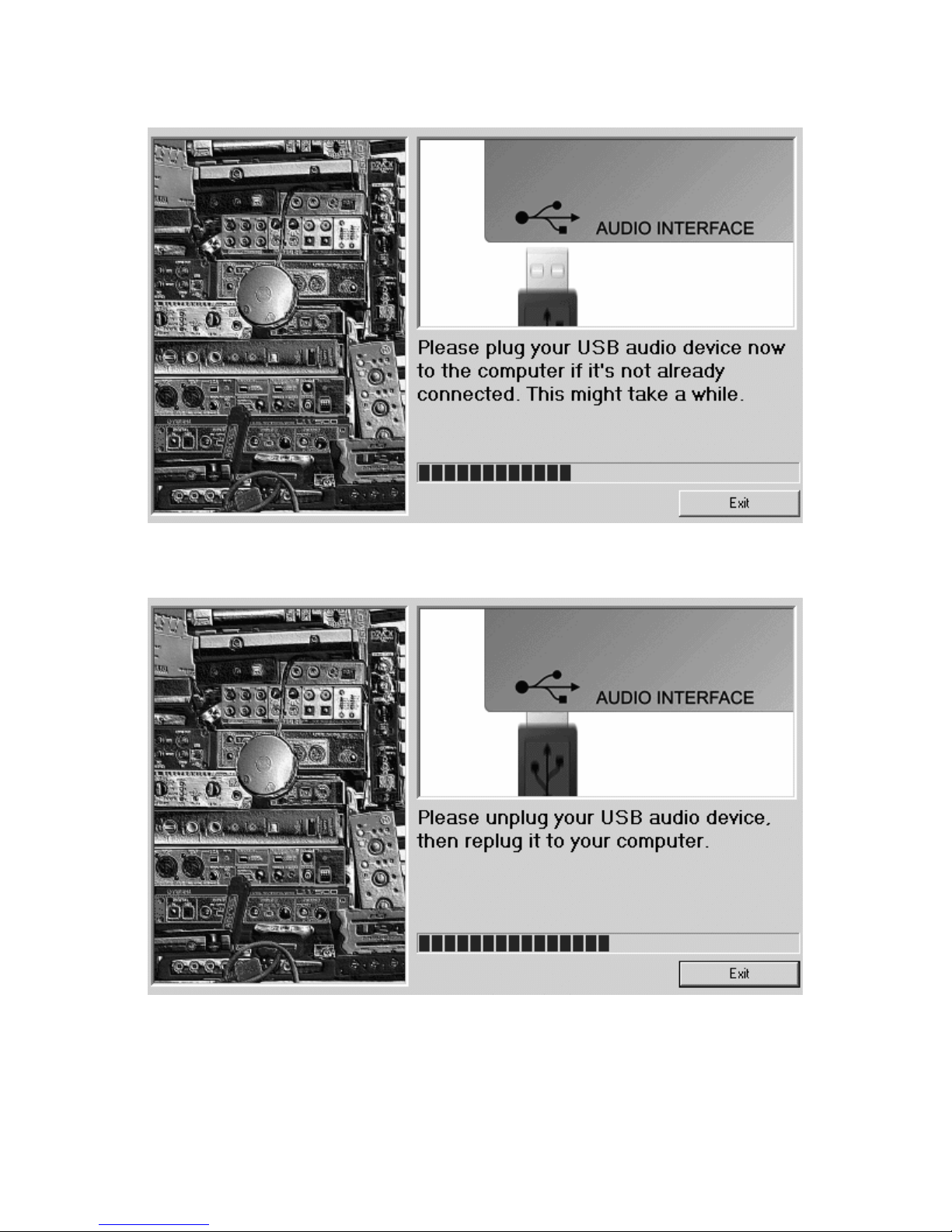
MAYA 44 SPECIAL EDITION is simply connected to an available USB port of your
computer. A separate power supply is not required, as MAYA 44 SPECIAL EDITION is a
USB powered device. Simply install the hardware by plugging it into your computer.
USB port of a computer
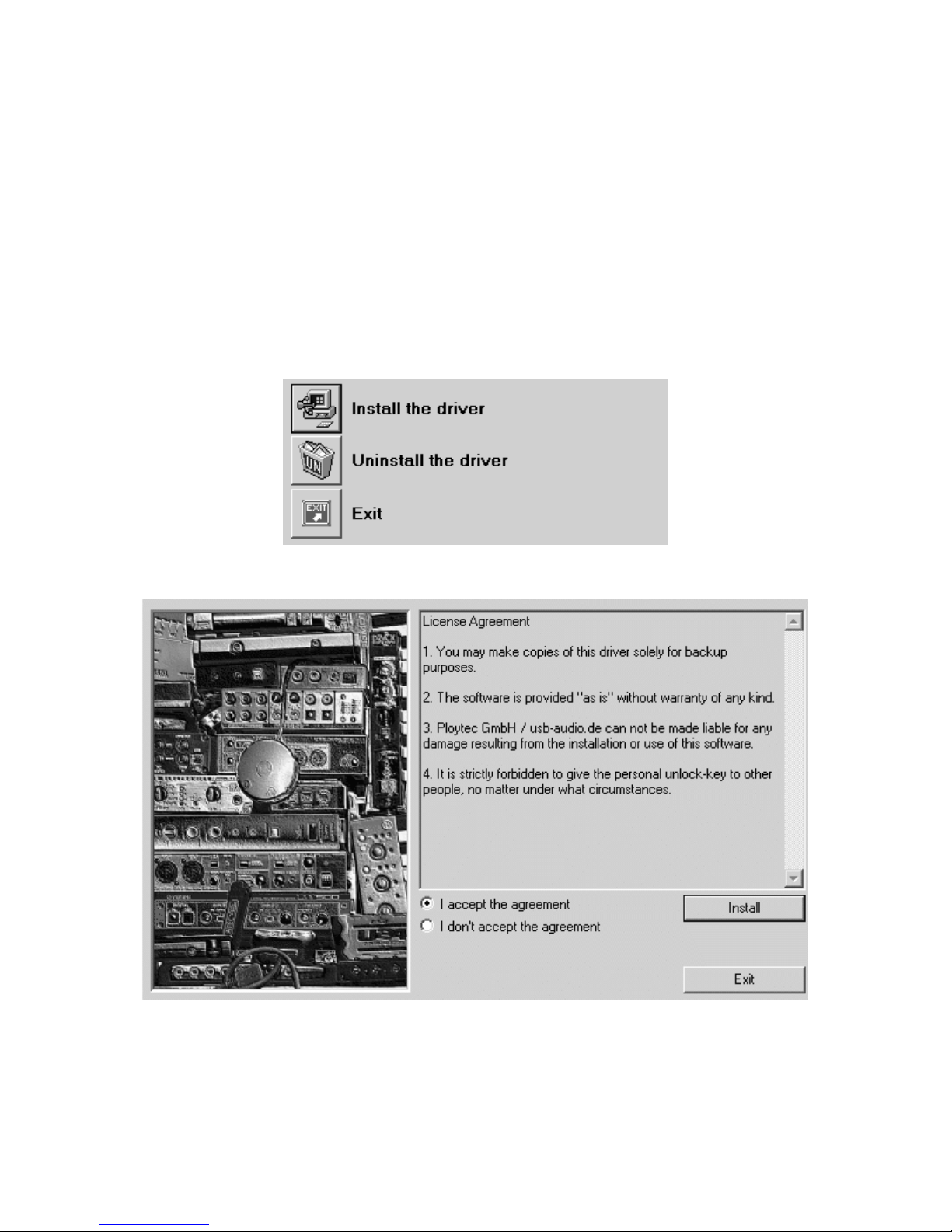
Driver Installation
After the connection of MAYA 44 SPECIAL EDITION, the operating system automatically
detects it as a new hardware device. Modern operating systems like Windows XP and
Vista or Mac OS X usually detect the hardware directly and are installing the correct USB
audio drivers automatically.
You can use MAYA 44 SPECIAL EDITION already now in some consumer audio
applications that do not need special professional ASIO driver support. Under Windows