10
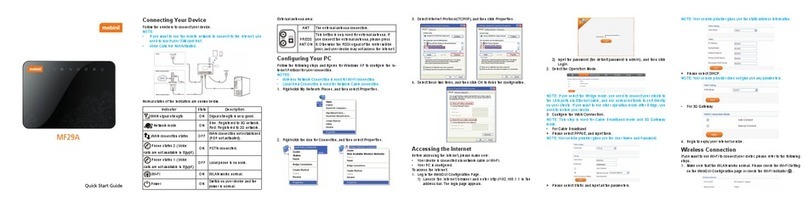
Connecting to Your Device
Using a USB Cable
1. Connect a computer to your device with a USB ca-
ble.
2. Power on your device. The operating system de-
tects and identies new hardware, and automatically
installs the hardware.
NOTE:
If the system does not automatically launch installation,
you can click the device installation icon in My Computer
to install the software.
3. Wait until the computer is connected to your device
successfully.
Getting to Know the Wi-Fi SSID and
Password
You can view the label on the device to get the default
Wi-Fi SSID and password. The default SSID is Mobinil
Wireless_xxxxxx (xxxxxx are the last 6 digits of the MAC
address) and the default password is mobinil_xxxxx
(xxxxx are the last 5 digits of the MAC address).