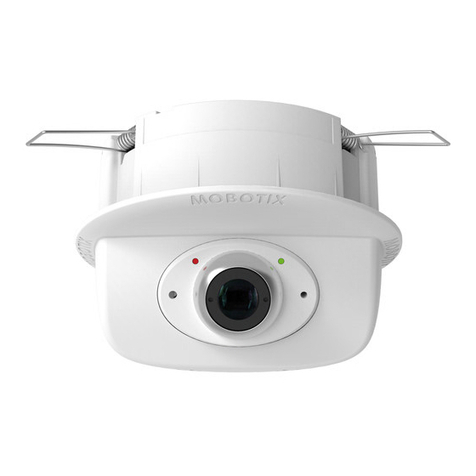
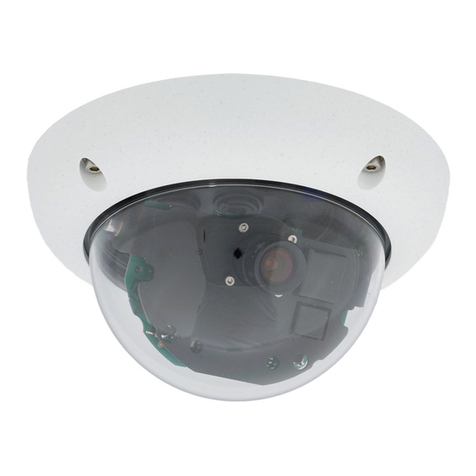
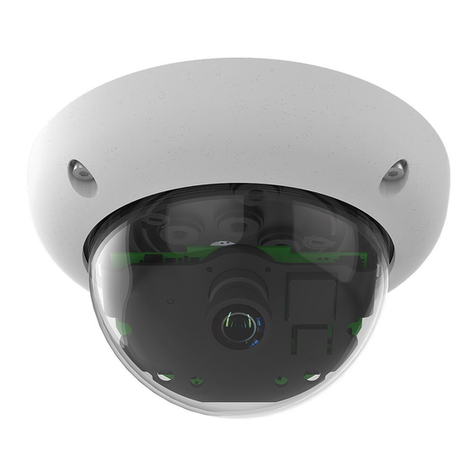
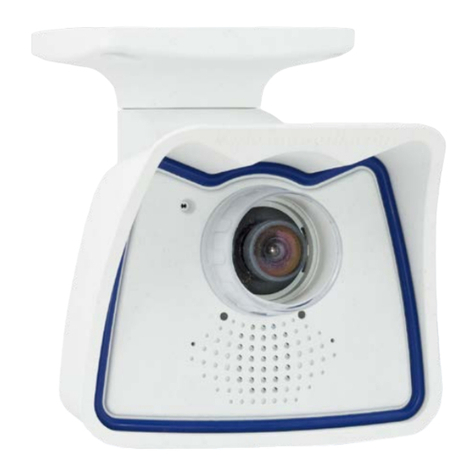
66
Table of Contents
SAFETY WARNINGS
Notes on Installing:
• This product must not be used in locations exposed to the dangers of explosion.
• Make sure that you install this product as outlined in Chapter 2, «Installation» of this
manual. A faulty installation can damage the camera!
• When installing this product, make sure that you are only using genuine MOBOTIX
parts and MOBOTIX connection cables.
•
Only install this product on suitable, solid materials that provide for a sturdy installation
of the xing elements used.
Electrical installation: Electrical systems and equipment may only be installed, modied
and maintained by a qualied electrician or under the direction and supervision of a qual-
ied electrician in accordance with the applicable electrical guidelines. Make sure to prop-
erly set up all electrical connections.
Electrical surges: MOBOTIX cameras are protected against the eects of small electrical
surges by numerous measures. These measures, however, cannot prevent the camera from
being damaged when stronger electrical surges occur. Special care should be taken when
installing the camera outside of buildings to ensure proper protection against lightning,
since this also protects the building and the whole network infrastructure.
Max. power consumption of attached extension modules: The power consumption of all
attached
MxBus modules
must
not exceed 3 W
. When attaching modules to the MxBus
connector
and
the USB socket, the
power consumption of all attached modules must
not exceed 4 W
,
if the camera is powered by PoE class 3
. If
PoE class 2
is used,
the cam-
era cannot power any peripheral devices!
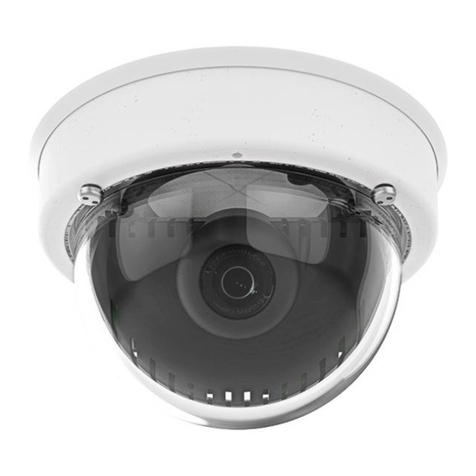
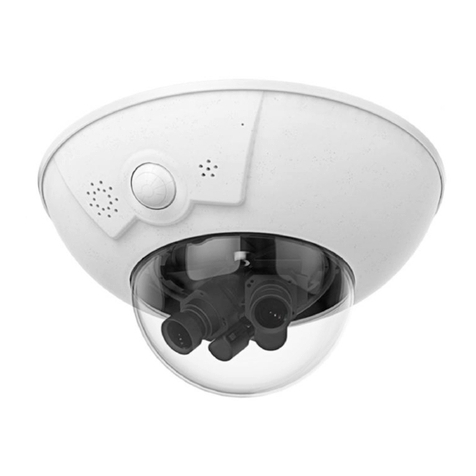
Never touch the lenses: Due to the high performance of the D16, the area of the image
sensors can get quite hot, especially when the ambient temperature is also high. This does
not aect the proper functioning of the camera in any way. For this reason, the product must
not be installed within the reach of persons without the dome.
Powerobeforeopeningthecamera: Make sure the power supply to the camera is dis-
connected before opening the camera housing (e.g., when inserting or exchanging lenses,
sensor modules and SD cards).