Molten Voltage™
TEMPODE
Owner’s Manual - p.4
questions@MoltenVoltage.com © 2015 - MoltenVoltage.com - All Rights Reserved.
v 1.5
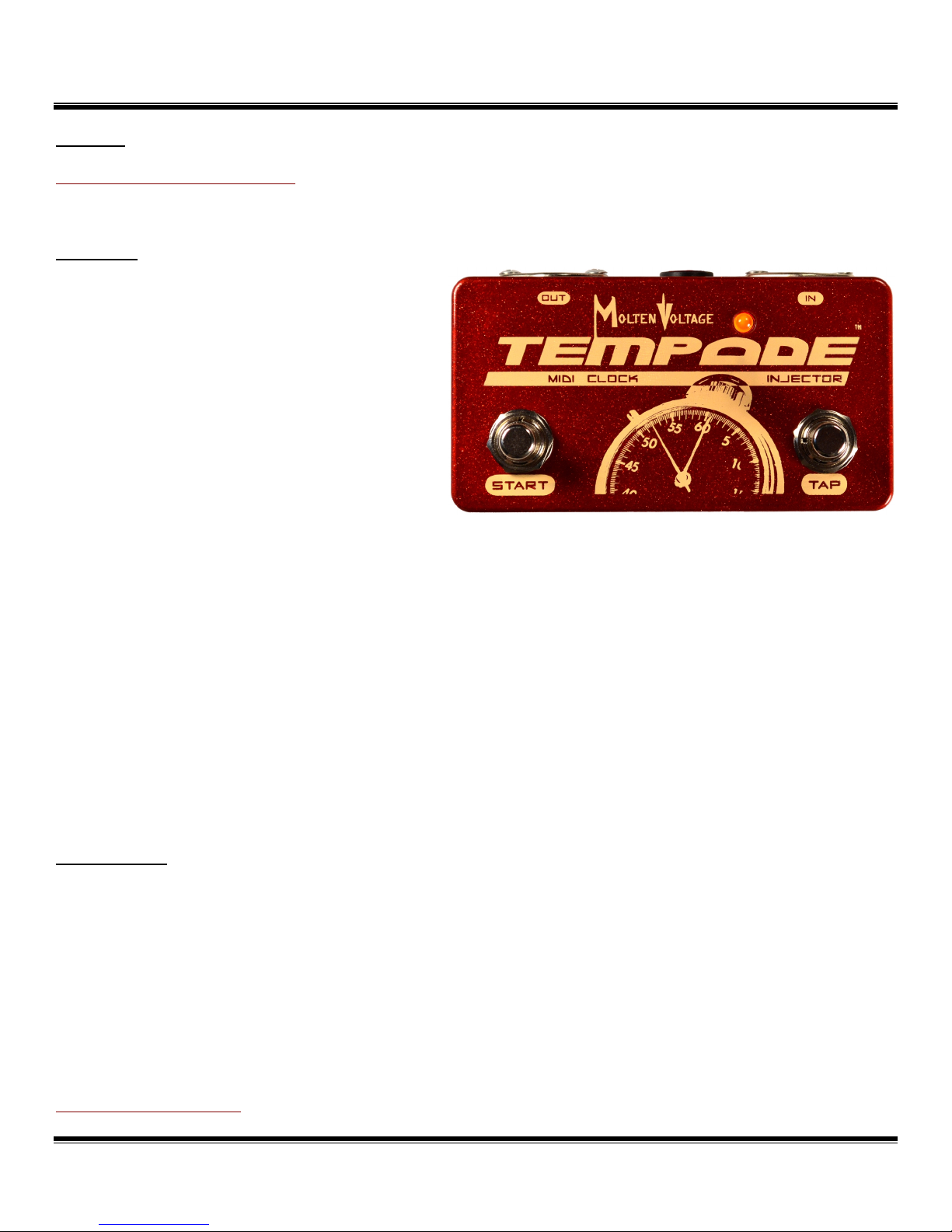
While MIDI Clock is stopped, the LED flashes yellow, off. Upon the first tap, and during Tap Mode,
the LED will flash yellow, red.
When Tap Mode ends (2.5 seconds after the last tap), the LED will resume its normal operation.
Note: Tempo changes affect only the current Program and are not stored unless the Program is
saved, as described in the next section.
Program Storage
TEMPODE stores the tempo associated with each of the 128 programs.
Holding down the first press of the TAP TEMPO Button for more than 2.5 seconds causes TEMPODE
to save the current tempo at the selected Program location.
Once the TAP TEMPO Button has been held long enough, the LED turns solid yellow. Release the
button to store the program. TEMPODE will then quickly flash red, off, yellow, off, 8x to let you know the
program was successfully stored.
At the time the tempo is stored, TEMPODE simultaneously sends a command to all
compatible Molten Voltage devices connected to the MIDI OUT, causing them to self-program
and store their settings for the selected Program.
Note: If you tap in a new tempo, you need to wait until you are done tapping and Tap Mode ends
(about 2.5 seconds after the last tap) before you can store the new tempo.
A new tempo received via a MIDI Control Change message (described below) can be stored
immediately.
Note: MIDI Clock output will stop while Molten Voltage self-program data is sent, and incoming
data might be missed. As such, it will usually be necessary to restart drum machines,
sequencers, etc. after storing a tempo.
MIDI IN
A master MIDI device which sends Program and/or Control Change messages to TEMPODE can be
connected by plugging a standard 5-pin DIN MIDI cable into the MIDI IN jack (A).
Note: TEMPODE responds to discrete Program and Control Change messages, as well as those
sent using the “running status” data format.
Program Change Messages
TEMPODE stores the MIDI Clock tempo for 128 Programs. Programs are recalled when a MIDI
Program Change message is received on the same MIDI Channel as TEMPODE (1, 15, or both). Channel
15 is the default and primary Molten Voltage channel. See below for information on Selecting MIDI
Channel.