5
Telephone requirements
You can connect your Morphy Richards Telephone Clock Radio to the Public
Telephone Switch Network (PTSN) and compatible PBXs. It is not suitable for use as
an extension to a payphone and for connection to a shared service line or a 1 + 1
carrier system.
It has a standard jack plug and can be moved around the home or office.
REN (Ringer Equivalence Number)
Your new telephone clock radio has a REN of 1. To determine the maximum number
of telephones that can be connected to your line, add together the individual RENs of
all the apparatus you wish to connect. If this total exceeds four, your telephone may
not ring correctly.
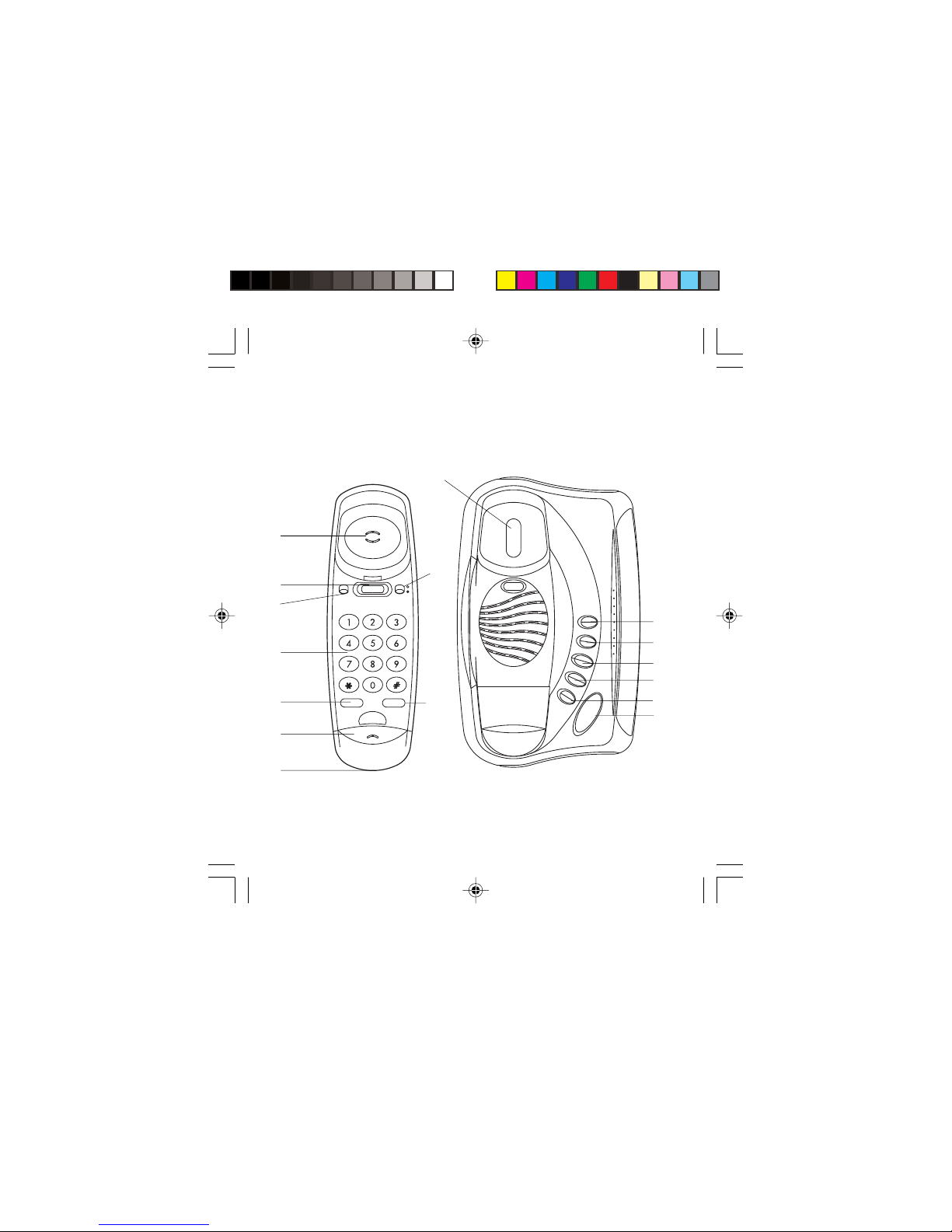
Redial/Pause button
Redials the last number you called. The number is stored in the telephone memory
even when the handset is replaced. Simply lift the handset and listen for the dialling
tone, then press and release the redial button.
If you wish to insert a pause in the number you are dialling, simply press the redial/
pause button, after a number has been entered continue dialling. This automatically
inserts a pause in the number dialled.
Ringer on/off button
With this switch set to off, the handset will not ring.
Receiving a call
When your telephone rings, pick up the handset and start speaking. The radio (if
switched on) will mute when the handset is picked up. After the call has ended,
replace the handset back on the base unit, making sure it is sitting correctly.
Setting up
Connect the plug at the coiled end of the line cord into the modular jack at the bottom
of the telephone handset. Route the cable into the channel at the bottom corner of the
base unit.