4Table of Contents
Table of Contents
1. Getting started .................................................................... 5
1.1 Connecting to power .............................................................. 6
1.2 Inserting a memory card......................................................... 6
1.3 Removing a memory card ...................................................... 7
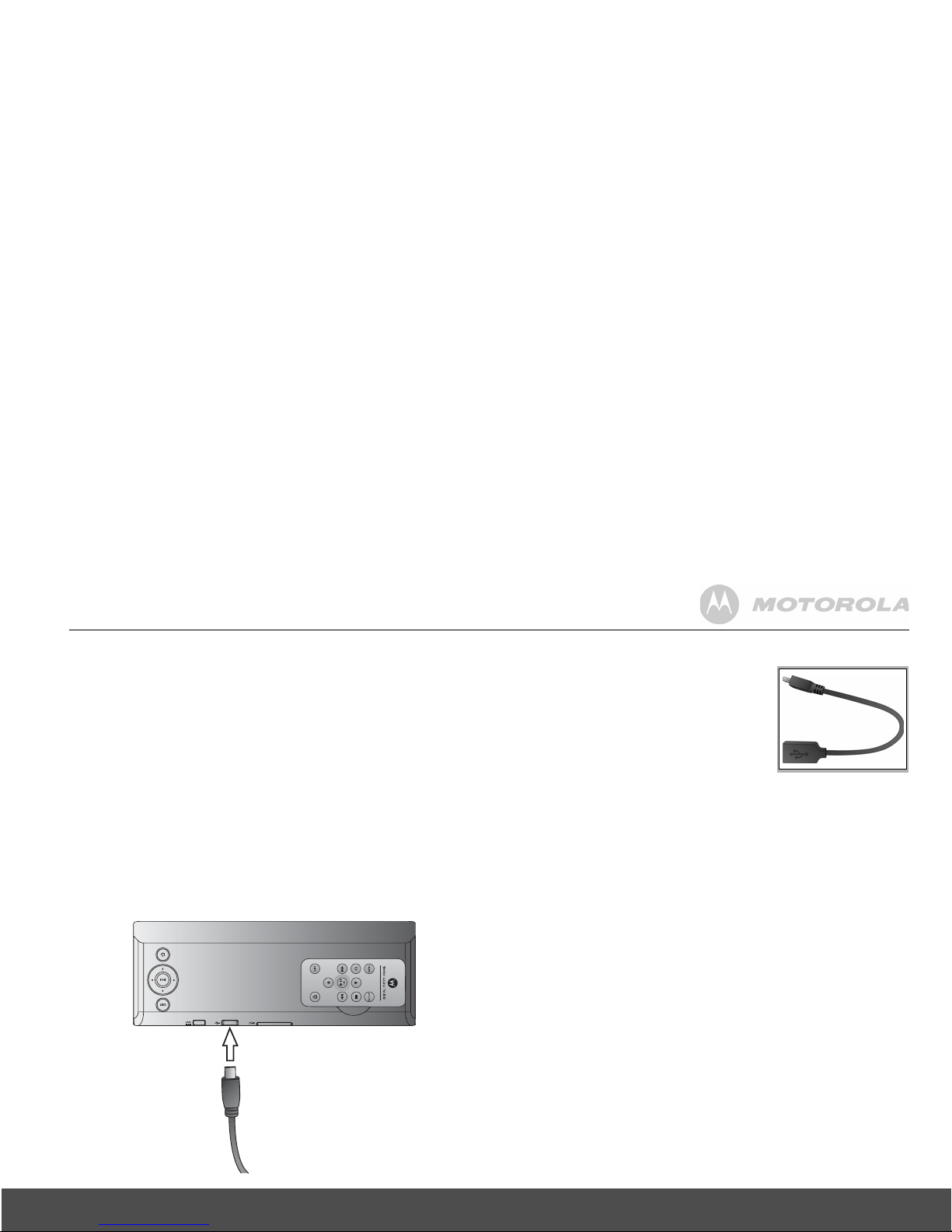
1.4 Connecting a USB device ...................................................... 7
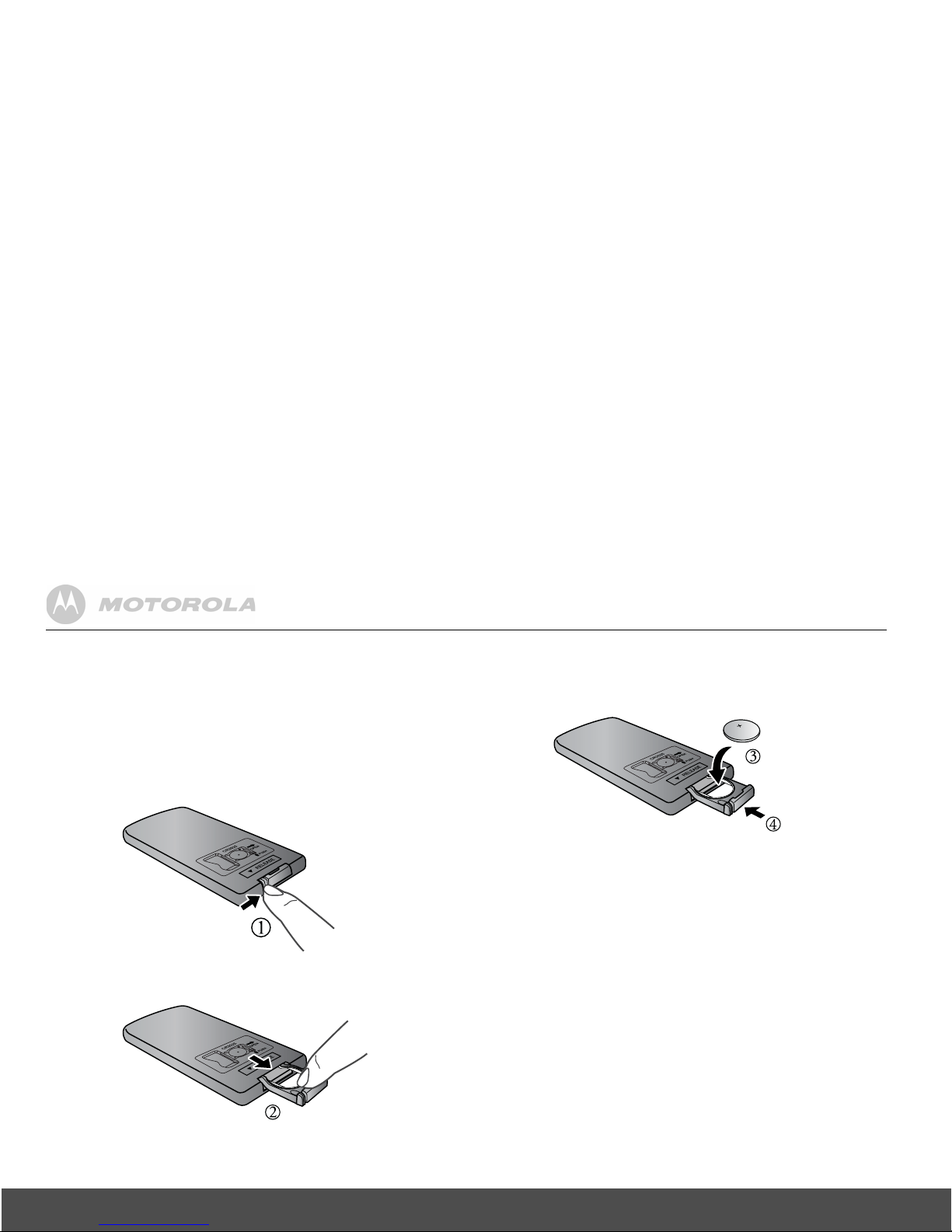
1.5 Replacing the remote control battery ..................................... 8
2. Using the photo frame ....................................................... 9
2.1 Using the control buttons........................................................ 9
2.2 Using the remote control ...................................................... 11
3. Using the menus .............................................................. 13
3.1 Using the Main Menu ........................................................... 13
3.2 Using the Photo menu.......................................................... 14
3.2.1 Copying one or all photos........................................... 15
3.2.2 Deleting one or all photos........................................... 15
3.3 Using the Calendar menu..................................................... 16
3.4 Using the Settings menu ...................................................... 16
3.4.1 Enabling auto on/off.................................................... 19
4. General Information ......................................................... 19
5. Technical Specifications ................................................. 24