v.1
6
DataStorm D2 System Status Page Cont.
| Standard Functions
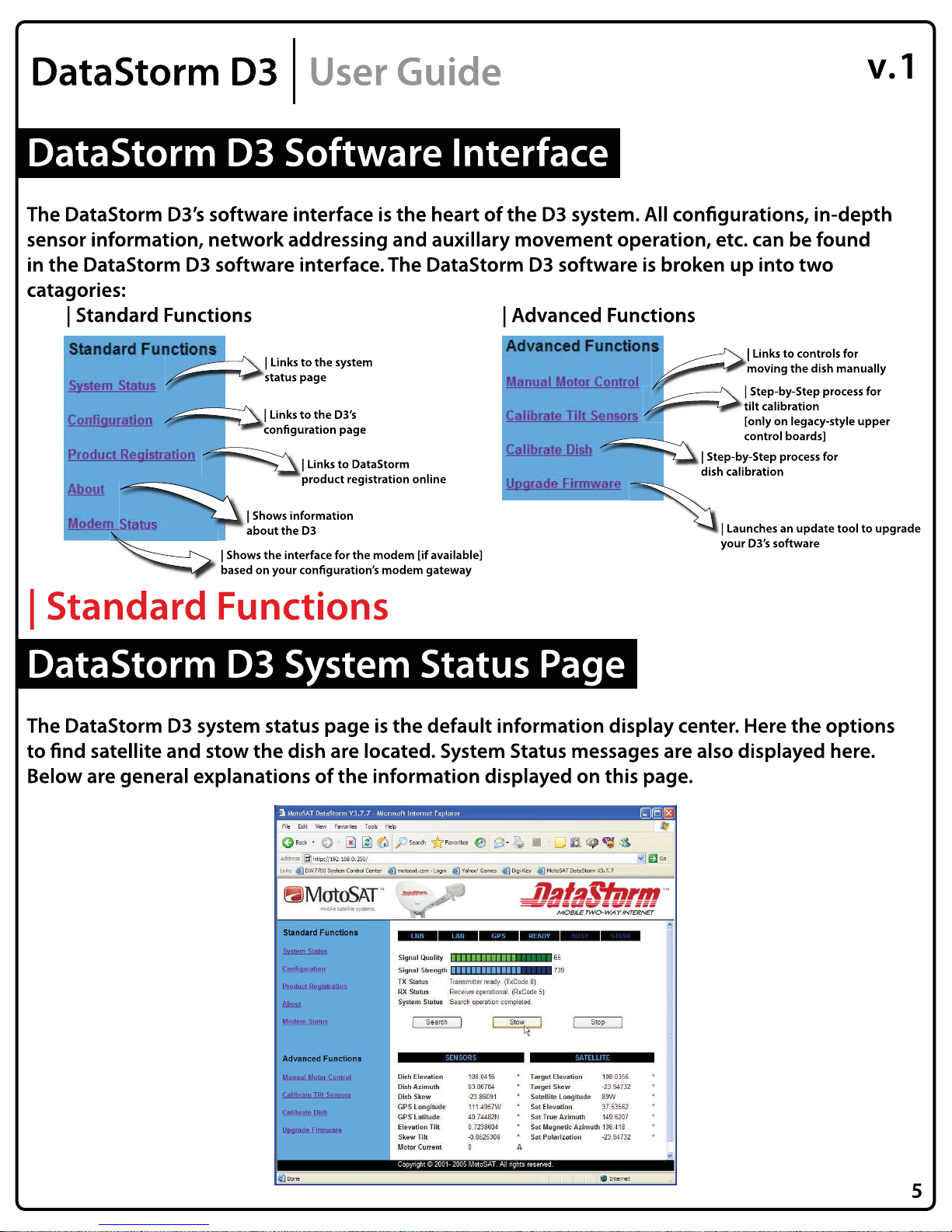
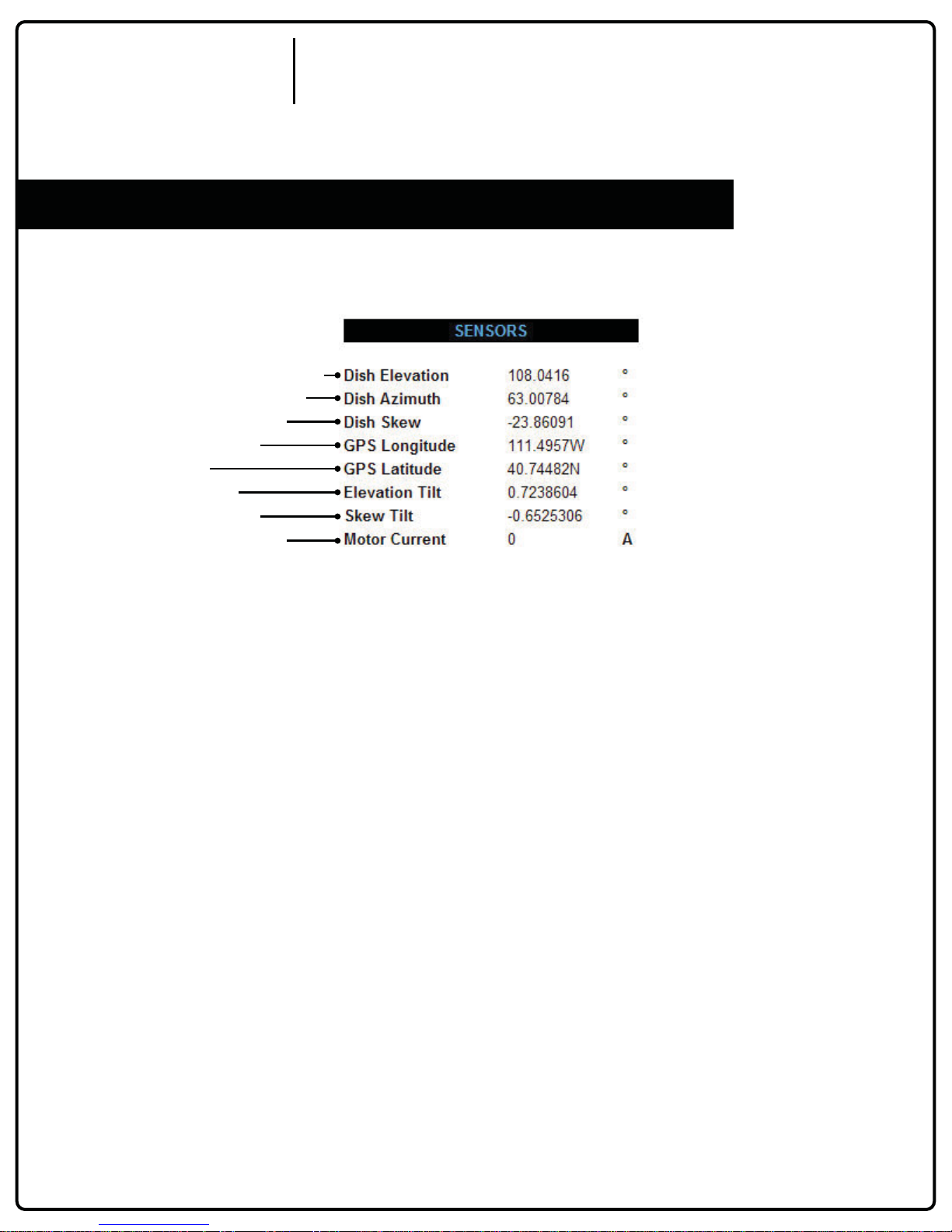
The system status page will be broken up into 3 sections: main, sensors, and satellite.
| DataStorm D3 System Status Page: Main |
| 1-6 Light Status Buttons
These buttons coincide with the lights on
the D3 front panel.
| 2-Signal Quality Bar
Signal quality is attained via the modem.
This bar displays that quality value.
| 3-Signal Strength
Signal strength is a function of the D3. This
bar displays that strength value.
| 4-TX Status
TX status of the transmitter operation on the
dish. Normal operation indicates the
transmitter is unavailable until satellite is
found.
| 5-RX Status
RX status of the modem. Normal
operation indicates the receiver is not locked
until satellite is found.
| 6-System Status
System status displays the current status of the
D3. Any state the D3 is in will be displayed
here as well as error messages.
| 7-Search Button
The search button is used to raise the dish and
nd satellite during satellite based
commissioning or connecting to the Internet.
| 8-Stow Button
The Stow button is used for returning the dish
to the travel position when it is in a position
other than stowed.
| 9-Stop Button
This buttons stops all current running
motor functions of the dish.
1
8
2
7 9
3
4
5
6
DataStorm D3 User Guide