EN-6
STOPWATCH
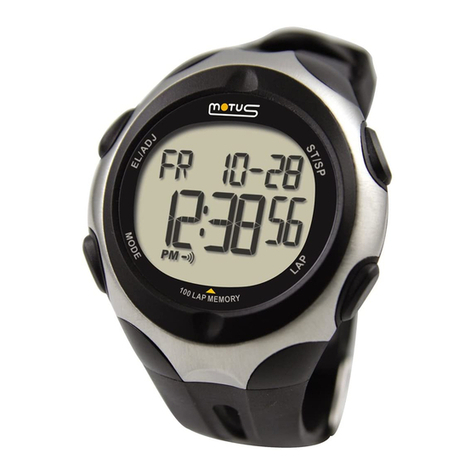
Press MODE button and enter stopwatch mode (Chrono).
- Press START/STOP button to start the stopwatch.
Upper line indicates Lap timing and lower line shows total
elapsed time.
- Press LAP/RESET button to mark Lap time.
Upper line ashes showing Lap number and lower line the
related timing for some seconds.
- The display goes back to Lap time and total elapsed time
view.
- When the fastest Lap is detected the display shows
ashing “FASTEST” text and the device beeps.
- Press START/STOP to pause the stopwatch.
Press LAP/RESET to restart it.
Stop and Data storage
Each timing session has to be saved in order to be recalled
from “Chrono Data” mode and to start a new session.
- Press START/STOP button twice (Pause > End) to stop the
stopwatch.
- Upper line shows “END” text and lower line shows total
elapsed time.
- Hold START/STOP for a few seconds.
- The display shows “STORE DATA” text and chronograph
data are stored.
- After storing timing data, the stopwatch is ready for a new
session.
Note: stopwatch precision is 1/100 of a second for the rst
60 minutes and “h:mm:ss” for the following timing.