P a g e 5
Introduction
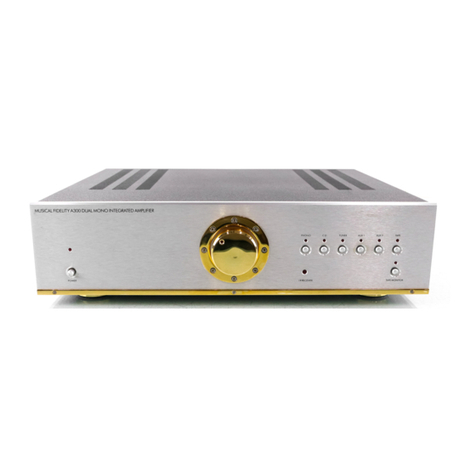
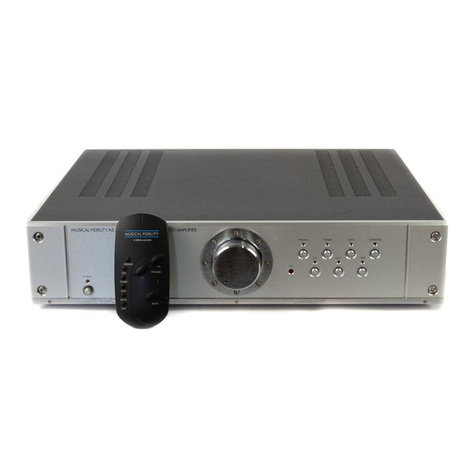
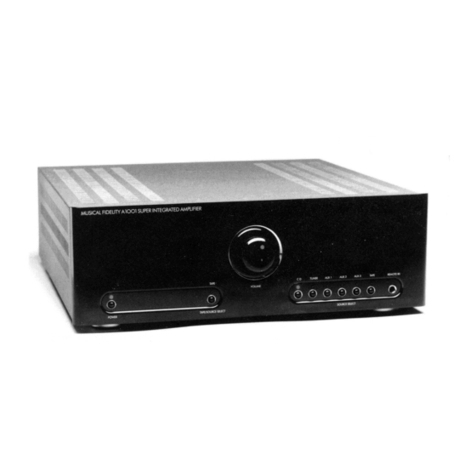
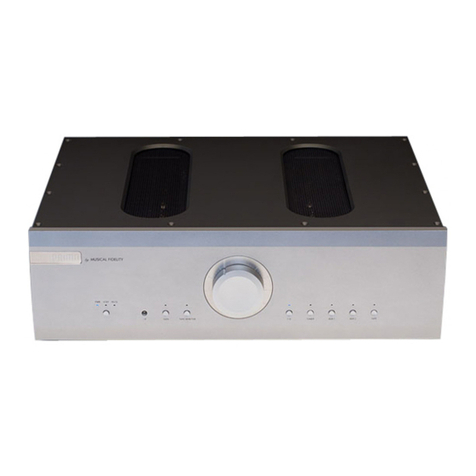
Congratulations on the purchase of the new A1 Integrated Class A Amplifier. Great attention has been paid to
revive this classic Musical Fidelity amplifier and bring it to a new generation.
Cleaning
Before cleaning the unit, switch off power at the mains switch and remove the mains plug from the wall socket.
Leave the A1 enough time so it can cool down if necessary. Clean the cabinet and remote control unit using a
moist cloth. Using solvents, white spirit or thinners is not advised, as they could damage the surface finish.
Installation
Position the A1 on a stable, horizontal surface where there is no risk of it being knocked, or subjected to vibration
such as from loudspeakers.
IMPORTANT NOTE:
Because the Al is strongly biased into Class A, it dissipates power, as heat. A surface temperature
of about 55 - 65 degrees C is average for the heat sink in a room where the ambient temperature is
about 20 degrees C. Frontpanel control elementscan feel warm to the touch. The exact temperature
dependson the ambient temperaturein your room, and on how much energy is dissipated as sound.
THERE MUST BE AT LEAST 50MM OF CLEAR SPACE BEHIND, AND AT
LEAST 250MM CLEAR SPACE ABOVE THE A1.
THE WHOLE TOP OF THE A1 IS A HEAT SINK. TO ALLOW FULL HEAT
DISSIPATION, NOTHING SHOULD BE PLACED ON IT AT ANY TIME.
The A1 must be protected from humidity –if the unit is moved from a cold place to a warm room,
leave the unit for an hour or so to allow sufficient time for the moisture to evaporate.
Power Connections
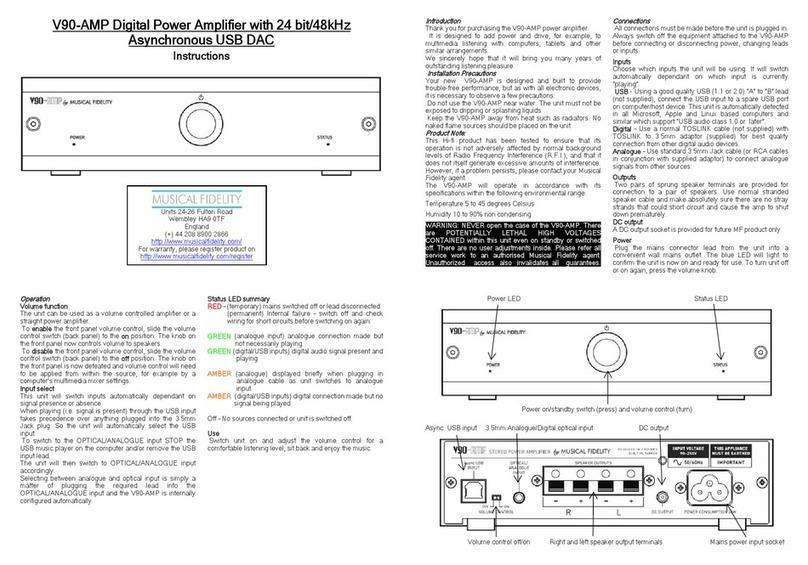
The A1 is supplied with a standard IEC mains cable which plugs into the IEC socket at the back of the unit (see
page 6).
Audio Connections
Phono Input: Connect a turntable phono source to the PHONO RCA input and set the (see page 6 for more
information). Use a good quality fully connected (signal and ground) phono RCA cable (even better is semi-
symmetrical and lowest possible capacitance). Connect the ground wire to the ground post. Take care with
positioning all input leads, try to ensure that they are well shielded and kept as far away from mains and speaker
leads as possible. Set the MM/MC switch depending on whether your turntable is equipped with an MM or MC
cartridge.
Line Level RCA Inputs: Connect all RCA single-ended line level sources to relevant analogue inputs (see page
6 for more information). Use good quality fully connected (signal and ground) coaxial phono cables for all RCA
signal connections. Take care with positioning all input leads, try to ensure that they are well shielded and kept
as far away from mains and speaker leads as possible.
Speaker Outputs: Connect loudspeakers to the terminals on the back panel marked as LEFT and RIGHT
SPEAKER outputs. See “WIRING” P.9 for more details.
TAPE OUT output sockets allow loop through of analogue signals for example, to pass on to a recorder or monitor.
It is also the ideal output toconnect headphone amps into (headphone amplifier will require its own volume control
to allow listening level adjustment). This output is the currently selected source but level is not changed by the
front panel volume control.
PRE OUT output sockets allow analogue signals controlled by the volume, to pass on to, for example, an external
power amplifier. This is useful for bi-amping or active “subwoofer” connection where volume out needs to be
controlled by the A1 front panel volume control.