manuals.online logo
Brands
  1. Home
  2. •
  3. Brands
  4. •
  5. Nauticam
  6. •
  7. Camera Flash
  8. •
  9. Nauticam 26302 User manual

Nauticam 26302 User manual

Popular Camera Flash manuals by other brands

Nikon SB-5000 Fast Track Guide

Nikon

Nikon SB-5000 Fast Track Guide

FujiFilm EF-42 owner's manual

FujiFilm

FujiFilm EF-42 owner's manual

Canon 5246B002 instruction manual

Canon

Canon 5246B002 instruction manual

Sigma EF-610 DG SUPER - manual

Sigma

Sigma EF-610 DG SUPER - manual

Sony HVL-FDH4 operating instructions

Sony

Sony HVL-FDH4 operating instructions

Sony HVL-RLA operating instructions

Sony

Sony HVL-RLA operating instructions

Nikon SB-28 Specifications

Nikon

Nikon SB-28 Specifications

DÖRR DFX-300 instruction manual

DÖRR

DÖRR DFX-300 instruction manual

Godox DP300 instruction manual

Godox

Godox DP300 instruction manual

Altura Photo AP-305N user manual

Altura Photo

Altura Photo AP-305N user manual

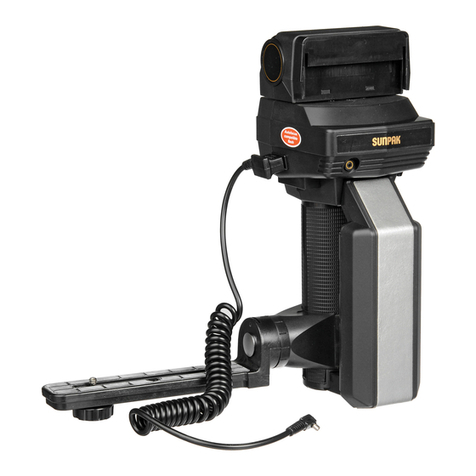
Sunpak 622 Super Pro-System owner's manual

Sunpak

Sunpak 622 Super Pro-System owner's manual

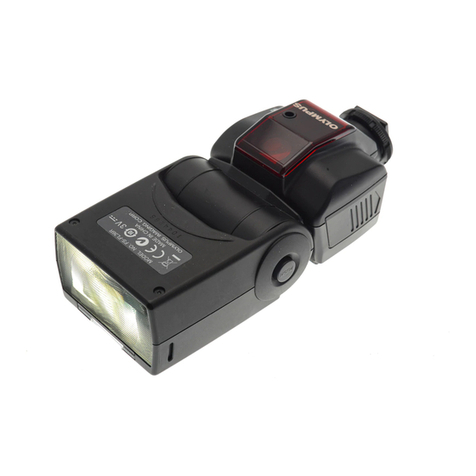
Olympus FL 36R instruction manual

Olympus

Olympus FL 36R instruction manual

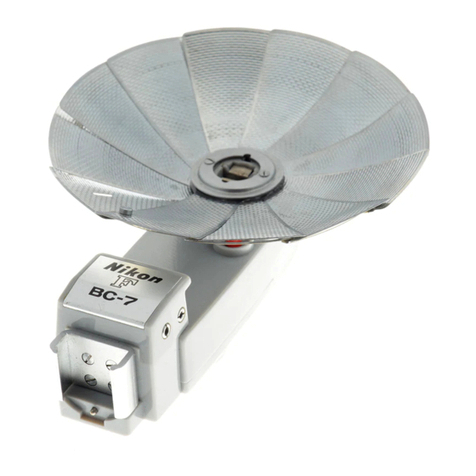
Nikon BC-7 instruction manual

Nikon

Nikon BC-7 instruction manual

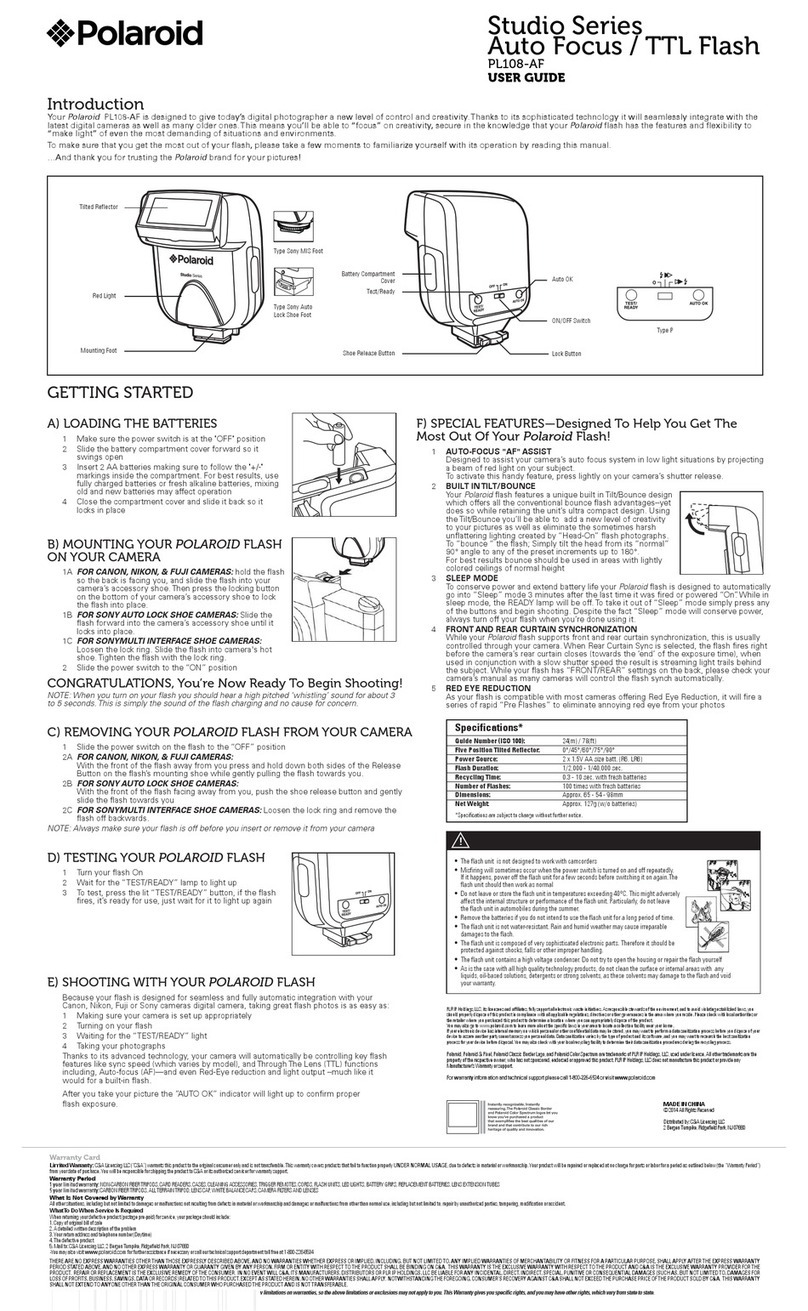
Polaroid PL108-AF user guide

Polaroid

Polaroid PL108-AF user guide

Pentax AF240Z manual

Pentax

Pentax AF240Z manual

Pentax AF240FT manual

Pentax

Pentax AF240FT manual

Canon SPEEDLITE 480EG parts catalog

Canon

Canon SPEEDLITE 480EG parts catalog

Metz MECABLITZ 48 AF-1 digital quick start guide

Metz

Metz MECABLITZ 48 AF-1 digital quick start guide

manuals.online logo
manuals.online logoBrands
  • About & Mission
  • Contact us
  • Privacy Policy
  • Terms and Conditions

Copyright 2025 Manuals.Online. All Rights Reserved.

1
Specifications:
Construction:
Body: PC+ABS
Dimensions:
Approx. 52 x 36 x 26.5mm
Weight:
Approx. 39g (w/ batteries installed)
Battery:
Panasonic CR2450 x2pcs
Operation:
This a manual flash trigger only and has no
TTL function.
Flash Capacity:
Approx. 5000times
Compatible housings:
NA-A7
Compatible strobes:
INON: Z240 type 4, D2000 type 4, S2000
Sea&Sea: YS-250, YS-D1, YS-01
Identification of Parts:
On/Off switch
Batteries compartment cover
Indicator
Triggering LEDs
Hotshoe Connector
All manuals and user guides at all-guides.com
all-guides.com
2
Batteries Installation:
This product can only used with CR 2450 batteries. Never use other kinds of batteries. It is recommended
to use Panasonic CR2450 batteries to ensure quality and durability.
1. Make sure the On/Off switch is in the OFF
position.
2. Remove the batteries compartment cover
by sliding it outwards.
3. Install the batteries as shown. Please note
that the "-" sign on the battery holder
denotes the side of the battery facing
down.
4. Close the battery cover and then switch
the trigger unit on. The indicator will turn
green.
Indicator
Status of flash trigger
Green light
Start up.
Flashing
Green light
(1 flash/sec)
Ready to use, normal
operation.
Flashing
Red light
(1 flash/sec)
Low battery warning,
replace batteries.
Press
Slide
All manuals and user guides at all-guides.com
3
Connect to the camera:
1. Slide the flash trigger hotshoe connector
into camera hotshoe until it cannot go in
any further.
2. Test the flash trigger by pressing the shutter
release button of the camera, the LEDs in
the front should turn on instantaneously.
3. To detach, reverse the above steps.

All manuals and user guides at all-guides.com