EnglishDeutsch
 logo
Brands
  1. Home
  2. •
  3. Brands
  4. •
  5. NEC
  6. •
  7. Desktop
  8. •
  9. NEC LCD4020-BK-AV - 40IN LCD 1200:1 1366X768 60HZ Dvi-d... User manual

NEC LCD4020-BK-AV - 40IN LCD 1200:1 1366X768 60HZ Dvi-d... User manual

Other manuals for LCD4020-BK-AV - 40IN LCD 1200:1 1366X768 60HZ Dvi-d...

3

This manual suits for next models

20

Other NEC Desktop manuals

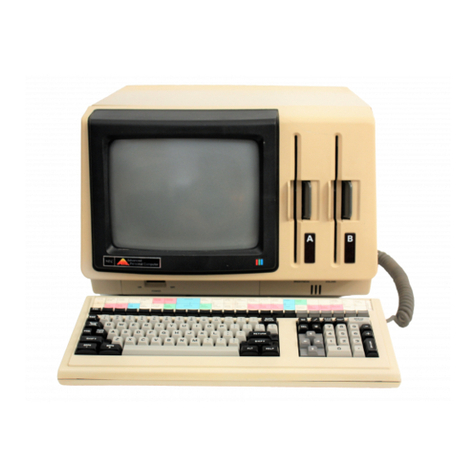
NEC POWERMATE 2000 User manual

NEC

NEC POWERMATE 2000 User manual

NEC POWERMATE VP User manual

NEC

NEC POWERMATE VP User manual

NEC POWERMATE ENTERPRISE - 09-1997 User manual

NEC

NEC POWERMATE ENTERPRISE - 09-1997 User manual

NEC DIRECTION L - SERVICE User manual

NEC

NEC DIRECTION L - SERVICE User manual

NEC POWERMATE 8100 Series User manual

NEC

NEC POWERMATE 8100 Series User manual

NEC PowerMate ML5 Installation instructions

NEC

NEC PowerMate ML5 Installation instructions

NEC PowerMate CT User manual

NEC

NEC PowerMate CT User manual

NEC POWERMATE P ETC User manual

NEC

NEC POWERMATE P ETC User manual

NEC P401-TMX4D User manual

NEC

NEC P401-TMX4D User manual

NEC POWERMATE VT 300 RELEASE NOTES User manual

NEC

NEC POWERMATE VT 300 RELEASE NOTES User manual

NEC PowerMate ES SlimLine Series User manual

NEC

NEC PowerMate ES SlimLine Series User manual

NEC POWERMATE User manual

NEC

NEC POWERMATE User manual

NEC MB User manual

NEC

NEC MB User manual

NEC POWERMATE CT 815 - RELEASE NOTES User manual

NEC

NEC POWERMATE CT 815 - RELEASE NOTES User manual

NEC PowerMate VT 300i Series User manual

NEC

NEC PowerMate VT 300i Series User manual

NEC READY ES PRO User manual

NEC

NEC READY ES PRO User manual

NEC PC-8300 User manual

NEC

NEC PC-8300 User manual

NEC PowerMate 2000 Series User manual

NEC

NEC PowerMate 2000 Series User manual

NEC POWERMATE VE - 07-1996 User manual

NEC

NEC POWERMATE VE - 07-1996 User manual

NEC CP/M-86 User manual

NEC

NEC CP/M-86 User manual

NEC POWERMATE CT 815 - RELEASE NOTES User manual

NEC

NEC POWERMATE CT 815 - RELEASE NOTES User manual

NEC Direction T-Series User manual

NEC

NEC Direction T-Series User manual

NEC PowerMate VP75 User manual

NEC

NEC PowerMate VP75 User manual

NEC POWERMATE P - SERVICE MANUAL 1995 User manual

NEC

NEC POWERMATE P - SERVICE MANUAL 1995 User manual

Popular Desktop manuals by other brands

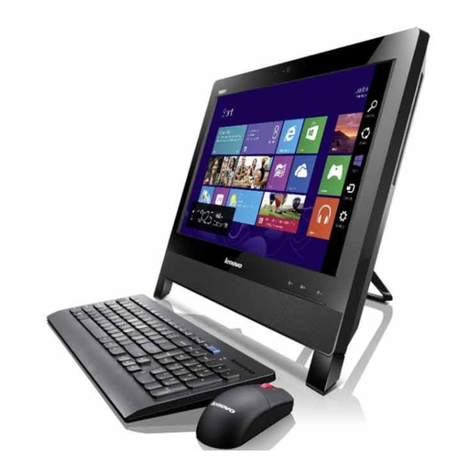
Lenovo ThinkCentre Edge 72 null

Lenovo

Lenovo ThinkCentre Edge 72 null

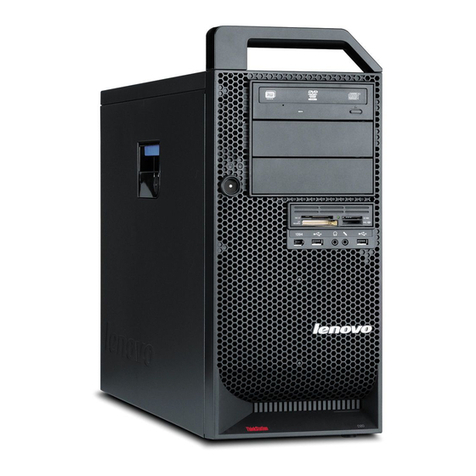
Lenovo ThinkStation D20 null

Lenovo

Lenovo ThinkStation D20 null

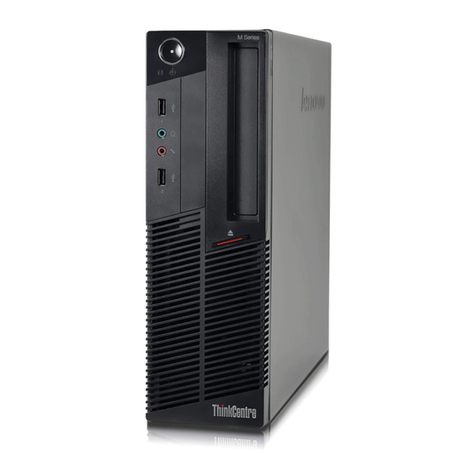
Lenovo ThinkCentre Edge 91z null

Lenovo

Lenovo ThinkCentre Edge 91z null

Lenovo ThinkCentre Edge 72z null

Lenovo

Lenovo ThinkCentre Edge 72z null

Lenovo ThinkCentre Edge 92 null

Lenovo

Lenovo ThinkCentre Edge 92 null

Lenovo ThinkCentre M57 null

Lenovo

Lenovo ThinkCentre M57 null

Lenovo ThinkCentre M91p null

Lenovo

Lenovo ThinkCentre M91p null

Lenovo ThinkCentre M52 null

Lenovo

Lenovo ThinkCentre M52 null

Lenovo ThinkCentre M91 null

Lenovo

Lenovo ThinkCentre M91 null

Lenovo ThinkCentre M92 null

Lenovo

Lenovo ThinkCentre M92 null

Lenovo ThinkCentre M71z null

Lenovo

Lenovo ThinkCentre M71z null

Lenovo ThinkCentre M70z null

Lenovo

Lenovo ThinkCentre M70z null

Lenovo ThinkCentre A52 null

Lenovo

Lenovo ThinkCentre A52 null

Lenovo ThinkCentre M70z null

Lenovo

Lenovo ThinkCentre M70z null

Lenovo ThinkCentre Edge 92z null

Lenovo

Lenovo ThinkCentre Edge 92z null

Lenovo ThinkStation E31 null

Lenovo

Lenovo ThinkStation E31 null

Lenovo ThinkStation D30 null

Lenovo

Lenovo ThinkStation D30 null

Lenovo ThinkStation C30 null

Lenovo

Lenovo ThinkStation C30 null

https://manuals.online logo
https://manuals.online logoBrands
  • About & Mission
  • Contact us
  • Privacy Policy
  • Terms and Conditions

Copyright 2026 Manuals.Online. All Rights Reserved.

Accessories
NEC MPD-SBC-8/16-2
Single Board Computers for NEC Large-Screen LCD Displays
Enjoy full PC functionality integrated directly within
your NEC display. NEC’s single board computer,
available with an 800 MHz Celeron processor or 1.66
GHz Core Duo processor, offers the robust flexibility
and performance required to process digital signage
content. Used with select NEC displays’ expan-
sion slots, this solution eliminates the need for an
external PC, cabling, mounting and power supply. It
provides for clean, hidden integration, while reducing
the bill of materials needed for installation and elimi-
nating the hassle of hiding hardware equipment. In
addition, the ability to drive discrete images on two
different displays from one SBC via a DVI-I output
allows for greater functionality while further reducing
cost. These benefits make NEC’s single board com-
puter ideal for markets such as transportation, public
information, corporate, retail and rental staging.
NEC Display Solutions
500 Park Boulevard, Suite 1100
Itasca, IL 60143
866-NEC-MORE
www.necdisplay.com
MultiSync is a registered trademark of NEC Display Solutions of
America, Inc. Product specifications subject to change. 10/08 ver. 2.
©2008 NEC Display Solutions of America, Inc. All rights reserved.
CPU
MPD-SBC-8
MPD-SBC-16-2
RAM
MPD-SBC-8
MPD-SBC-16-2
HDD
Graphics (board)
Interfaces frontside
Operating System
Operating Temperature
Optimum Resolution
Other Resolutions
Power Consumption (CPU 100%)
SBC Low
SBC High
Audio
RS-232
Weight
Warranty
Compatible with
800 MHz Celeron
1.66 GHz Core Duo
1 GB
2 GB
120 GB, 2.5“
Intel, up to 224 VRAM, integrated 3D
3 x USB 2.0
ExpressCard Slot 54 mm
DVI-I Output
RJ45 10/100 Mbps
Microsoft® Windows XP Pro (pre-loaded)
(compatible with Linux)
5 - 60°C, 90% RH
1920 x 1080 @ 60 Hz, 1360 x 768 @ 60 Hz
1280 x 720 @ 60 Hz, 1024 x 768 @ 60 Hz,
800 x 600 @ 60 Hz
6.5W
10.5W
Analog stereo, output via 3.5mm head-jack of display
via internal communication to Public Display
3.3 lbs. / 1.5 kg
3 years
M40
M46
MultiSync® LCD4020
MultiSync LCD4620
MultiSync LCD5220
MultiSync LCD6520L/P
Features and Benefits
Seamless design provides for clean, hidden
integration that eliminates the need for external
cabling, mounting and power supply. Service
can be performed while the display is still
mounted, simplifying installation and reducing
maintenance.
1.66 GHz Core Duo or 800 MHz Celeron CPU
offers flexibility for robust performance to
process digital signage content, rendering
beautiful imagery
Intel graphics chipset allows for rendering of
exceptional 3D graphic performance and reso-
lutions up to 1920 x 1080
Landscape and portrait orientations provide
for enhanced reliability compared to standard
desktop PC and graphics cards
ExpressCard slot allows use of WLAN, UMTS,
DVB-T
Trade compliancy eliminates procurement
hassles for government agencies
3-year warranty matches that of the display
Ethernet
USB
ExpressCard Slot
DVI-I out
Power Button/LED
Reset Button