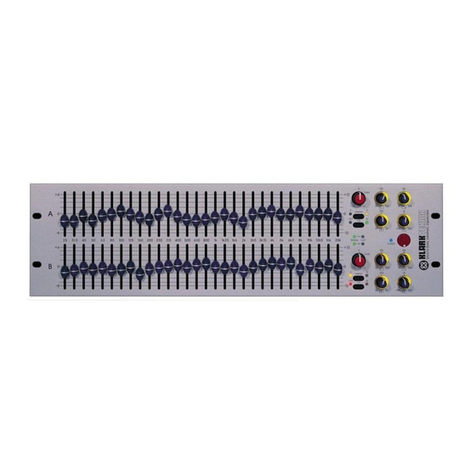
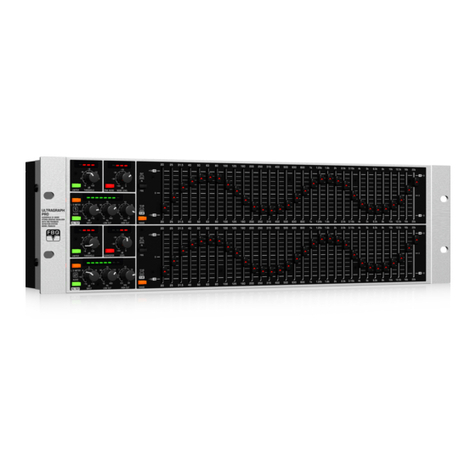
88 Series Outboard / 8803 Dual EQ Issue 3.4
Table of ontents
Health & Safety Notice...................................................2
Customer Service...........................................3
Introduction.....................................................................5
System Re uirements.........................................5
Front Panel Controls......................................................6
On/Off......................................................6
Input Section.....................................................6
Input trim.................................................6
Signal led..................................................6
Clip led.....................................................6
Filter Section......................................................6
High Pass Filter..........................................6
Low Pass Filter..........................................6
EQ Section.......................................................................7
EQ Switch..........................................................7
Low Fre uency Band...........................................7
LF Gain.....................................................7
LF Hz........................................................7
Low Mid Fre uency Band.....................................8
Lo Mid Gain...............................................8
LMF Hz.....................................................8
Lo Mid Q...................................................8
High Mid Fre uency Band....................................8
Hi Mid Gain...............................................8
HMF Hz.....................................................8
Hi Mid Q...................................................8
High Fre uency Band..........................................8
HF Gain....................................................8
HF Hz.......................................................9
Rear Panel.....................................................................10
Warning Symbols Explained...............................10
Audio Connections............................................10
Audio Inputs............................................10
Audio Outputs..........................................10
Electrical Connections........................................10
Technical Earth Switch..............................10
Fuse.......................................................11
Power DIN socket.....................................11
USB........................................................11
Unit Specifications............................................11
Recall Software Installation.........................................12
Installation for PC.............................................12
Installation for Mac...........................................14
New Versions of Recall Software for Mac..............14
Firmware Upgrades......................................................15
Selecting a File for Transfer................................15
File Downloading...............................................16
Corrupted or Old Firmware.................................16
-----+-----
Appendix: Block Diagrams
8803
Customer Service
In the unlikely event that this unit should malfunction or develop a fault,
then please register the fault details on our website, by clicking the link
below.
You will also need to enter the unit's serial number when you do this, so
please have this to hand.
http://www.ams-neve.info/crm/fault_report.html
Once the fault details have been registered, one of our technical support
team will be in touch via email.
This link should also be used for further operational or technical help, or
any general en uiry about the unit.
- 3 -