7Leaflet Number 611273 July 2011
The switch element is so flat that the frame of the respective switch
program lies directly against the wall. This allows on-wall mounting
without assembly housing.
• Fasten the central plate (the wide notches of the central plate
must be positioned to accept the wall transmitter on the top or
bottom)
• Attach the design frame, intermediate frame, wall transmitter
and actuating rocker to the central plate one after the other
• During installation, be sure to pay attention to the orientation
of the markings “0” and “I” on the wall transmitter and
actuating rocker!
The central plate can be glued or screwed in place and is easy to
attach to glass and plaster. If the surface is structured, make a flat
area so that the central plate will not shift during mounting.
Unevenness can cause malfunctions. This is particularly important
when mounting on rough walls!
1. Screws: Only use correctly sized screws. Remove the central plate
from the wall transmitter and use it as a template to mark the bore
holes. Drill 5-mm anchor holes, fasten the central plate and mount the
switch.
2. Glue: The wall transmitters can be glued onto a flat, smooth
surface like glass, painted walls, tile, furniture, wood, etc. using the
included double-sided mounting film. This adhesive film completely
covers the mounting plate of wall transmitter but not the entire frame.
The use of single-sided decor film (can be purchased from a home-
improvement store) cut to fit the frame size is recommended for
mounting on glass walls. To avoid air bubbles, the decor film should
first be affixed to the glass surface and then the wall transmitter
should affixed using the double-sided adhesive mounting film.
Demounting:
Remove the rocker, release the intermediate frame from the snap
fits on the top and bottom.
Transmission Range:
The following figures for expected transmission range may be used
as a rough guide only:
• Line-of-sight connections: 30m range in corridors, up to
100m in halls
• Plasterboard and dry wood: 30m range, through max. 5 walls
• Bricks and aerated concrete: 20m range, through max. 3 walls
• Ferroconcrete : 10m range, through max. 1 ceiling
Fire-safety walls, elevator shafts, staircases and supply areas should
be considered as screening.
Restriction of transmission range:
• Switch mounted on metal surfaces, or in metal frames (up to
30% loss of transmission range)
• Hollow lightweight walls filled with insulating wool on metal foil
• False ceilings with panels of metal or carbon fiber
• Lead glass or glass with metal coating, steel furniture
The distance between receivers and other transmitting devices such
as computers, audio and video equipment that also emit high-
frequency signals should be at least 0.5m.
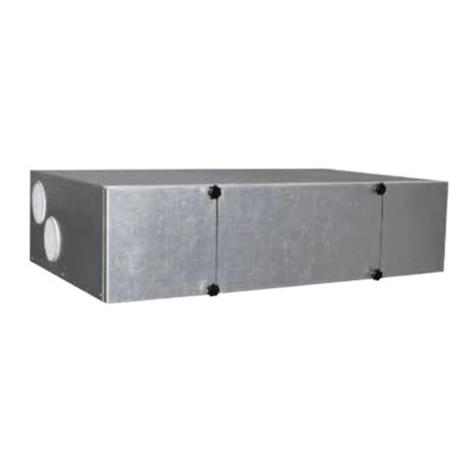
5.6 Initialising (also see 6.3)
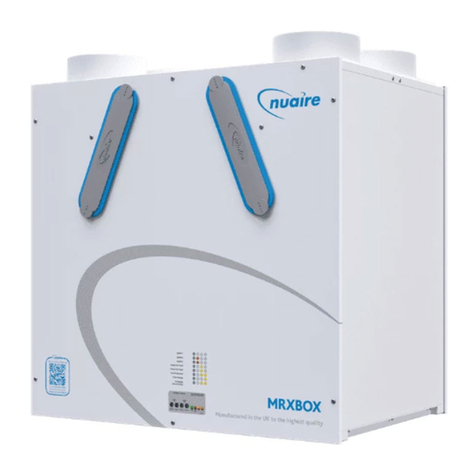
The MRXBOX90S is fitted with a pressure-controlled filter indication
and frost control. For optimum performance of these features we
recommend you initialise the unit. This will ensure that the system
pressure as function of the quantity is recorded in the memory.
After initialisation, the unit will automatically become operational
again.
Always put the mechanical switch in position 1 (= check mode) for
initialising.
It is important that after initialisation no more changes are made in
the duct system. For that reason, any dampers, grilles and valves
must be installed and adjusted prior to initialisation. In addition, the
unit must be fitted with new, clean filters.
Also remember to switch off any other fans linked to the same duct
system.
6.0 Switching the unit on and off
There are two methods to switch the unit on or off.
1. Standby mode; the unit remains connected to the
mains, when switching off only the fans are stopped.
2. Removing the mains lead from the power supply.
Switching on
• Connect the unit to the mains supply
• Simultaneously press the keys “OK” and “+”
to switch on the unit.
(only possible after the unit has been switched
to standby “OFF” displayed).
The first digit on the display indicates the
position of the 3-way switch.
Switching off
1. Standby mode; simultaneously press the keys
“OK” and “-” to switch off the unit.
The text OFF appears on the display.
2. Mains power: Isolate the unit from the supply.
Installation and Maintenance MRXBOX90S Mechanical Ventilation with Heat Recovery
When working on the unit, always disconnect from the
supply by first switching it to standby within the unit and
subsequently isolating from the mains supply.
Unit must not be switched off, product is
designed to run continuously.